PlayerFab AI Live Subtitle
Enjoy any video in PlayerFab with AI real-time subtitles and smart English translation.
Last Update: Sep 17, 2026
100% Safe & Clean
4.8(12)
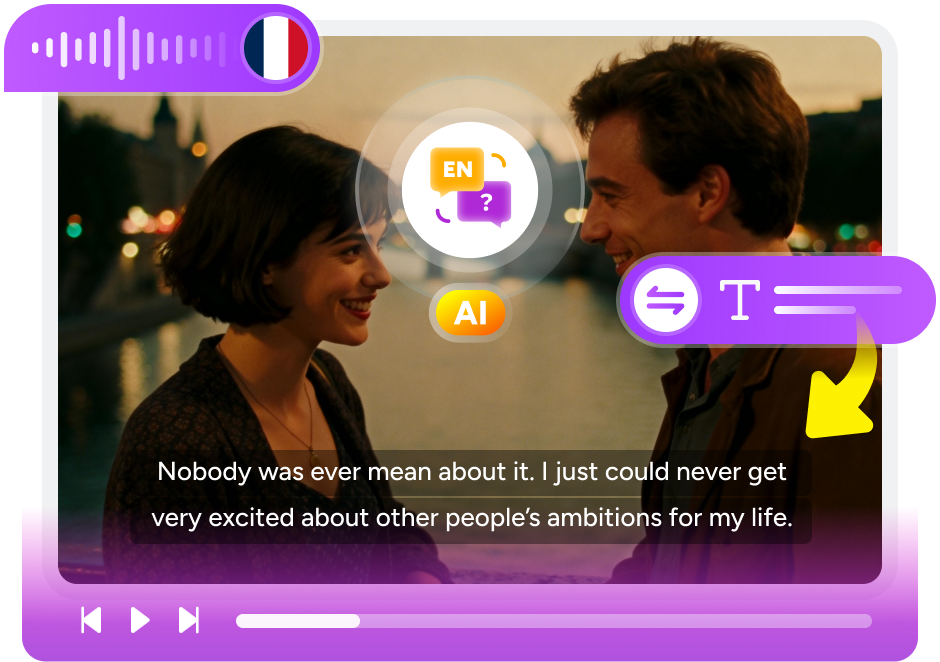
Intelligent Subtitle Generation for Video Playback
AI-Powered Subtitles
Generate Real-Time Subtitles with up to 99% Accuracy
Built into PlayerFab, PlayerFab AI Live Subtitle generates real-time subtitles across a diverse range of languages, ensuring perfect synchronization with your video. With AI speech recognition, whether you're dealing with missing subtitles, muffled audio, or unfamiliar languages, this feature delivers a truly immersive viewing experience in PlayerFab.
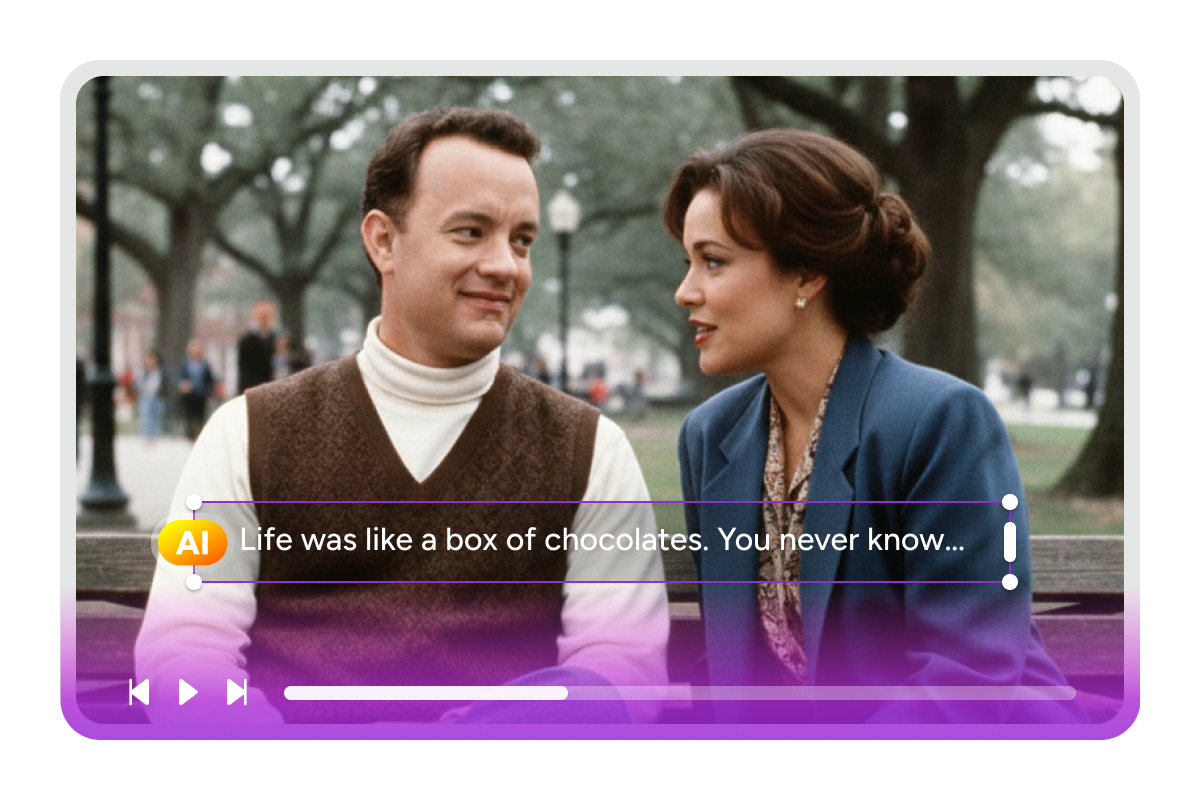
Smart Language Detection
Detect the Source Language Automatically
This real‑time AI subtitle generator automatically detects the spoken language. When the video is in English, only live English subtitles are shown; when it's in another language, you get both original language captions and an optional translation mode. Zero setup required. Just sit back and enjoy a subtitle experience tailored to your needs.
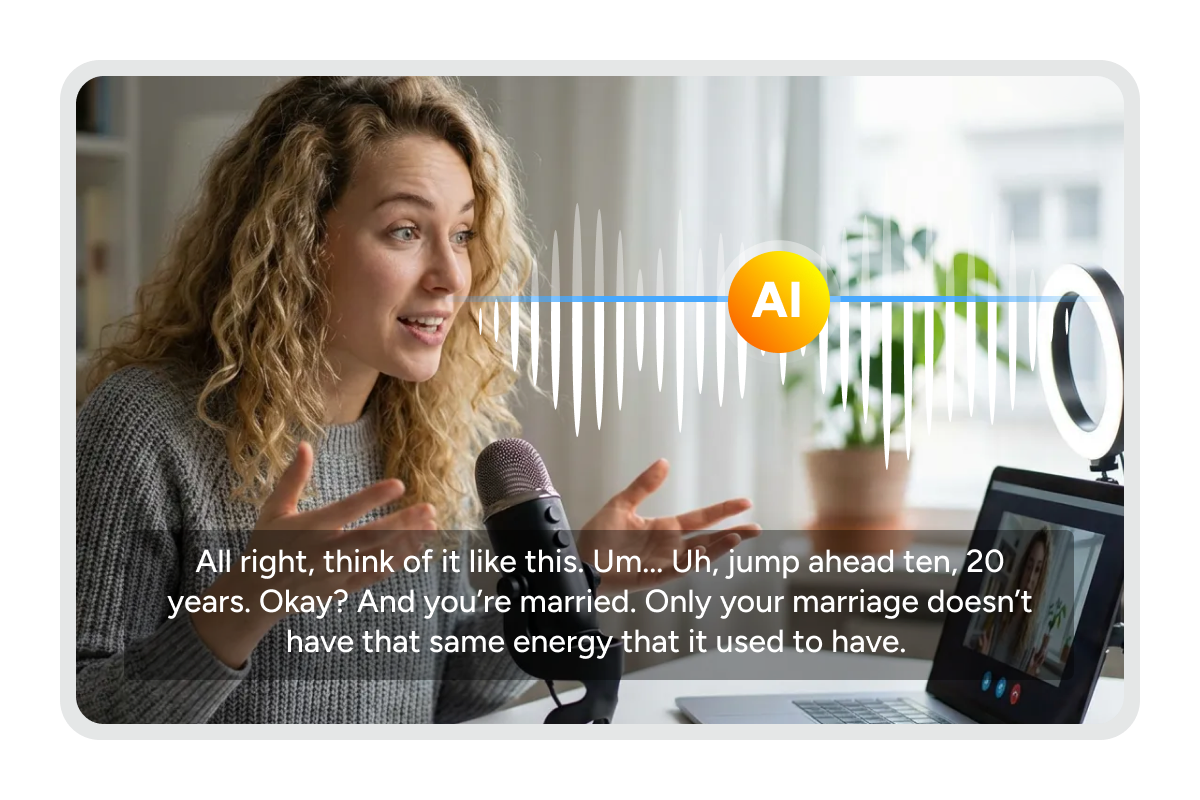
Accurate Translation
Translate Live Subtitles into English for Global Viewers
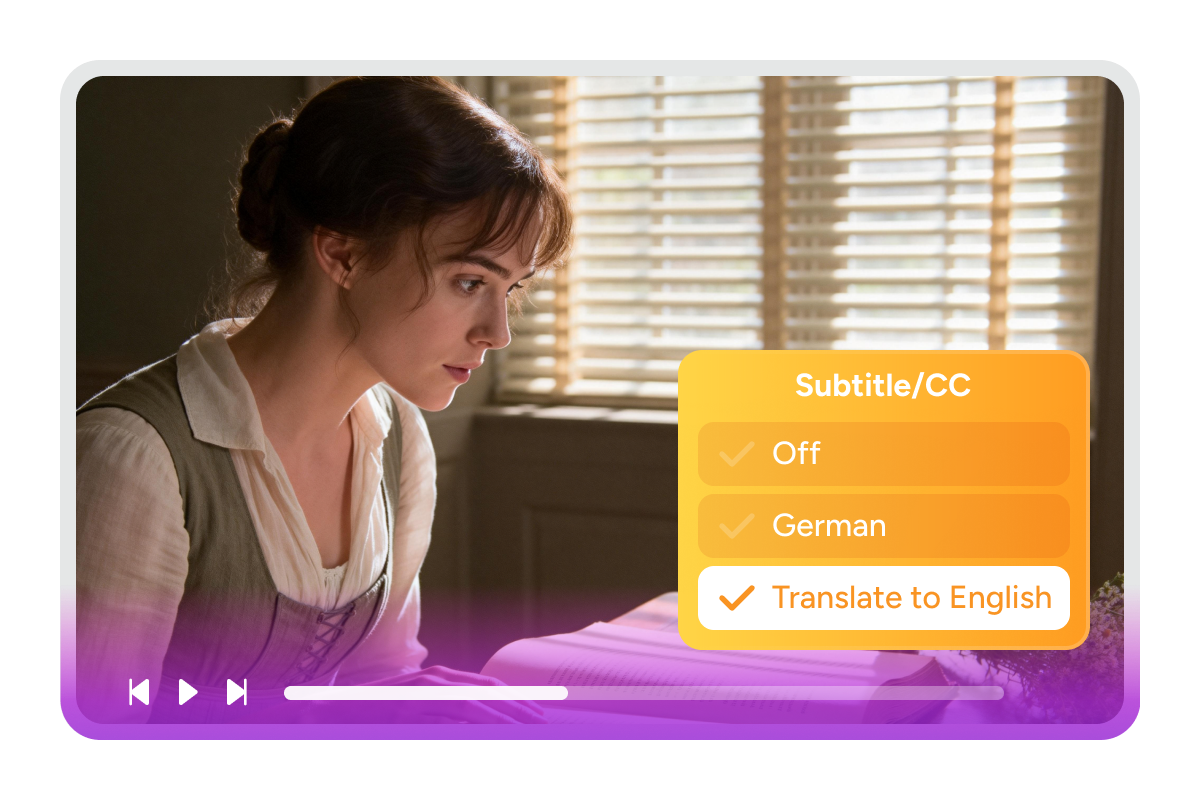
This AI subtitle translator converts subtitles into English in real time, catering to international audiences. When it detects a non-English source language, you can enable "Translate to English" to translate live captions and subtitles as you watch. Translations are generated quickly and stay closely aligned with the video playback.
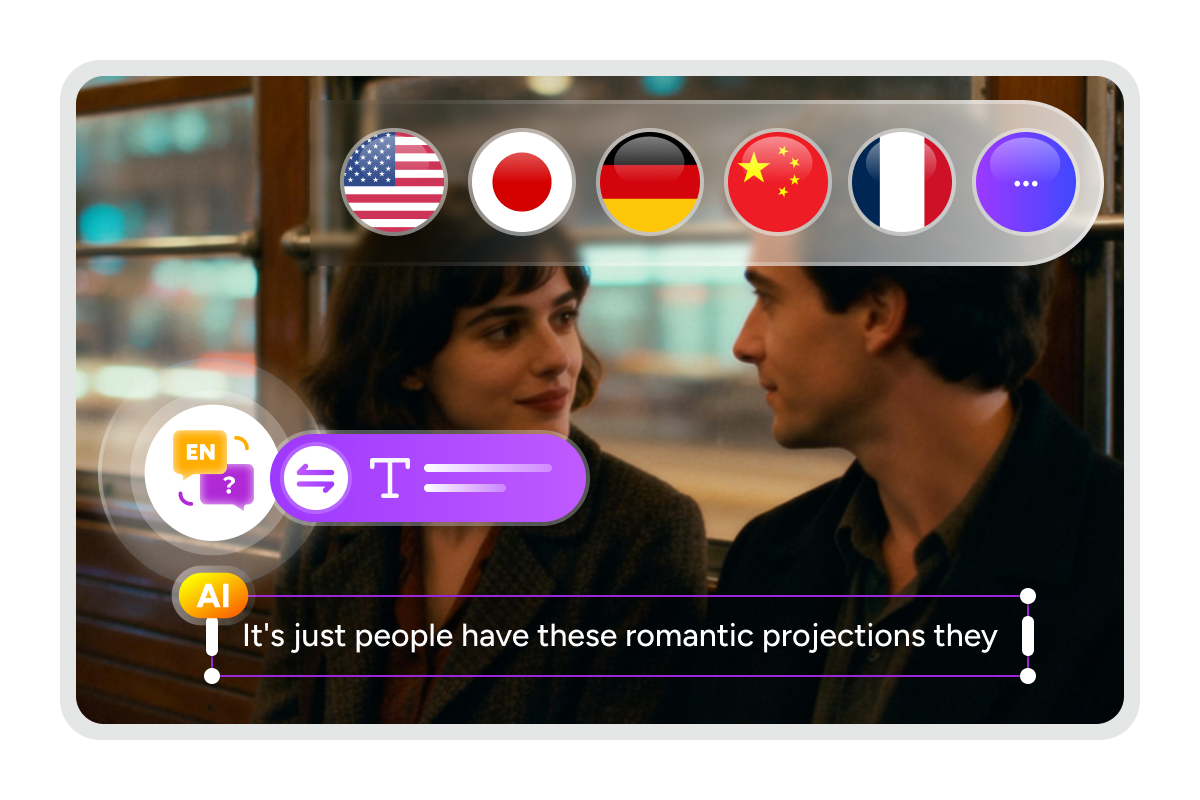
Adjustable Performance
Balance Speed and Accuracy with AI Engine and AI Model
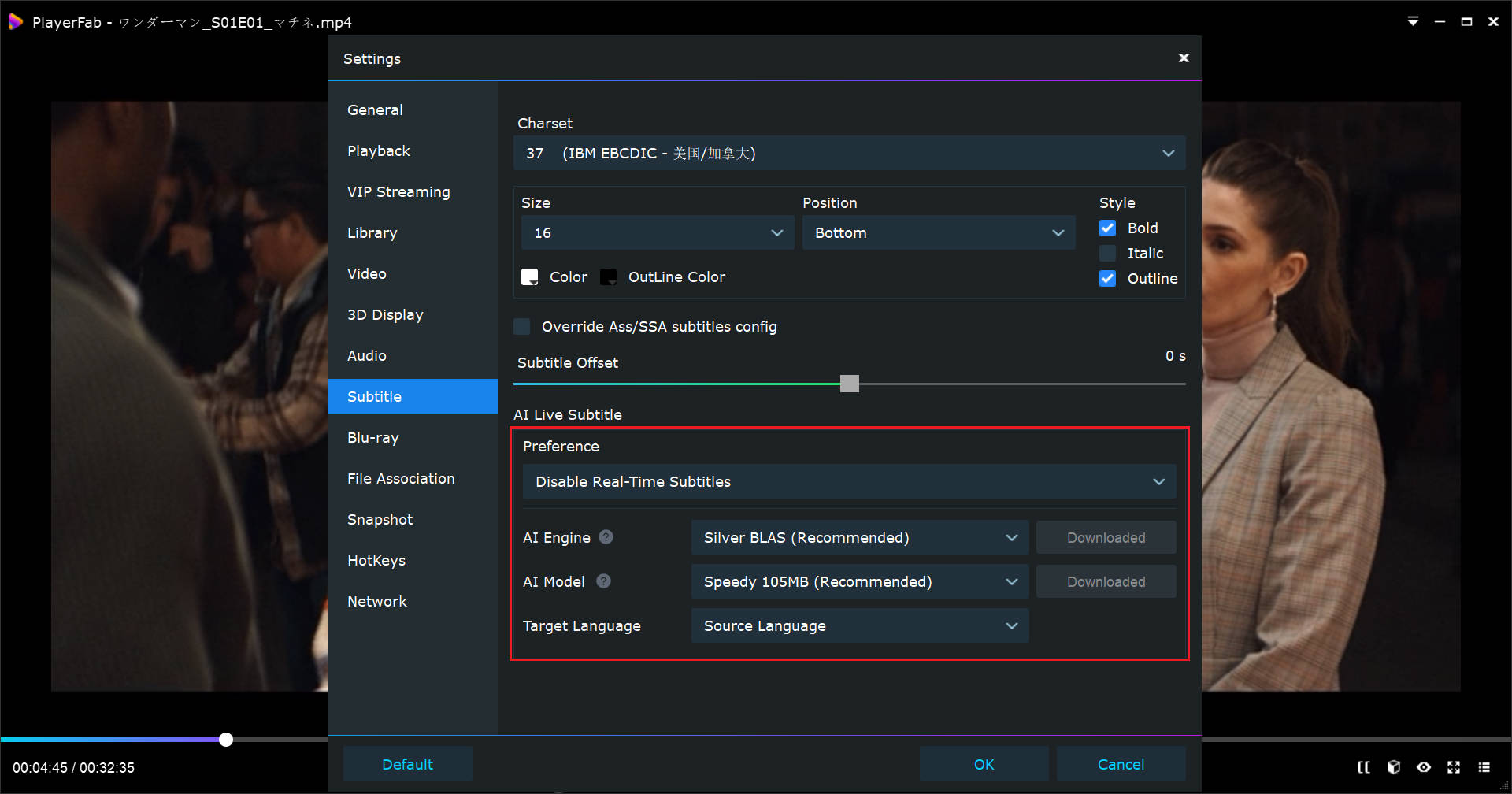
Optimize real-time subtitle performance by customizing the AI Engine and Model. The AI Engine determines the speed of subtitle generation, while the AI Model balances speech recognition accuracy with responsiveness. This combination allows you to prioritize "faster" or "more accurate" results flexibly based on your preference.

Tailor Live Subtitles to Your Viewing Habits
Flexible Control
Customize Your Subtitle Activation Mode
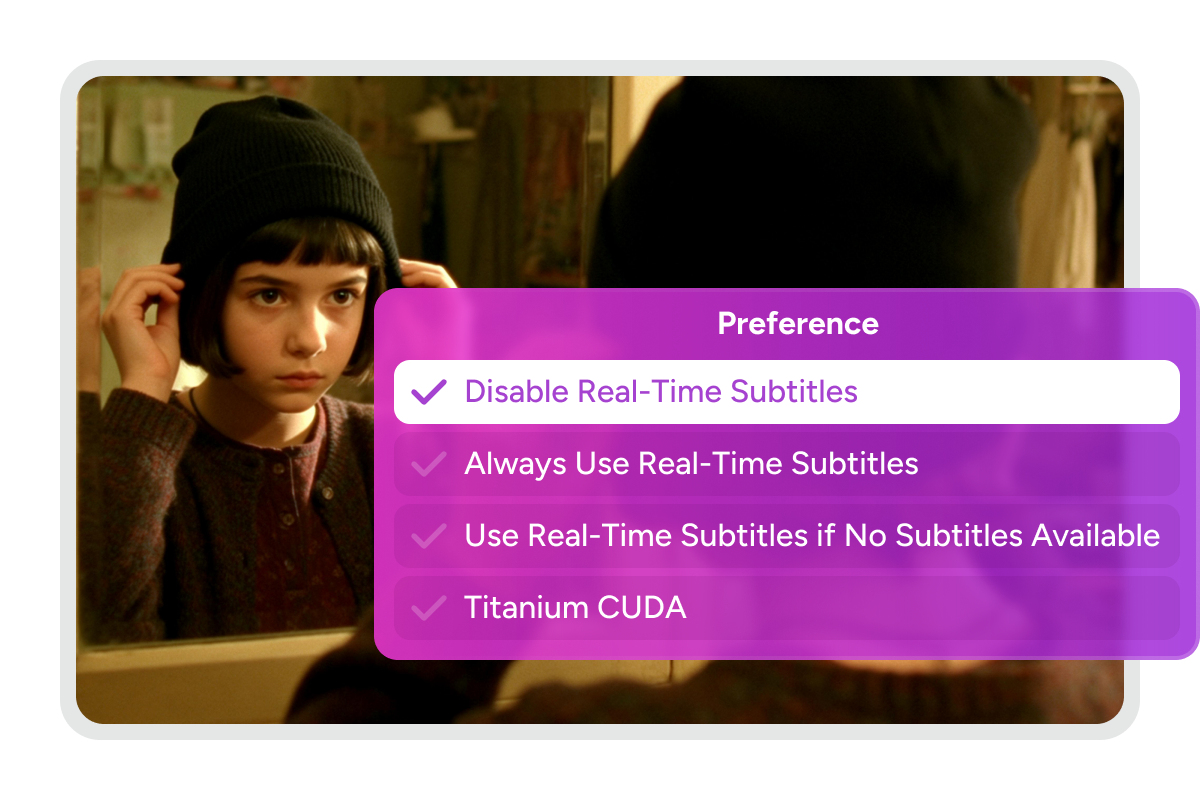
Personalize when automatic subtitles appear based on your preferences. You can keep AI subtitles always active, turn them off, or enable them only when built-in captions are missing. Saving these settings as your default preference removes the need for repetitive manual adjustments, giving you a customized playback environment.
Seamless Language Switching
Switch Subtitle Languages During Playback
Toggle between the source language and English translations at any time during playback. Upon switching, the system restarts subtitle generation from the current timestamp and clears previous captions to prevent overlapping text. This ensures a clean, clutter-free reading experience without visual confusion.
AI Model Support Comparison: Free vs. Paid
To meet diverse needs, PlayerFab offers different AI solutions for various playback scenarios. While the Free Version supports essential models, the Paid Version unlocks high-precision models and advanced hardware engines for the best experience.
Here is the detailed comparison between versions:
Here is the detailed comparison between versions:
Free Version (Post-Trial) |
Free Trial |
Paid Version |
|
Period |
Permanent |
30 Days |
Lifetime / Subscription |
AI Model Support | |||
Speedy |
|||
Efficient |
|||
Precision |
|||
Elite |

Step 1. Enable AI Live Subtitles
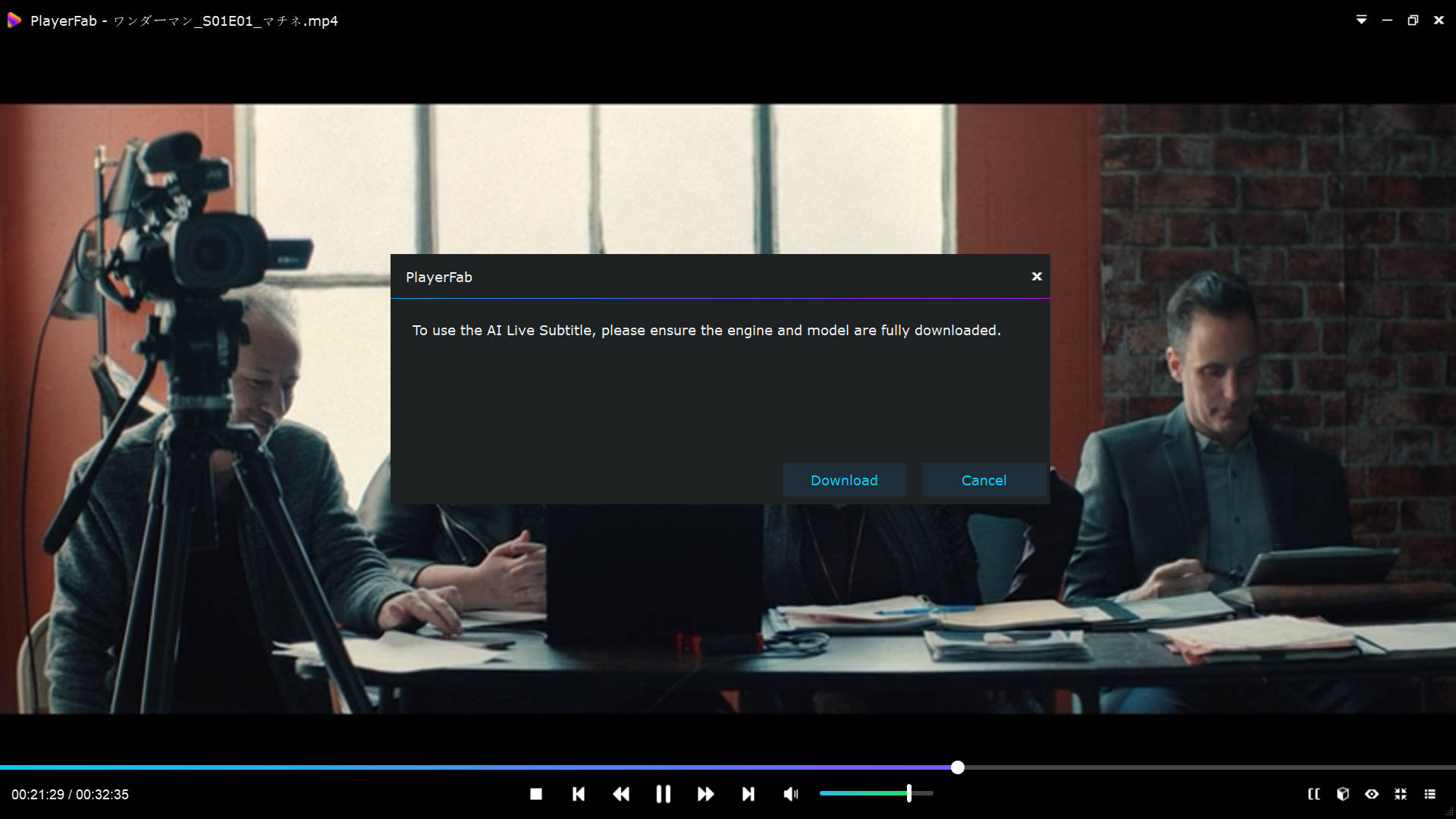
Play a video in PlayerFab. On the playback screen, click the CC icon in the lower-right corner. If this is your first time using the feature, a dialog will appear. Click "Download" to install the AI Engine and AI model. Once installed, the feature will be ready to use.
Step 2. Generate and Translate
AI Live Subtitle automatically detects the video's spoken language and updates subtitle options. If the video is in English, you can keep subtitles off or turn on live English subtitles. If the video is non-English, you can choose either original-language live subtitles or "Translation to English" mode.
Step 3. Optimize Subtitle Performance
Pick the AI Engine and AI Model based on your device performance and preferences to get the best viewing experience.
What Our Users Say

M
Megan Patterson
Video CreatorTurned it on mid movie and the subtitles popped up instantly, perfectly timed. Even heavy accents were easy to follow without rewinding.
D
Daniel Rodriguez
Video EditorPlayerFab AI Live Subtitle feels more accurate than most real-time AI subtitle generators I have tried. I also like being able to tweak performance settings. Super smooth overall.
P
Priya Shah
Language Learning EnthusiastI am learning Japanese, and when I get stuck in a movie I switch to English subtitles. Everything stays synced while I watch. Really convenient.
M
Mark Thompson
Film DirectorLove the performance tuning. Very impressive. It runs great on my GPU rig and still works on my older laptop with no noticeable delay.
H
Hannah Lee
Project ManagerSo easy to use. The AI subtitles and live caption are very accurate, and it saves my preferred settings as default. It genuinely improved my viewing routine.
C
Christopher Wallace
Marketing AnalystQuick to set up after choosing a model. Once it's downloaded, it just works. Original and English subtitles stay synced the whole time.
M
Megan Patterson
Video CreatorTurned it on mid movie and the subtitles popped up instantly, perfectly timed. Even heavy accents were easy to follow without rewinding.
D
Daniel Rodriguez
Video EditorPlayerFab AI Live Subtitle feels more accurate than most real-time AI subtitle generators I have tried. I also like being able to tweak performance settings. Super smooth overall.
P
Priya Shah
Language Learning EnthusiastI am learning Japanese, and when I get stuck in a movie I switch to English subtitles. Everything stays synced while I watch. Really convenient.
M
Mark Thompson
Film DirectorLove the performance tuning. Very impressive. It runs great on my GPU rig and still works on my older laptop with no noticeable delay.
H
Hannah Lee
Project ManagerSo easy to use. The AI subtitles and live caption are very accurate, and it saves my preferred settings as default. It genuinely improved my viewing routine.
C
Christopher Wallace
Marketing AnalystQuick to set up after choosing a model. Once it's downloaded, it just works. Original and English subtitles stay synced the whole time.
System Requirements
Windows 11 / 10 (64-bit)
40GB of free hard disk space or above
Intel i3 or higher
Live Internet connection required
4 GB RAM or higher
Frequently Asked Questions
- What languages does AI Live Subtitle support?
- Why can't I use AI Live Subtitle after turning it on?
- What is the difference between AI Engine and AI Model?
- What should I do if the download fails or my network disconnects?
- Why are Precision and Elite unavailable after the trial ends?
- Does AI Live Subtitle require a GPU? Will it work on my computer?