AV1 Codec Explained: Netflix Support and 3 Ways to Play It

Summary: AV1 is an open, royalty-free codec finalized in 2018 and now used for roughly 30% of Netflix's streaming volume. This guide covers how Netflix rolled out AV1, which hardware can decode it natively, and three methods for playing AV1 content on Windows, including the AV1 Video Extension, a dedicated stream player, and H.264 conversion.
What AV1 Means for Streaming
AV1 Codec Explained: Netflix Support and 3 Ways to Play It answers a practical question: the AV1 codec, a video-compression format, can deliver comparable picture quality with less data. Netflix AV1, however, depends on the device, app, decoder, and stream. Here are three ways to play AV1 files.
Developed by the Alliance for Open Media (AOM) and released in 2018, AV1 compresses video for delivery. Decoding is the separate task of turning that compressed stream back into viewable video on a TV, browser, or player. AV1 builds on ideas from VP9 and is supported across a growing range of services and devices.

AV1 support now spans major browsers, operating systems, players, and newer hardware, although support is not identical across every app or file type. AOMedia released the AV2 specification in 2026, but AV1 remains the more broadly deployed playback target for current services and devices.
AV1 vs H.264, H.265, and VP9
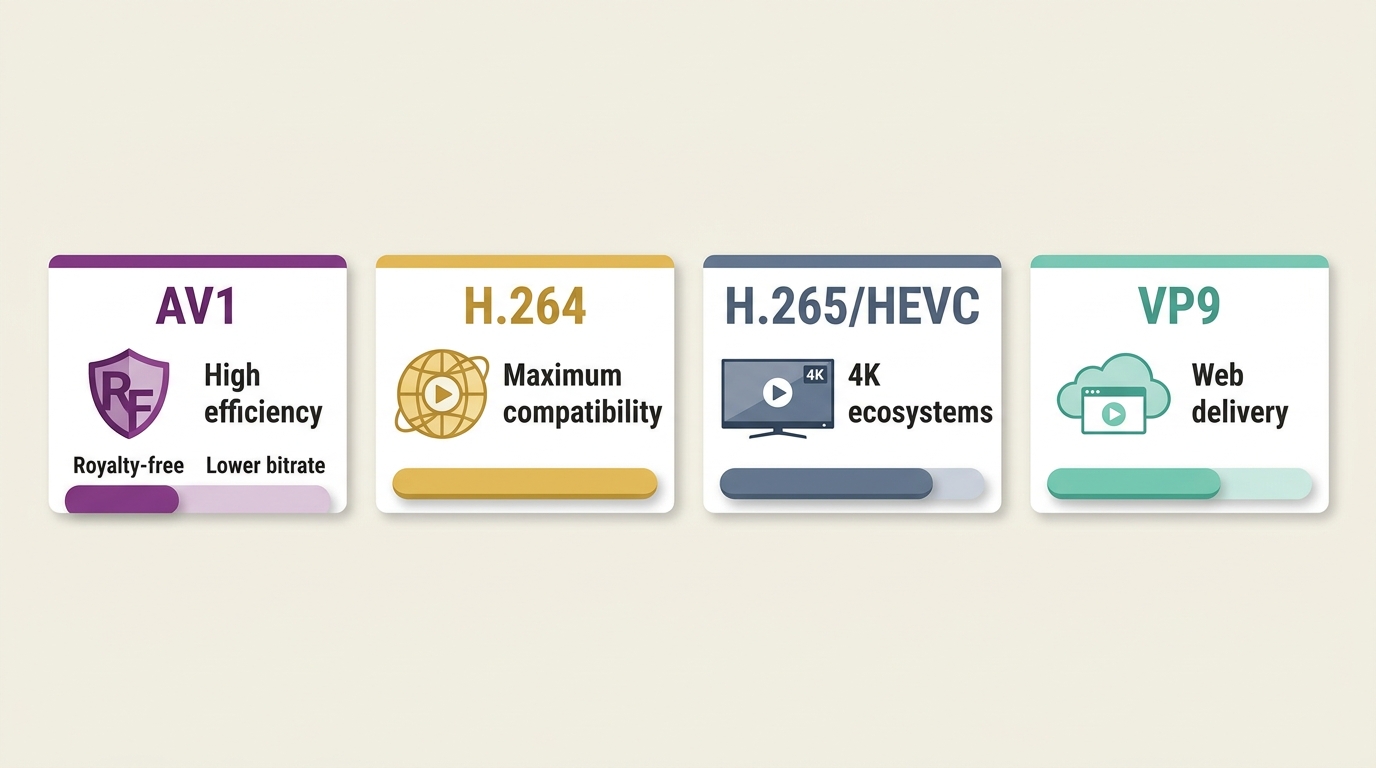
| Codec | Efficiency | Licensing | Hardware and encoding | Best fit |
|---|---|---|---|---|
| AV1 | High at lower bitrates | Royalty-free | Newer decode hardware; demanding encodes | Efficient modern delivery |
| H.264 | Lower than newer codecs | Licensed | Broad decode support; efficient encodes | Maximum compatibility |
| H.265/HEVC | High | Licensed | Established hardware support; heavier encodes | Existing 4K ecosystems |
| VP9 | Competitive | Royalty-free | Common web support; variable hardware support | Web-oriented delivery |
AV1 is attractive for efficient delivery, but H.264 remains the safer compatibility choice, especially when choosing an H.264 player. H.265 can still make sense where its playback ecosystem is already established.
This article explains Netflix's AV1 rollout, the factors that affect delivery, and three practical ways to play AV1 content.
Netflix's AV1 Rollout Today
Netflix uses AV1 alongside other codecs rather than delivering it to every device or title. Its royalty-free licensing and compression efficiency make AV1 useful for streaming, while device certification and playback conditions still determine which stream a viewer receives.

Netflix introduced AV1 on Android in 2020, expanded to large-screen devices in late 2021, and added browser support in 2022. Apple hardware support followed in 2023. As of August 2026, Netflix reports that AV1 accounts for approximately 30% of its viewing.
Improvements in the Quality of Experience
Netflix compared AV1 streams with earlier codec paths across a large catalog and measured quality of experience, or QoE, which includes how reliably a stream starts and holds its picture quality. Its measured sessions showed gains, but AV1 does not guarantee a fixed resolution, bitrate, or quality tier for every title.

Netflix's findings included more efficient bandwidth use, stronger VMAF scores (a video-quality metric), fewer quality drops and rebuffers, and faster starts. Film-grain synthesis can also preserve a film-like texture without sending grain as part of every frame. In my view, the codec label alone never predicts the final picture: the title, representation, device, and connection still matter.
Why Netflix May Choose Another Codec
Netflix does not use AV1 for every stream. Its codec choice can depend on device classification, certification, playback path, title representation, and current stream conditions. An AV1 decoder in your hardware is helpful, but it does not require Netflix to deliver an AV1 stream instead of AVC or another codec.
How to Play AV1 Files
Check Device and Hardware Support
Before you play AV1 files, check the codec and container with a media-info tool, then confirm that your operating system and player support that combination. Hardware decoding shifts AV1 video decoding to compatible graphics hardware for smoother high-resolution playback. Software decoding can work for lighter files, but it may raise CPU use, heat, and battery drain on older devices.
Install Microsoft's AV1 Video Extension
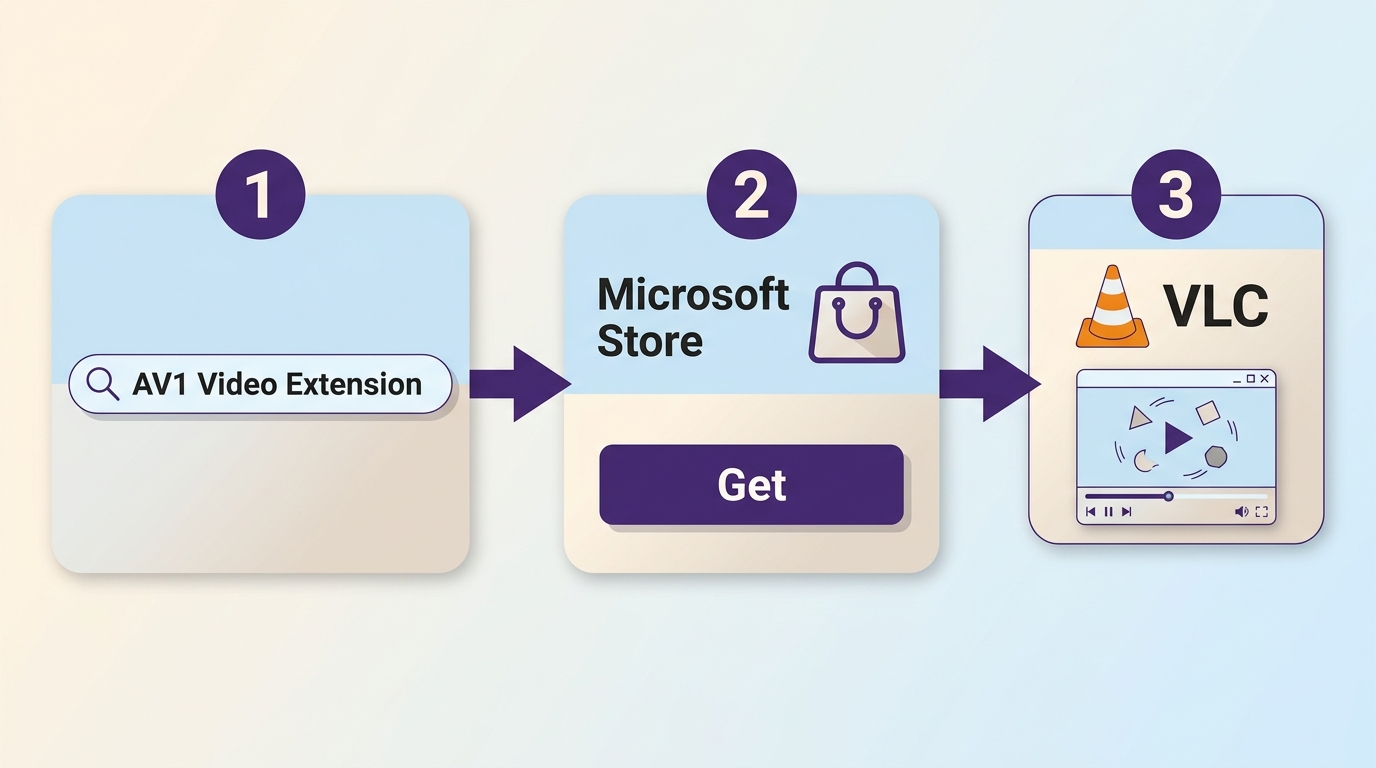
On Windows 10 or Windows 11, Microsoft's AV1 Video Extension enables supported apps to decode compatible AV1 video. It does not by itself guarantee hardware acceleration or compatibility with every container and file. To install it:
- Go to Windows and type "Microsoft Store" into the search box.
- Look for "AV1 video Extension" in the search box.
- Download it by clicking Get.
You can then try AV1 playback in a supported Windows app. If you need broader format controls, see our guide to choosing a video player for Windows for a local library.
Use a Compatible Desktop Player
A compatible desktop player can be useful when your default app does not recognize an AV1 file or its container. Look for current AV1 decoding support, compatibility with the file's container, subtitle handling, and hardware-decoding options. VLC and 5KPlayer are examples of players that support AV1, although results still depend on the specific device and file.
PlayerFab All-In-One
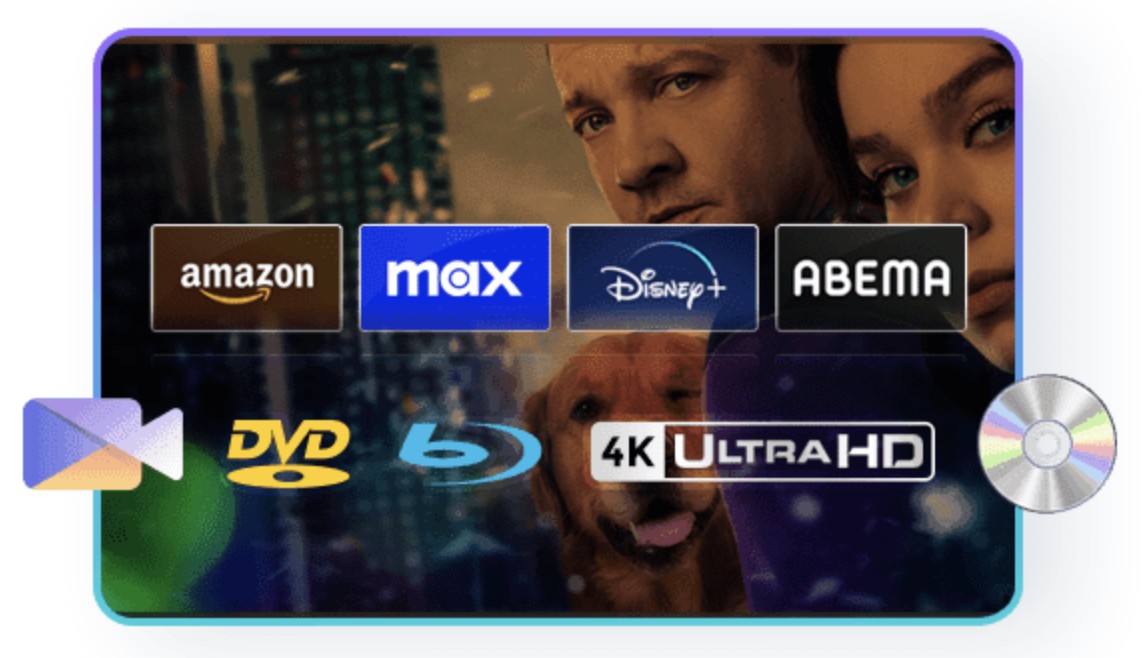
PlayerFab is a desktop option for people who want local video, disc, and supported streaming playback in one interface. AV1 compatibility still depends on the file, device, container, and playback path. It is a better fit for a broad desktop media library than for someone who simply needs a free, lightweight AV1 file opener.
Free Download Windows 11/10/8.1/8/7
Free Download macOS 10.10 - 14.x
Method 3: Use a video converter to convert AV1 to MP4 H.264.
Codec and container are different: AV1 is the video codec, while MP4, MKV, and WebM are containers. The practical differences in MKV vs. MP4 can affect which player recognizes a file. Remuxing changes the container without re-encoding the video when compatibility allows. Transcoding AV1 to H.264 or HEVC changes the codec and can improve compatibility, but it takes time and may reduce quality. Use conversion after checking the extension and a compatible player.
Conclusion
The AV1 codec is worth using when the service, device, and decoder support it. For local files, start with the official Windows extension or a compatible player, then convert only if playback still fails. PlayerFab can suit a broader desktop media library, but the right AV1 path depends on the file, container, decoder, and viewing needs.
AV1 Codec FAQ
What does AV1 mean on a TV?
It means the TV has an AV1 decoder or a software path capable of handling AV1. That does not mean every app or title will stream in AV1, because service support, certification, and delivery conditions still apply.
Can older devices play AV1 with software decoding?
Sometimes. Software decoding can work for lighter AV1 files on some older systems, but it uses more CPU power and can cause heat, battery drain, or dropped frames at higher resolutions. Hardware decoding is generally the smoother option.
Is AV1 compatible with MP4, MKV, and WebM?
AV1 can be stored in MP4, MKV, or WebM, but compatibility depends on the player, operating system, decoder, and the file's muxing profile. A device may support AV1 in one container and still reject another.
Why does Netflix sometimes use AVC instead of AV1?
Netflix chooses a representation based on factors such as device certification, playback path, title availability, and stream conditions. AV1-capable hardware alone does not require Netflix to deliver an AV1 stream.
