Latest Posts
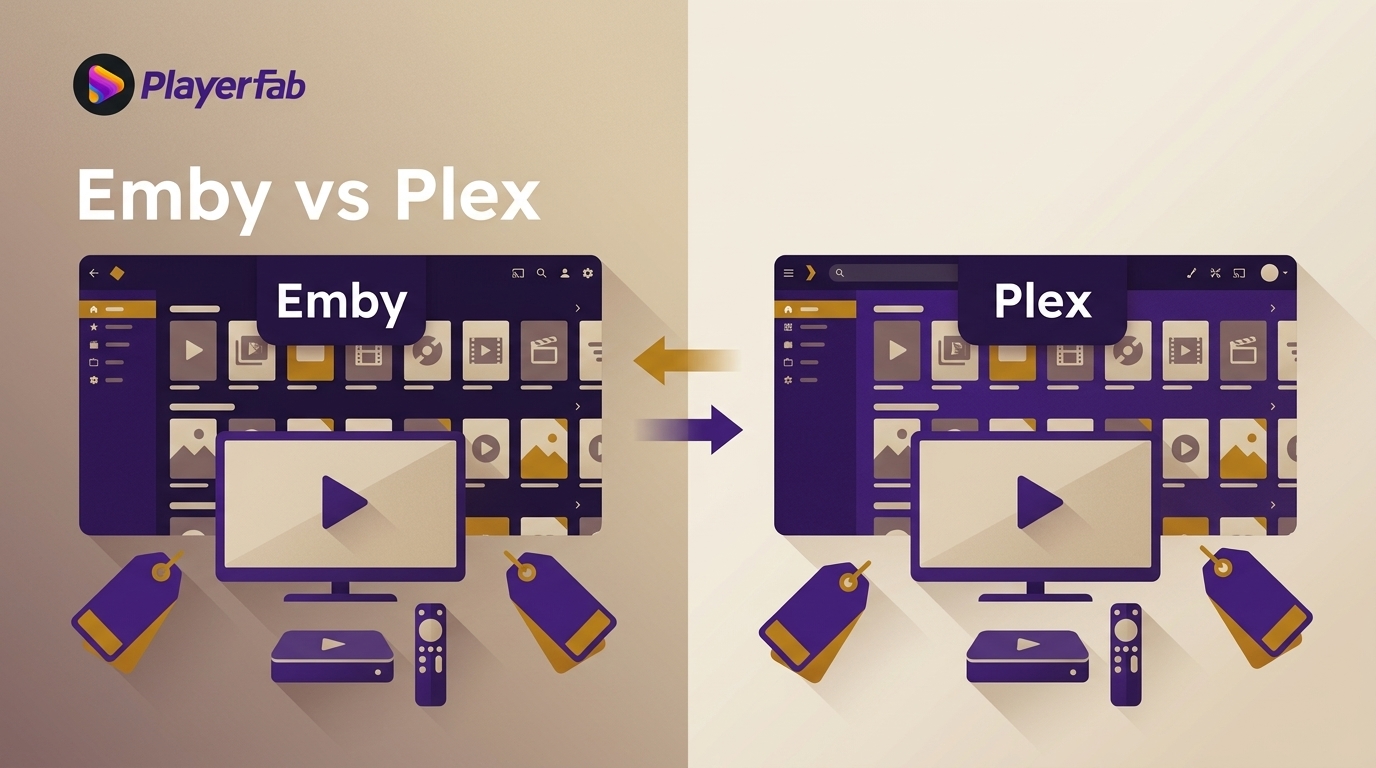 Emby vs Plex: Features, Pricing, and Performance Compared (2026)
Emby and Plex are the two most widely used self-hosted media servers, but they take different approaches to sharing, transcoding, and pricing. This guide compares both platforms across setup difficulty, remote access, 4K support, and cost, including Plex’s 2026 lifetime price increase to $749.
By Alice Harper - Sep 22, 2026 Best Music Players for Android in 2026: 8 Picks for Local, Car, and Hi-Res
Most Android users default to streaming, but if you own a local music library, the built-in player is rarely adequate for the job. This guide covers five apps tested across different library sizes and listening setups, from free ad-free options to audiophile-grade playback. For most users, the decision comes down to Musicolet or AIMP when cost is the main constraint, and Poweramp when audio quality and large library management matter enough to justify a one-time purchase.
By Alice Harper - Sep 22, 2026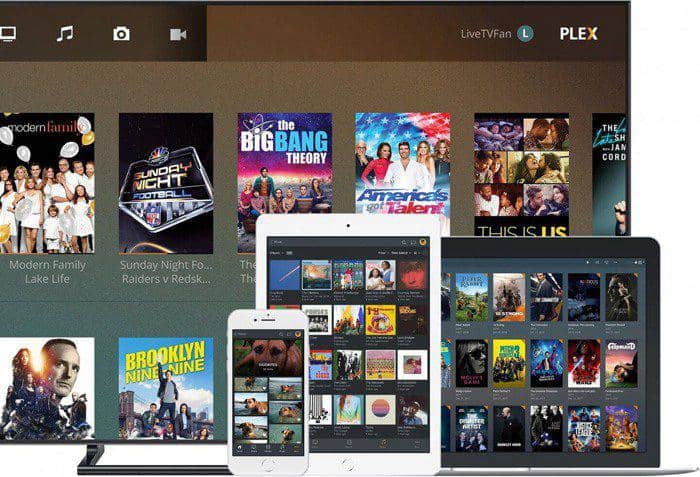 5 Home Media Server Software Options Compared (2026)
Setting up a home media server in 2026 involves more trade-offs than it used to, particularly after Plex raised its Lifetime Pass to $750. This guide reviews Jellyfin, Plex, Emby, Kodi, and Universal Media Server, with a comparison table covering price, 4K HDR support, and remote access. For most users starting today, the choice comes down to Jellyfin's free, account-free model versus Plex's broader device compatibility and managed setup.
By Alice Harper - Sep 8, 2026 Best Windows Media Center Alternatives: Local Players, Media Servers, and Disc
Most Windows Media Center replacement guides treat these tools as interchangeable. They aren't: Kodi runs locally with no server required, Jellyfin, Emby, and Plex follow a server-client model built for multi-device access, and PlayerFab is the only option that handles physical discs natively. Getting the category right matters more than choosing between tools within the same category.
By Alice Harper - Sep 8, 2026 AV1 Codec Explained: Netflix Support and 3 Ways to Play It
AV1 is an open, royalty-free codec finalized in 2018 and now used for roughly 30% of Netflix's streaming volume. This guide covers how Netflix rolled out AV1, which hardware can decode it natively, and three methods for playing AV1 content on Windows, including the AV1 Video Extension, a dedicated stream player, and H.264 conversion.
By Alice Harper - Aug 28, 2026 8 Best Media Players for TV in 2026, by Setup
This source-first guide compares eight media-player routes for streaming apps, NAS libraries, USB drives, and PC-connected discs or ISO files. It explains Direct Play, HDR and audio compatibility, remote usability, server needs, and the tradeoffs that matter in daily viewing.
By Alice Harper - Aug 28, 2026 6 Best MP3 Player Apps for iPhone in 2026
Compare the best MP3 player apps for iPhone in 2026, including free local playback, FLAC support, Wi-Fi imports, Apple Music, and Spotify.
By Alice Harper - Aug 26, 2026- 6 Best MPEG Players for Windows and Mac (2026)
Windows 11 dropped native MPEG-2 support, and the right MPEG media player depends on more than just format compatibility. This guide tests six options across Windows and macOS, covering MPEG-2 codec handling, hardware acceleration, platform availability, and price. For most users, the choice comes down to VLC for no-setup cross-platform playback, or PlayerFab for home theater setups that need disc navigation and professional audio output.
By Alice Harper - Aug 26, 2026  WMA Music Players for Windows, Mac, Android, iPhone, and Online
This guide gives immediate WMA playback paths for Windows, Mac, iPhone, Android, and the browser, then compares six local players by platform, library tools, and output needs. It also explains upload retention, protected-file limits, metadata checks, and when conversion is worth the quality tradeoff.
By Alice Harper - Aug 26, 2026 10 Best Music Players for Windows 10 and 11 (2026)
Microsoft replaced Groove Music with a new Media Player app, and the options for Windows 10 and 11 users have shifted considerably since. This guide covers six actively maintained music players, from the no-install built-in option to free tools favored in audiophile communities. For most users, the choice comes down to AIMP for audio quality or MusicBee for large library management.
By Alice Harper - Aug 25, 2026- 6 FLAC Players Compared in 2026: Free, Library, and Hi-Res Options
Not all FLAC players handle audio the same way. This guide compares six actively maintained options, covering the full range from bit-perfect output for audiophile DAC setups to library management for large collections. The choice between players comes down to whether output quality or collection organization is the primary need. A comparison table maps platform support, price, and key features across all six.
By Alice Harper - Aug 25, 2026  PlayerFab DVD Player Review: Setup, Features, and Limits
PlayerFab DVD Player is a paid Windows and macOS app for playing lawfully owned DVDs and authorized DVD ISO files with menu navigation. This review explains setup, the 1080p and disc-format limits, useful features, license tiers, and free alternatives.
By Alice Harper - Aug 24, 2026