
8 Best TS File Players and Playback Tools for 2026

Summary: A practical comparison of eight TS players and playback tools for Windows, macOS, Linux, mobile devices, and browser use. It explains what a TS container holds, shows a two-step playback workflow, and gives a diagnostic order for seeking delays, frozen video, audio drift, codec conflicts, and TS-to-MP4 conversion.
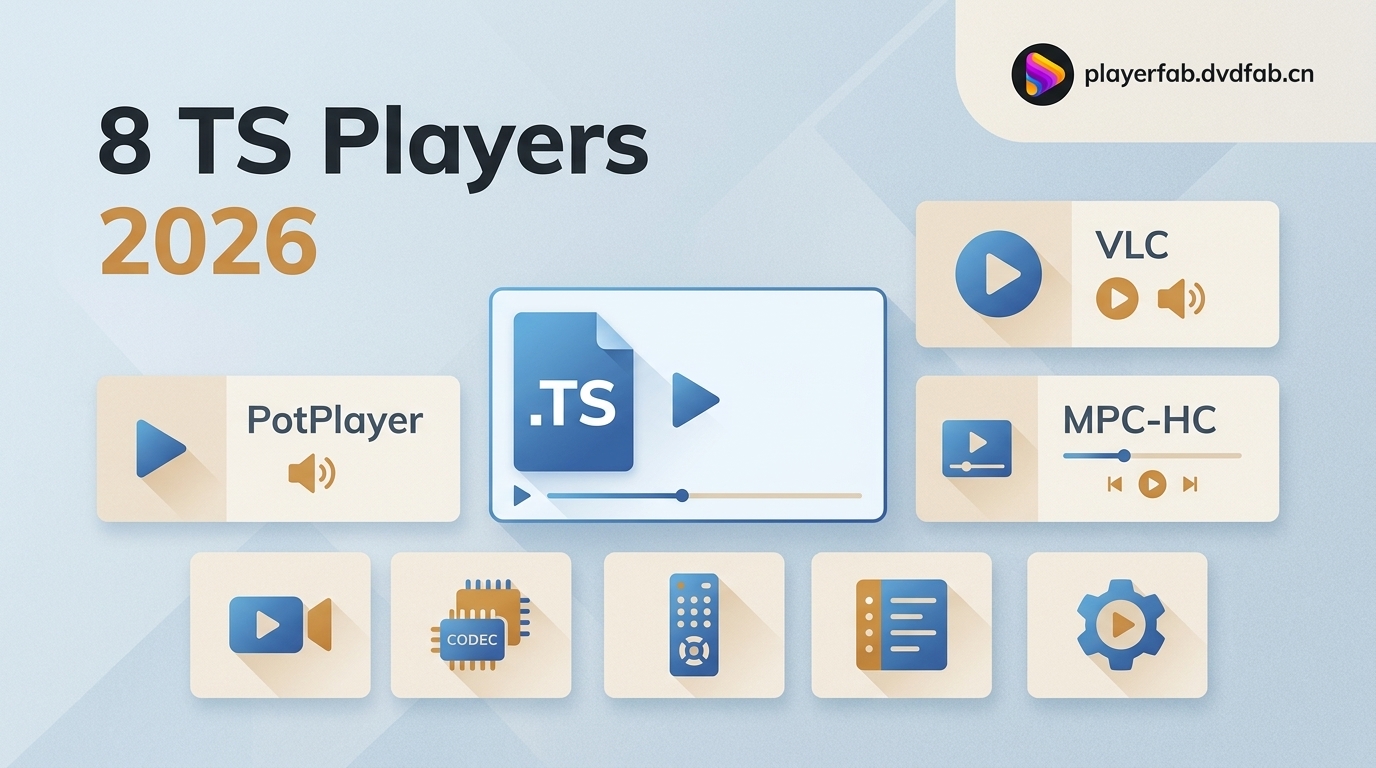
Table of Contents
A TS file player may open one recording perfectly and struggle with another because the container and the codecs inside it both matter. This guide compares eight TS video player options, shows how to play TS files, and explains when troubleshooting or an MP4 remux is the better next step.
My practical rule is simple: start with a current cross-platform player such as VLC, then check the file rather than cycling through apps if seeking, video, or audio remains unstable.
What a TS File Contains
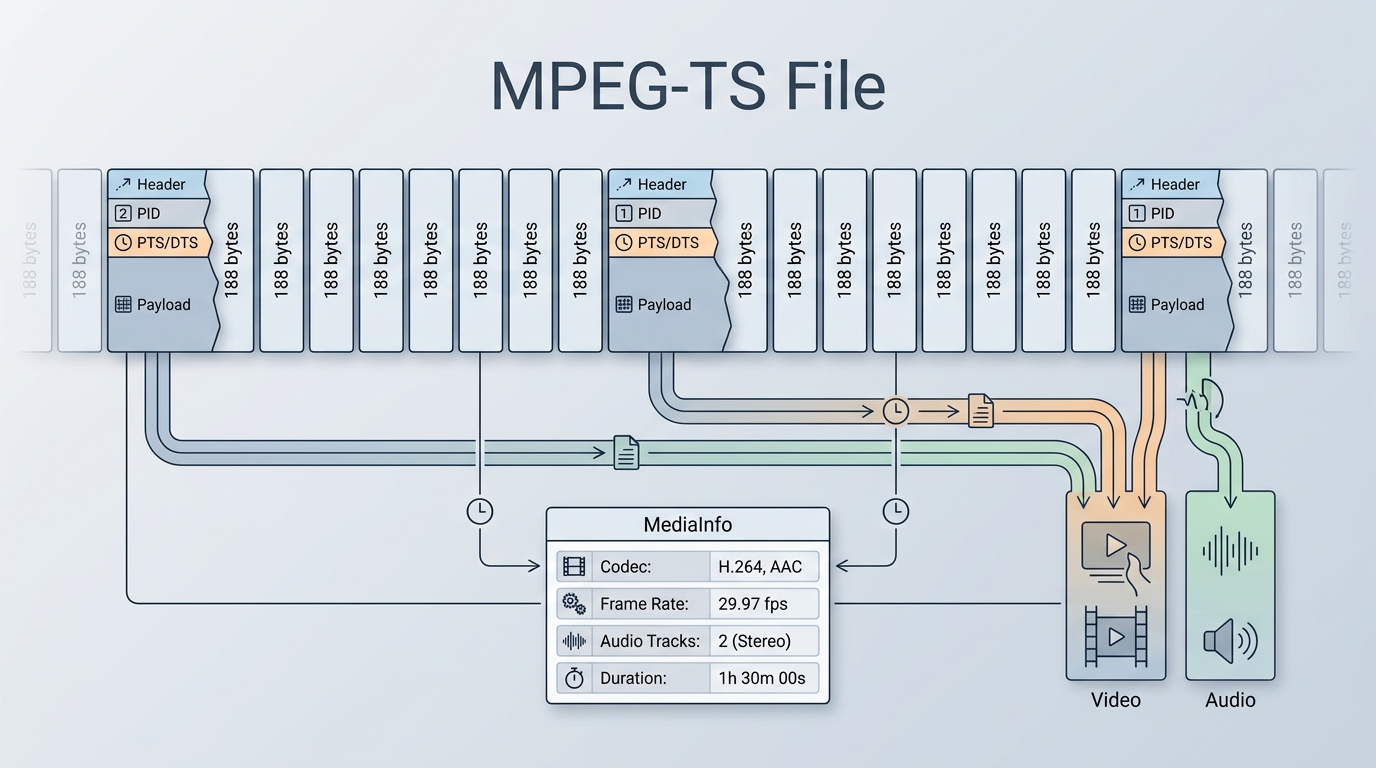
A .ts file is an MPEG transport-stream container, not a single video codec. A compatible MPEG-TS player must understand the container and decode the video and audio streams stored inside it.
TS uses fixed 188-byte packets, a structure designed to keep broadcasts and interrupted recordings usable when some data is missing. That resilience is valuable during capture, but timestamps and packet gaps can make local seeking less responsive than in MP4.
If a file opens with sound but no picture, or works in one app and not another, inspect it with MediaInfo. The codec list, frame rate, audio tracks, and duration often reveal whether the problem is player support, a damaged stream, or an unusual track layout.
On a Dell XPS 15 running Windows 11, I used a local TS sample to compare startup, seeking, and audio sync. The file opened across several players, but seek behavior differed, which is why I treat “opens the file” and “plays it comfortably” as separate tests.
8 TS Players and Playback Tools
These tools were assessed for startup behavior, seek responsiveness, audio sync, hardware decoding, codec visibility, incomplete-stream handling, platform support, and ease of use. The best TS player depends on which of those factors matters for your file.
PlayerFab DVD Player
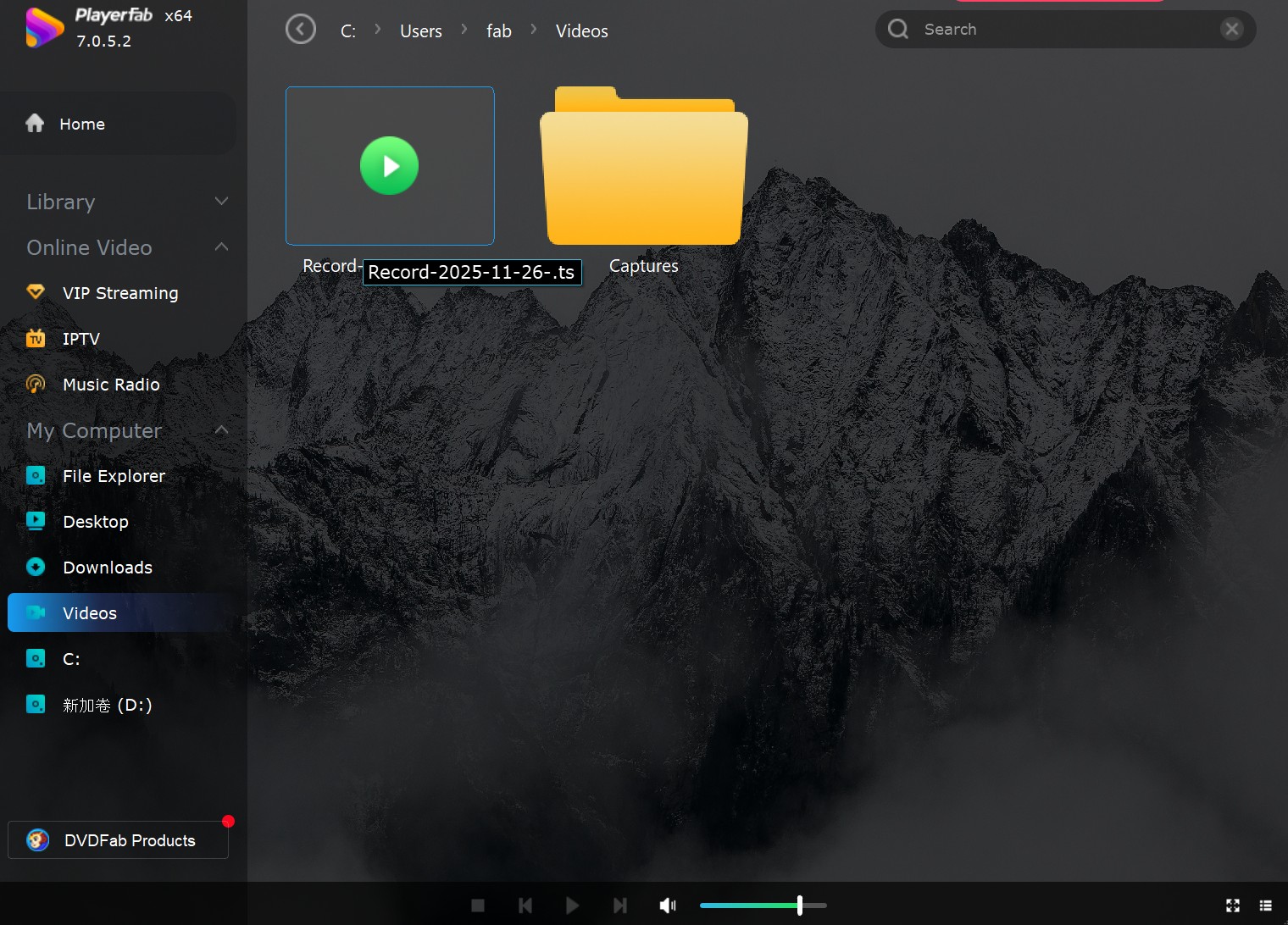
PlayerFab DVD Player has Windows and macOS versions and is designed for local media plus DVD, Blu-ray, ISO, and folder playback. Its PC Mode and TV Mode suit users who move between a laptop display and a television-style interface, while hardware decoding helps with demanding local video.
In my current workflow on a Dell XPS 15 running Windows 11, the sample .ts file opened from File Explorer and ordinary playback stayed synchronized. I present that as a limited editorial observation because PlayerFab's public feature list does not name .ts as an extension specification.
Suitable for: viewers who want one interface for local files, discs, ISO images, folders, and TV-oriented control. Not ideal for: readers who want a minimal open-source player for occasional TS playback.
PotPlayer
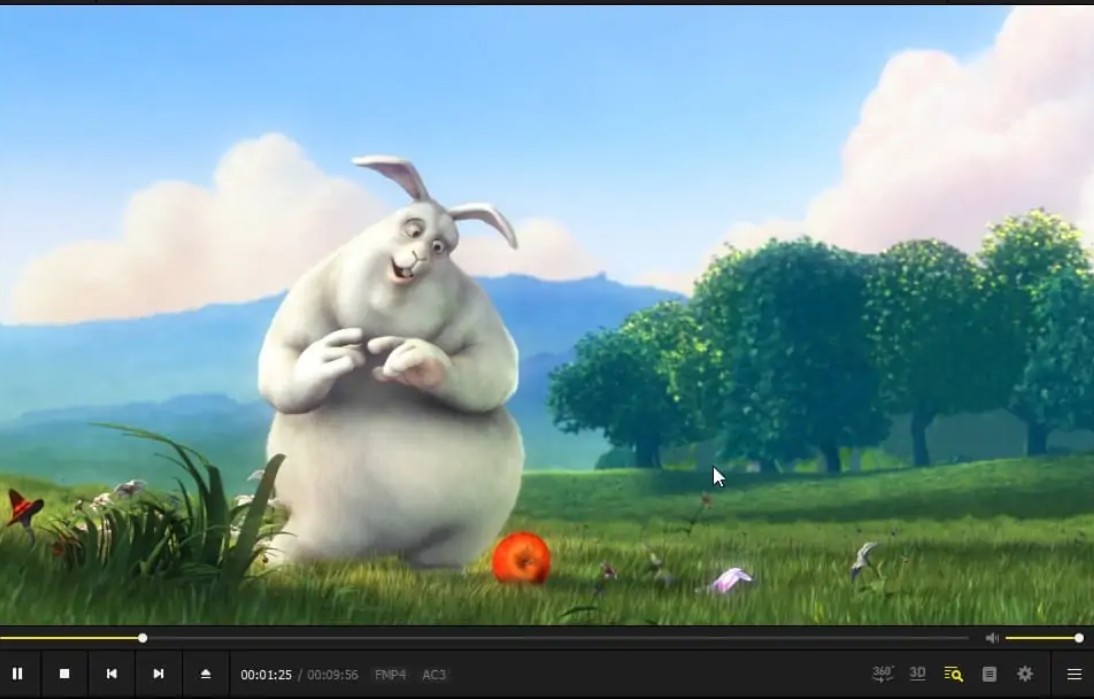
PotPlayer is a Windows-focused TS player with broad container and codec support, hardware-decoding options, detailed audio controls, and extensive shortcuts. It can be responsive with large local files, but the number of menus can slow down a first-time setup.
Suitable for: a TS player Windows 11 users can tune for subtitles, audio tracks, and rendering. Not ideal for: anyone seeking a short settings menu or a native Mac version.
VLC Media Player
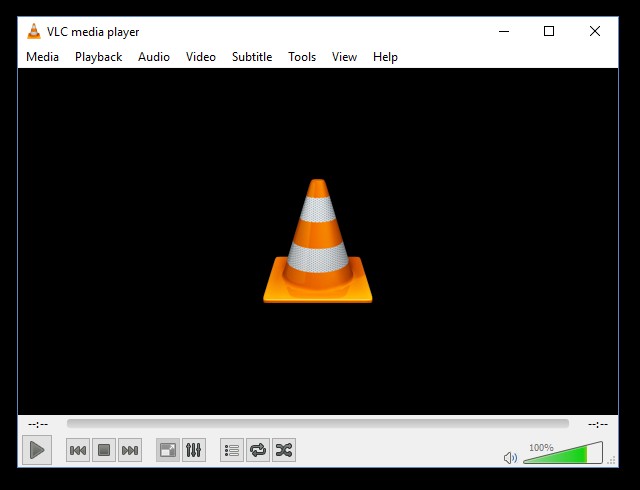
VLC Media Player is a free, open-source choice for Windows, macOS, and Linux. It can play TS files without a separate codec pack in many cases, exposes track information, and includes conversion and synchronization controls.
VLC also handles discs and works as a free DVD player for Windows 10, although this article keeps the focus on transport-stream files. Some TS recordings still show slow seeking or audio drift, so VLC is a strong first check rather than a cure for every damaged file.
Suitable for: a simple cross-platform starting point. Not ideal for: users who want a polished media library or guided codec diagnosis.
5KPlayer
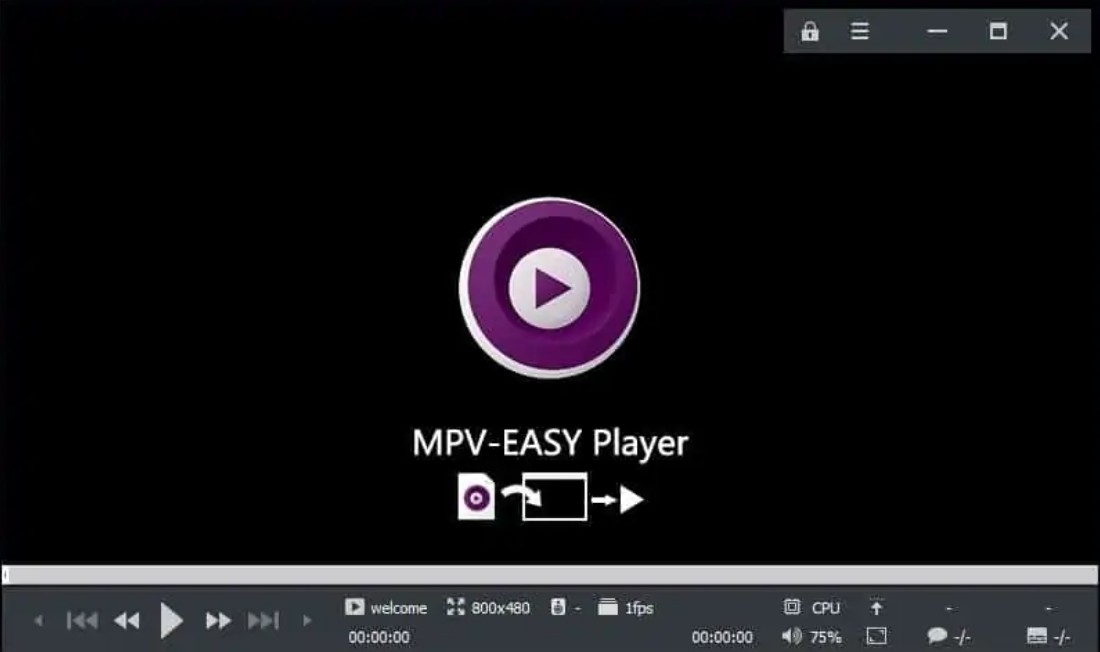
5KPlayer 6.11 was released on January 30, 2026, and its current line supports Windows, macOS, and Apple Silicon. Its main distinction is AirPlay and DLNA support, which can be useful when local playback and network casting belong in the same workflow.
Suitable for: Mac or Windows users who value AirPlay or DLNA alongside local playback. Not ideal for: readers who dislike advertising and registration prompts in a free application.
MPC-HC
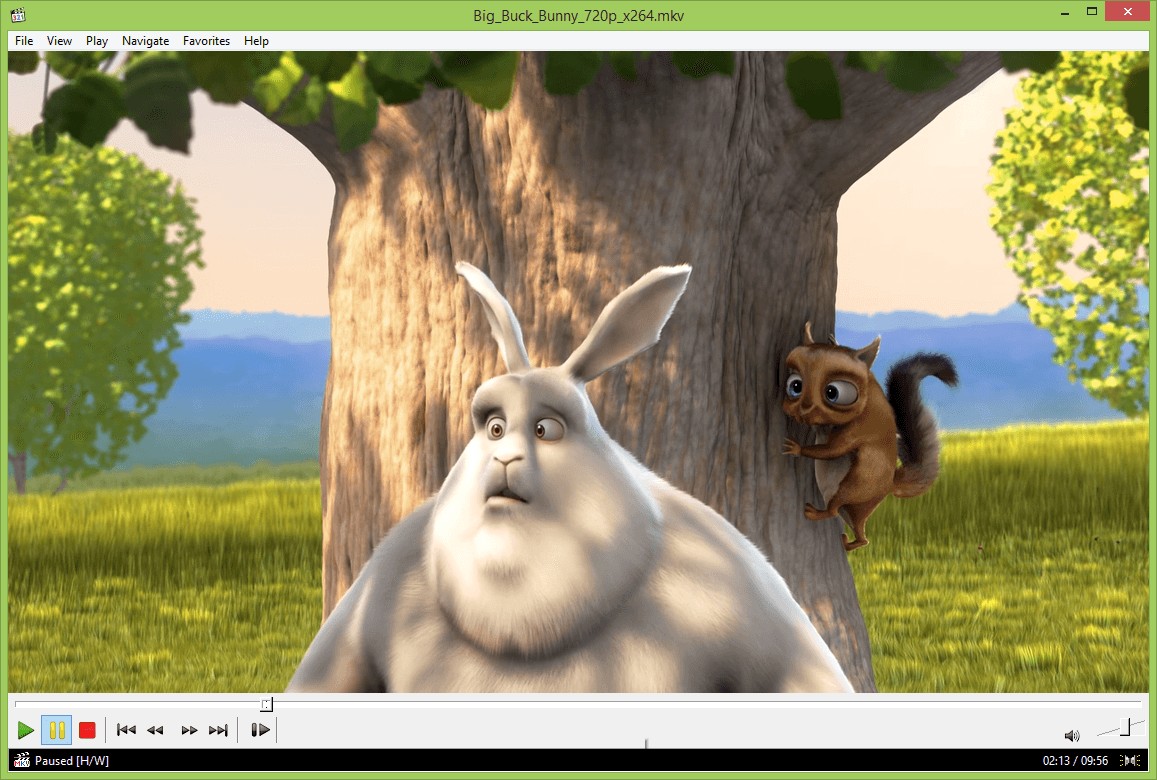
The original MPC-HC project ended, but the maintained clsid2 fork remains active and released MPC-HC 2.7.4 on July 20, 2026. It is Windows-only, lightweight, quick to launch, and offers useful filters and renderer controls without turning the main window into a media hub.
Suitable for: Windows users who want a small player with accessible technical controls. Not ideal for: macOS, Linux, Android, or iPhone users.
GOM Player
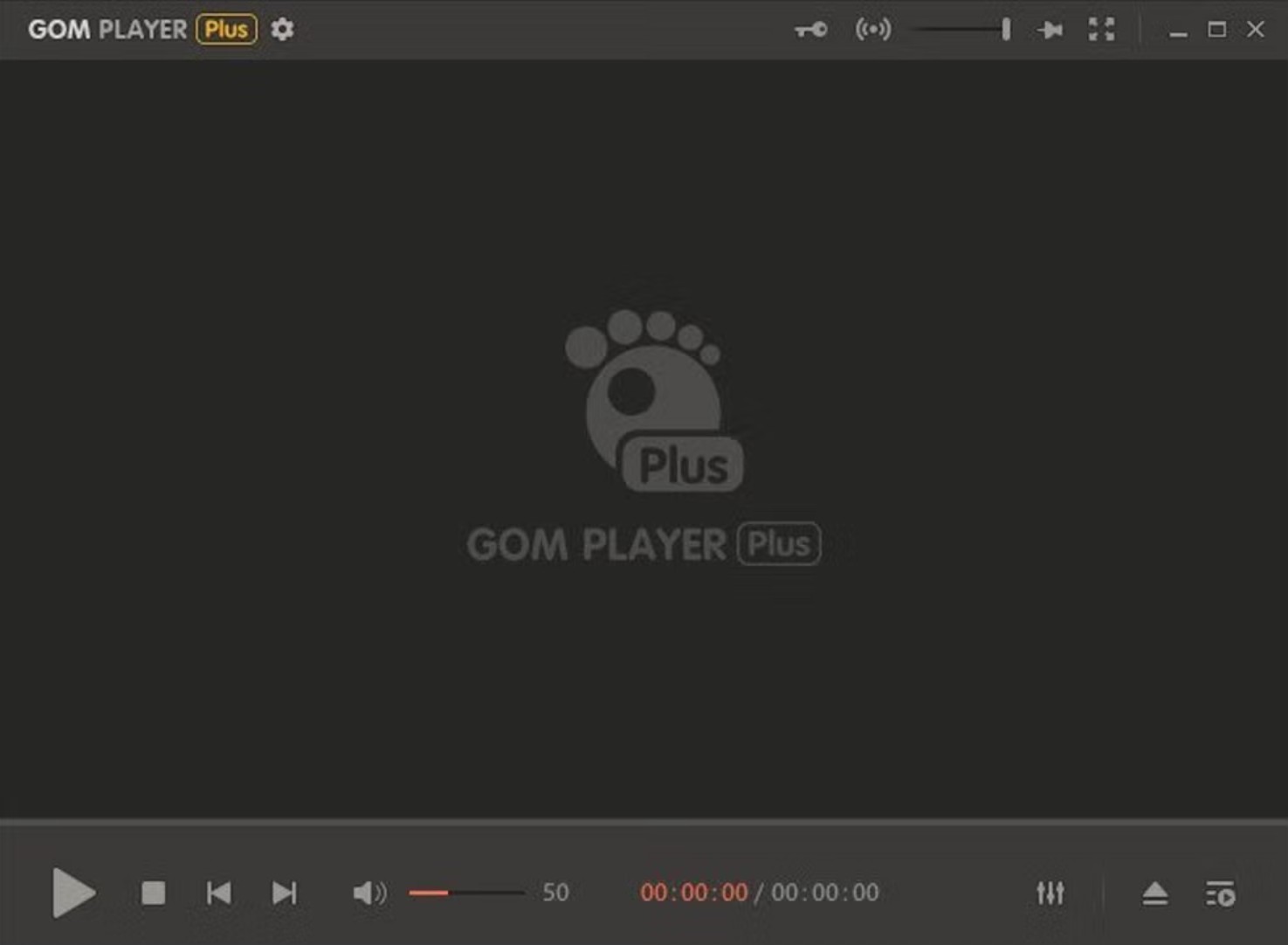
GOM Player is available across Windows, macOS, Android, and iOS. Its Codec Finder can guide users when a file needs an additional decoder, and its subtitle, speed, capture, and audio-track controls cover common playback tasks.
Suitable for: users who prefer guided codec discovery and mobile availability. Not ideal for: readers who want an ad-light desktop experience.
mpv
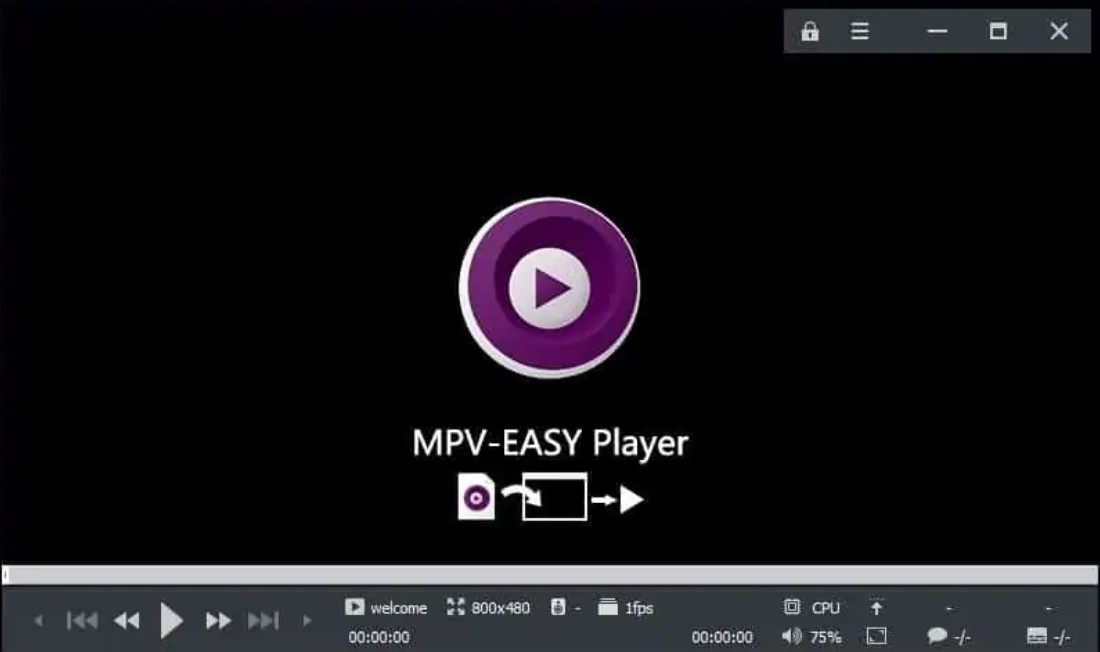
mpv is a free, open-source MPEG-TS player for Windows, macOS, and Linux. It is lightweight, supports hardware decoding, and gives experienced users precise control through configuration files, command-line options, and community scripts.
Suitable for: power users who value automation, scripting, and a minimal playback window. Not ideal for: casual users who expect every control to appear in a conventional menu.
4Videosoft TS Converter as a Fallback
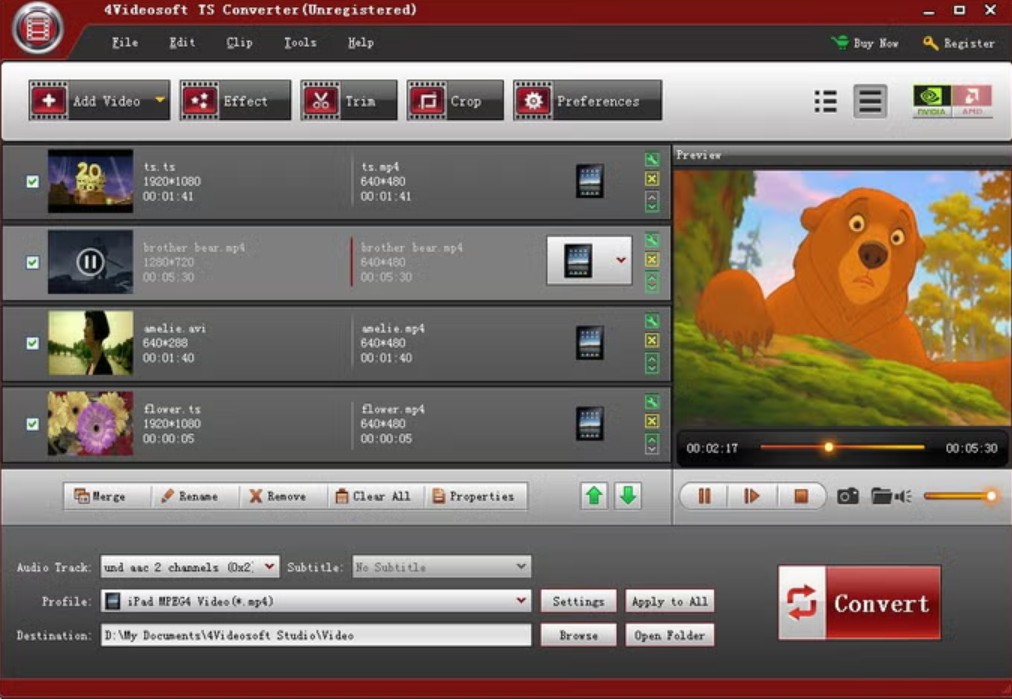
4Videosoft TS Converter is not a peer media player. It is a conversion fallback for Windows and macOS when a TS file repeatedly opens with poor seeking or needs a container that more devices recognize.
Suitable for: changing TS to MP4 when switching players does not solve local compatibility. Not ideal for: anyone who needs immediate playback without creating a new file.
Compare TS Players by Platform and Use Case
The matrix below separates platform fit from TS-specific behavior. “Varies by file” means the result depends on the enclosed codecs, timestamps, and stream condition rather than the container name alone.
| Tool | Tool type | Supported platforms | Best fit | Seek responsiveness | Audio-sync controls | Hardware decoding | Codec diagnostics | Incomplete or damaged TS handling |
|---|---|---|---|---|---|---|---|---|
| PlayerFab DVD Player | Desktop player | Windows, macOS | Local files plus discs, ISO, folders, and TV-style use | Author-observed ordinary playback; seeking varies by file | Audio offset and track settings | Yes | Hardware analysis and track settings | Varies by file; inspect integrity first |
| PotPlayer | Desktop player | Windows | Windows 11 controls and customization | Often responsive; file-dependent | Detailed sync and track controls | Yes | Filter and codec information | Can try alternate filters; results vary |
| VLC Media Player | Desktop and mobile player | Windows, macOS, Linux, Android, iPhone | Cross-platform first check | Good on clean streams; delays can occur | Track selection and synchronization adjustment | Yes | Media information and codec details | May open partial streams, but recovery varies |
| 5KPlayer | Desktop player | Windows, macOS | AirPlay or DLNA use | Varies by file | Basic track controls | Yes | Limited compared with power-user tools | Not a dedicated repair tool |
| MPC-HC maintained fork | Desktop player | Windows | Lightweight local playback | Responsive on supported streams | Filters and audio switching | Yes | Filter and renderer visibility | Can expose errors; repair is separate |
| GOM Player | Desktop and mobile player | Windows, macOS, Android, iPhone | Guided codec discovery | Varies by codec and file | Track and timing controls | Yes | Codec Finder | Attempts playback; recovery varies |
| mpv | Desktop player | Windows, macOS, Linux | Power-user controls and scripts | Tunable and usually quick on clean streams | Detailed command and config options | Yes | Verbose playback logs | Useful diagnostics; not a file repair utility |
| 4Videosoft TS Converter as a fallback | Converter fallback | Windows, macOS | Creating a more compatible output file | Not applicable during conversion | Audio-track selection requires attention | Used for processing, not live playback | Input and output settings | May process readable streams; damaged input can still fail |
For a TS player Android or iPhone users can install, VLC and GOM are the clearest entries in this group. For an online TS player, browser support is less predictable, and uploading a large or private file is usually a worse trade than local playback.
My practical takeaway is to start with VLC for cross-platform use, PotPlayer for deep Windows controls, MPC-HC for a lightweight Windows setup, and mpv when logs and scripts matter more than a graphical library.
Play a TS File in 2 Steps
Opening a TS file can be straightforward, but smooth seeking and synchronized audio still depend on codecs, timestamps, file integrity, and player behavior. The workflow below uses PlayerFab as an author-tested example rather than an official .ts extension guarantee.
- Install and open PlayerFab DVD Player. Use the current Windows or macOS version, then open the local-file area.
- Select the TS file. Choose My Computer, open File Explorer, select the .ts file, and click Open.
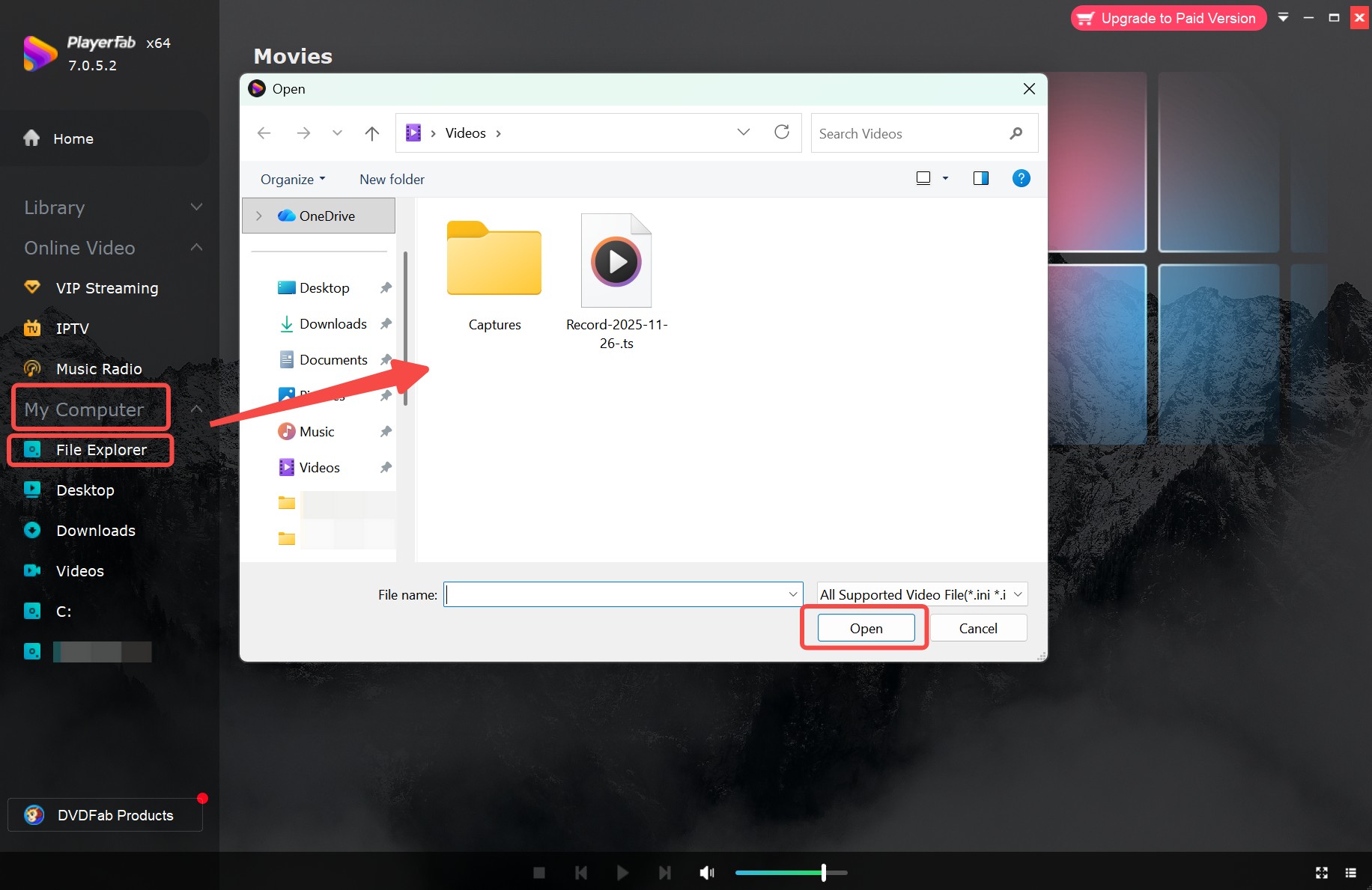
On the Dell XPS 15 running Windows 11, this two-step path opened my local sample and began ordinary playback without a separate codec prompt. That result applies to the tested file, not every possible TS codec combination.
If the file opens but seeking freezes the picture, delays audio, or jumps several seconds late, move to diagnosis or remuxing instead of repeating the same open-file steps.
Fix TS Playback, Seeking, and Audio Sync
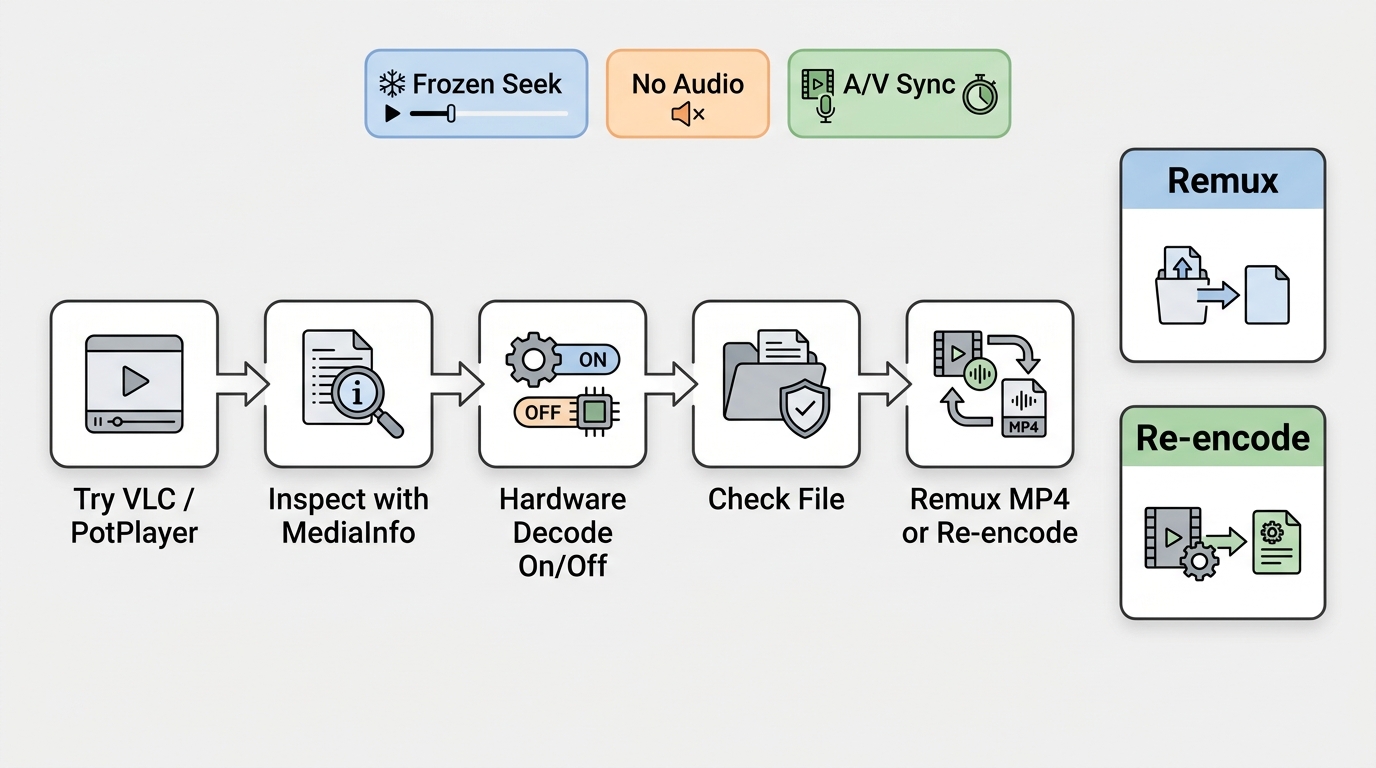
Most TS playback problems are easier to solve in a fixed order: try another current player, inspect the codecs, test hardware-decoding settings, check integrity or protection, then remux compatible streams before considering re-encoding.
Use conversion or remuxing only with files you own or are authorized to process, and follow applicable copyright law and service terms. If a file is encrypted or access-controlled, confirm its legitimate source and protection status rather than trying to defeat that protection.
Check the Codec and File Integrity
A TS container can hold video and audio streams that one player supports and another does not. Open the file in a second current player, then use MediaInfo to identify the codecs, duration, frame rate, and available audio tracks.
If the default Windows player succeeds while VLC or PotPlayer fails, the system may be using a decoder path that the other app is not using. If all players fail at the same point, suspect truncation, bad timestamps, encryption, or damaged data.
Fix Slow Seeking and Frozen Video
When audio continues but video freezes after a skip, first toggle hardware decoding in the player and retry the same seek point. A damaged index or irregular timestamps can make a clean-looking recording slow to navigate even when linear playback works.
On a MacBook Air M2 running macOS, comparing the same local sample in two current players made the scope clear: ordinary playback was usable, but seek response differed by app. I would remux before installing a fourth player if the same delay follows the file.
Correct Audio Sync and Missing Tracks
Select the intended audio track before changing synchronization. If the correct track is present but delayed, use the player's audio-offset control in small steps. If a track is missing entirely, inspect the file rather than assuming it is muted.
Multi-audio TS files deserve extra care during conversion because a default preset may keep one track and omit another. Map or select each required stream explicitly before starting the job.
Choose Remuxing or Re-encoding
Remuxing changes the container while copying compatible encoded streams, so it can repair awkward timestamps or improve local seeking without recompressing the picture. Re-encoding decodes and creates new streams, which takes longer and can change quality.
My preference is to remux first when the codecs are compatible and the file is intact. Re-encode when the target device cannot decode the existing streams, when the media is genuinely damaged, or when a smaller and more widely supported output is required.
TS File Questions
Can remuxing a TS file to MP4 preserve quality?
Yes, if the video and audio streams are compatible with MP4, remuxing can copy them without re-encoding, so the encoded picture and sound are preserved. Check every audio track and subtitle stream before starting because automatic mapping may omit a track. HandBrake normally re-encodes rather than performing a simple remux.
What program opens a VIDEO_TS folder?
A VIDEO_TS folder is a DVD-Video directory that usually contains VOB, IFO, and BUP files, not a standalone .ts transport-stream video. Use DVD-capable playback software that can open the folder structure and menu information; a normal MPEG-TS player may treat the files incorrectly.
Is TS better than MP4 for local playback?
Neither container guarantees better picture quality because quality comes from the enclosed codecs and encoding settings. TS favors resilient transport and interrupted recording, while MP4 usually offers easier local seeking and wider device compatibility. A remux can change the container without altering compatible encoded streams.
Can Chrome play TS files directly?
Sometimes, but direct Chrome playback depends on the codecs and how the media is delivered. An online TS player may handle a small, non-sensitive file, while a local desktop app is usually more practical for large or private videos. Avoid uploading confidential footage to an unknown service.
Choosing the Right TS Player
The best TS player is the one that matches your platform, file condition, and tolerance for technical controls. Start with VLC for a simple cross-platform choice, PotPlayer for Windows tuning, MPC-HC for lightweight Windows playback, and mpv for logs or scripting. PlayerFab fits viewers who also need disc, ISO, folder, and TV-oriented playback, but it is not the natural choice for someone seeking a minimal open-source app. If several players reproduce the same seeking or sync fault, inspect and remux the file before changing software again.

 Play Video Files: 4 Paths Across Formats and DevicesBy James Morgan - Sep 22, 2026
 12 Best HEVC Players for Windows, Mac, and 4K (2026)By Alice Harper - Aug 4, 2026
 Best WMV Player for Mac and How to Play WMV on Mac NativelyBy James Morgan - Aug 4, 2026
 6 Best DVD Players for Laptops in 2026: Drives and AppsBy Alice Harper - Jul 22, 2026