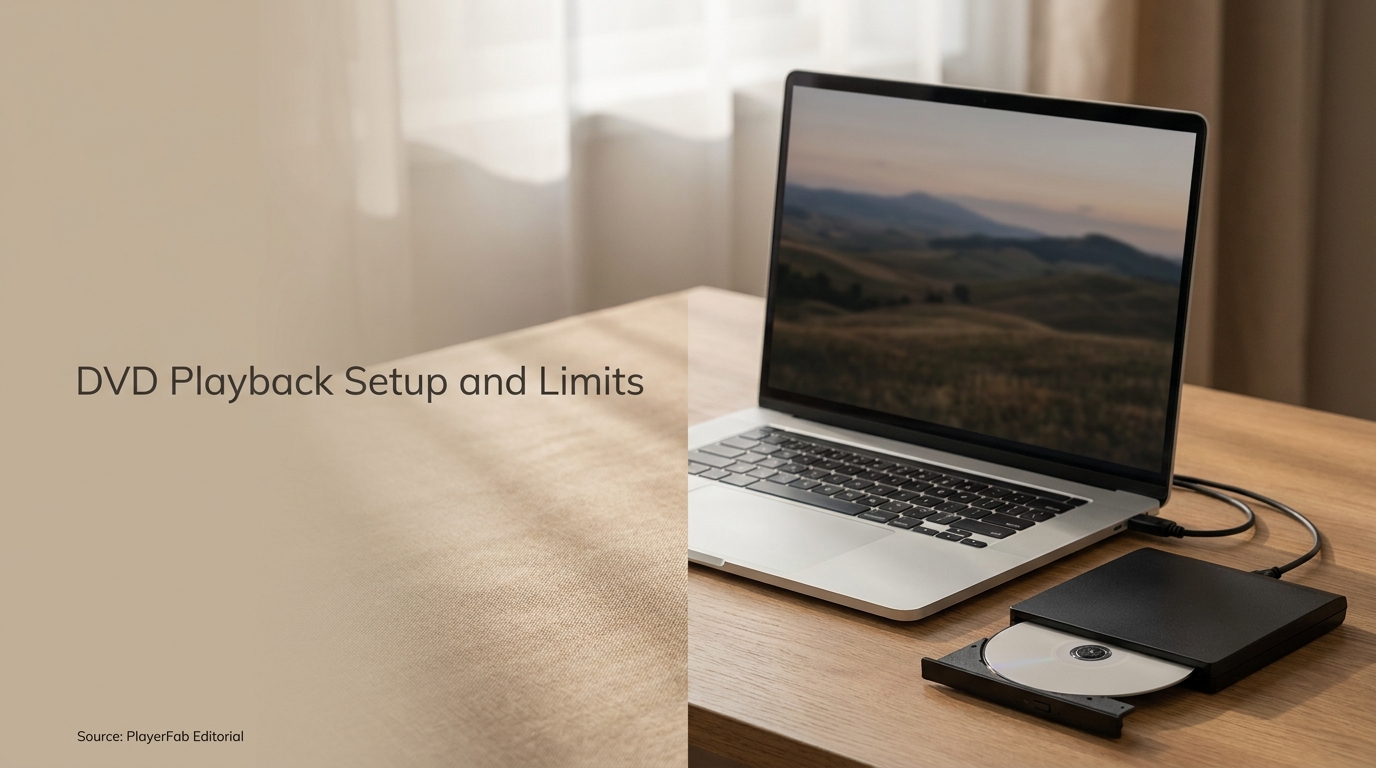
 PlayerFab DVD Player Review: Setup, Features, and Limits
PlayerFab DVD Player is a paid Windows and macOS app for playing lawfully owned DVDs and authorized DVD ISO files with menu navigation. This review explains setup, the 1080p and disc-format limits, useful features, license tiers, and free alternatives.
By Alice Harper - Aug 24, 2026
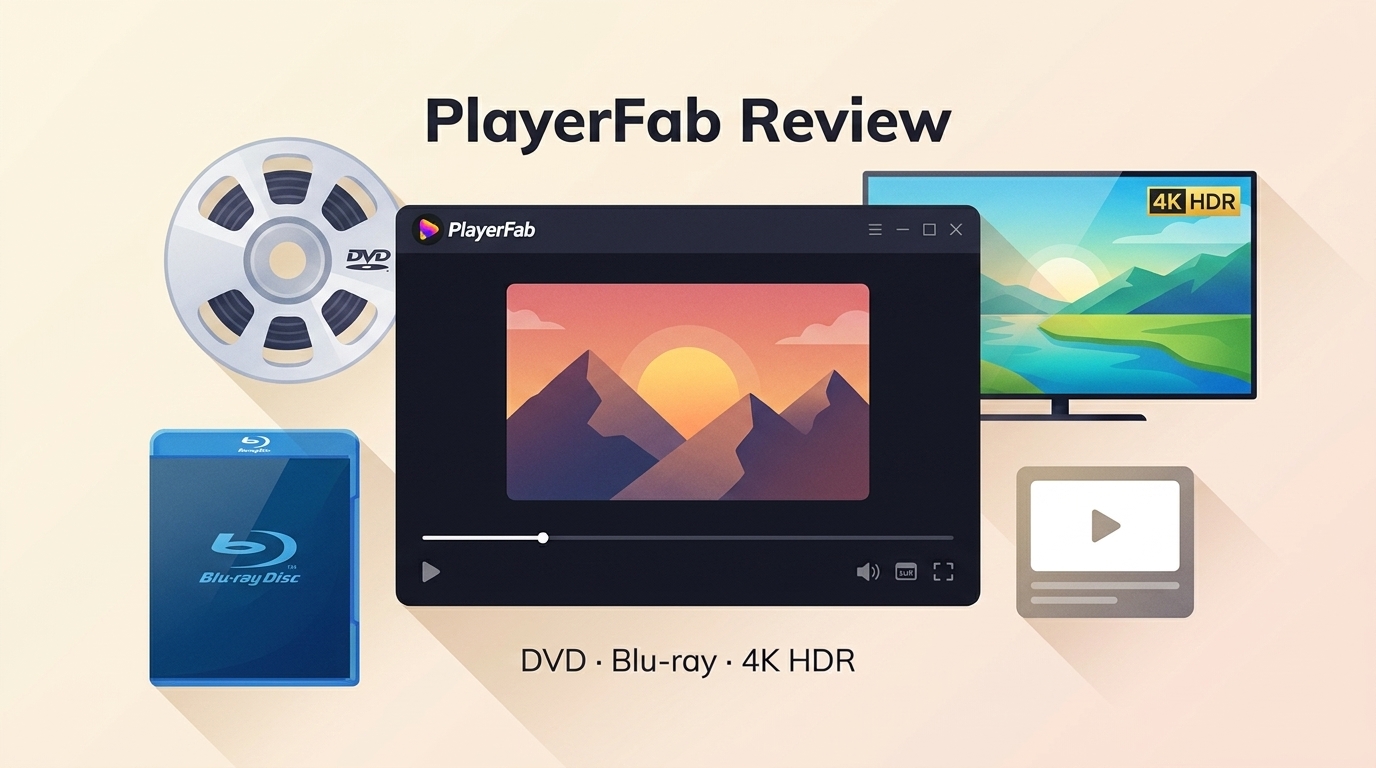 PlayerFab Review: The Story on DVD, Blu-ray, 4K, and Streaming Playback
PlayerFab brings disc playback, streaming, and local file management under one interface. This review covers what each module delivers, where the limits are, and whether the investment makes sense for your setup.
By James Morgan - Aug 19, 2026
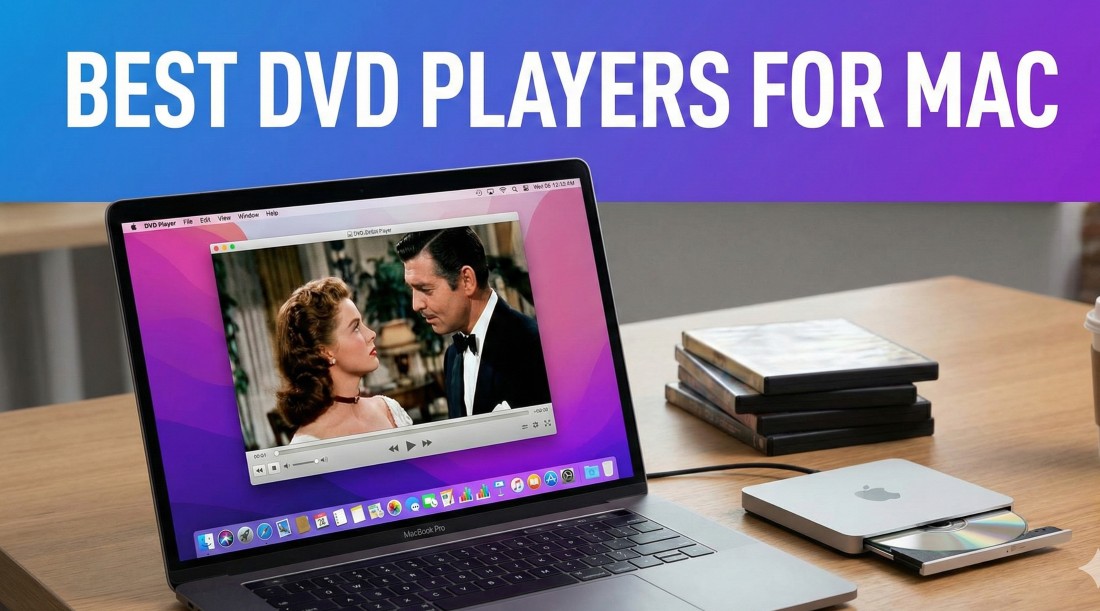 5 Best DVD Players for Mac in 2026, Plus Drive Setup
Modern Macs usually need two pieces for DVD playback: a compatible external optical drive and a Mac DVD player app that suits the disc. This guide compares five current options, explains USB-C drive setup, and gives a practical troubleshooting order for power, recognition, menus, and region settings.
By Alice Harper - Aug 3, 2026
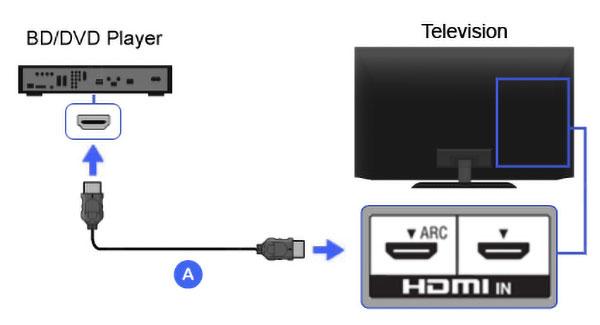 How to Connect a DVD Player to a TV: 4 Cable Options and Fixes
Match the output on your DVD player to the input on your TV, then use HDMI, composite RCA, component video, or a powered converter. This guide provides a port matrix, four numbered setup paths, focused no-signal and no-sound diagnostics, and a short Windows playback alternative.
By Alice Harper - Jul 29, 2026
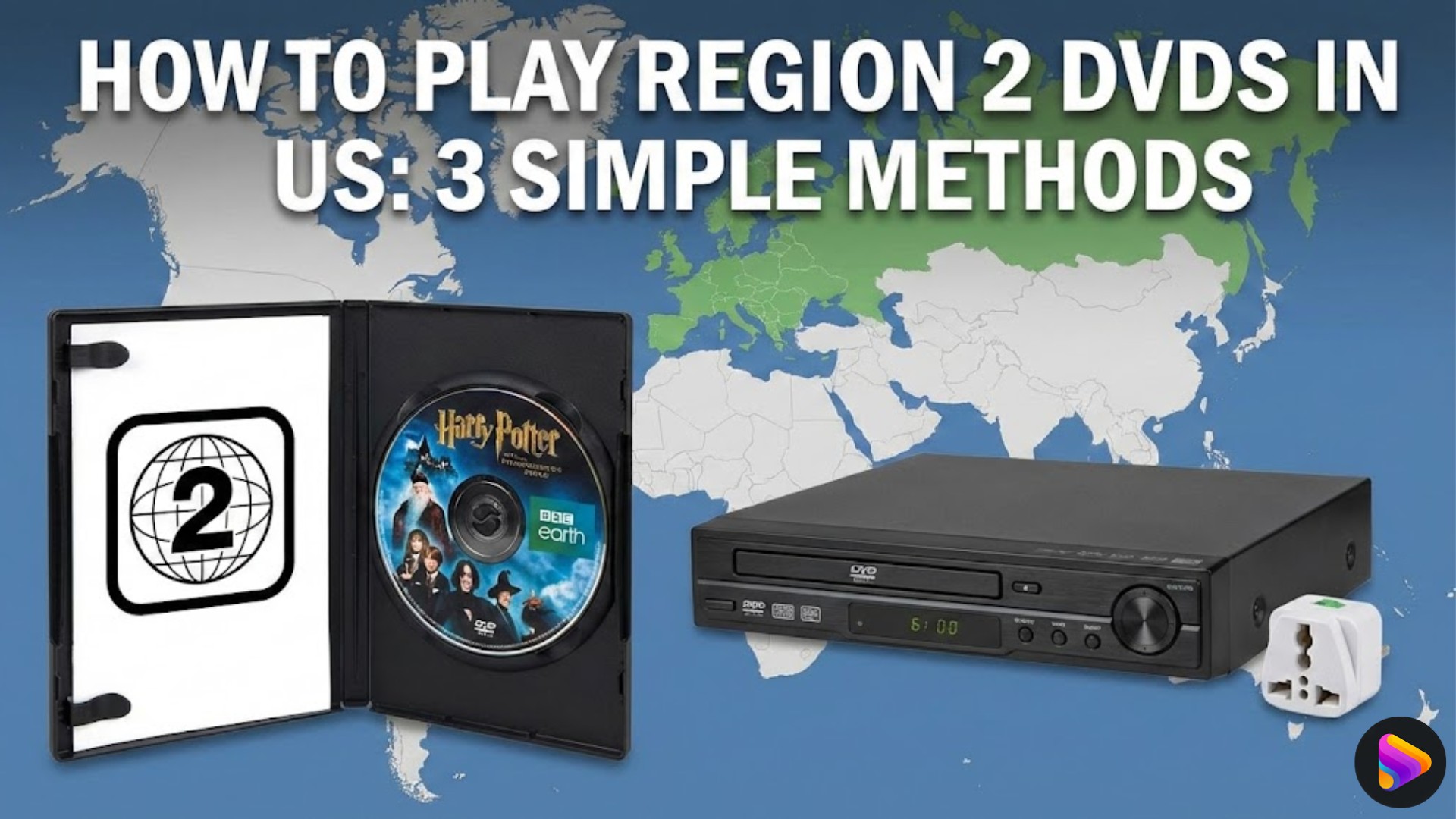 Region 2 DVDs in the US: 3 Ways to Watch
A US Region 1 player will not normally accept a Region 2 DVD, but three practical routes are available. This guide explains multi-region playback, limited drive-region changes, and authorized personal copies, with PAL/NTSC and device checks to prevent a costly mismatch.
By Alice Harper - Jul 29, 2026
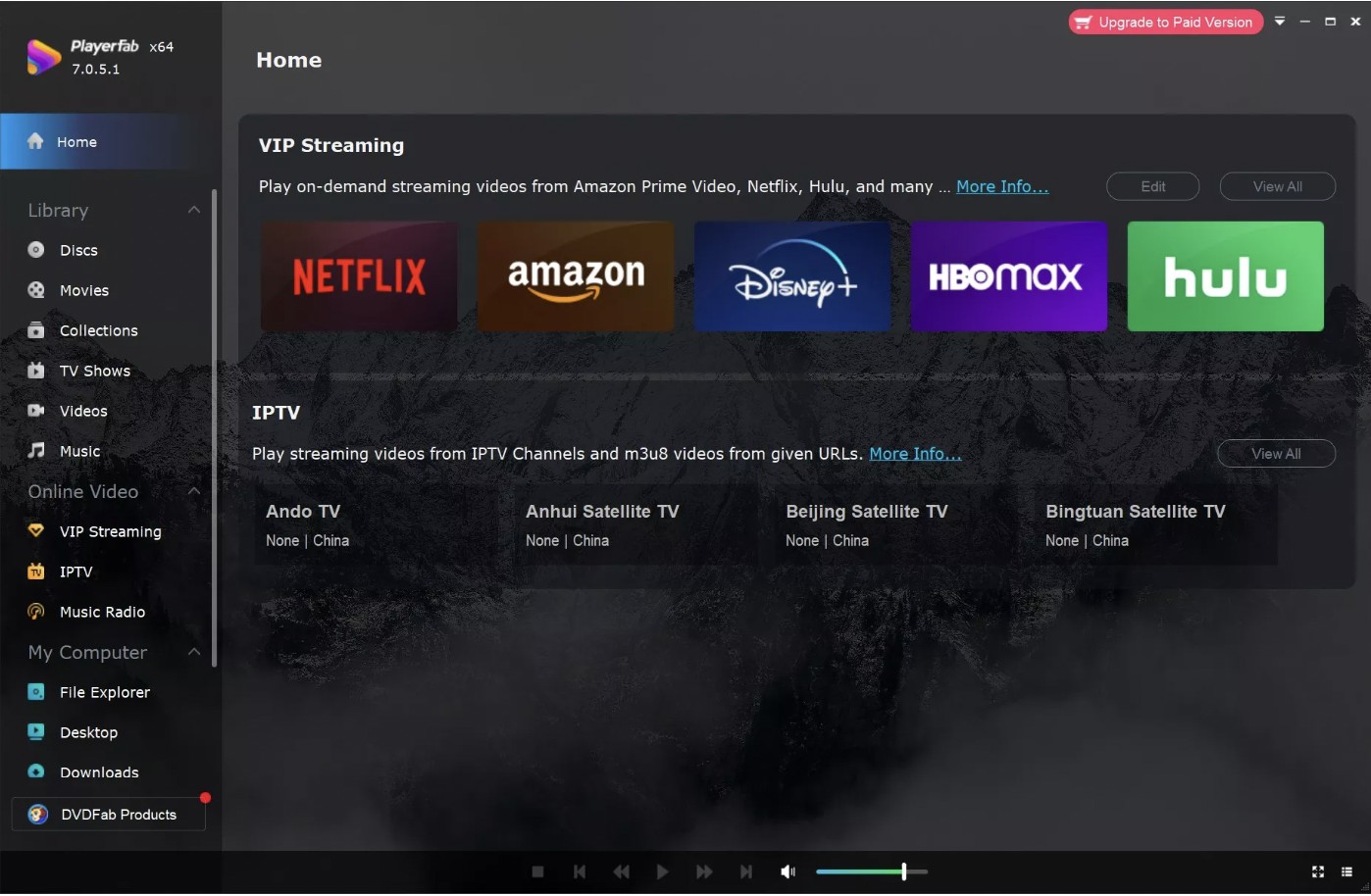 Play DVDs on Windows 10/11: 4 Methods and Fixes [2026]
Windows 10 and 11 need three things for DVD playback: a DVD-capable drive, a readable DVD-Video disc, and compatible software. This guide maps symptoms to fixes, walks through PlayerFab, VLC, and Microsoft options, and explains when MP4 or ISO better fits the job.
By Alice Harper - Jul 29, 2026
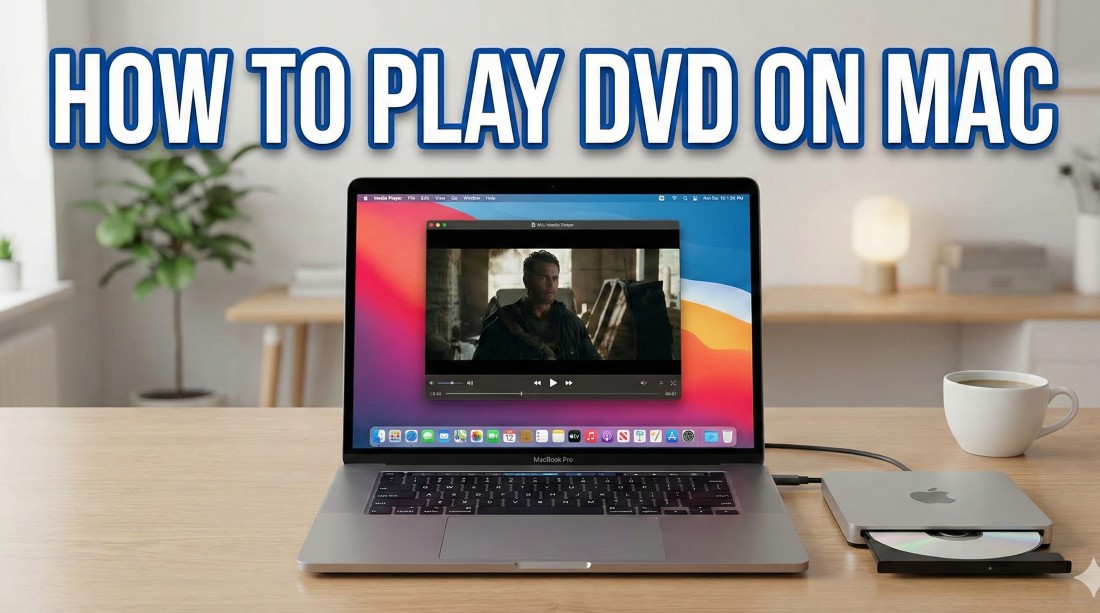 How to Play DVDs on Mac: 3 Methods and Fixes (2026)
Modern Macs need a computer-readable external optical drive plus an app that supports the disc or file source. This guide compares Apple DVD Player, VLC, and PlayerFab, then walks through drive detection, region limits, repeated ejection, ISO and VIDEO_TS playback, and the separate workflow for an authorized local copy.
By James Morgan - Jul 29, 2026
 VLC Won't Play a DVD? Setup Steps and 6 Practical Fixes
This guide explains how to play a DVD in VLC, confirm an external drive in Windows 11, and diagnose failures by symptom. It also clarifies VLC's limits with menus and protected discs, then compares its manual workflow with a dedicated DVD player.
By Alice Harper - Jul 29, 2026