5 Best DVD Players for Mac in 2026, Plus Drive Setup

Summary: Modern Macs usually need two pieces for DVD playback: a compatible external optical drive and a Mac DVD player app that suits the disc. This guide compares five current options, explains USB-C drive setup, and gives a practical troubleshooting order for power, recognition, menus, and region settings.
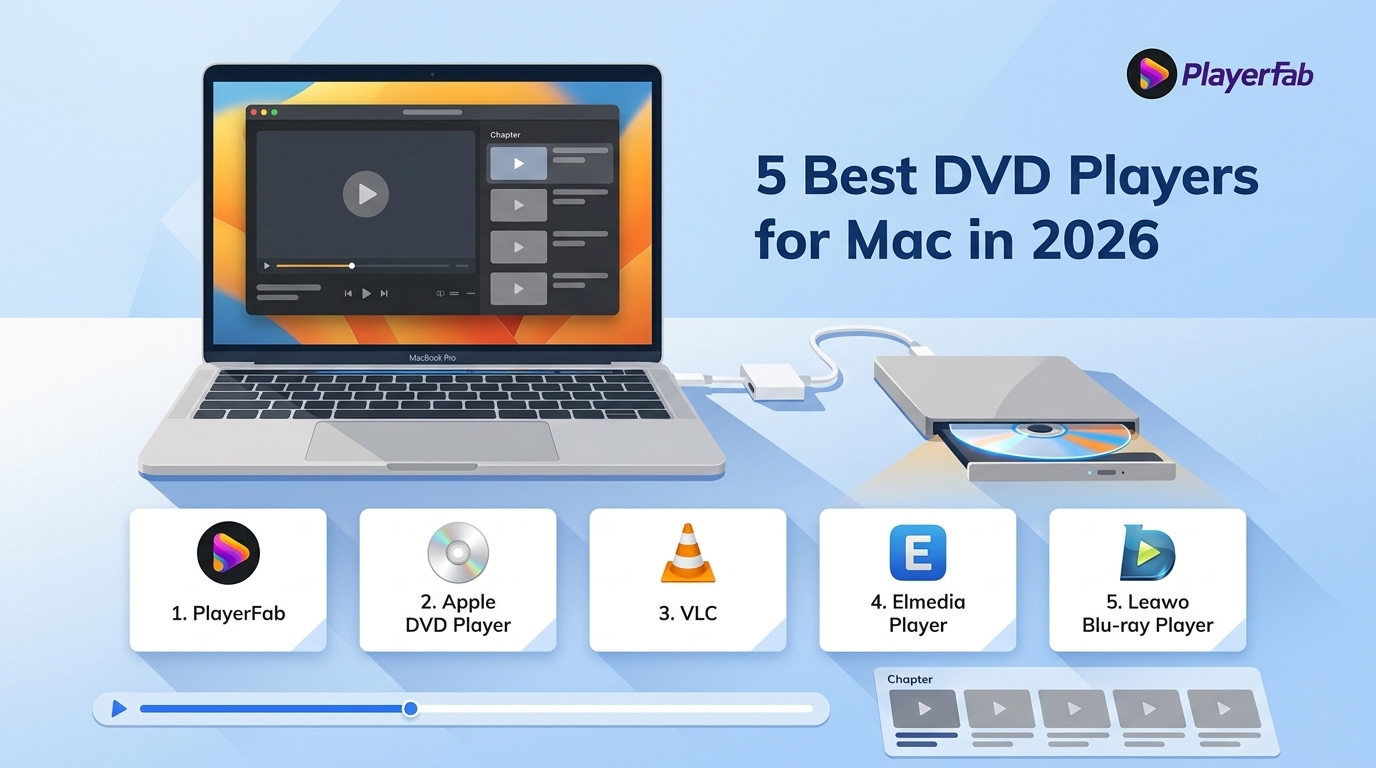
Table of Contents
Searching for a Mac DVD player now means solving two separate problems: most modern Macs need an external optical drive, and the disc still needs a compatible DVD player app for Mac. The right setup depends on the drive, disc region, menus, and whether you also play digital files.
This guide compares five current apps, explains how to choose and connect an external DVD drive for Mac, provides a five-step startup route, and puts common power, ejection, recognition, and region problems in a useful diagnostic order.
Best Mac DVD Players at a Glance
The best DVD player for Mac is the app that matches your discs and your tolerance for setup. Apple DVD Player is the simplest free choice for supported DVDs, while VLC is stronger for mixed file libraries. Paid apps make sense when their current Mac features match a specific need.
- Apple DVD Player: Best for supported, region-matched DVDs and a native macOS interface.
- VLC Media Player: Best free DVD player for Mac users who also need broad digital-file playback.
- PlayerFab DVD Player for Mac: A paid option to consider when the current Mac build documents the disc and menu functions your library requires.
- Elmedia Player: Best for digital media and VIDEO_TS folders in a polished Mac interface, with some controls reserved for Pro.
- Leawo Blu-ray Player for Mac: A free disc-focused alternative, with promotional interruptions and less consistent Mac behavior in the original test.
Our Mac and Disc Test Setup
The test matrix focuses on behavior that affects watching a movie, not on a long codec checklist: whether macOS recognizes the drive, how the app opens, whether a DVD menu responds, and whether playback remains stable during seeking.
| Test item | Configuration or method |
|---|---|
| Mac | MacBook Pro with M3 Max |
| macOS test condition | macOS Sequoia; current Apple guidance also covers macOS Tahoe 26 |
| External drives | An existing Apple USB SuperDrive and an ASUS BW-16D1X-U |
| Discs | Known-good Region 1 and Region 2 DVDs, plus menu-loading checks |
| Startup observation | Cold app launch and disc-open behavior observed without an unsupported stopwatch ranking |
| CPU observation | Relative Activity Monitor behavior checked without publishing unverified percentages |
| Test date | July 2026 |
On a MacBook Pro with M3 Max running macOS Sequoia, the existing Apple USB SuperDrive mounted a known-good Region 2 DVD, but Apple DVD Player stopped at the region setting rather than opening the movie. That result belongs to this drive-and-disc combination, not every DVD setup.
My editorial takeaway is simple: drive recognition, menu response, and stable seeking reveal more about a useful macOS DVD player than an oversized list of formats that may never affect physical-disc playback.
External DVD Drives and Setup for Mac
A DVD player for MacBook Air or MacBook Pro usually requires separate hardware and software. The drive reads the disc; the Mac DVD player app interprets the DVD structure and presents playback controls. Buying one does not automatically solve the other.
Choosing a USB-C Drive
Choose an external DVD drive for Mac by checking its connector, power requirements, read support, and macOS recognition. A USB-A drive can work through a suitable USB-C adapter, but an adapter does not supply extra power when the drive needs more than the port or hub provides.
- Connector: Match USB-C directly or use a data-capable adapter, not a charge-only accessory.
- Power: Start with a direct Mac port. Use a powered hub when the drive repeatedly disconnects, spins down, or ejects a known-good disc.
- Read versus burn: A drive advertised as a writer should still list DVD reading. Blu-ray reading is a separate capability.
- Recognition: Confirm that the drive appears in Finder or System Information before blaming the player app.
- Current availability: Apple USB SuperDrive is discontinued as a current retail product. Existing or used units may still work, while most new buyers will choose a current third-party USB or USB-C optical drive.
Best for: A low-cost bus-powered drive suits occasional use when it is recognized through a direct port and reads the disc types you own. Not ideal for: frequent travel through unpowered hubs, Blu-ray use, or workflows that need dependable burning as well as reading.
With the ASUS BW-16D1X-U connected to the same M3 Max MacBook Pro running macOS Sequoia, macOS recognized the drive before a player was opened. That observation helped separate a hardware connection problem from later app and disc behavior.
Connect and Play in 5 Steps
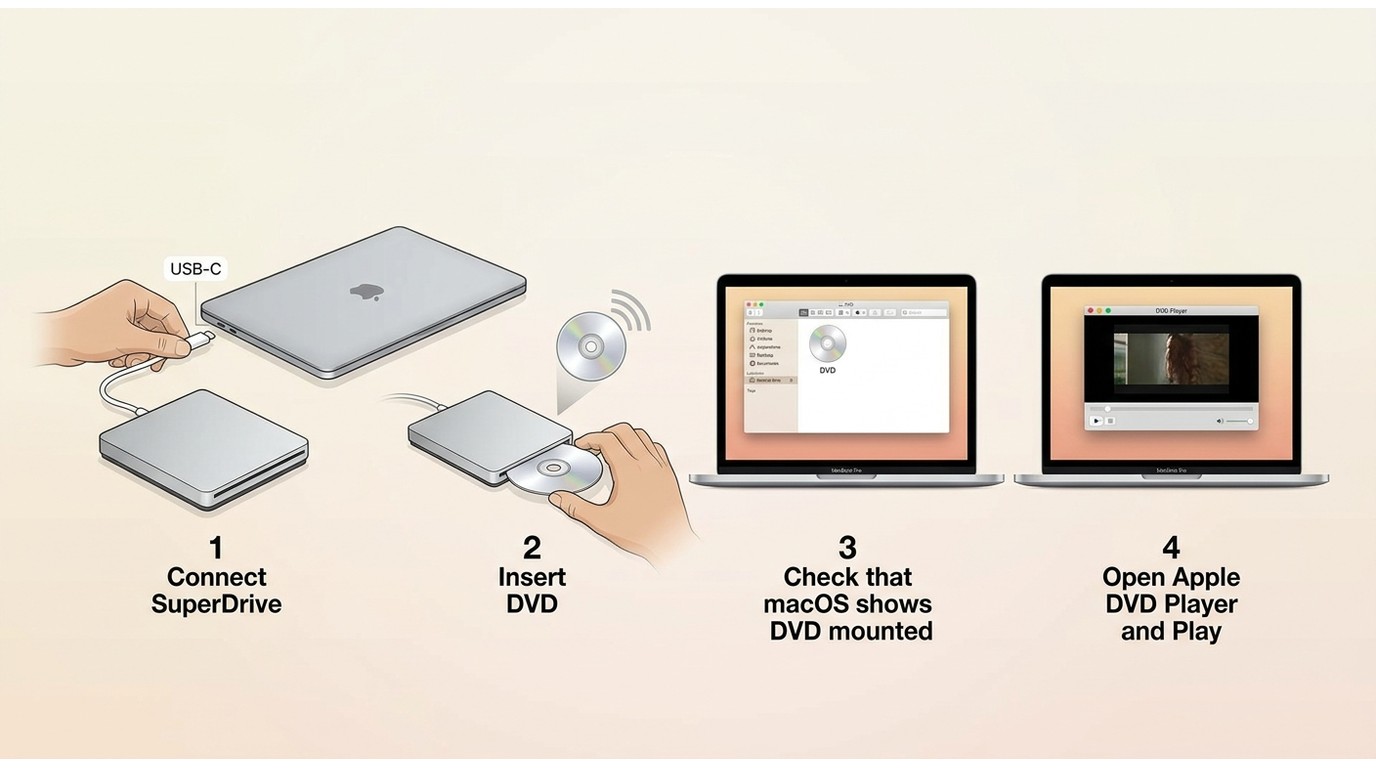
The setup is short when the drive, disc, and app are compatible. A physical DVD is opened from the optical drive, while a VIDEO_TS folder is opened as DVD media from storage.
- Connect the optical drive directly to the Mac or to a powered hub, then provide any separate power the drive requires.
- Confirm that macOS sees the drive in Finder or System Information.
- Insert a clean, known-good DVD and wait for the drive to finish reading it.
- Open Apple DVD Player or the Mac DVD player app you selected.
- Use the app's disc command for the physical DVD, or choose Open DVD Media for a VIDEO_TS folder. This is the core play DVD on Mac workflow without turning app selection into a full playback tutorial.
Fix Power, Ejection, and Region Problems
Repeated ejection has more possible causes than a region mismatch. Diagnose from the connection outward so you do not change software settings when the drive is underpowered, the cable is faulty, or the disc cannot be read.
- Connect the drive to a direct port or a powered hub.
- Swap the cable or adapter with a known-good data connection.
- Check Finder or System Information for drive recognition.
- Try a second known-good DVD.
- Inspect the disc condition and confirm that the drive supports that media type.
- Review the drive and macOS region setting before changing it.
- Try a compatible player app after the hardware and disc checks pass.
If macOS recognizes the drive but a known-good disc still fails, treat it as a DVD player not reading a disc problem rather than assuming the app is at fault. If the drive disappears from System Information, return to power, cable, adapter, and hardware checks.
I would avoid changing a drive's region as an early troubleshooting step. Region changes can be limited at the hardware level, so power, recognition, disc condition, and software compatibility should be ruled out first.
5 Mac DVD Player Apps Reviewed
Current DVD player software for Mac falls into three groups: Apple's included app, free cross-platform players, and paid or freemium apps. Each has a useful fit, but none should be judged by marketing claims that are not documented for the current Mac release.
PlayerFab DVD Player for Mac
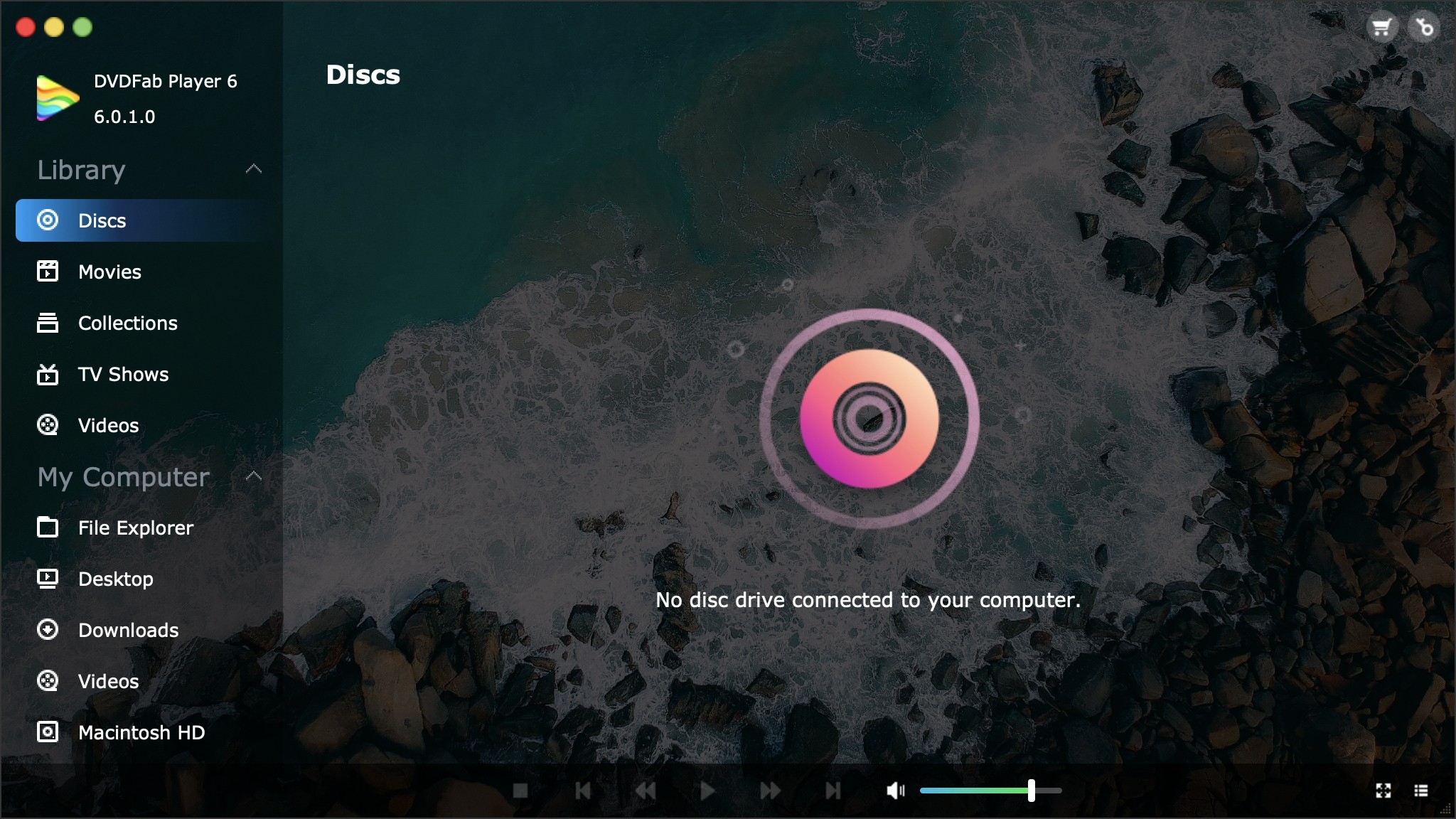
PlayerFab's current Mac landing page presents DVDFab Player 6 Ultra for Mac as a lifetime-license product with a free download. For discs you own or are authorized to use, where permitted by applicable law, it can be considered as a paid Mac playback and local-library option.
The practical boundary matters: do not assume ISO, DVD-menu, or Blu-ray support in the current Mac build unless those exact capabilities are listed for that release. The PlayerFab DVD player page is the relevant product entry, but the purchase decision should rest on the Mac features needed for your library.
- Best for: users whose current Mac build documentation confirms the menu and disc-structure functions they need.
- Not ideal for: anyone who plays supported, region-matched home DVDs and is already satisfied with Apple's included app.
Apple DVD Player
Apple DVD Player remains the cleanest native option for supported DVDs. Apple's current documentation includes macOS Tahoe 26, so the app should be opened through the Finder or Spotlight route provided by the installed macOS version, not downloaded from an unofficial site.
- Best for: simple playback of supported, region-matched DVDs with familiar macOS controls and no added purchase.
- Not ideal for: Blu-ray discs, unsupported commercial DVDs, or a library spread across conflicting drive regions.
Apple's app has value because it keeps the workflow small: connect a recognized drive, insert a compatible DVD, and play. I would start here before installing another app when the disc is known to match the drive's region.
VLC Media Player
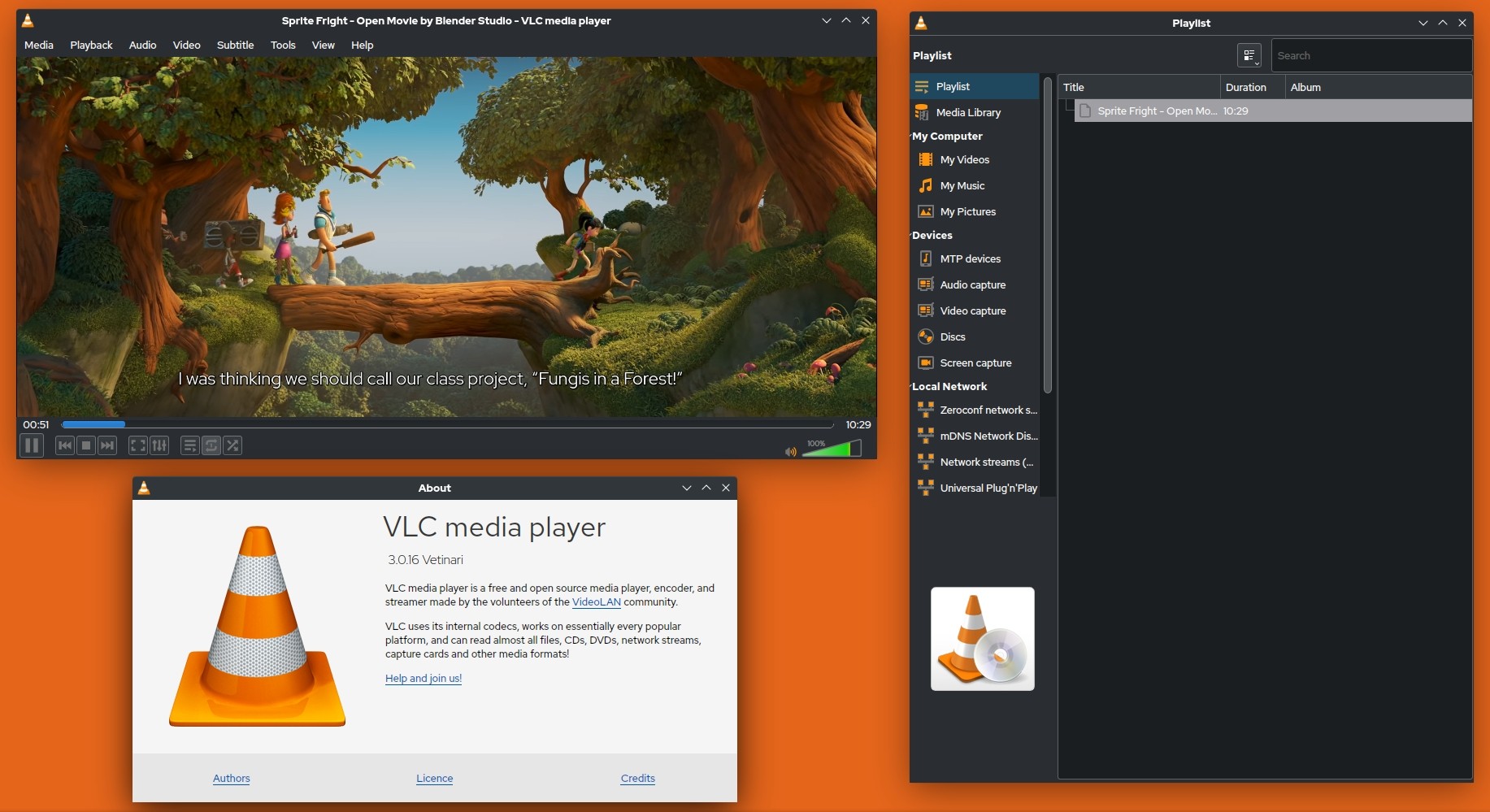
VLC is a free, actively maintained Mac player with separate Intel and Apple Silicon downloads plus a universal build. It is a sensible fallback for mixed digital-file libraries, although DVD menus and commercial-disc behavior can vary by disc structure and lawful local configuration.
The detailed VLC DVD playback setup belongs in a focused tutorial; for choosing software here, the important point is that VLC's broad file support does not guarantee consistent physical-disc menu behavior. Its cross-platform design, also reflected in our DVD player for Windows coverage, makes the interface familiar across computers.
During the original bench test on a MacBook Pro with M3 Max running macOS Sequoia, VLC opened a standard-definition DVD, but timeline scrubbing produced green-screen artifacts on that disc. The result shows why one known-good movie is not enough for judging a varied collection.
- Best for: users who want a free DVD player for Mac alongside broad file-format playback.
- Not ideal for: readers who need consistently verified commercial-disc menus with minimal configuration.
Elmedia Player
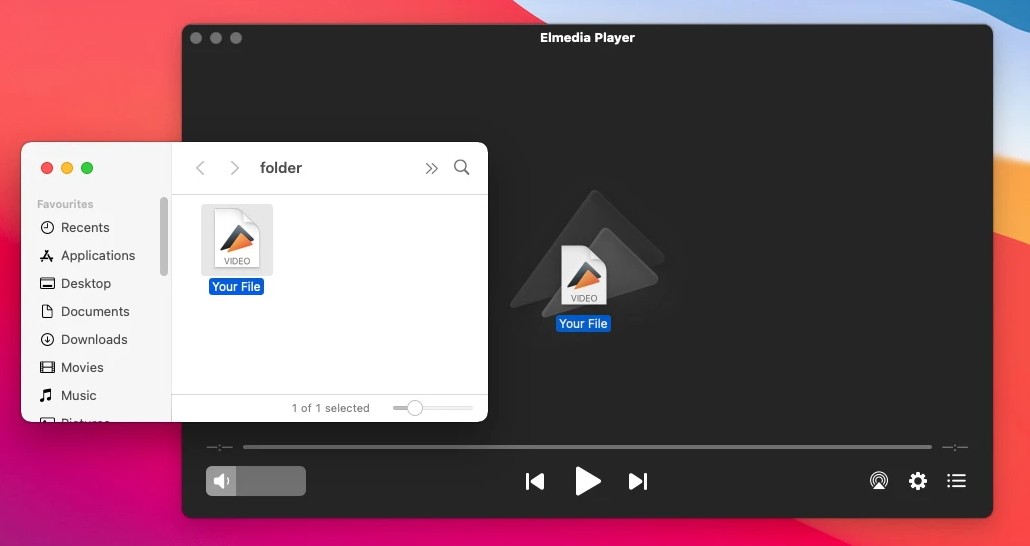
Elmedia Player is a current macOS app with free core playback and a paid Pro tier for additional controls and streaming features. It is better suited to digital files and DVD folders than to readers choosing an app primarily for commercial physical discs.
- Best for: Mac users who value a native-looking interface, subtitle control, playlists, and playback of common digital formats.
- Not ideal for: buyers who need confirmed region handling, physical-disc menus, or a fully free feature set.
The free-versus-Pro split is the main value question. Basic viewing is available without charge, while picture controls and streaming features require a purchase, so paying makes sense only when those extras are part of the actual workflow.
KMPlayer for Mac: Availability Warning
KMPlayer should not be treated as a current peer recommendation for this list. Its official product presence documents Windows and mobile products, but it does not provide a verifiable native macOS desktop download for a current Mac DVD setup.
That availability gap matters more than an old feature list. Mac users should favor an actively maintained app with a traceable current download, supported macOS requirements, and clear update history rather than relying on an outdated Mac reference.
Leawo Blu-ray Player for Mac
Leawo Blu-ray Player for Mac is marketed as a free DVD and Blu-ray player, making it the disc-focused no-cost option in this comparison. The trade-off is a more promotional interface, and the original Mac test showed less consistent behavior while seeking.
On the M3 Max MacBook Pro running macOS Sequoia, Leawo opened a Region A disc in the original test, but the app crashed twice during fast-forward attempts. That limited result does not define every build or disc, but it is a reason to test seeking and menu behavior before relying on it.
- Best for: users who want to try free DVD and Blu-ray playback and accept promotional interruptions.
- Not ideal for: viewers who prioritize a quiet interface and predictable seeking on Apple Silicon.
Readers comparing a DVD app with a Blu-ray player for Mac should also confirm that the external optical drive reads Blu-ray media; a DVD-only drive cannot add that capability through software.
Mac DVD Player Comparison
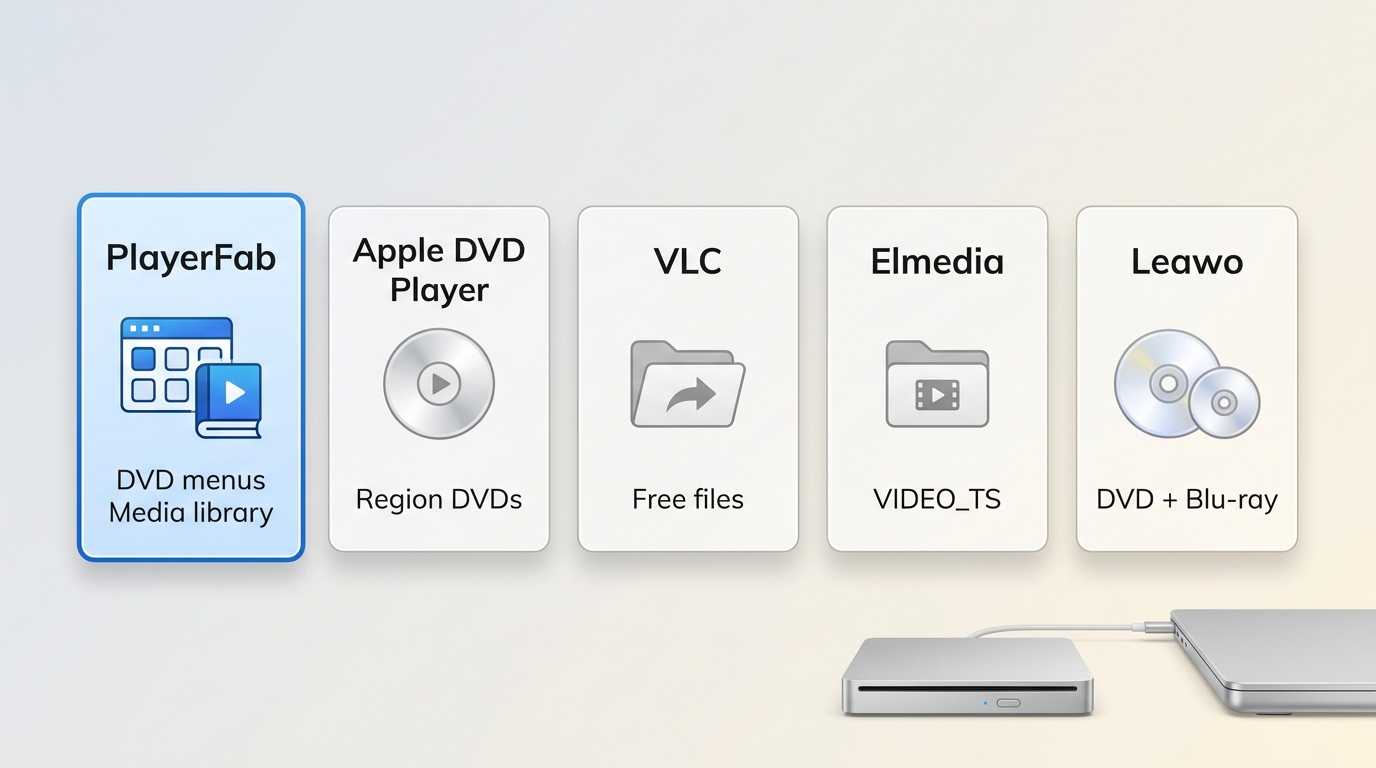
The comparison below separates verified cost models, hardware needs, and useful fit. Pricing and availability are shown as of July 2026; where a current dollar amount is not published in the available product material, the table states the license model instead of inventing a number.
| App | Current Mac status | Cost model | Apple Silicon status | Physical DVD and region handling | Menus and disc structures | Blu-ray | Best fit / not ideal for |
|---|---|---|---|---|---|---|---|
| PlayerFab DVD Player for Mac | Current Mac landing page | Free download; paid lifetime license offered | Current build details not stated in the supplied verified specifications | Do not assume commercial-disc or region behavior beyond the current Mac release notes | Do not assume ISO, VIDEO_TS, or DVD-menu support without current Mac-build confirmation | Not treated as confirmed for the current Mac build | Fit: documented disc-library needs. Not ideal: basic supported home DVDs. |
| Apple DVD Player | Included with current macOS guidance, including Tahoe 26 | $0 with macOS | Native Apple app on supported Macs | Supported DVDs; drive region rules apply | DVD playback and Open DVD Media workflow | No | Fit: simple region-matched DVDs. Not ideal: Blu-ray or mixed-region libraries. |
| VLC Media Player | Current macOS release | $0, open source | Separate Intel and Apple Silicon builds; universal build available | Behavior varies by disc, menu structure, and local configuration | VIDEO_TS and DVD playback; menus can be inconsistent | Not a dependable commercial Blu-ray choice | Fit: broad file support. Not ideal: consistently verified disc menus. |
| Elmedia Player | Current macOS app | $0 core playback; paid Pro features | Current macOS availability stated; chip-specific claim omitted | Better suited to files and DVD folders than commercial physical-disc needs | VIDEO_TS folder workflow; physical-disc menu support not treated as confirmed | Not a disc-focused Blu-ray recommendation | Fit: digital media and Mac-style controls. Not ideal: region and menu requirements. |
| Leawo Blu-ray Player for Mac | Current Mac product page | $0 | Mac availability stated; chip-specific claim omitted | Official page markets DVD playback across regions | Disc-focused playback; original test found seeking instability | Yes, with a Blu-ray-capable drive | Fit: no-cost disc playback. Not ideal: users avoiding promotions or seeking instability. |
The practical upshot is that free and paid do not map neatly to better and worse. Apple and VLC cover many basic needs at $0, while a paid app earns its place only when its current Mac documentation confirms a feature your discs require.
Mac DVD Player FAQs
These quick answers cover the setup questions that most often block DVD playback on a current Mac without repeating the full connection and comparison guidance above.
Do I need to download Apple DVD Player separately?
No. Apple continues to document DVD Player for current macOS releases, including macOS Tahoe 26. Open Spotlight and search for DVD Player, or use the Finder path presented by your installed macOS version. Avoid unofficial download sites because the Apple app is part of the supported system workflow.
Can I use any external DVD drive with a MacBook Air?
Not every drive is an equally good DVD player for MacBook Air. Check the USB-C connection or adapter, power needs, macOS recognition, and whether the drive reads the disc format you own. The drive handles the hardware task; Apple DVD Player, VLC, or another compatible app handles playback.
Why does my external DVD drive keep ejecting discs on Mac?
Start with power and connection checks, then confirm drive recognition and try a second known-good disc. Next inspect the disc format and condition, review region settings, and test another compatible player. Repeated ejection can come from the drive, cable, adapter, media, region configuration, or software rather than one universal cause.
Which free Mac DVD player is best for basic playback?
Apple DVD Player is the simplest choice for supported, region-matched DVDs. VLC is the more flexible free option when digital file formats matter too. Apple's app is not a Blu-ray player, while VLC may need more configuration and can be inconsistent with some commercial DVD menus.
The Best Mac DVD Player for Your Library
The best DVD player for Mac depends on the disc, drive, and features you use. Start with Apple DVD Player for supported DVDs, choose VLC for broad file playback, and consider PlayerFab only when its current Mac build confirms a required function.
My balanced view is that a smaller verified feature set is more useful than a longer uncertain list.
