
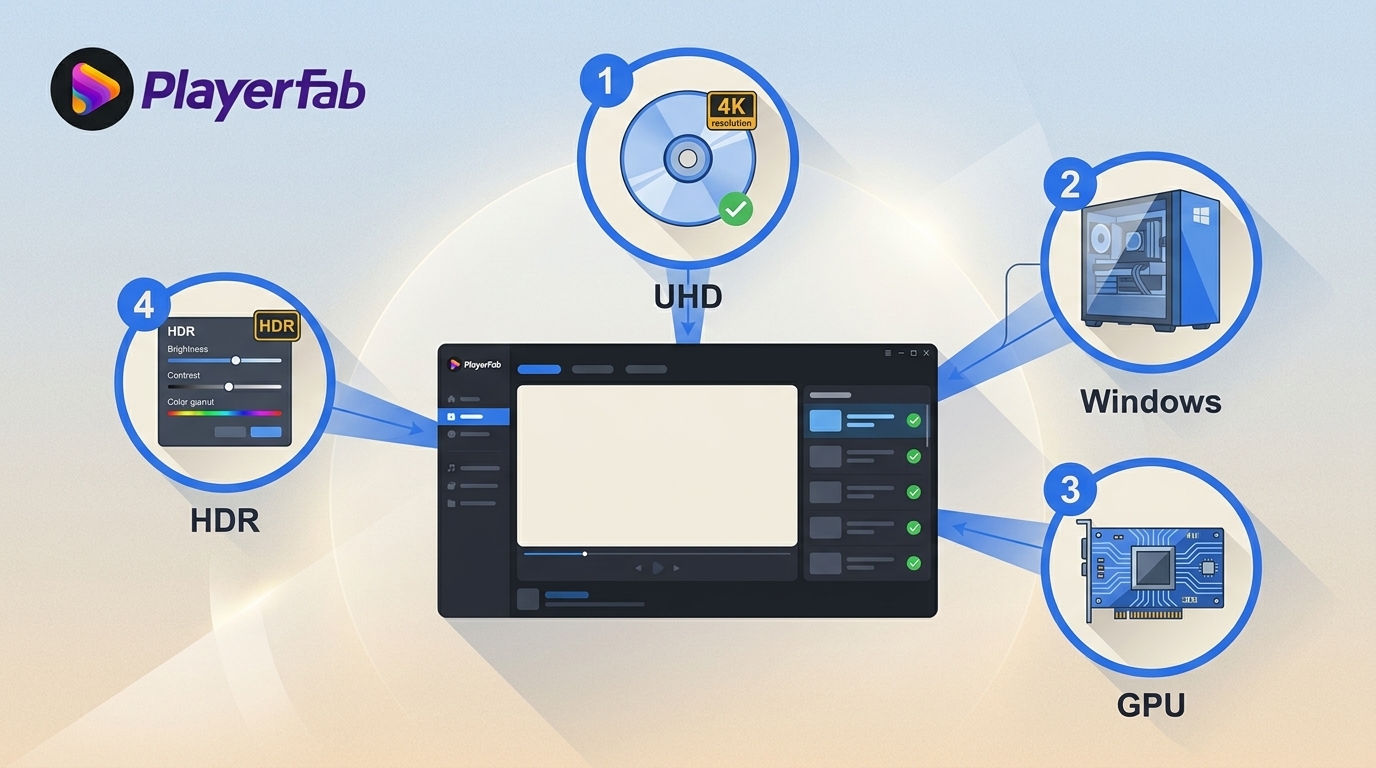
 PlayerFab Ultra HD Player Review: 4 Compatibility Checks for Modern Windows PCs
PlayerFab Ultra HD Player combines supported DVD, Blu-ray, 4K UHD Blu-ray, ISO, and local-file playback in a desktop media library. Its strongest fit is a Windows home-theater setup with a validated UHD drive, GPU decoding path, HDR display, and HDMI audio chain. Mac menu limits and hardware dependencies deserve attention before purchase.
By James Morgan - Aug 17, 2026
 How to Play Blu-ray Discs on Windows 10 (Free & Pro Solutions)
Windows 10 dropped native Blu-ray support, a technical hurdle I frequently encounter when testing medias. To play Blu-ray on Windows 10, you must combine a compatible drive with third-party software. While I often use VLC for quick checks, its manual decryption process is tedious and inconsistent. I recommend PlayerFab to play Blu-ray on PC with flawless menu navigation and HDR10 support.
By Alice Harper - Aug 7, 2026
 Best 10 Region-Free Blu-ray Players in 2026 [Software & Hardware]
To choose the best region-free Blu-ray player, you need to look beyond region support and consider picture quality, audio performance, Wi-Fi, convenience, and price. Among the 10 options covered in this blog, I'd recommend Sony BDP-S1700U for simplicity, Panasonic DP-UB9000 for high-end home theater, and PlayerFab All-In-One for the most convenient region-free 4K Blu-ray playback on PC.
By Alice Harper - Aug 3, 2026
 Does PS4 Play Blu-ray and DVD? Setup, Formats, and Fixes
Every PS4 model can play standard Blu-ray movies and DVD-Video after one-time online activation, but none supports 4K UHD Blu-ray or audio CDs. This guide maps supported formats, shows the first-play setup, and uses failure patterns to narrow disc, software, region, or drive problems.
By Alice Harper - Jul 30, 2026
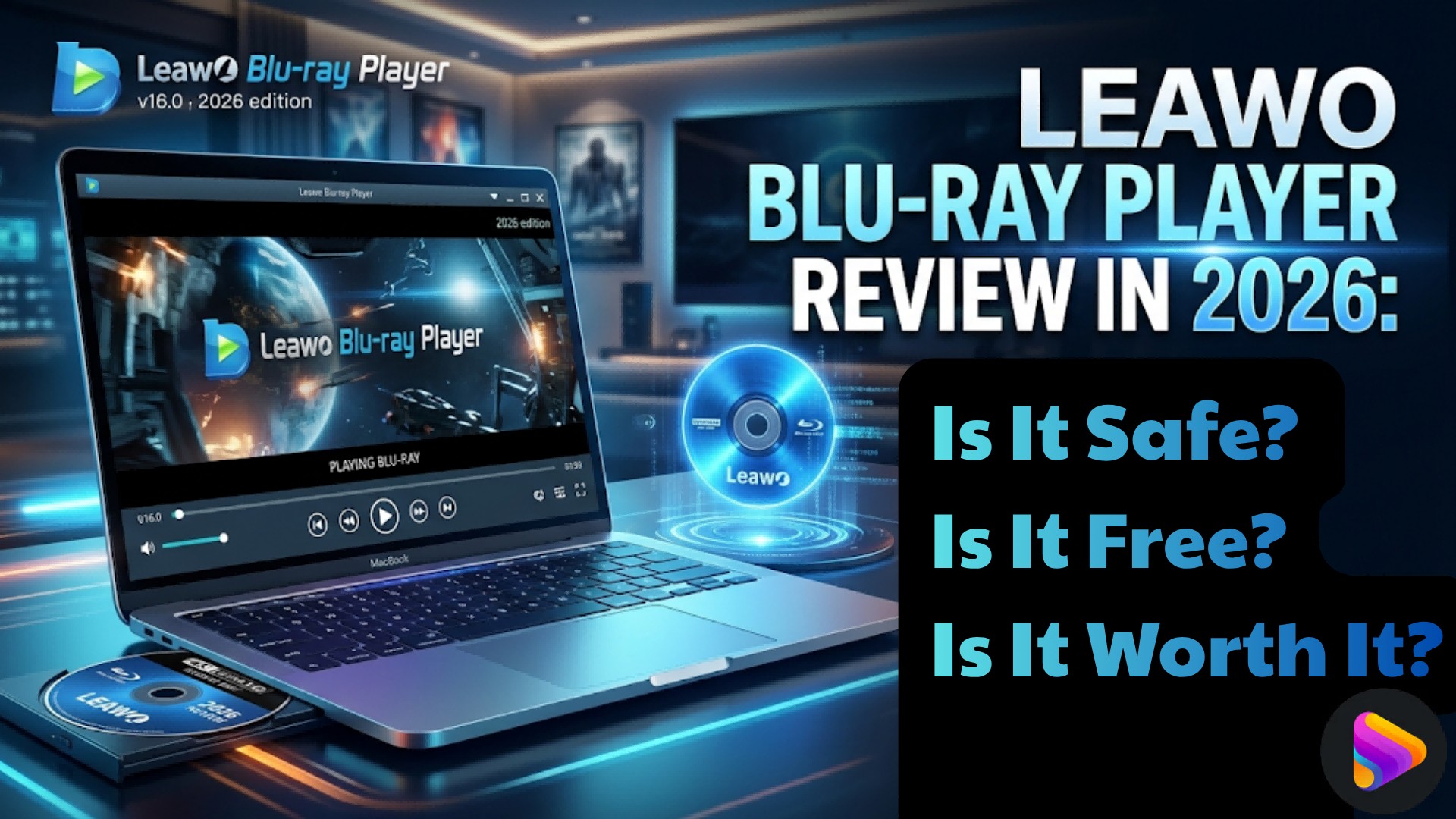 Leawo Blu-ray Player Review 2026: Safe, Free, Worth It?
Leawo Blu-ray Player is a desktop media player designed for Blu-ray, DVD, ISO, and local media playback on Windows and Mac. Is it safe and free? This article reviews Leawo Blu-ray Player by examining its key features, pricing, safety, playback performance, and overall user experience to help readers decide whether it is worth downloading.
By Alice Harper - Jul 29, 2026
 How to Play Blu-ray on a PC: 3 Methods and Windows 11 Fixes
As Windows and macOS lack native support, playing physical media requires specific hardware and software. To solve how to watch Blu-ray on PC, you need an external Blu-ray drive with USB bus power, especially if you need to play Blu-ray on laptop. Second, to bypass AACS encryption, you must configure third-party software, such as installing a hardware-accelerated Blu-ray player for PC like PlayerFab to decode the disc and render the navigation menu.
By Alice Harper - Jul 29, 2026
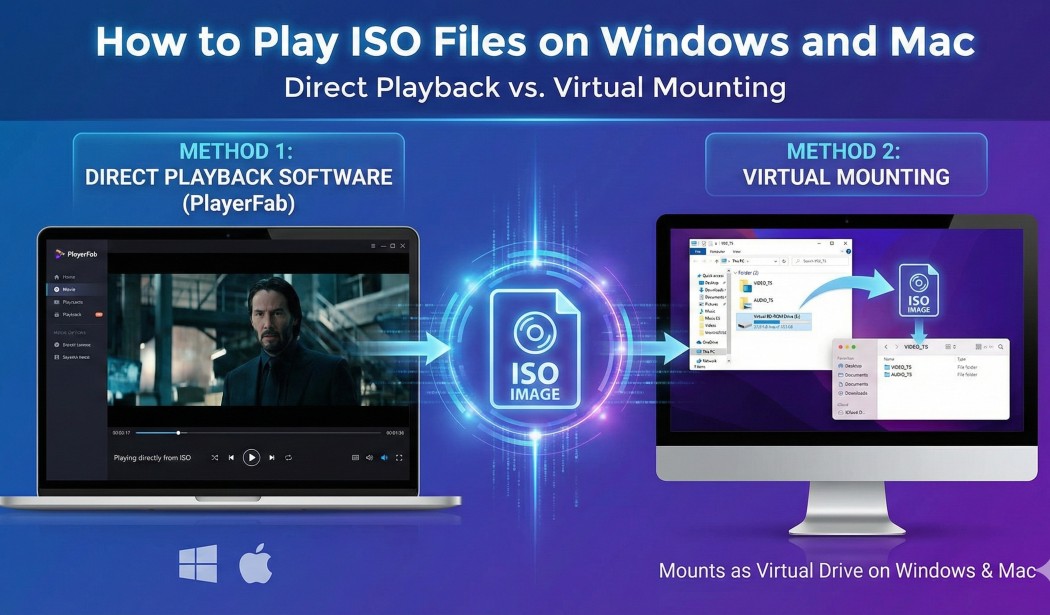 How to Play ISO Files on Windows & Mac: VLC, Mounting, and More
ISO images preserve the complete file system of an optical disc, presenting a compatibility challenge for standard media software. This technical guide explores the two primary architectures for playing iso content: Virtual Mounting and Direct Playback. While native tools in Windows and macOS allow you to view iso files as raw data folders, my benchmarks confirm that they frequently break navigation logic. For users seeking DVD/Blu-ray menu support and HDR decoding, utilizing a dedicated player like PlayerFab is the superior solution.
By James Morgan - Jul 29, 2026
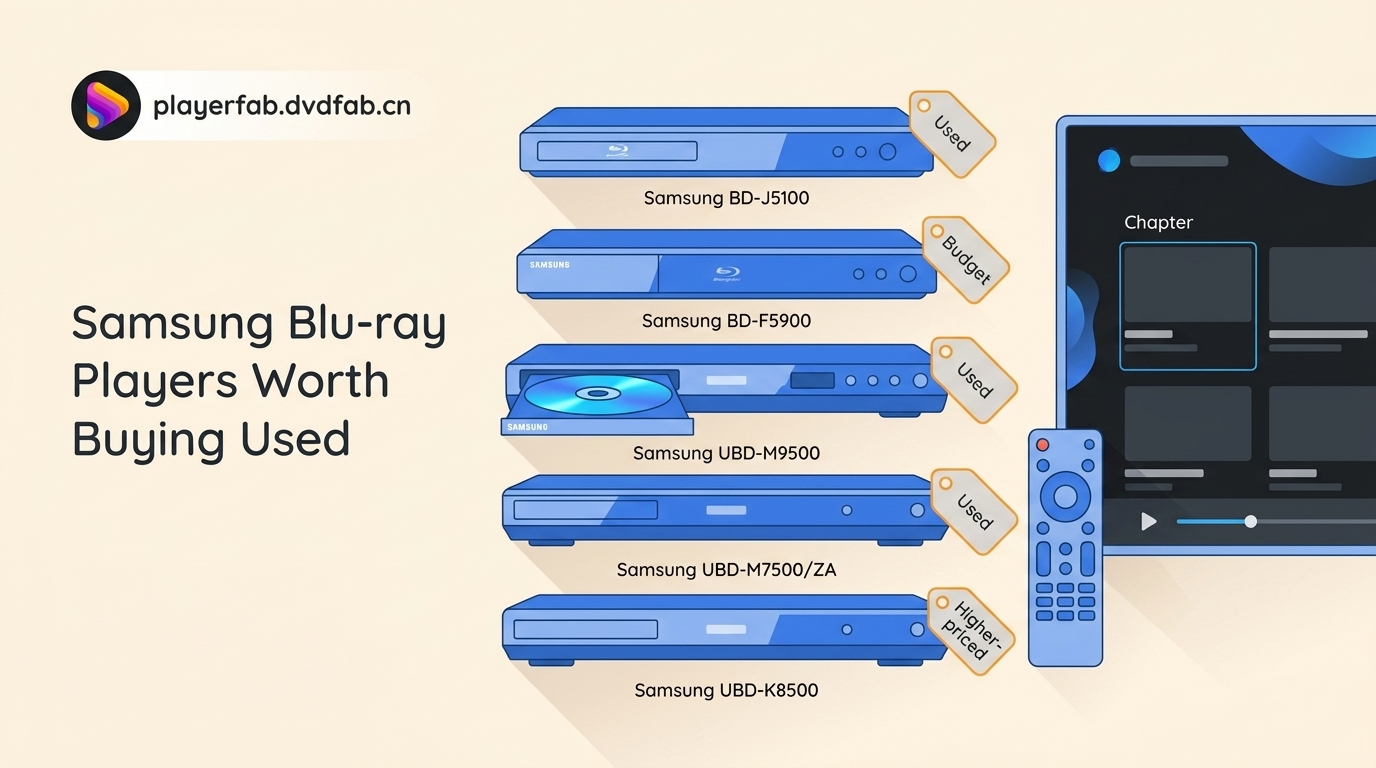 5 Samsung Blu-ray Players Worth Buying Used in 2026
Samsung no longer makes Blu-ray players, so choosing one now means judging discontinued hardware on condition, features, and return protection. This guide compares five notable models, explains USB and MP4 limits, provides a used-player test checklist, and maps modern alternatives to different setups.
By Alice Harper - Jul 28, 2026