Does PS4 Play Blu-ray and DVD? Setup, Formats, and Fixes

Summary: Every PS4 model can play standard Blu-ray movies and DVD-Video after one-time online activation, but none supports 4K UHD Blu-ray or audio CDs. This guide maps supported formats, shows the first-play setup, and uses failure patterns to narrow disc, software, region, or drive problems.
Yes, every PS4 model plays standard Blu-ray movies and DVDs after the disc player is activated once online. The main limits are 4K UHD discs, audio CDs, some recordable media, and region compatibility. This guide covers PS4 Blu-ray compatibility, setup, troubleshooting, and a secondary PC option.
PS4 Blu-ray and DVD Compatibility
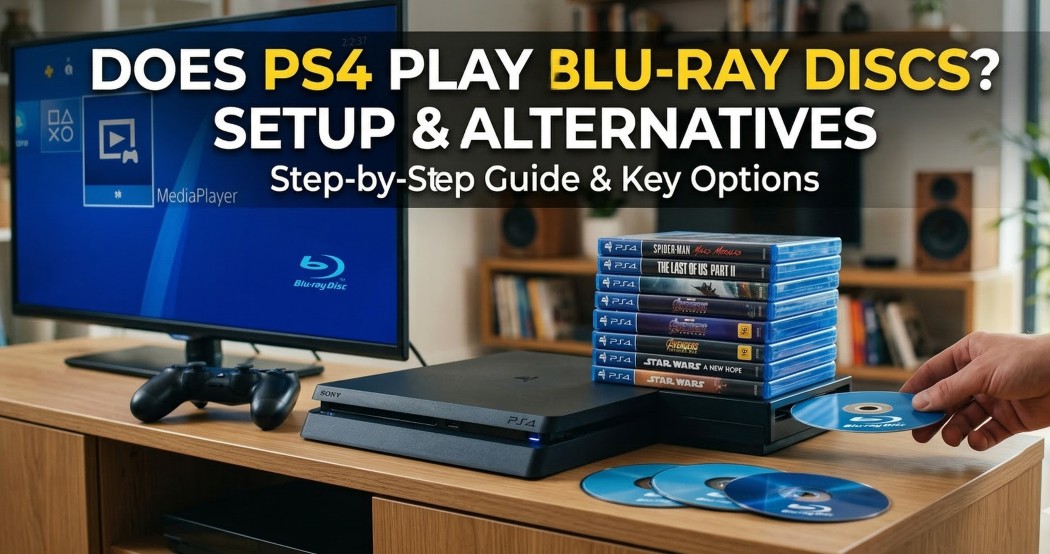
PS4 Blu-ray compatibility is consistent across the original PS4, PS4 Slim, and PS4 Pro: all three play standard Blu-ray and DVD-Video, while none reads 4K UHD Blu-ray or audio CDs.
Model and Format Matrix
The PS4 DVD compatibility and disc-format boundaries are easier to scan by model. Conditional entries depend on the disc format, recording quality, region, and playback equipment.
| PS4 model | Standard Blu-ray | 3D Blu-ray | DVD-Video | 4K UHD Blu-ray | Audio CD | Recordable or burned media | Imported-region discs | One-time internet activation |
|---|---|---|---|---|---|---|---|---|
| Original PS4 | Supported | Conditional | Supported | Unsupported | Unsupported | Conditional | Conditional | Required before first movie-disc playback |
| PS4 Slim | Supported | Conditional | Supported | Unsupported | Unsupported | Conditional | Conditional | Required before first movie-disc playback |
| PS4 Pro | Supported | Conditional | Supported | Unsupported | Unsupported | Conditional | Conditional | Required before first movie-disc playback |
As of July 2026, the practical takeaway is simple: PS4 Pro can output 4K video from compatible digital sources, but that does not add a 4K UHD Blu-ray drive. For ordinary, region-compatible Blu-ray and DVD collections, a PS4 remains a useful movie player; collectors with UHD discs need different hardware.
First-Time Activation and Playback
PS4 Blu-ray setup requires one online PS4 disc activation. After that first activation, normal PS4 offline disc playback can work without an internet connection.
- Connect the PS4 to the internet.
- Update the system software if an update is available.
- Insert a supported Blu-ray or DVD.
- Select the disc icon in the content area.
- Complete the one-time disc-player activation when prompted.
- Start playback and use the controller or a compatible media remote for navigation.
My first check on a reset console or one that has never played a movie disc is activation, because cleaning discs or changing hardware cannot solve an uninitialized player.
Fix PS4 Disc Playback Problems
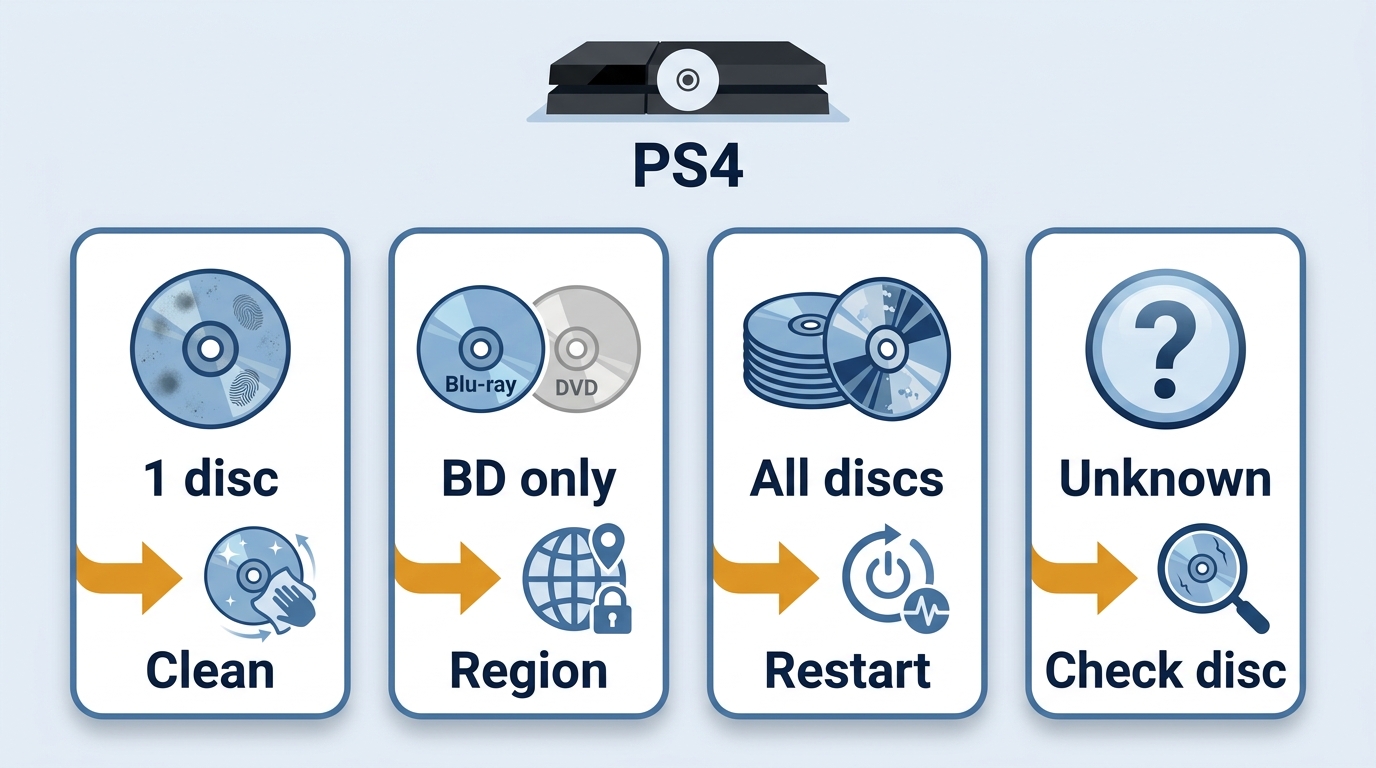
PS4 Blu-ray troubleshooting works best when you compare failure patterns. A PS4 unrecognized disc message can come from the disc, activation state, system software, format or region compatibility, or the optical drive.
Activation or Software Issues
If Blu-ray and DVD playback has never worked, confirm that the console completed its one-time online activation. If playback stopped after a reset or system change, install current system software, restart the console, and retest with a known-good disc.
Rebuilding the PS4 database is a reasonable later software step when the disc icon behaves inconsistently, but it should follow activation, update, restart, and disc checks rather than replace them.
Region and Disc Compatibility
A PS4 region locked Blu-ray issue is one possible explanation for an imported movie failing, not the default answer for every rejected disc. Match the Blu-ray or DVD region to the console and check whether the title is region-free before treating the drive as faulty.
Disc condition and authoring also matter. Clean the readable surface with a soft lint-free cloth, inspect it under good light, and compare it with another known-good disc of the same format.
Unsupported Disc Formats
No PS4 model plays 4K UHD Blu-ray or audio CDs. If you are asking whether a PS4 can play 4K Blu-ray, the answer remains no for the original, Slim, and Pro models; PS4 4K Blu-ray playback requires another device.
Some recordable or burned discs are conditional because the media type, recording method, and finalization can affect recognition. Test a commercially produced, known-good Blu-ray or DVD before drawing conclusions from a recordable disc.
Symptom-to-Fix Checklist
Start with the cheapest reversible checks, then move toward service only when the pattern consistently points beyond the disc or software.
- One disc fails: Clean it, inspect it, confirm its format and region, and try another copy or a known-good disc.
- Every Blu-ray fails but DVDs work: Confirm activation, software, region, and format first. If multiple known-good Blu-rays still fail, professional drive evaluation may be justified.
- All disc types fail: Restart the PS4, update system software, test known-good Blu-ray and DVD media, rebuild the database where appropriate, and seek service if the drive still cannot recognize discs.
- “Unrecognized disc” appears: Eject and reinsert the disc, clean it, verify that the format is supported, compare another disc, and use the broader failure pattern to decide whether software or hardware checks come next.
The DVD-versus-Blu-ray branch is a diagnostic clue, not a remote diagnosis. Consistent results across several known-good discs are more useful than a single failure.
PC Playback for Unsupported PS4 Discs
Because PS4 4K Blu-ray playback is unsupported, a desktop player is a secondary option when a disc, ISO, or folder falls outside PS4 hardware support. It is not a universal fix for a damaged disc or an unresolved PS4 drive problem.
PlayerFab Ultra HD Player
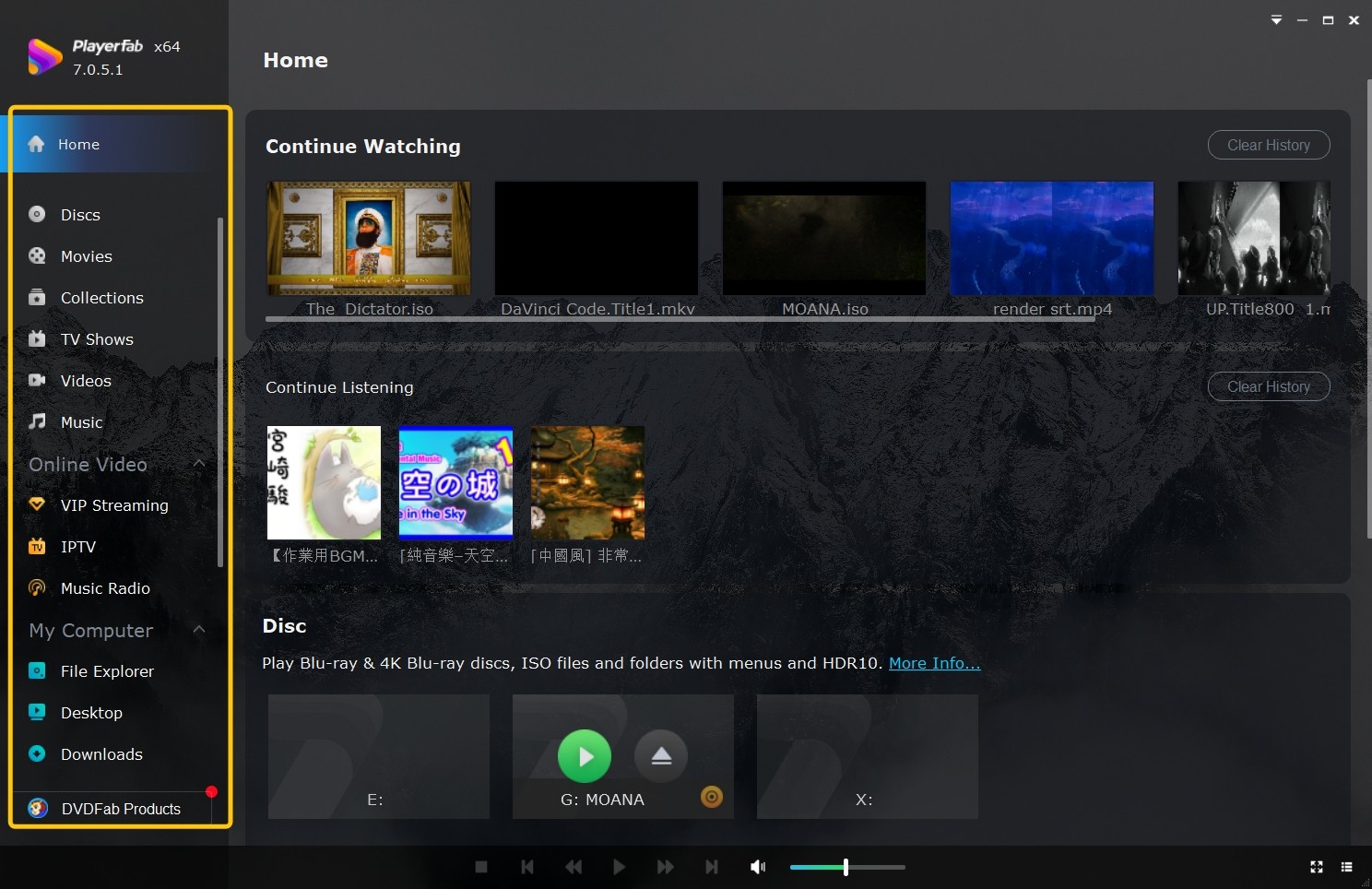
For content you are authorized to access, where permitted by platform terms and applicable law, PlayerFab Ultra HD Player is available for Windows and Mac and supports local DVD, Blu-ray, and 4K UHD Blu-ray playback.
Its relevant capabilities include disc, ISO, and folder playback, full disc menus, supported high-resolution audio formats, and subtitle features. That combination is useful when a collection includes UHD media or local disc images that a PS4 cannot open.
- Good fit: Windows or Mac users who need local disc, ISO, folder, menu, or 4K UHD playback on a computer.
- Less suitable: Readers who only want to play standard, region-compatible Blu-ray and DVD media on an already activated PS4.
PS4 Blu-ray and DVD FAQs
Is PS4 Blu-ray playback as good as a standalone player?
Standard Blu-ray picture quality can be satisfying on a PS4, but a standalone player may be quieter and easier to control, and it may support 4K UHD discs. I would keep the PS4 for occasional standard-disc viewing and choose dedicated hardware when movie playback is the main job.
Why is my PS4 noisy during Blu-ray playback?
Some disc-drive and cooling noise is normal, especially while the console first reads a disc. Grinding, repeated clicking, or worsening read failures are different: check ventilation and the disc, then consider service evaluation if abnormal mechanical symptoms continue.
Can a PS4 play audio CDs?
No. Blu-ray movie and DVD-Video support does not include standard audio CD playback on PS4 models.
Can I use a media remote instead of the PS4 controller?
A compatible PS4 media remote can make frequent movie playback easier because its controls resemble a conventional disc-player remote. Check the accessory's stated PS4 compatibility before choosing it, since support is not universal across every remote.
Final Take: PS4 Works Within Its Limits
Does PS4 play Blu-ray and can PS4 play DVDs? Yes: every PS4 model handles standard, compatible movie discs after one-time activation, but none plays 4K UHD Blu-ray or audio CDs. The console suits occasional standard-disc viewing, while readers who need UHD, ISO, folder, or full-menu desktop playback may prefer a dedicated player such as PlayerFab.

 12 Best HEVC Players for Windows, Mac, and 4K (2026)By Alice Harper - Aug 4, 2026
 Best WMV Player for Mac and How to Play WMV on Mac NativelyBy James Morgan - Aug 4, 2026
 8 Best TS File Players and Playback Tools for 2026By Alice Harper - Jul 28, 2026
 6 Best DVD Players for Laptops in 2026: Drives and AppsBy Alice Harper - Jul 22, 2026