Best Video Player for Windows: 6 Free and Paid Picks

Summary: The best media player for Windows must offer independent decoding libraries and true GPU hardware acceleration. While VLC remains the top free video player for Windows for quick troubleshooting, PlayerFab stands out as the superior choice for natively organizing and decoding massive local MKV and HEVC libraries.
Table of Contents
If a file will not open, has no sound, or stutters, choose a player with codec support that matches the file. For Windows 11, the right choice depends on your formats and workflow, so this guide compares six free and paid options, including a streaming player.
How I Selected the Best Video Players for Windows
A standard MP4 may play in many apps, while 4K HDR video, lossless audio, disc playback, and large media libraries create different requirements.
Choosing a Video Player for PC
Before choosing a video player for PC, have your Windows version and file details ready, then match the software to your media formats and everyday workflow:
- Operating Systems: Confirm support for your Windows version and system architecture.
- Media Compatibility: Check the container, video codec, audio codec, HDR format, and subtitle type used by your files.
- Playback Workflow: Decide whether you need simple file playback, detailed controls, disc menus, or an organized media library.
Core Selection Criteria
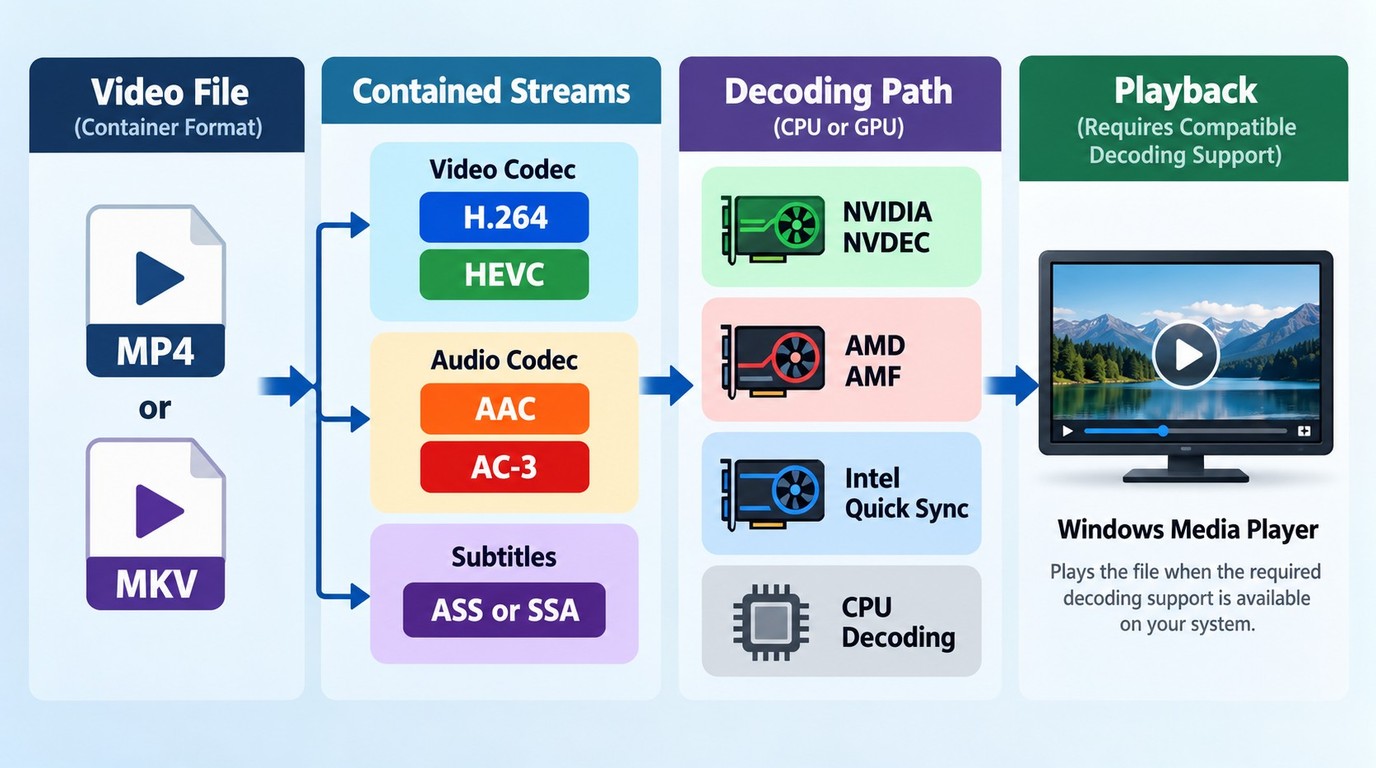
File compatibility depends on more than the filename extension. MP4 is a container, while the video codec, such as H.264 or HEVC, and the audio codec determine which decoder the player needs.
- Codec Support: A player with built-in decoding libraries can open many common formats without a separate system-wide codec pack. Windows Media Player supports specific built-in codecs and optional Store extensions. HEVC and AV1 support can require the corresponding extension. AC-3 is no longer included by default in new Windows 11 24H2 installations; upgraded systems and some manufacturer installations retain it.
- Hardware Acceleration: Compatible players can use technologies such as NVIDIA NVDEC, AMD AMF, or Intel Quick Sync to move supported decoding work from the CPU to the GPU. Results depend on the codec, player settings, graphics hardware, and driver support.
- Subtitle Rendering: For styled ASS or SSA subtitles, choose a player that supports the required formatting and provides synchronization controls when audio and text are out of sync.
My Top Picks: Best Media Players for Windows 11
For Local Libraries: PlayerFab All-In-One
PlayerFab Free Video Player covers basic local playback, while the paid PlayerFab All-In-One is the broader option for organized MP4 and MKV libraries, poster-wall browsing, and applicable home-theater features.
For Everyday Local Files: VLC Media Player
VLC is a practical open-source choice for common local files. Its built-in decoding libraries handle many formats without requiring separate codec packs.
For Advanced Customization: PotPlayer
PotPlayer suits PC users who want detailed playback controls, renderer options, audio bitstream settings, and subtitle synchronization.
Best Free Media Players for Windows 10/11: Paid Features
This section compares six recommendations by what is available for free and what requires paid features. PlayerFab Free Video Player covers basic local playback, while PlayerFab All-In-One includes the broader paid feature set; GOM Player and 5KPlayer appear later as supplemental notes rather than ranked picks.
PlayerFab: Media Libraries and Home Theater Playback
- OS Compatibility: 64-bit Windows 10 and Windows 11
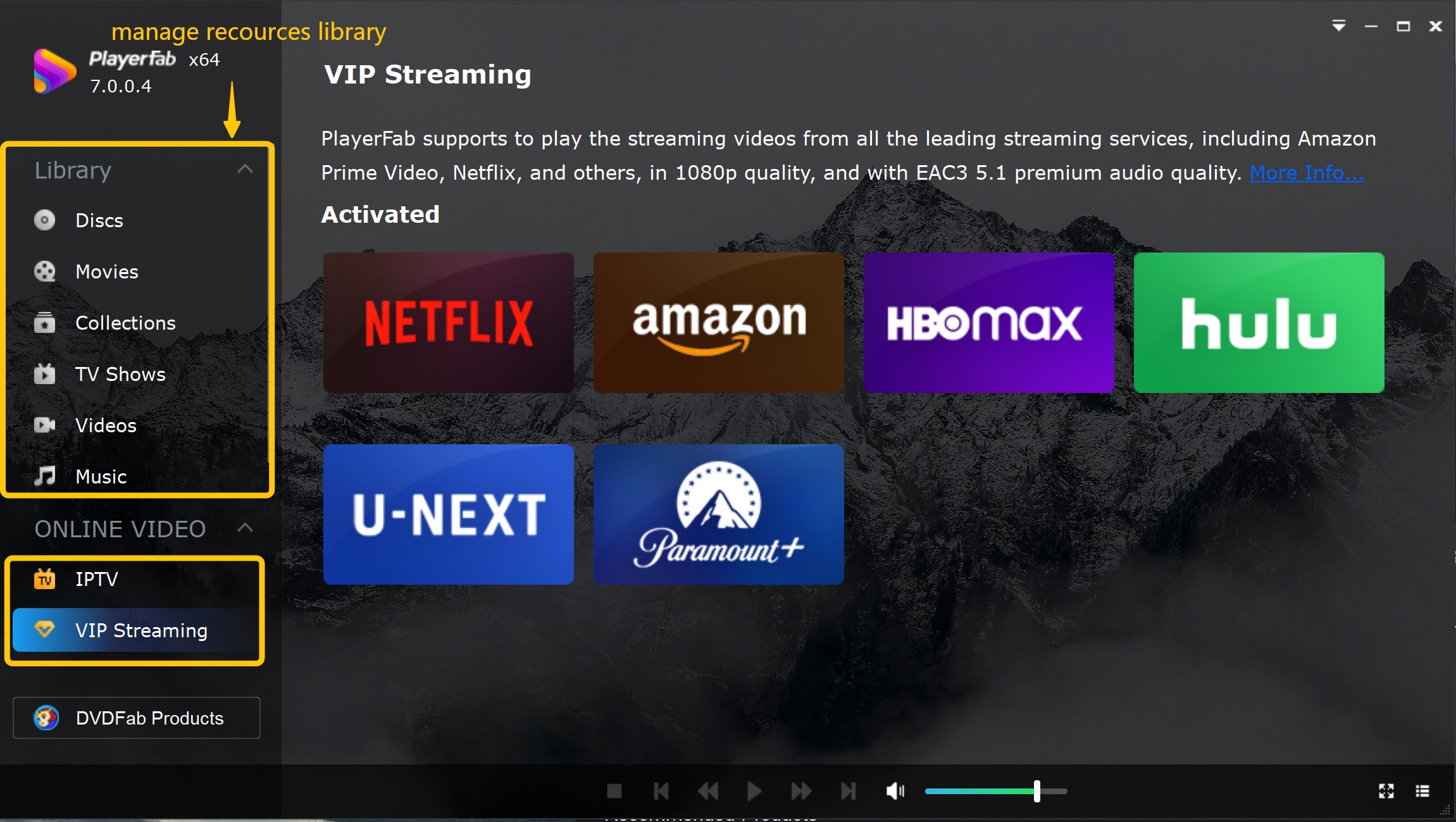
The official PlayerFab download page lists PlayerFab for 64-bit Windows 10 and Windows 11 PCs. PlayerFab Free Video Player covers lightweight local-file playback, while PlayerFab All-In-One includes paid modules for a broader desktop media experience. When you have terabytes of loosely named MP4 and MKV files, navigating through Windows File Explorer is a nightmare. PlayerFab scrapes the internet for metadata, transforming chaotic folders into a clean, searchable poster wall. Applicable editions combine local files, legally owned discs, media-library management, and access to supported streaming services in one desktop player. Use these features only with content you own or are authorized to access; unauthorized access or redistribution may be illegal and should not be attempted. Streaming access requires a valid subscription and remains subject to content availability, region, subscription tier, and platform policies.
For compatible HEVC files, this HEVC player supports H.265/HEVC decoding and listed hardware acceleration technologies such as NVIDIA NVDEC. Playback up to 4K UHD and HDR support depends on the PlayerFab edition, content, Windows system, GPU, drivers, audio output, and display hardware. If playback differs by disc, codec, or hardware configuration, use the current release and provide the PlayerFab version, media type, hardware, drivers, and reproduction steps to PlayerFab Support.
Pros:
- Applicable editions support high-resolution audio passthrough, including Dolby Atmos and DTS:X
- Intuitive, customizable UI with multiple playback modes (PC and TV)
- Regular updates that keep pace with new codec developments
- Customer support and community forums
Cons:
- Disc playback and other advanced modules require the applicable paid edition. Use the PlayerFab edition list to choose the module that matches your playback needs.
VLC Media Player
- OS Compatibility: Windows 11/10/8/7, macOS, Linux, Android, iOS
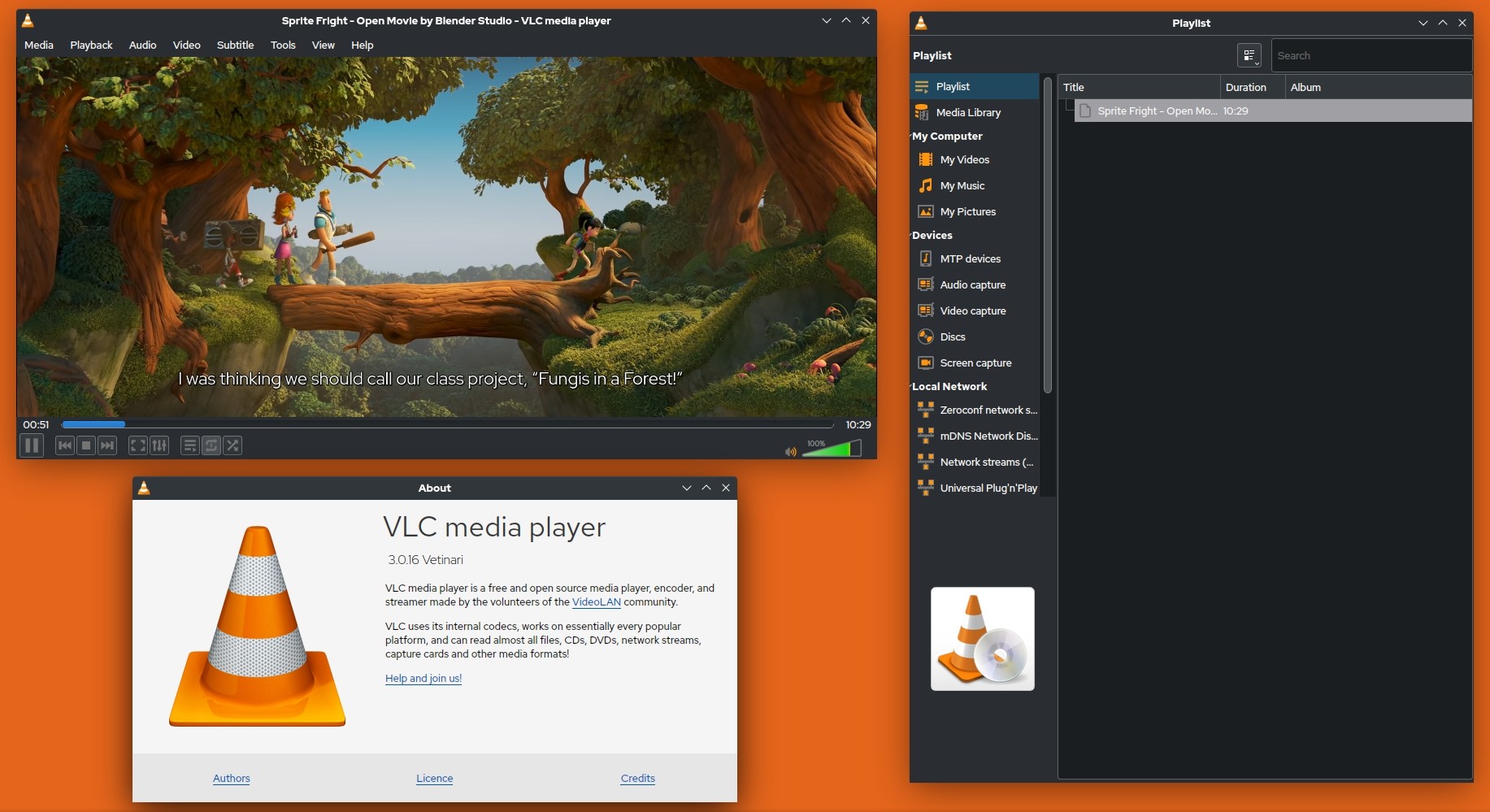
VLC remains a practical free Windows video player because its internal libavcodec library supports many common formats independently of optional Windows codec extensions. It also works as a free MP3 player and supports audio formats such as FLAC and Opus.
VideoLAN released VLC 3.0.24 as a security update on September 22, 2026.
Pros:
- Robust network streaming capabilities (HTTP, RTP, RTSP)
- Extensive library of community-created extensions and plugins
- Built-in video/audio conversion and basic editing tools
- Free and open source, without in-app advertising
Cons:
- The interface is severely dated and feels clunky on modern ultra-wide displays
- Default HDR tone-mapping can occasionally look washed out on SDR monitors
For users specifically interested in stereoscopic content, a 3D player guide covers both software and glasses-free hardware options.
PotPlayer
- OS Compatibility: Windows 11/10/8/7 (32-bit and 64-bit)
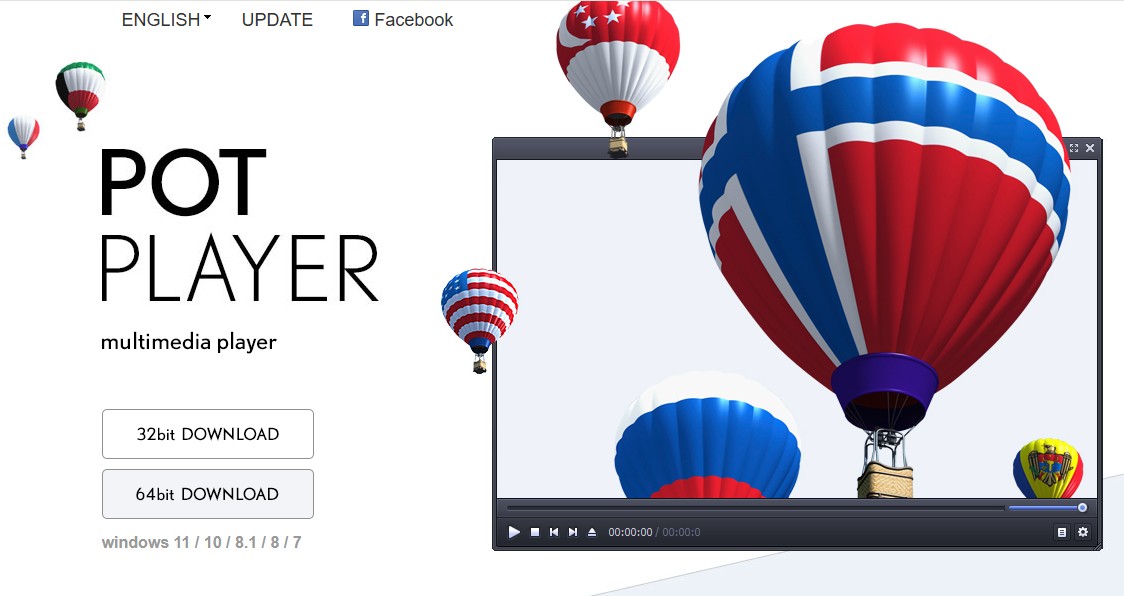
For users who want granular control over video playback, PotPlayer is a strong fit on Windows 10/11. Developed by the team behind the original KMPlayer, this software lets you dig deep into output settings. It suits users who want to configure custom renderers such as madVR for lower-resolution files or older DVD rips.
Its detailed renderer, audio, subtitle, and shortcut settings provide more control than a minimal player, but they also create a steeper learning curve.
Pros:
- Built-in screen recording and video capture tools
- Massive array of keyboard shortcuts for frame-by-frame control
- Supports 3D video playback with various output formats (Side-by-Side, Top-and-Bottom)
- Supports A-B repeating, which is useful for language learning
Cons:
- The large number of settings can be intimidating for beginners
MPC-HC (Media Player Classic - Home Cinema)
While the original project officially halted development years ago, the community-maintained forks (specifically the clsid2 build) keep MPC-HC relevant. It is a fantastic Windows video player that mimics the old-school Windows Media Player interface but packs modern decoding power underneath. It's my go-to recommendation for keeping things lean on modern Windows 11 systems.
The clsid2 fork of MPC-HC is actively maintained; its stable release is 2.8.2. For current installations, choose the stable release branch rather than a development build.
Pros:
- Completely portable version available (can run directly off a USB drive)
- Integrates perfectly with advanced external filters and splitters
- Supports DVB playback for unencrypted TV signals
Cons:
- Zero built-in media library management or metadata scraping
- Reliant on independent community forks for modern codec updates
mpv
- OS Compatibility: Windows 11/10/8/7, macOS, Linux
mpv is a minimalist, open-source media player for Windows that operates without a traditional settings interface. You drag and drop a file into the window, and it plays. mpv focuses on high-quality video output and uses Vulkan and D3D11 APIs for scaling and color management.

Pros:
- Strong color management and scaling options out of the box
- Highly scriptable via Lua and JavaScript for custom functionality
- On-Screen Controller (OSC) is unobtrusive and mouse-driven
- Efficient frame pacing for smooth playback
Cons:
- No traditional settings menu (requires editing configuration text files)
- Command-line configuration can be difficult for casual users
KMPlayer
- OS Compatibility: Windows PC
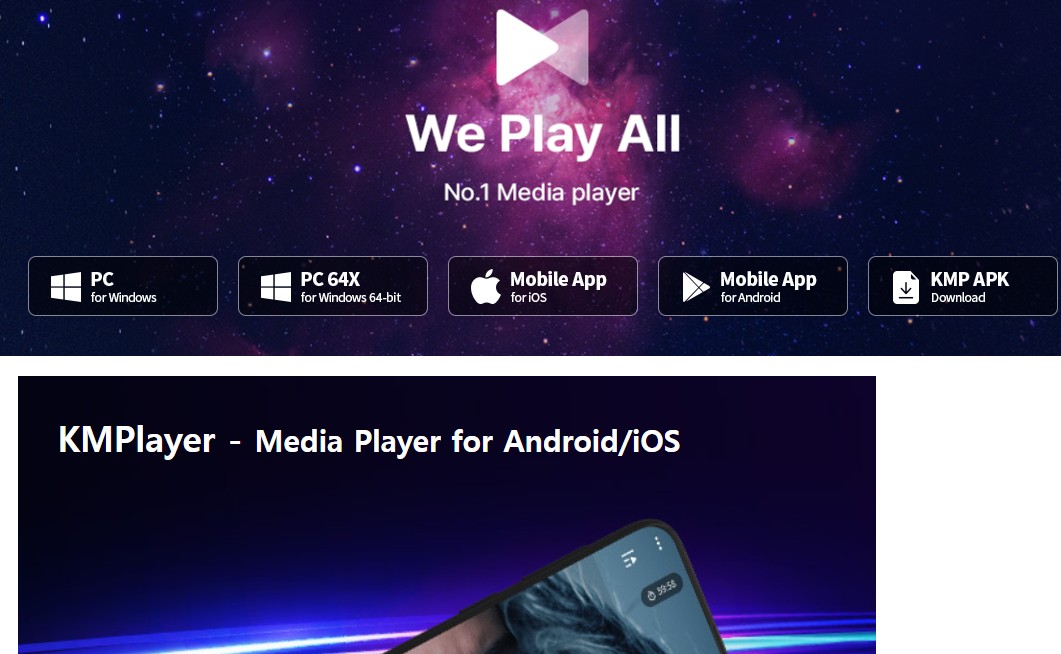
KMPlayer is a desktop media player with a graphical interface and built-in playback tools. It suits users who prefer conventional controls for local files.
Pros:
- Built-in GIF maker for capturing specific video moments
- Robust built-in subtitle downloader integration
Cons:
- The free version contains intrusive banner ads in the UI
GOM Player
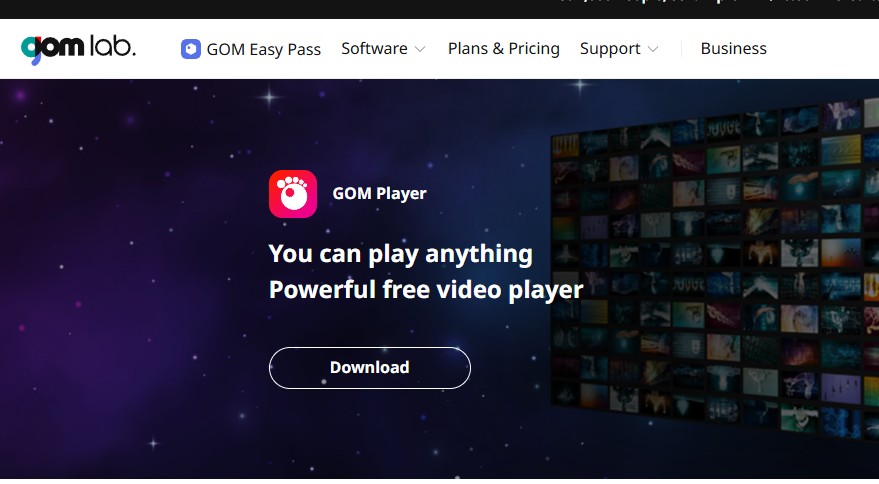
GOM Player is another Windows media player with a graphical interface and controls for local video playback.
5KPlayer
5KPlayer’s native DLNA casting supports H.264 video in MP4 with supported audio combinations. MKV, FLV and DVD streaming require additional tools.
Comparison: How These Windows Video Players Stack Up
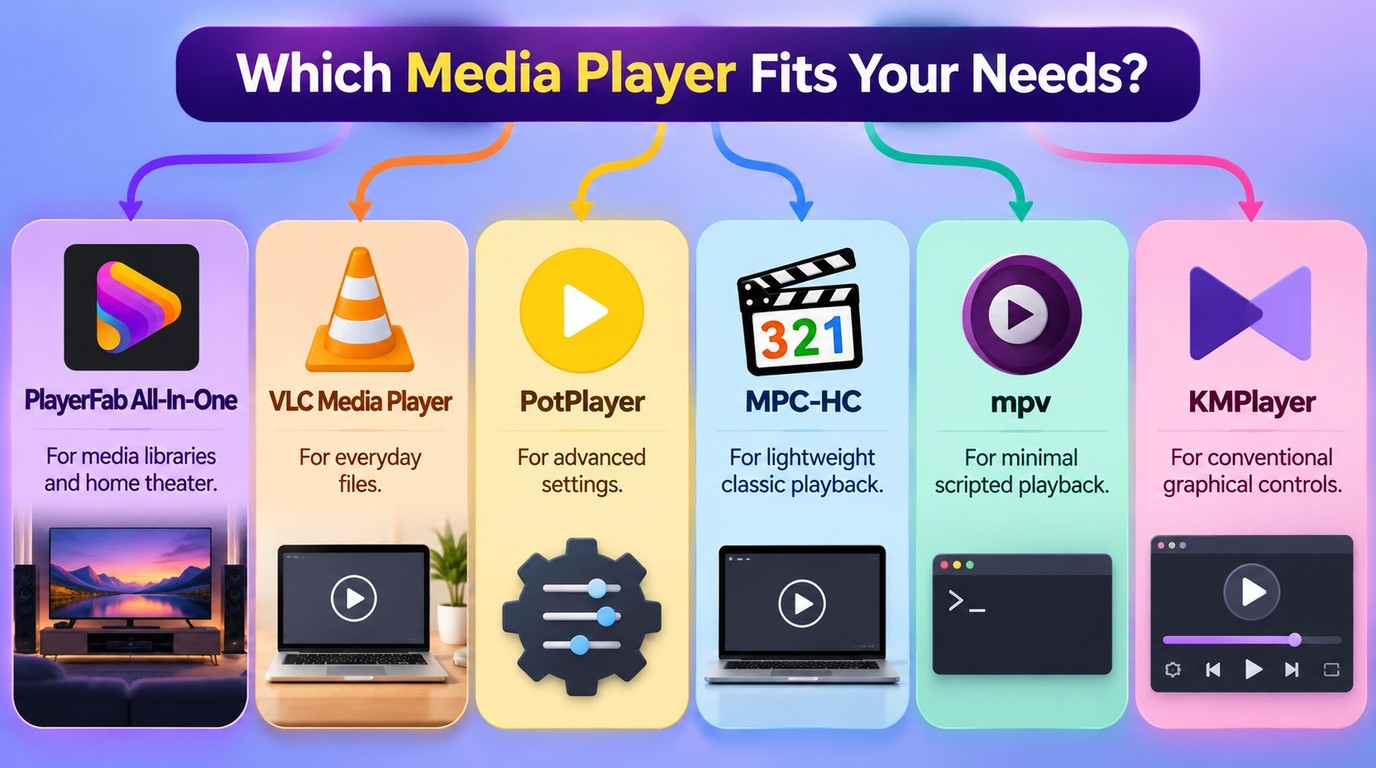
As of September 2026, this quick-reference table compares the free-use boundary, best fit, and interface style of the six recommended options.
| Player | Free-Use Boundary | Best Fit | Interface Style |
|---|---|---|---|
| PlayerFab | Free Video Player; paid All-In-One modules | Media libraries and home theater | Poster-wall library |
| VLC | Free, open source | Everyday local files | Traditional menus |
| PotPlayer | Free player | Detailed playback settings | Configurable controls |
| MPC-HC (clsid2) | Free, open source | Compact desktop playback | Classic controls |
| mpv | Free, open source | Minimal playback controls | On-screen controller |
| KMPlayer | Free PC player | Broad PC format support | Graphical controls |
FAQs
What is the best free MP4 video player for Windows 11?
VLC is a practical free Windows 11 MP4 player because it includes decoders for many common formats. MP4 is a container, so an H.264 file with AAC audio and an HEVC file can have different playback requirements. If a file does not open, the steps to play MP4 on Windows start with identifying its video and audio codecs.
Why does a video play without sound in Windows 11?
New installations of Windows 11 version 24H2 no longer include AC-3 support by default, although upgraded systems and some manufacturer installations retain it. Identify the file’s audio codec, then use a compatible media player or install the appropriate codec support.
Is Windows Media Player still available in Windows 11?
Yes. Windows 11 includes the modern Media Player app, while Windows Media Player Legacy is available as a separate optional feature. Both players are free, but playback depends on the codecs used by the file. HEVC and AV1 files may require corresponding codec support or an optional Microsoft Store extension.
If the problem continues when you open a supported file, our Windows Media Player not working guide covers less obvious causes, including app settings and codec compatibility.
Do I need to install external codec packs like K-Lite?
No, not usually. Players such as VLC include decoders for many common video and audio formats, so a separate system-wide codec pack is often unnecessary. If Windows Media Player reports a missing codec, identify the file's video and audio codecs, then add the matching codec support or use a player with a compatible built-in decoder.
What is the best free video player for Windows 10?
Windows 10 playback compatibility depends on the video and audio codecs inside each file, so HEVC and AV1 support is not identical for every file or player. For everyday local playback, VLC Media Player is a practical free Windows video player because it includes decoders for many common formats. If you have a massive video library and want to organize it into a scannable poster wall, PlayerFab All-In-One is a paid VLC alternative with broader library and home-theater features.
Final Thoughts
The best media player for Windows depends on whether you need straightforward local playback, detailed controls, or an organized home-theater library. A lightweight free player is often enough for everyday files. If you want one Windows desktop app for local media, legally owned discs, a poster-wall library, and access to supported streaming services with your own valid subscriptions, PlayerFab All-In-One offers a more integrated route; streaming availability depends on content, region, subscription tier, and platform and DRM policies. If you also use Apple hardware, choose a video player for Mac based on its operating-system and format compatibility.

 How to Play DVD on HP Laptop: Windows 11 FixesBy Alice Harper - Nov 4, 2026
 4 Current 3D Video Players for PC in 2026By Alice Harper - Nov 4, 2026
 DVD Player for Laptop: 3 Drives and 3 AppsBy Alice Harper - Nov 4, 2026
 Play Video Files: 4 Paths Across Formats and DevicesBy James Morgan - Sep 22, 2026