
 8 Free MKV Player Apps for Windows, Mac, and Mobile in 2026
Native OS media players consistently fail to handle high-bitrate 4K MKV files. After rigorous testing, I've categorized the 8 best MKV players based on your operating system. While VLC remains the universal free standard and IINA is the undisputed choice for macOS users, I found that PlayerFab delivers the most reliable hardware acceleration for heavy 4K HDR remuxes. Here is exactly which player you should download based on your hardware.
By Alice Harper - Oct 16, 2026
 Find Your Free MP3 Player: 10 Apps for Offline Listening
After testing 12 best free MP3 players across Windows 11, macOS 14, Android, and iOS, the results showed clear differences in playback quality, library management, customization, and overall usability. Some players worked better for local MP3 collections, while others were more suitable for streaming or cloud-based listening. Overall, PlayerFab, VLC, AIMP, and foobar2000 stood out as the strongest picks on their respective platforms.
By Alice Harper - Oct 14, 2026
 Emby vs Plex: Features, Pricing, and Performance Compared (2026)
Emby and Plex are the two most widely used self-hosted media servers, but they take different approaches to sharing, transcoding, and pricing. This guide compares both platforms across setup difficulty, remote access, 4K support, and cost, including Plex’s 2026 lifetime price increase to $749.
By Alice Harper - Sep 22, 2026
 Best Music Players for Android in 2026: 8 Picks for Local, Car, and Hi-Res
Most Android users default to streaming, but if you own a local music library, the built-in player is rarely adequate for the job. This guide covers five apps tested across different library sizes and listening setups, from free ad-free options to audiophile-grade playback. For most users, the decision comes down to Musicolet or AIMP when cost is the main constraint, and Poweramp when audio quality and large library management matter enough to justify a one-time purchase.
By Alice Harper - Sep 22, 2026
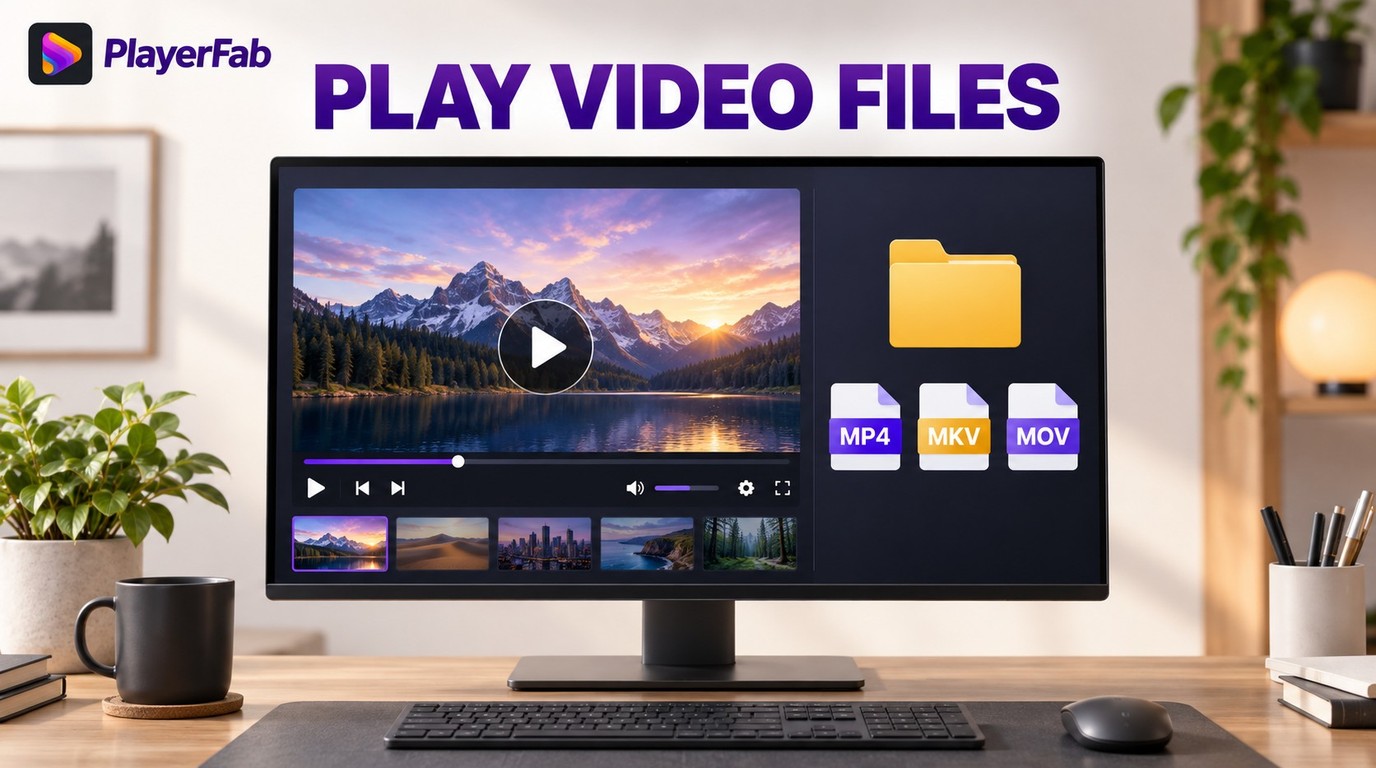 Play Video Files: 4 Paths Across Formats and Devices
Video playback shouldn't be a headache in 2026. While many users struggle with missing codecs or unsupported formats, mastering how to play video files across any device is actually straightforward with the right tools. In my experience, relying solely on native OS software often leads to frustration. This guide provides actionable solutions for every format—from MP4 to AV1—and explains why upgrading to a comprehensive media center like PlayerFab is the smartest move for a seamless viewing experience.
By James Morgan - Sep 22, 2026
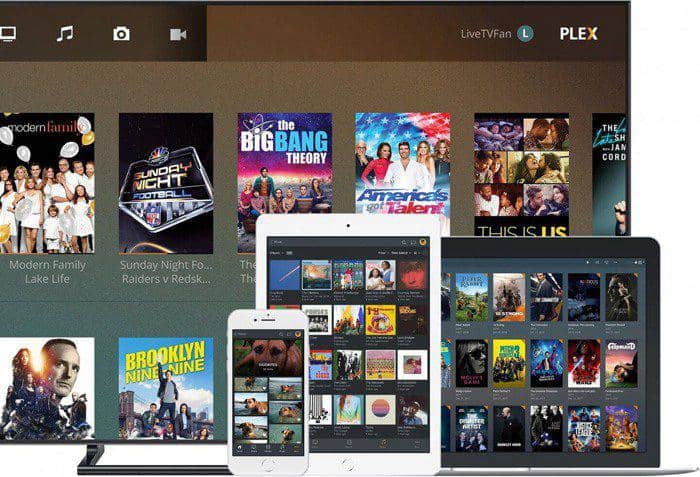 5 Home Media Server Software Options Compared (2026)
Setting up a home media server in 2026 involves more trade-offs than it used to, particularly after Plex raised its Lifetime Pass to $750. This guide reviews Jellyfin, Plex, Emby, Kodi, and Universal Media Server, with a comparison table covering price, 4K HDR support, and remote access. For most users starting today, the choice comes down to Jellyfin's free, account-free model versus Plex's broader device compatibility and managed setup.
By Alice Harper - Sep 8, 2026
 Best Windows Media Center Alternatives: Local Players, Media Servers, and Disc
Most Windows Media Center replacement guides treat these tools as interchangeable. They aren't: Kodi runs locally with no server required, Jellyfin, Emby, and Plex follow a server-client model built for multi-device access, and PlayerFab is the only option that handles physical discs natively. Getting the category right matters more than choosing between tools within the same category.
By Alice Harper - Sep 8, 2026
 AV1 Codec Explained: Netflix Support and 3 Ways to Play It
AV1 is an open, royalty-free codec finalized in 2018 and now used for roughly 30% of Netflix's streaming volume. This guide covers how Netflix rolled out AV1, which hardware can decode it natively, and three methods for playing AV1 content on Windows, including the AV1 Video Extension, a dedicated stream player, and H.264 conversion.
By Alice Harper - Aug 28, 2026