Best Music Players for Android in 2026: 8 Picks for Local, Car, and Hi-Res

Summary: Most Android users default to streaming, but if you own a local music library, the built-in player is rarely adequate for the job. This guide covers five apps tested across different library sizes and listening setups, from free ad-free options to audiophile-grade playback. For most users, the decision comes down to Musicolet or AIMP when cost is the main constraint, and Poweramp when audio quality and large library management matter enough to justify a one-time purchase.
Table of Contents
The best music player for Android depends on where your library lives, how much control you want over audio output, and whether Android Auto matters in daily use. A default player may handle casual listening, but large FLAC libraries, server collections, and external DACs often call for a more specialized Android music player. This guide compares local, networked, car-focused, and Hi-Res listening paths so you can choose the right fit without assuming every app serves the same purpose.
Why Use a Local Music Player on Android
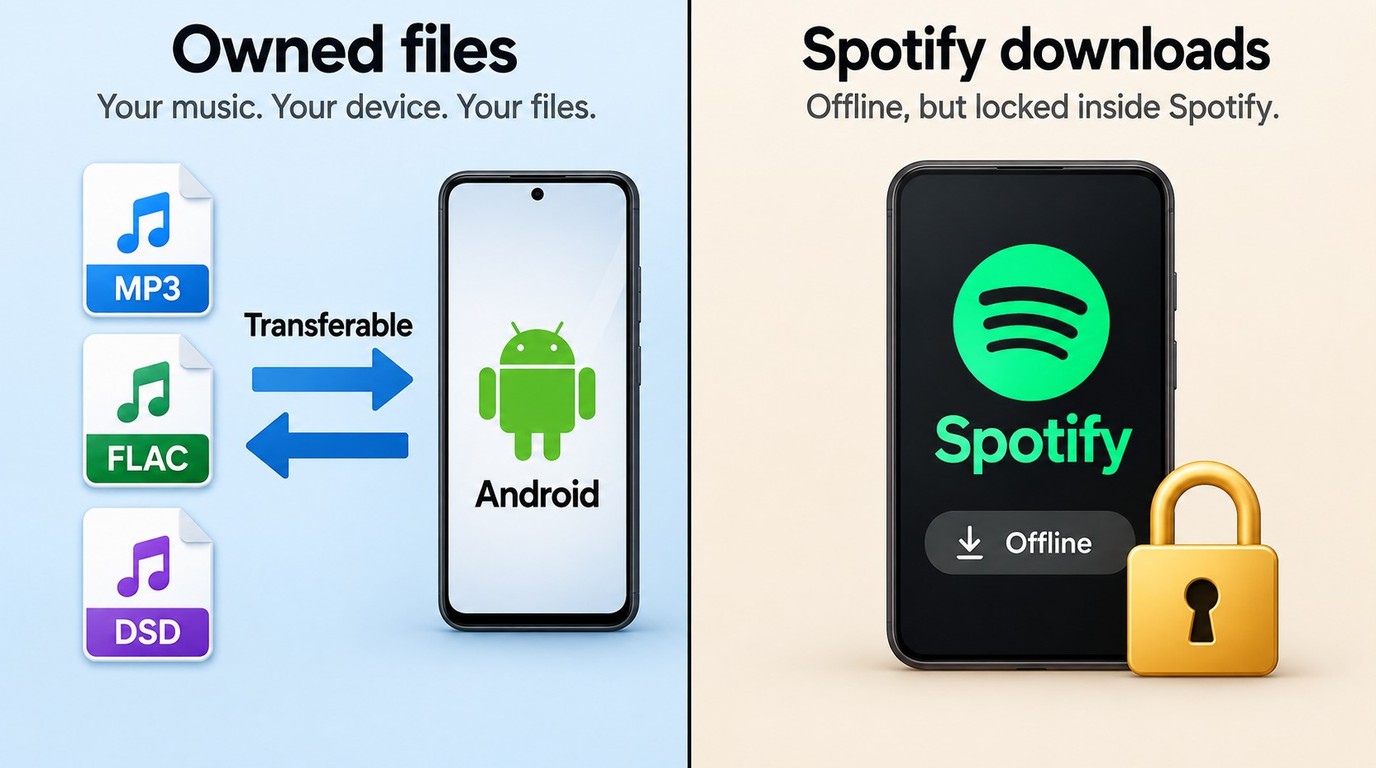
Streaming services cover most casual listening needs, but they come with real limitations. Subscriptions add up over time, your library disappears if you cancel, and offline downloads from services like Spotify are locked inside the app and cannot be transferred. If you have purchased music, ripped CDs, or collected audio files over the years, a dedicated local player gives you full control over what you own.
- Play files stored on your device without an internet connection or recurring fees
- Access lossless formats like FLAC and DSD that streaming apps do not support natively
- Manage tags, folder structures, and playlists without depending on a cloud service; backup and migration support also matters when you move to another Android device
Best Android Music Players Compared
The five apps below form the core comparison, covering local libraries, network sources, audio controls, Android Auto fit, and everyday use. The table gives you a quick starting point, while the app notes explain the trade-offs behind each choice.
| App | Cost and monetization | Library or source fit | Audio controls and Android Auto | Best fit |
|---|---|---|---|---|
| Poweramp | Paid unlock; $19.99 listed | Large local libraries | Hi-Res, deep EQ; Auto varies | Audiophile tuning |
| AIMP | Free; ad-free listing | Local, SMB, WebDAV | 20-band EQ; Auto varies | Flexible free playback |
| Musicolet | Free install; in-app purchases | Offline local library | Queues, tag editor; Auto support | Car and offline use |
| VLC | Free; no ads or IAP | Audio, video, network | Broad format handling; Auto varies | Mixed media and streams |
| Pulsar | Free tier; Pro $3.99 listed | Local library | Gapless; EQ in Pro; Auto varies | Simple polished interface |
Price listings in the table are stated as of September 2026. App features and Android Auto behavior can vary by version and device.
Methodology: My hands-on checks focused on a 2,000-track FLAC library, commute playlists, and audiophile-grade files on a mid-range Android device. I considered format support, library scanning and browsing, audio controls, playback behavior, and Android Auto use. The later alternatives section adds fit-based options for server libraries and external DACs rather than extending the same five-app comparison.
My take: Local-library size and audio control create the clearest split. Poweramp is aimed at detailed tuning, AIMP balances flexibility with a free entry point, and Musicolet makes the strongest case when offline queues and car use matter more than visual polish.
Poweramp
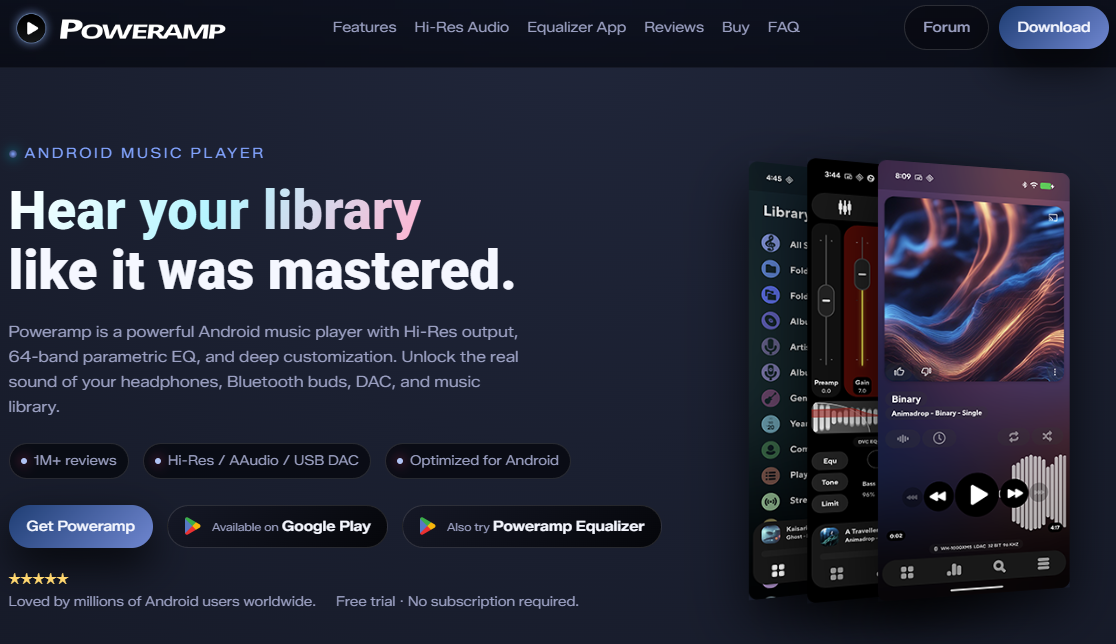
Poweramp has held its position as the most recommended local music player in Android enthusiast communities for several years. It is built entirely around local playback, with a 10-band parametric equalizer, Hi-Res audio output, and stable performance on libraries exceeding 10,000 tracks. The app costs around $5.99 as a one-time purchase after a free trial period, with no ongoing subscription. If audio quality and deep library management are your main priorities, Poweramp covers both more completely than any free alternative on this list.
Key features
- Hi-Res audio output with support for FLAC, DSD, OGG, and most lossless formats
- 10-band parametric EQ with per-song and per-output-device preset saving
- Handles libraries of 10,000+ tracks without lag during scanning or browsing
- Gapless playback and crossfade with configurable transition timing
- ReplayGain support for consistent volume levels across your entire library
Worth noting
- Requires a one-time purchase (~$5.99); the free trial is time-limited
- Interface has many options and takes time to configure to your preference
AIMP
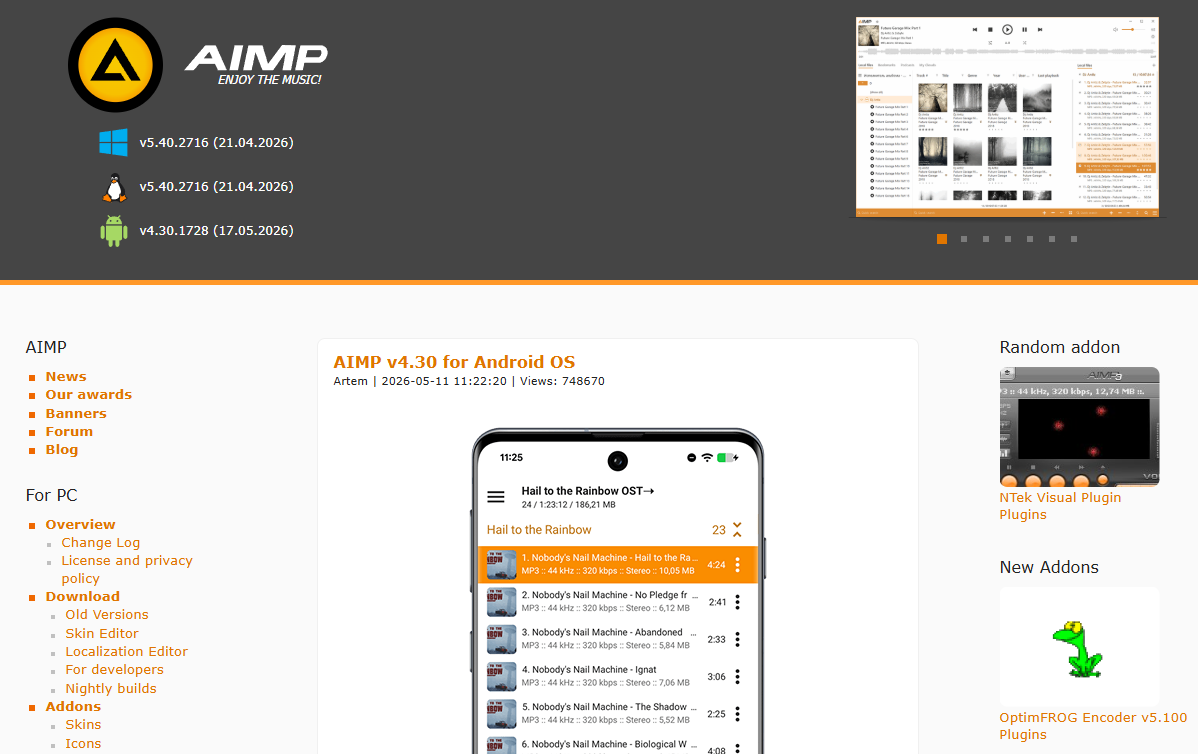
AIMP is a free, completely ad-free music player with a well-maintained Android version. It started as a Windows desktop player and carries over the same philosophy: fast local playback with no unnecessary features and no monetization pressure. The install is lightweight, the interface is clean, and the 5-band equalizer handles most everyday listening needs. AIMP does not include streaming integration or social features. It plays the files on your device and nothing else.
Key features
- Ad-free according to the current listing; purchase options are shown separately
- 5-band equalizer with preset options including bass boost and vocal enhancement
- Supports MP3, FLAC, AAC, OGG, WAV, and most common audio formats
- Sleep timer, playback speed control, and gapless playback included by default
- Low RAM footprint; performs consistently on mid-range and budget Android devices
Worth noting
- EQ options are less detailed than Poweramp; no per-output-device preset saving
- Library scanning on collections above 5,000 tracks can take a noticeable amount of time
Musicolet
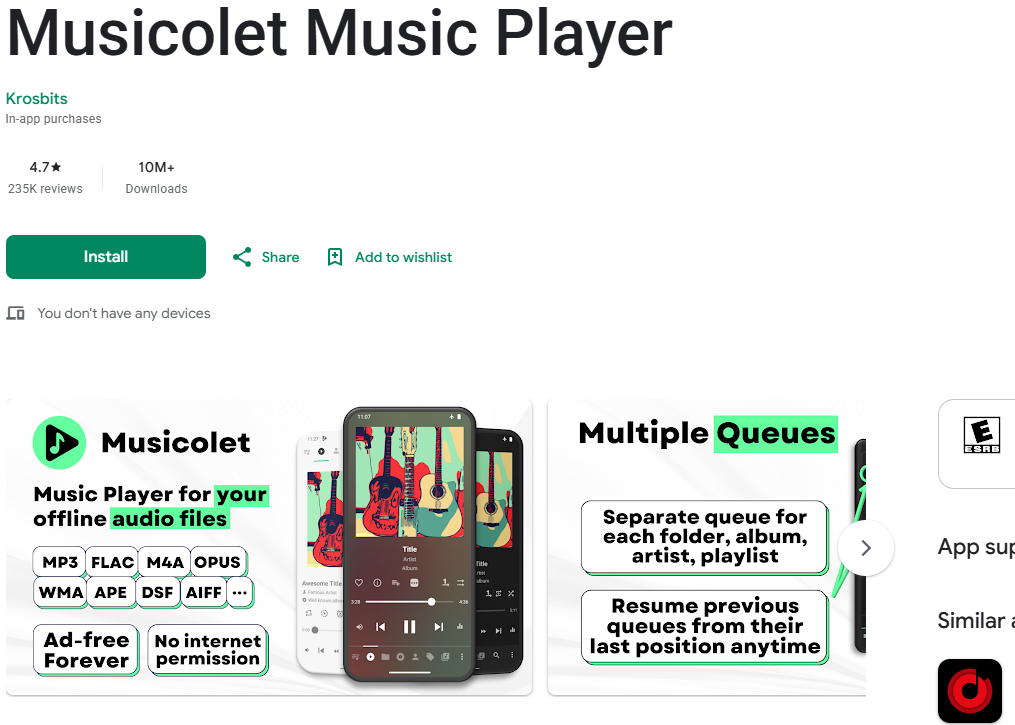
Musicolet is a free install with in-app purchases shown on the current US Google Play listing. It remains an offline-only player built around large local libraries, without ads or streaming distractions. Its multi-queue and offline library features are aimed at listeners who want a focused local workflow. What sets it apart from most alternatives is its multi-queue system, which lets you maintain several independent playback queues simultaneously without losing your position in each one. Combined with solid Android Auto integration, it is a practical choice for users who commute by car and need hands-free control of their library.
Key features
- Multi-queue system for maintaining multiple independent playback queues at once
- Full Android Auto support with hands-free in-car playback controls
- Built-in tag editor and folder-based library browsing for manual organization
- Configurable earphone button controls for single, double, and triple press actions
Worth noting
- Offline only; does not support streaming from cloud services or remote servers
- Visual design is functional rather than polished; less refined than Pulsar or Poweramp
VLC
VLC is an open-source media player maintained by the VideoLAN nonprofit organization. On Android, it functions as a universal format handler: if a file exists on your device or is accessible on a local network, VLC will almost certainly play it. That breadth makes it the most practical single tool for users whose library includes audio, video, and network streams alongside standard music files. The trade-off is that VLC is a general media player rather than a music-first app, and its audio library browsing experience is less developed than dedicated options like Poweramp or Musicolet.
Key features
- Plays virtually any audio format including FLAC, OGG, and MKV audio tracks
- Streams from network sources: SMB shares, NAS drives, and direct HTTP/FTP URLs
- Multi-track audio and subtitle support for video files alongside music playback
- Regular updates from the VideoLAN organization with consistent long-term support
Worth noting
- Audio library management is less organized than music-dedicated players on this list
- Gesture controls during playback can be sensitive and trigger accidental seeks
Pulsar Music Player
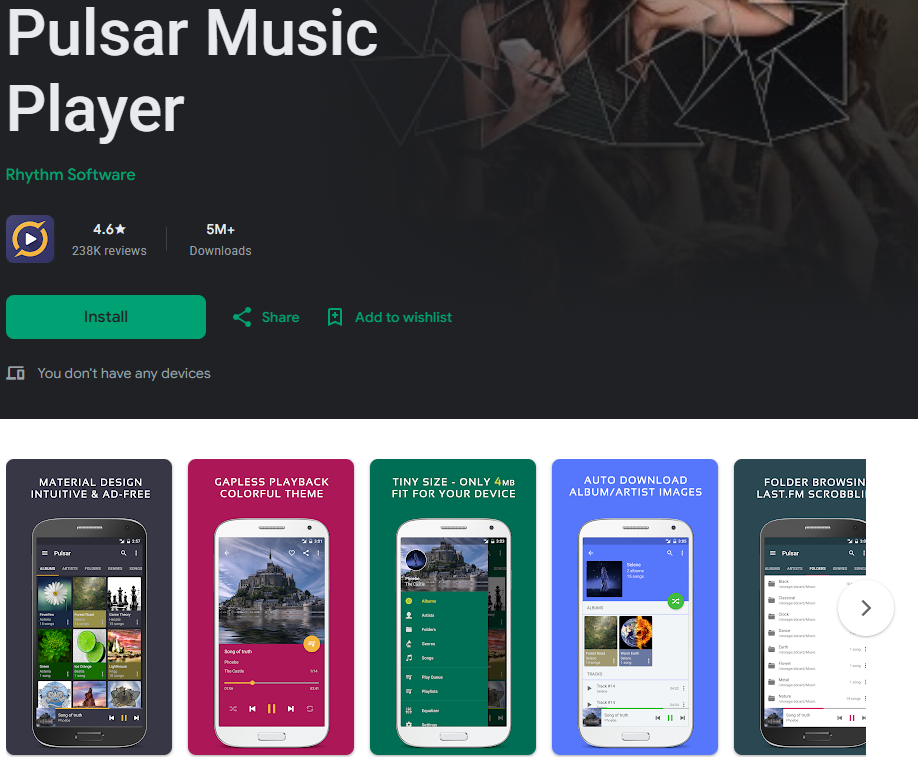
Pulsar focuses on what its users consistently cite as the main reason they chose it: a visually clean interface that stays out of the way. Where Poweramp is built for customization depth and Musicolet for offline library control, Pulsar is designed for pleasant daily use with minimal setup. The free version handles core playback needs including gapless support and automatic album artwork download. A premium upgrade unlocks additional themes, the equalizer, and an audio visualizer. The US Google Play listing was updated July 9, 2026, and Pulsar Music Player Pro was listed at $3.99 as of September 2026. For Android users who want something reliable and visually polished without a steep learning curve, Pulsar is a straightforward starting point.
Key features
- Clean Material Design interface with multiple color themes for personalization
- Gapless playback and automatic download of missing album artwork
- Free tier covers standard playback; premium upgrade adds EQ and audio visualizer
- Supports MP3, AAC, FLAC, OGG, and WAV formats
- Compact install under 5 MB, suitable for devices with limited internal storage
Worth noting
- Equalizer and advanced audio settings require the paid premium upgrade
More Android Players for 2026
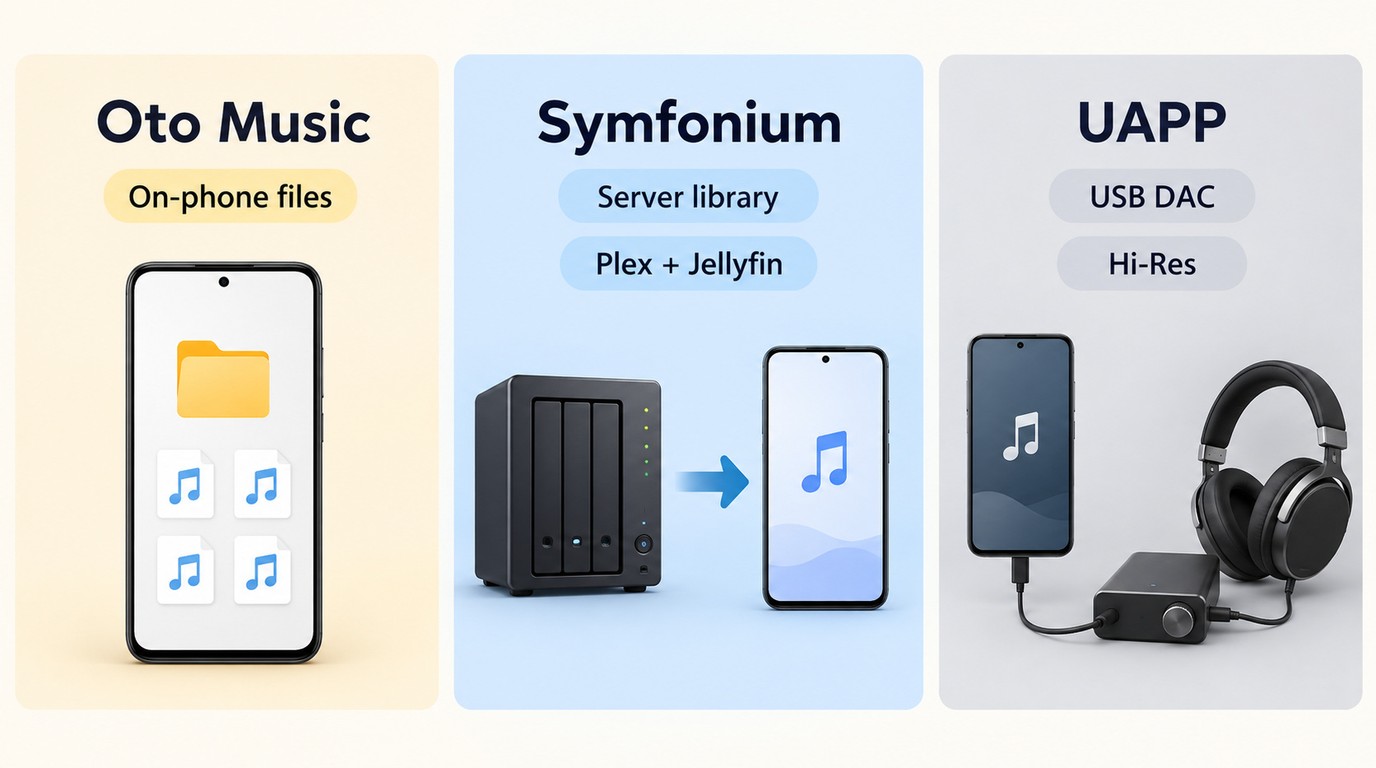
The five apps above cover the most common local-playback needs, but three other paths deserve attention when your library or hardware is different.
Oto Music
Oto Music is a modern local-playback option for listeners who want a clean interface around files stored on the phone. It is best for an offline music player Android workflow where browsing, tags, and everyday usability matter more than server integration or advanced external-DAC controls.
Symfonium
Symfonium is designed for listeners whose music lives in Plex, Jellyfin, or another supported server library. It is the better fit when you want Android access to a centralized collection rather than a player limited to files stored on the handset.
USB Audio Player PRO
USB Audio Player PRO is the specialist route for users connecting an external USB DAC and seeking advanced output control, including a bit-perfect listening workflow where the device and DAC support it. It is best suited to Hi-Res music player Android use with dedicated audio hardware.
Android Auto and In-Car Playback
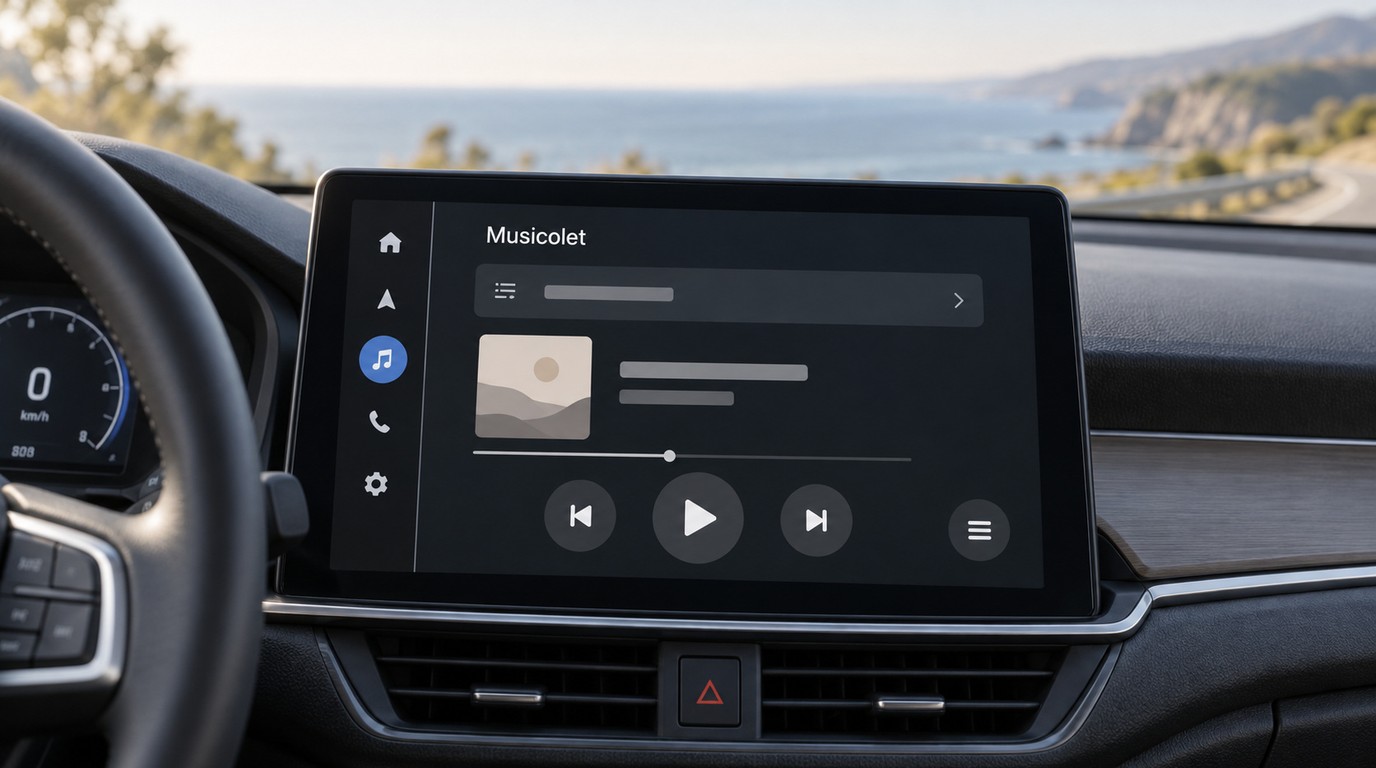
Android Auto adds requirements that are easy to miss in a phone-only comparison: the library must be easy to browse on a car screen, transport controls should remain predictable, and playback should recover cleanly when Bluetooth or USB connections change. Musicolet is the clearest Android Auto-oriented choice in this article because its current listing supports in-car playback controls.
I would not choose a phone-first player for frequent driving if its menus are difficult to browse from the car display. For regular commuters, prioritize safe screen navigation, steering-wheel controls, connection stability, and playlist access before advanced EQ.
Choosing an Android Music Player
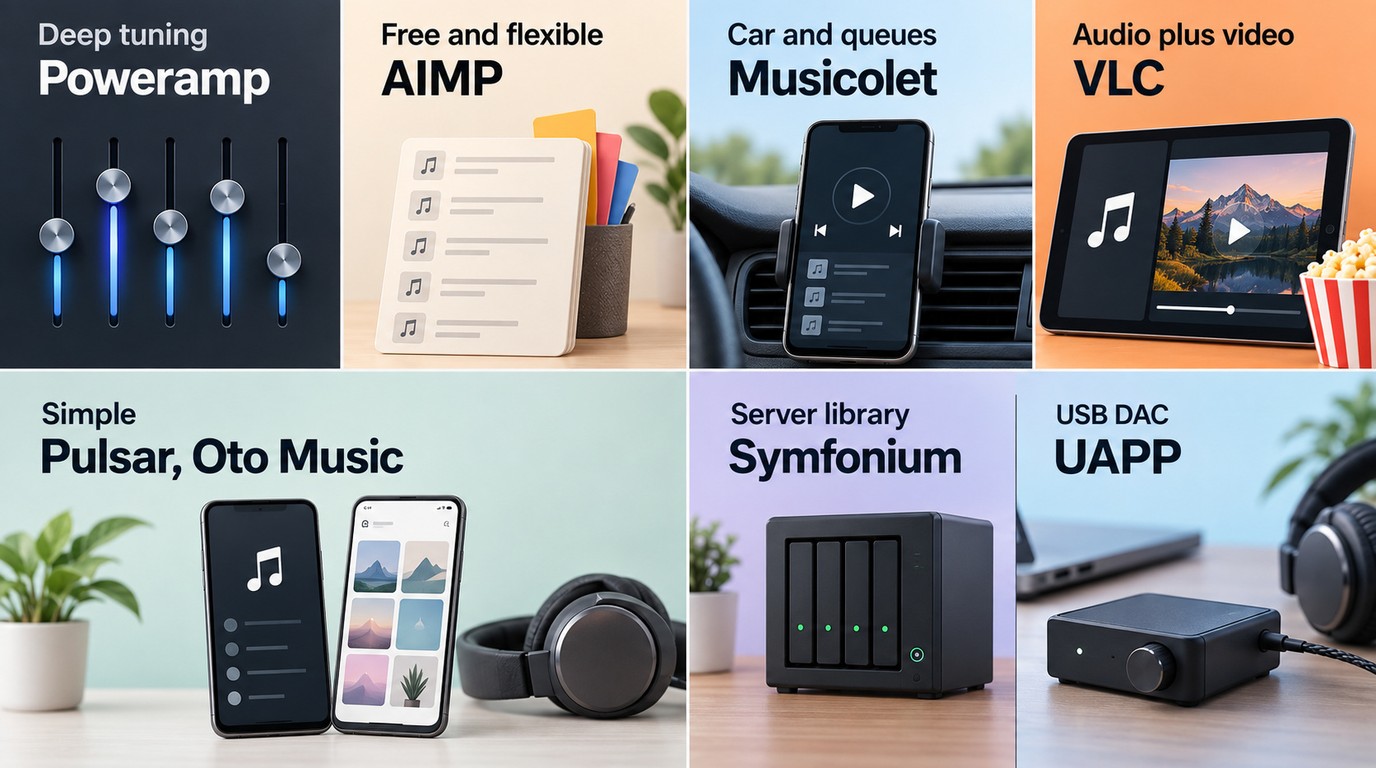
The best music player for Android starts with three practical questions: where your library lives, how much audio control or external-DAC output you need, and whether Android Auto is central to your routine. A broader Android media player may suit mixed video and audio needs, while the options below focus on music workflows.
If audio control is your priority: Poweramp is the strongest fit among the five core apps for Hi-Res output and deep parametric EQ. Choose USB Audio Player PRO instead when direct external-DAC control and a bit-perfect workflow are central. For a broader FLAC player comparison, focus on the difference between ordinary file playback and DAC-specific output.
If you want free local playback: AIMP is a flexible ad-free option with local, SMB, and WebDAV support, while Musicolet combines offline playback, independent queues, and Android Auto support with in-app purchases shown on its current listing. For a simpler free MP3 player workflow, choose the app whose library and migration tools match your files.
If your library includes videos or network sources: VLC is the most natural fit among the five core apps for mixed audio, video, NAS, and network playback. It is better for a mixed-media device than for listeners who want a music-first library interface.
If you want a clean interface with minimal setup: Pulsar is a practical starting point for local listening and suits users who value visual simplicity over extensive configuration. It is less suitable when server-library access, advanced external-DAC control, or complex queue management is the main requirement.
If your music lives on Plex, Jellyfin, or another server: Symfonium is the more relevant path than a phone-only local player. If your library is stored on the device, AIMP, Musicolet, Poweramp, or Pulsar will be easier to evaluate. Check FLAC and MP3 playback, tag handling, playlist backup, and file-path behavior before moving a large library.
Android Music Player FAQs
Does Android include a built-in music player?
Many Android phones ship with a manufacturer music app, but the exact app and its local-library features vary by device. If tags, FLAC playback, playlist organization, or Android Auto matter to you, use the comparison above instead of relying on the default app.
What is a simple music player for Android with no ads?
AIMP is a strong simple choice for flexible local or network playback, while Musicolet is better for an offline library, multiple queues, and Android Auto. VLC is useful when you also need video and network-source support. Musicolet is marked as offering in-app purchases even though its listing is ad-free.
Can I play FLAC files on an Android phone?
Yes. A compatible Android music player can play FLAC files, but ordinary playback is different from bit-perfect output through an external DAC. Poweramp suits deep EQ and Hi-Res control, AIMP suits free local playback, and USB Audio Player PRO suits dedicated DAC workflows.
Is it safe to download an Android music player as an APK?
Google Play is the simplest installation source for most users. If you install an APK, use the developer's official website rather than a third-party mirror, and make sure the app's requested permissions fit its stated function.
Can I move playlists when I switch Android devices?
Sometimes, but portability depends on the app's export or backup tools and on whether playlist entries use the same file paths after migration. Before committing to a large library workflow, check how the app backs up playlists, tags, and queue data.
Conclusion
The best music player for Android depends on your library source, audio hardware, and driving habits: choose AIMP or Musicolet for straightforward local playback, Poweramp for deep EQ, VLC for mixed media and network sources, Pulsar for a clean interface, Symfonium for Plex or Jellyfin libraries, and USB Audio Player PRO for an external-DAC workflow. Start with your own files, check playlist migration and Android Auto behavior, and choose the app that matches how you actually listen. If you'd like to find out about the best music player for Mac, take a look at this review.

 6 Best MPEG Players for Windows and Mac (2026)By Alice Harper - Aug 26, 2026
 How to Play Blu-ray Discs on Windows 10 (Free & Pro Solutions)By Alice Harper - Aug 7, 2026
 10 Best 4K Video Players for PC and Mac, Tested in 2026By Alice Harper - Aug 4, 2026
 The 5 Best Free MOV Players in 2026 (Windows, Mac and Android), plus How to FixBy Alice Harper - Aug 4, 2026