8 Free MKV Player Apps for Windows, Mac, and Mobile in 2026

Summary: Native OS media players consistently fail to handle high-bitrate 4K MKV files. After rigorous testing, I've categorized the 8 best MKV players based on your operating system. While VLC remains the universal free standard and IINA is the undisputed choice for macOS users, I found that PlayerFab delivers the most reliable hardware acceleration for heavy 4K HDR remuxes. Here is exactly which player you should download based on your hardware.
Table of Contents
MKV is a container, so successful playback requires support for its video codec, audio codec, subtitle format, and the target device's decoding capabilities. If an MKV stutters, has no sound, or shows broken subtitles, the free MKV player comparison and troubleshooting steps below provide a practical path forward.
What to Compare in an MKV Player
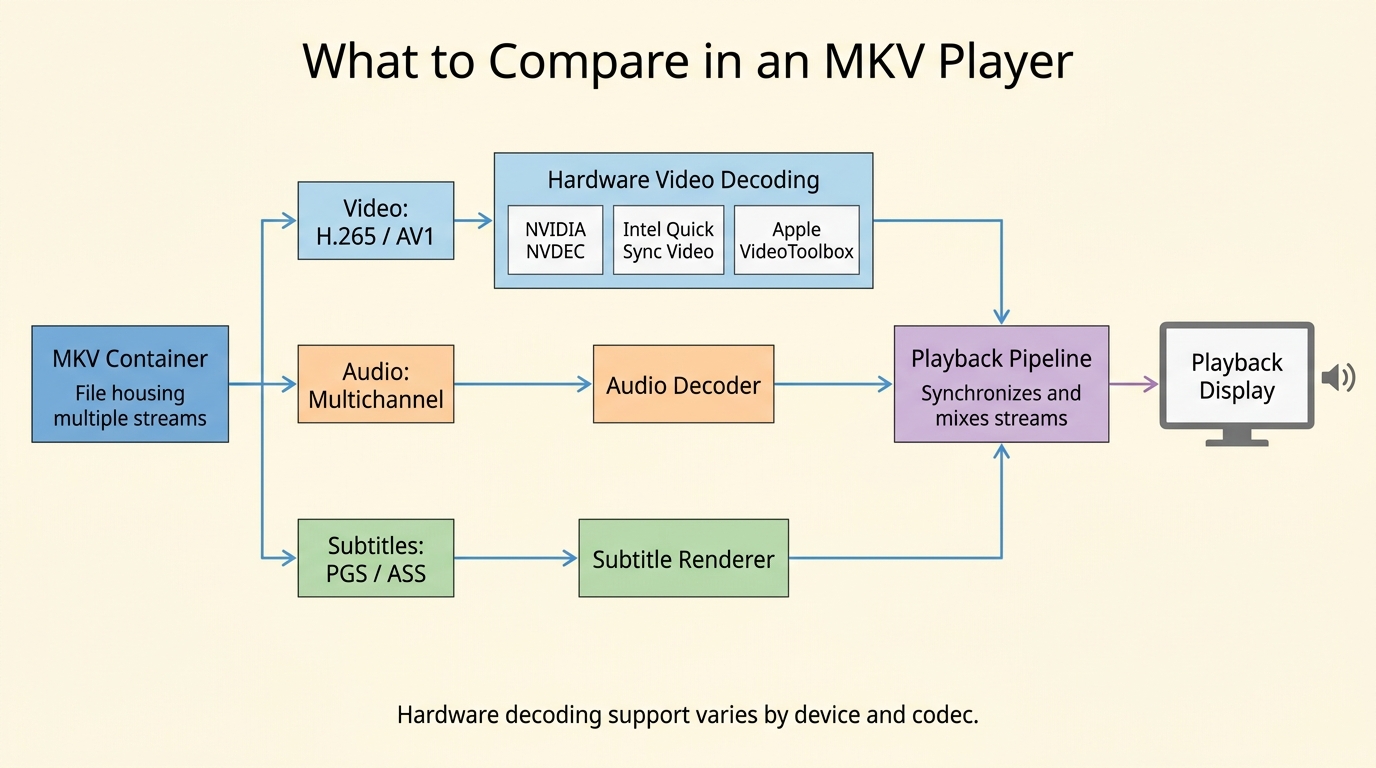
MKV and MP4 are containers, so neither format determines picture quality by itself. The practical MKV vs MP4 difference is that MKV commonly holds multiple audio tracks, subtitle formats, chapters, and attachments in one file. A player still needs compatible decoders for the video, audio, and subtitle streams stored inside the container.
When choosing an MKV player for Windows or Mac, stuttering video, missing audio, and broken subtitles usually point to a compatibility gap rather than a damaged container. High-bitrate 4K files also depend on storage speed, hardware decoding, and enough system capacity to keep audio and video in sync.
Use these three criteria to compare the eight players in this guide:
- Hardware Acceleration Efficiency: Look for hardware decoding that can offload demanding H.265 and AV1 playback to a compatible GPU through technologies such as NVIDIA NVDEC, Intel Quick Sync Video, or Apple VideoToolbox.
- Native HDR Tone Mapping: For HDR video, confirm that the player can interpret the content metadata and map the wider brightness and color range to the connected display.
- Complex Subtitle Handling: The engine must render heavy, image-based PGS subtitles extracted directly from 4K Blu-rays without causing stuttering or frame drops during fast panning shots.
Compare 6 MKV Players at a Glance
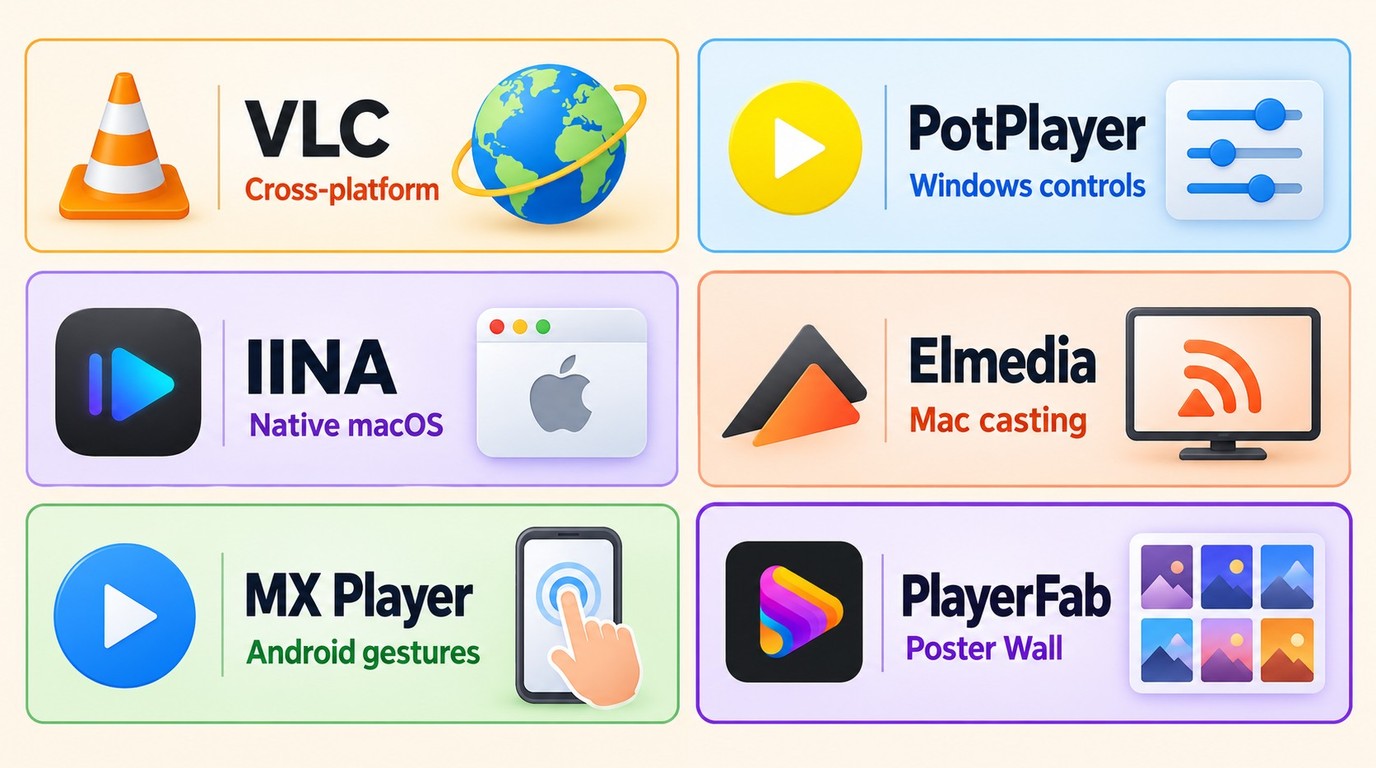
These six options are installed applications rather than browser players. A desktop app is generally the better fit for large MKV files and private local libraries because it opens the file directly instead of sending it through a web interface. Availability and product tiers are shown as of September 2026.
| Player | Operating systems | Access type | Price tier | Playback strength and fit |
|---|---|---|---|---|
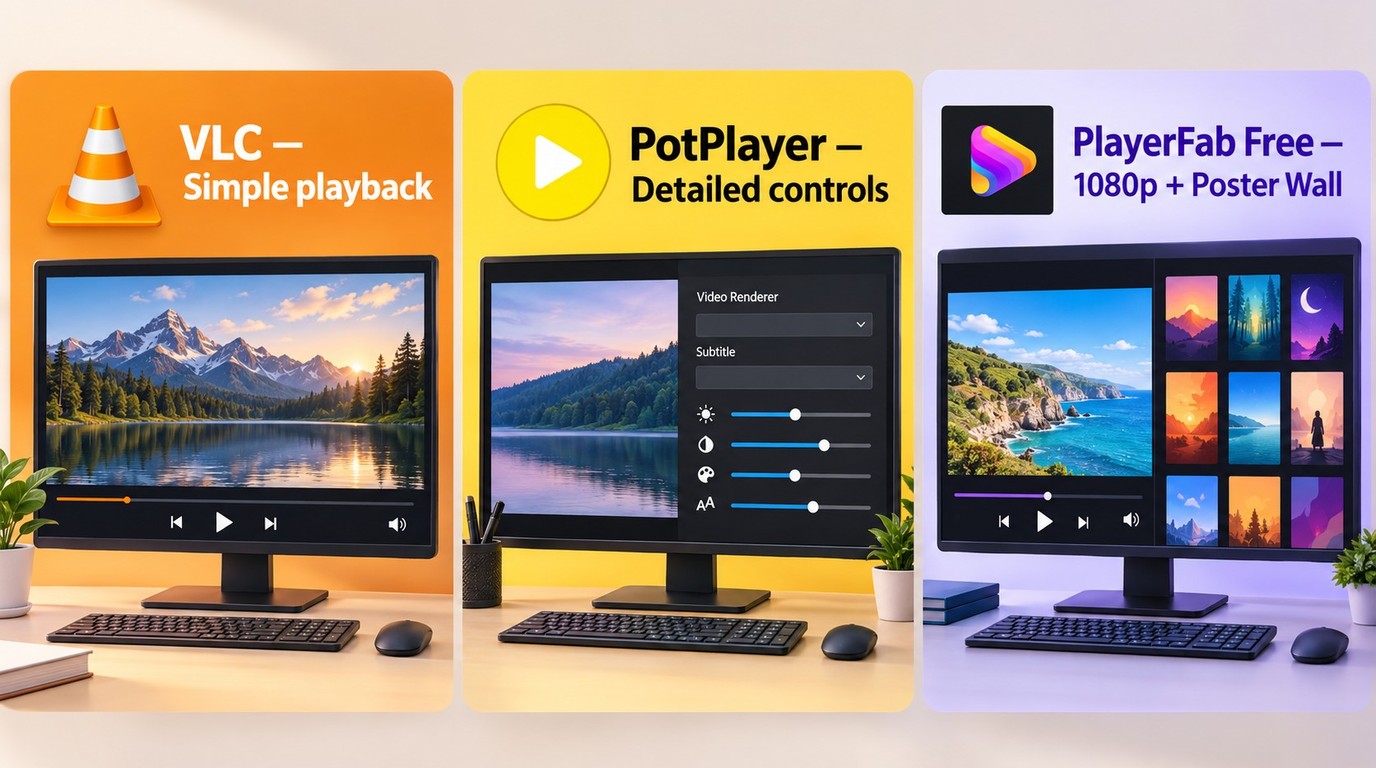
| Get PlayerFab Free Video Player | Windows, Mac | Installed app | Free basic edition | 1080p local playback; basic poster wall |
| Get VLC Media Player | Windows, Mac, mobile | Installed app | Free, open source | Broad codecs; straightforward cross-platform playback |
| Get PotPlayer | Windows | Installed app | Free | Detailed renderer, audio, and subtitle controls |
| Get Elmedia Player | Mac | Installed app | Free; paid Pro | Local playback; Pro adds wireless casting |
| Get IINA | Mac | Installed app | Free, open source | Native macOS design; advanced subtitle support |
| Get MX Player | Android | Installed app | Free with ads | Hardware decoding; gesture-based mobile controls |
Top Picks for the Best MKV Players on Windows
PlayerFab Free Video Player
Best For: Users who want free local MKV playback and basic library organization on Windows or Mac.
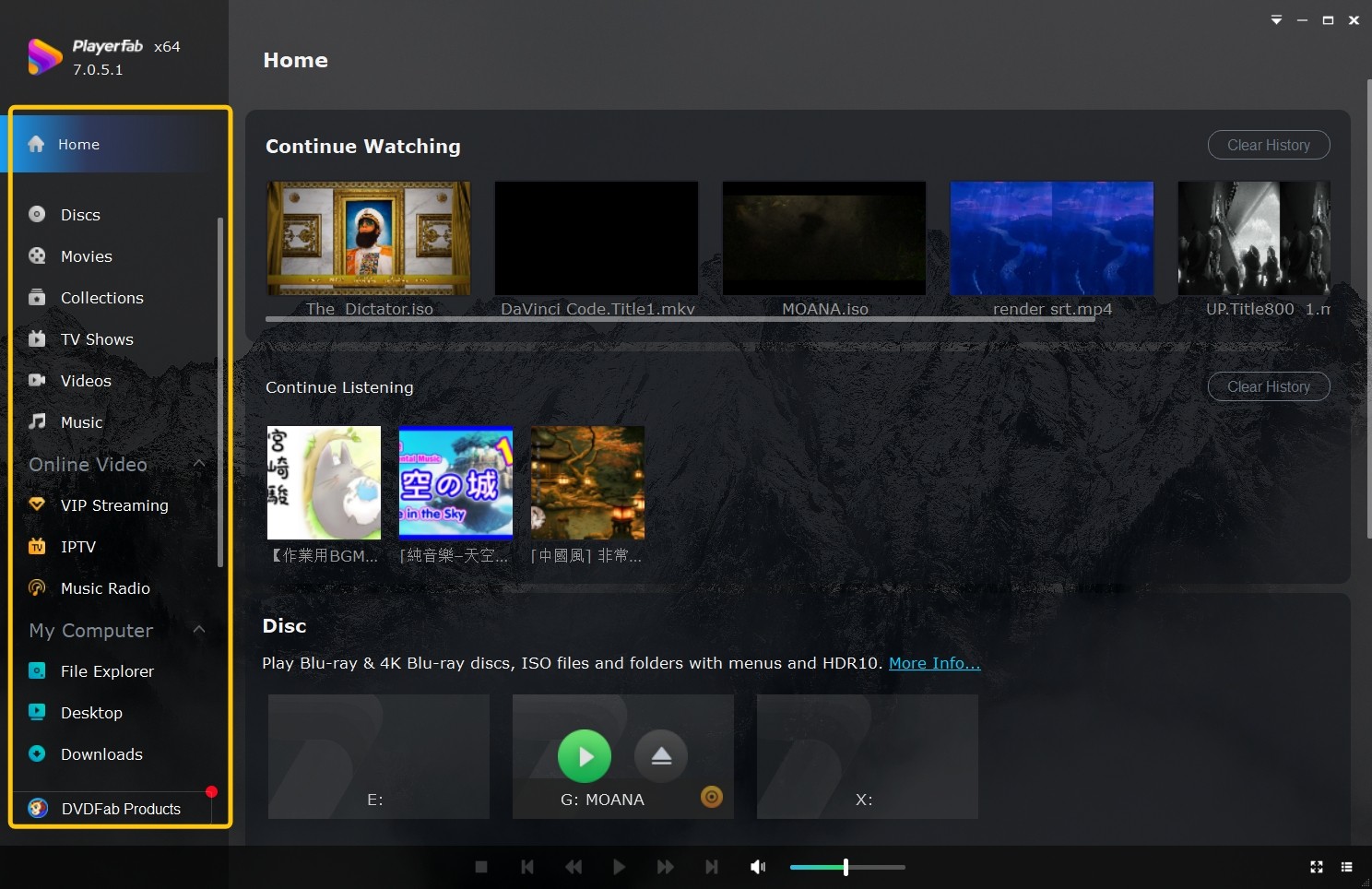
PlayerFab Free Video Player is a desktop MKV player for local standard-definition and HD video up to 1080p. Its basic Poster Wall provides a visual way to organize a local media library. Higher-resolution, HDR, Blu-ray, ISO, and advanced disc features require another PlayerFab edition, and the official PlayerFab download page outlines the available options.
For demanding MKV files, PlayerFab can use supported NVIDIA, Intel, or AMD hardware decoding technologies to reduce CPU pressure. Actual playback depends on the file's codec and bitrate as well as the system, GPU, driver, and display configuration.
Pros:
- Organizes local media in a basic visual Poster Wall with matched metadata.
- Includes dual interface modes specifically optimized for either standard PC monitors or large television screens.
- Detects the default audio language and matches the correct subtitles without requiring manual file downloads.
Cons:
- The Free edition does not include 4K UHD, HDR, Blu-ray, ISO, or DVD menu navigation.
- The installation package is noticeably larger than minimalist media players.
VLC Media Player
Best For: Users who want a free, open-source player with broad built-in codec support.
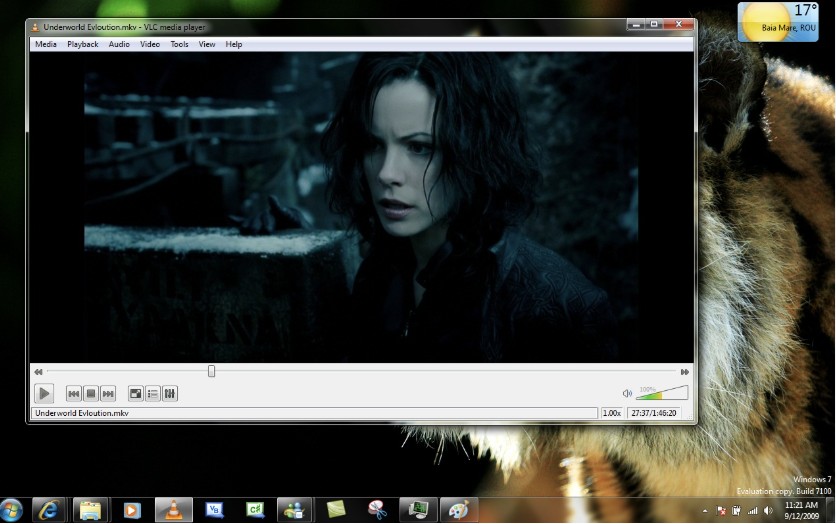
VLC Media Player operates on the libavcodec library, providing built-in support for a broad range of video and audio standards. If you need a free MKV player for legacy or unusually encoded files, its self-contained codec support avoids the need for separate Windows codec packs.
VLC is a practical fit when broad codec support and an open-source desktop app matter more than a polished library interface. If you need a different balance of interface, organization, or platform features, review these VLC alternatives.
Pros:
- Comprehensive Format Support: Plays most multimedia files without the need for additional codecs.
- Advanced Playback Controls: Offers features like speed control, frame-by-frame playback, and customizable toolbars.
- Audio and Video Effects: Includes an equalizer and filters to enhance media playback.
- Customization: Supports customizable skins and integration with various extensions.
- No Ads or User Tracking: Provides a clean viewing experience without advertisements or tracking.
Cons:
- The user interface is dated and lacks modern organizational tools for media library management.
- Requires manual configuration deep in the preferences menu to utilize GPU hardware acceleration effectively.
PotPlayer
Best For: PC enthusiasts who require granular control over rendering engines and custom audio processing filters.
PotPlayer is engineered for maximum technical optimization on Windows. It supports hardware-accelerated playback through technologies such as DXVA, CUDA, and Intel Quick Sync Video. The software allows you to swap out internal video renderers and audio processing filters, providing absolute control over the output pipeline and how your media displays on the monitor.
PotPlayer's detailed renderer, subtitle, and audio-filter controls suit Windows users who are comfortable configuring the playback pipeline. Those options can make initial setup more complex, so a simpler player is a better fit when basic MKV playback is the priority.
Pros:
- Supports a wide variety of 3D video output modes, including standard side-by-side and top-and-bottom formats.
- Features an interface that supports custom community skins to change the visual layout.
- Executes gapless playback for split video files, ensuring continuous viewing for multi-part media rips.
Cons:
- The complex settings menus are difficult to navigate for users who want basic functionality.
- The official installer frequently includes bundled third-party software.
- Operates exclusively on the Windows operating system.
For basic Windows MKV playback, VLC is the simpler free choice; choose PotPlayer when detailed renderer and subtitle controls matter, or PlayerFab Free Video Player when basic poster-wall organization is useful.
Best MKV Player Software for macOS
Elmedia Player
Best For: Mac users who need local video decoding alongside native wireless casting to external displays.
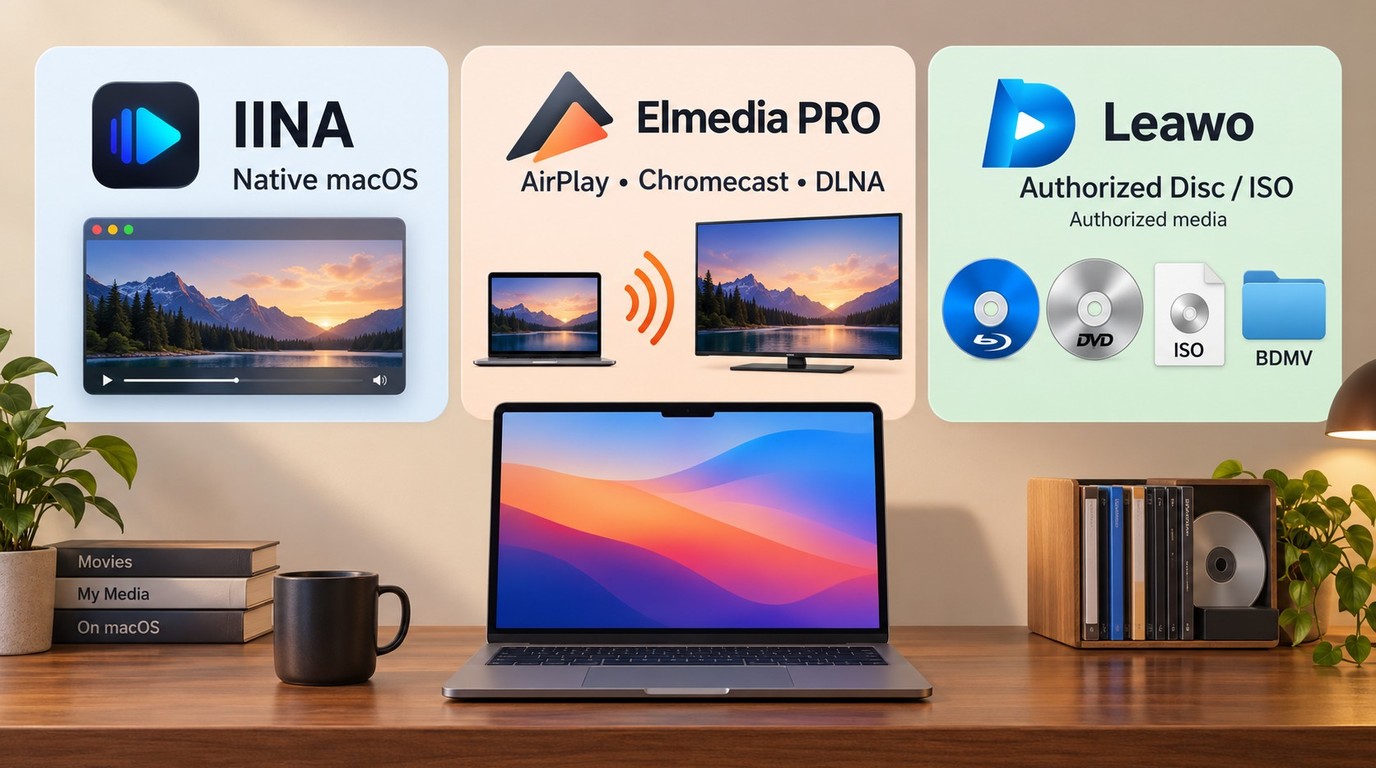
Elmedia Player functions as a dual-purpose media hub, combining local file processing with advanced network streaming protocols. As a free MKV player, it handles high-bitrate video containers and multi-channel audio tracks without requiring external codec pack installations. Elmedia Player PRO adds communication with AirPlay, DLNA, and Chromecast receivers for sending supported local media from a Mac to an external display.
For Mac users, the free version is the better fit for local MKV playback, while the paid PRO version is intended for workflows that require AirPlay, DLNA, or Chromecast output.

Pros:
- Plays over 70 video and audio formats, including MP4, AVI, MKV, FLV, and FLAC, without requiring additional codecs.
- Delivers smooth HD playback with native hardware-accelerated decoding, ensuring optimal performance for 4K and 8K media.
- The PRO edition can send supported local audio and video to AirPlay, Chromecast, and DLNA receivers.
- Offers built-in access to opensubtitles.com, allowing users to search and add subtitles within the app.
Cons:
- Advanced network streaming and wireless casting capabilities are strictly locked behind the paid software upgrade.
- The free tier displays periodic upgrade prompts that interrupt the software configuration process.
IINA
Best For: Mac users who require an open-source video engine optimized for Apple Silicon and macOS design guidelines.
For readers choosing how to play MKV files on Mac, IINA provides a native alternative to ports of Windows-focused software. IINA wraps the highly efficient mpv command-line playback engine in a native Swift application. It utilizes the Apple Metal API for hardware decoding and integrates with standard macOS features, including Touch Bar controls, native Picture-in-Picture, and Dark Mode.
IINA supports complex ASS subtitle formats, including custom fonts and positioning. Its 2026 releases included versions 1.4.2, 1.4.3, and 1.4.4 from April through June.
Pros:
- Integrates with macOS system features, including Picture-in-Picture and Force Touch trackpad gestures.
- Supports dedicated browser extensions to stream online video through the local media interface.
- Features a minimalist, distraction-free user interface that aligns with Apple application design guidelines.
Cons:
- Restricting installation and usage exclusively to macOS environments.
- Modifying advanced playback parameters often requires editing text-based configuration files.
Leawo Blu-ray Player
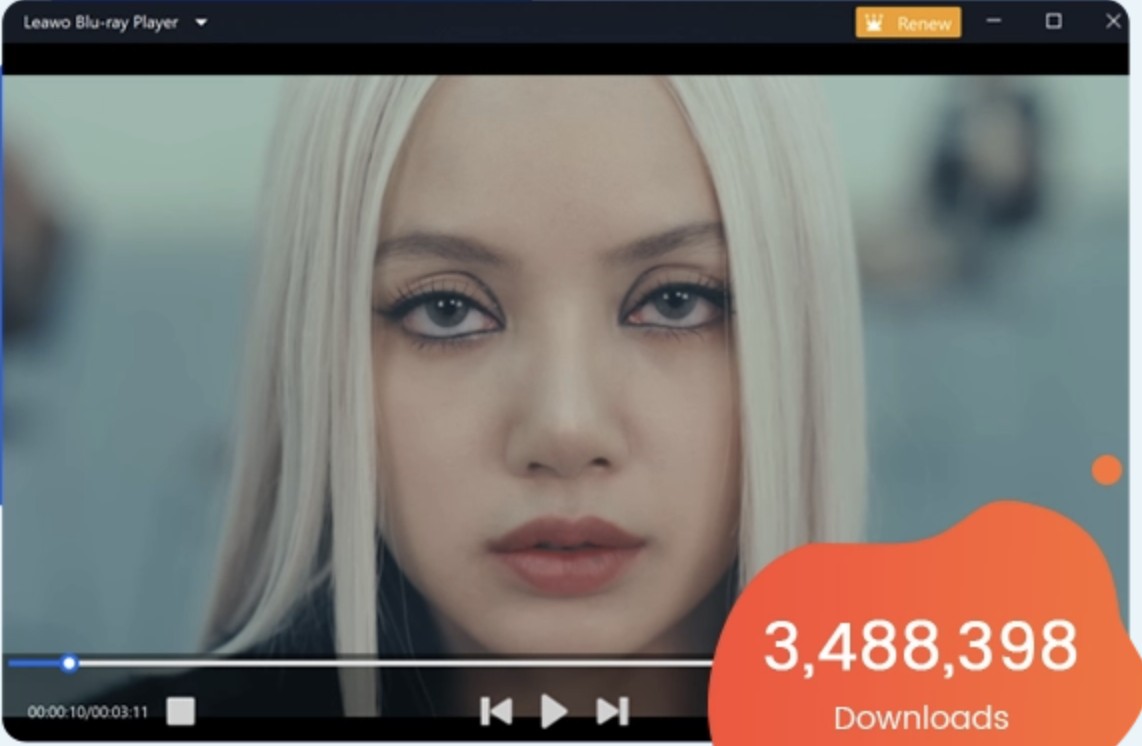
When evaluating the best MKV player for Mac, most software focuses on digital containers while ignoring physical media backups. For media the reader is authorized to access, where permitted by applicable law and platform terms, Leawo Blu-ray Player supports MKV files, DVDs, Blu-ray discs, ISO images, and BDMV folders. The engine processes up to 4K resolution video and allows lossless audio passthrough to dedicated AV receivers.
For Mac users who need both MKV and authorized disc playback in one application, Leawo offers broader media coverage than a local-file-only player, while IINA remains the more macOS-native option.
Pros:
- Supports authorized DVD and Blu-ray playback, subject to applicable law and relevant terms.
- Executes reliable audio passthrough to deliver lossless surround sound formats to dedicated home theater receivers.
- Supports basic physical disc menu navigation to allow manual selection of specific video chapters or extras.
Cons:
- Displays intrusive advertisements prompting users to purchase associated conversion software upon pausing or exiting.
- The graphical user interface is ported directly from Windows and lacks modern macOS design integration.
For a native macOS interface, IINA is the straightforward free choice; choose Elmedia for wireless casting or Leawo when authorized disc playback is part of the same workflow.
Best Free MKV Player Apps for iOS and Android
KMPlayer
Best For: Users operating across both iOS and Android who want a unified, gesture-driven interface for their local media.
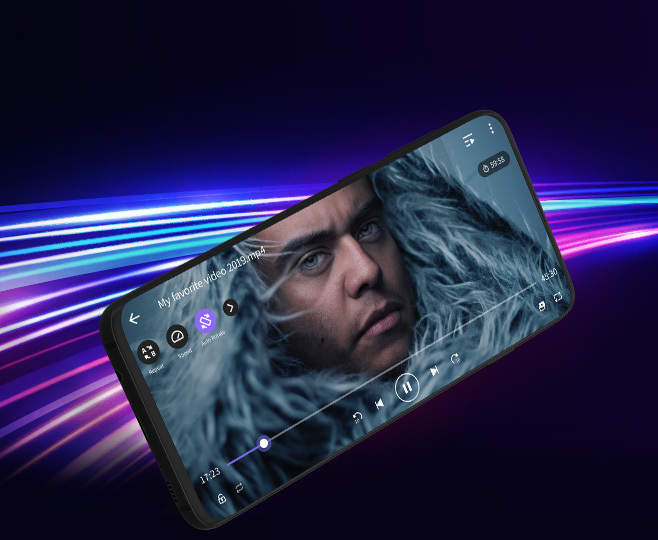
For users comparing an MKV player for Android with iOS options, maintaining consistent playback software can simplify track selection and gesture controls. The mobile iteration of KMPlayer delivers a standardized experience across both platforms. It is engineered to process high-resolution MKV containers while offering audio controls, including speed normalization and pitch adjustment. KMP Connect can also stream files from a desktop PC to the mobile application over a supported connection.
KMPlayer is available for iOS, Android, and Windows, providing a consistent interface and gesture-based playback controls across its supported platforms. Readers prioritizing tablet playback can compare the audio, subtitle, and free-tier considerations covered in the iPad MKV player guide.
Pros:
- Enables seamless background audio playback, allowing users to listen to video files while minimizing the app.
- Includes the KMP Connect feature to wirelessly stream large files directly from a local host PC.
- The player handles a wide range of subtitle formats and allows users to adjust subtitle settings.
- Users can apply filters during playback, such as sharpening, denoise, and color effects, to enhance video quality.
Cons:
- The user interface feels cluttered with unnecessary social networking features and integrated mobile mini-games.
MX Player
Best For: Android users who require maximum hardware decoding efficiency to prevent rapid battery drain during heavy video playback.
As a highly optimized free MKV player, MX Player addresses the thermal management challenges through its proprietary HW+ decoder framework. By utilizing multi-core processing, it distributes the video rendering workload across modern Snapdragon and MediaTek chipsets. This allows the software to handle 4K 10-bit HEVC files and complex embedded audio tracks without forcing the mobile CPU to operate at maximum capacity.
An MKV file can open even when its embedded audio track is unsupported. In MX Player, users may need to select another audio track or use a compatible codec option when DTS or AC3 audio does not play.
Pros:
- Utilizes multi-core decoding to improve rendering efficiency on modern Android smartphone processor architectures.
- Features responsive on-screen gesture controls for immediate volume, brightness, and timeline seeking adjustments.
- Supports pinch-to-zoom functionality and customizable text sizing within the active video playback window.
Cons:
- MX Player remains active on Android; its US Google Play listing was updated on September 15, 2026, and recent reviews report frequent ads after video playback.
- Requires users to manually download and install custom external codecs for DTS audio support.
Choose KMPlayer when a consistent interface across iOS and Android matters; choose MX Player on Android when hardware decoding and gesture controls are the priority.
Fixing Common MKV Player Codec and Playback Errors
Missing Video Codec Issues in Your MKV Player
Symptom: The MKV file opens, but the video remains blank, displays an error, or fails to start. Cause: A player may lack the specific decoder required for a modern compression standard such as HEVC (H.265) or AV1. On Windows 11, container support alone does not guarantee that the selected player can decode the video stream.
Fix: Follow these steps:
- Open the file information panel in your player and identify the video codec.
- Enable hardware decoding if your GPU supports the listed codec, then update the graphics driver if playback still fails.
- If more than one video track is available, select another track to determine whether the issue is limited to one encoded stream.
Audio Synchronization Drift During MKV Playback
Symptom: Dialogue gradually falls behind or moves ahead of the picture. Cause: Audio drift usually stems from processing latency, timestamp errors, or variable frame rate video within the MKV container. This is common when playing 4K files on older hardware that struggles to keep the video and audio clocks in sync.
Fix: Follow these steps:
- Disable OS-level audio enhancements and spatial sound settings that add processing delay.
- Select another embedded audio track to determine whether the offset affects the entire file or one track.
- Enable hardware video decoding or lower demanding playback effects to reduce processing latency.
- Use the player's track synchronization control to adjust the audio offset until speech and picture align.
- If the offset keeps changing, test the file in another compatible player to check for a variable-frame-rate or timestamp issue.
Missing PGS and ASS Subtitles for MKV Files
Symptom: PGS, ASS, or SSA subtitles are missing, flicker, or get cropped. Cause: MKV subtitles may be text-based scripts (ASS/SSA) or image-based layers (PGS). PGS subtitles are high-resolution images from Blu-rays and can place more demand on the rendering pipeline during 4K playback.
Fix: Follow these steps:
- Open the subtitle menu and confirm that the intended PGS, ASS, or SSA track is selected.
- Switch between the available subtitle rendering modes if the track flickers or disappears after seeking.
- For ASS or SSA subtitles, confirm that the player can load font attachments stored inside the MKV container.
- If subtitles are cropped on a phone or tablet, return the video to its original aspect ratio instead of using a fill or crop mode.
- If image-based PGS subtitles remain unstable, try a player with explicit PGS support or use an authorized text-based subtitle track.
Best MKV Player by Use Case
The best MKV player depends on your operating system, file codecs, and library needs. VLC is a practical free choice for straightforward playback across multiple platforms, while IINA offers a more native macOS experience and PotPlayer suits Windows users who want detailed rendering controls. For a local MKV library with poster-wall organization, PlayerFab Free Video Player is a practical Windows or Mac starting point for playback up to 1080p. If you need 4K UHD, HDR, Blu-ray, ISO, or lossless home-theater audio, choose an eligible higher-tier PlayerFab edition with compatible content, hardware, and display.

 H.264 Player for PC: Raw Files and MP4 PlaybackBy James Morgan - Nov 4, 2026
 How to Open MP4 Files on Windows 11: 4 Reliable FixesBy Alice Harper - Aug 10, 2026
 9 Best Free FLV Players for Windows, Mac, and Mobile (2026)By Alice Harper - Aug 4, 2026
 13 Best Free MP4 Players for Windows & macOS: Hands-on Review in 2026By Alice Harper - Aug 3, 2026