8 iPad MKV Players Rechecked: Current Apps and Fixes

Summary: An iPad needs a compatible app to open most MKV files, and the codecs inside the container still determine whether audio, video, and subtitles work. This guide rechecks eight legacy entries, compares current US options, explains file transfers, and gives a practical troubleshooting order.
Searching for an iPad MKV player usually starts with a file that will not open, plays without sound, or drops subtitles. You can play MKV on iPad with a compatible app, but reliable playback still depends on the video, audio, and subtitle tracks inside the container.
This recheck explains native support first, compares the current US choices, preserves the eight original app slots with corrected availability notes, and then shows how to transfer files and diagnose playback failures.
Can iPad Play MKV Files Natively?
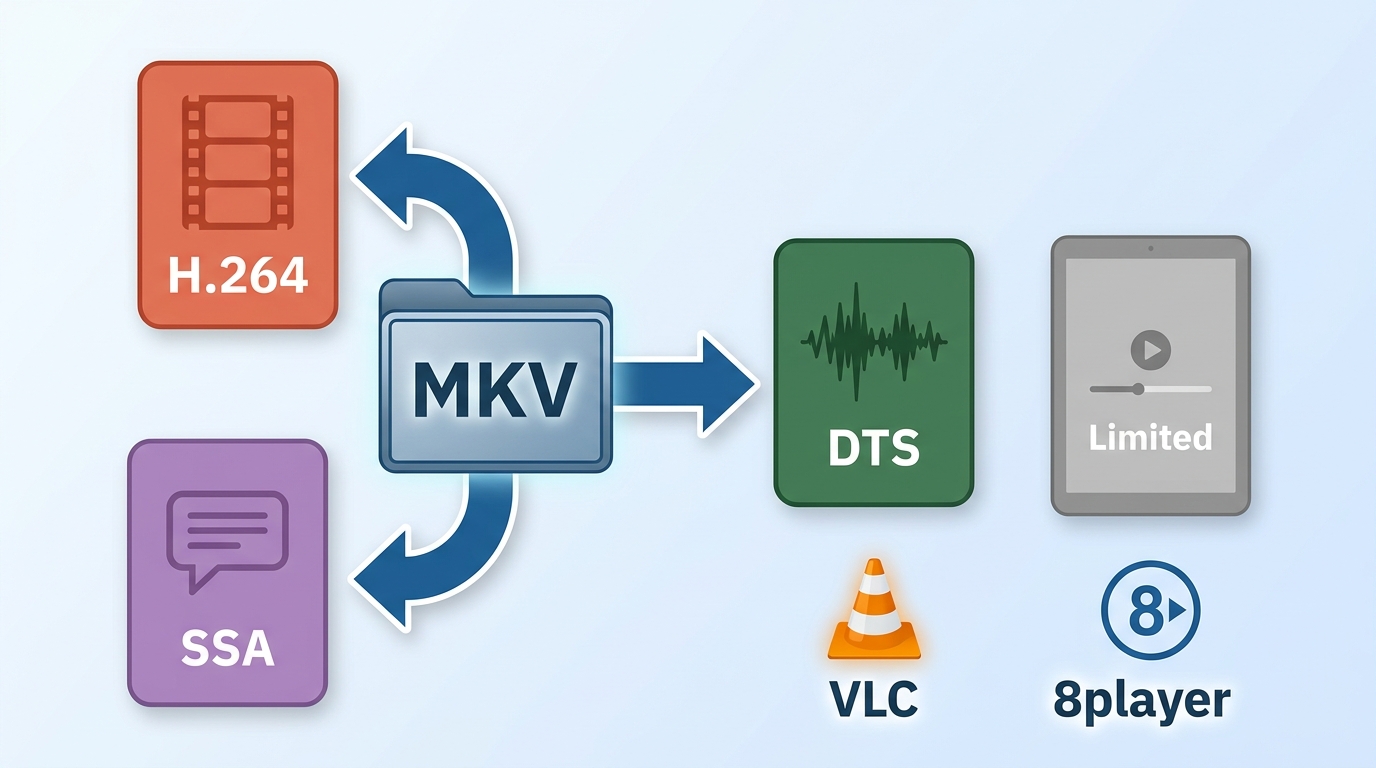
No. iPadOS does not reliably support the MKV container in its native playback workflow, so most users need a compatible player. Even then, iPad MKV playback can fail when the file contains an audio, video, or subtitle format that the selected app cannot decode.
MKV Containers and Their Codecs
MKV is a container, not a codec. Think of it as a package that can hold one video stream, several audio tracks, embedded subtitles, chapter data, and other metadata. Opening the package does not prove that the app can process every track inside it.
- Video: A supported video track may play smoothly, while a less common codec may stutter or show a blank frame.
- Audio: An iPad MKV no sound issue often means the selected audio track is unsupported or the app chose the wrong track.
- Subtitles: Embedded and external subtitle formats can render differently, and styling or timing controls vary by app.
My practical rule is simple: successful file opening is not the same as dependable playback. Test audio switching, subtitle rendering, and seeking before committing to an app for a large library.
Best iPad MKV Players Compared
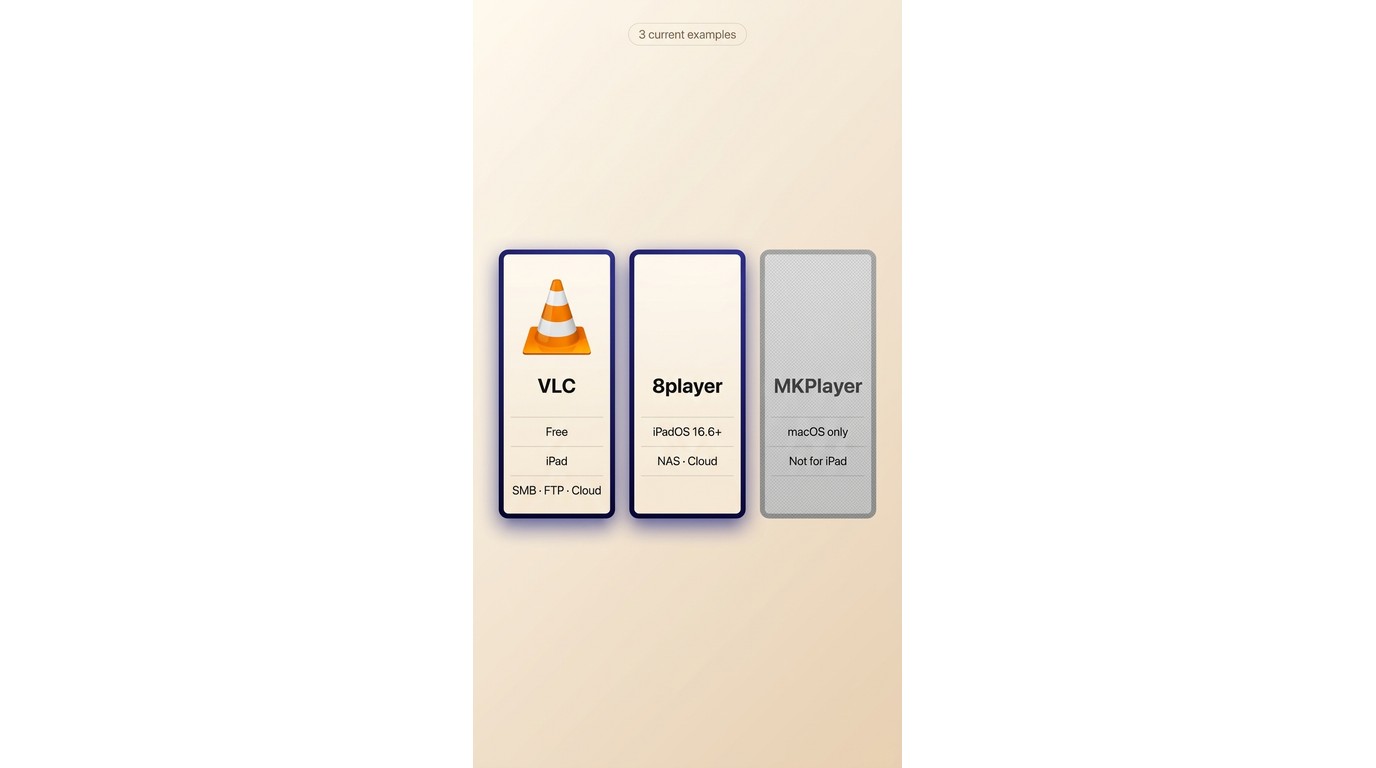
The current shortlist is narrower than the old ranking. A broader iPad video player comparison covers other formats, while a cross-platform MKV player overview covers desktop choices. Here, the decision stays focused on iPad MKV playback.
| App and US status | Cost and limits | Audio and subtitles | Transfer or network sources | Best fit and limitation |
|---|---|---|---|---|
| VLC media player: listed for iPad | Free | Multi-track audio; SSA subtitles | Files, cloud, SMB, FTP, SFTP, NFS, UPnP | Free baseline; codec results vary |
| MKPlayer: listed for Mac, not iPad | Free Mac app; optional Pro unlock | Alternate audio; custom subtitles | Mac file drop; Safari extension | Mac users; not an iPad choice |
| 8player: listed for iPad, version 8.4.4 | Free download | Multi-track audio; subtitles | Local, cloud, NAS, SMB, FTP, SFTP | Network libraries; needs iPadOS 16.6+ |
Availability and pricing were checked in August 2026.
VLC is the strongest free starting point. Choose 8player when cloud and network sources matter more than a minimal local-file workflow. Skip MKPlayer for this task because its current US listing is a Mac app, despite its MKV-focused name.
Current Recommendations
For a free iPad MKV player, VLC offers the clearest baseline because it combines local import, cloud access, network shares, multi-track audio, and subtitle controls. 8player is the more focused fit for NAS and cloud-heavy libraries, provided the iPad meets its current system requirement.
Legacy and Unavailable Apps
Playable, the former PlayerXtreme iOS listing, AVPlayerHD, GoodPlayer, VLC Streamer, and OPlayer should not appear as equal current recommendations. Some are unavailable or unverified in the US, while others remain listed but have older maintenance histories or serve a different workflow.
1. Playable: Availability Unverified
No exact current Playable match could be confirmed in the US Apple catalog. Treat this entry as a historical reference, not a recommendation, and use the comparison above for apps with current, verifiable listings.
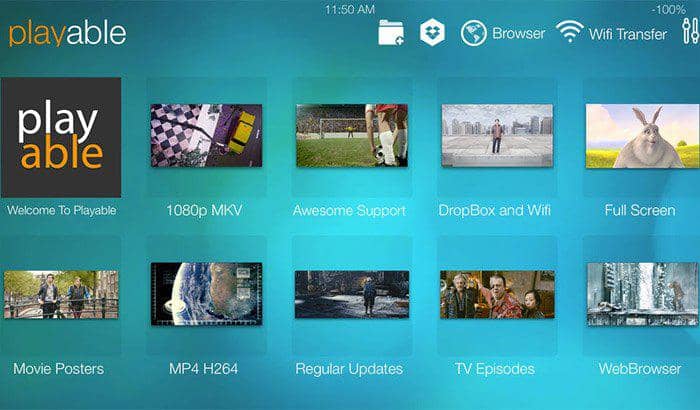
I would not install a similarly named app based on the old ranking alone because the developer identity and current product match are not established.
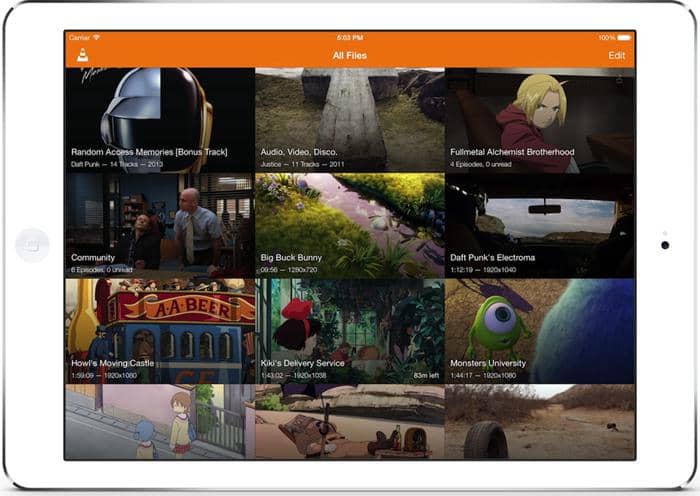
2. VLC Media Player
Fast Tube, which occupied this slot in the old list, was removed from the App Store on July 21, 2022. VLC media player is the current free baseline for iPad MKV playback in this position.
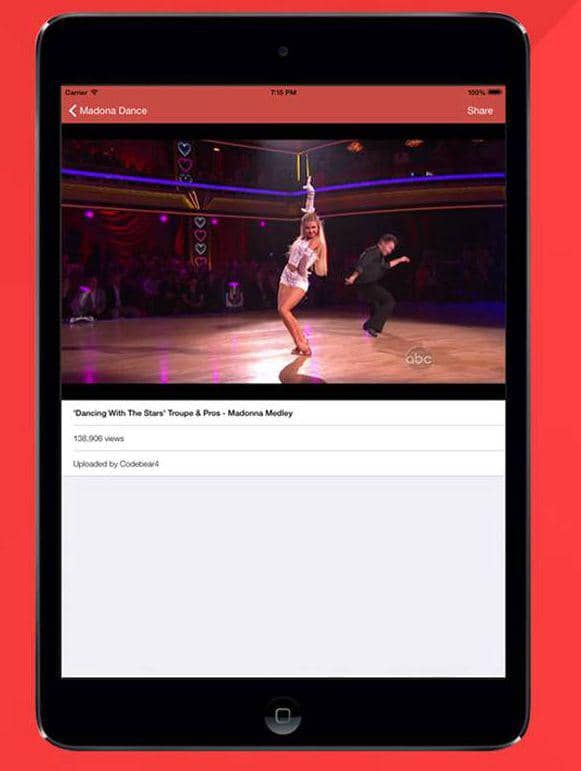
VideoLAN's current iPad app plays media in many formats without conversion and supports iCloud Drive, Dropbox, Google Drive, OneDrive, Wi-Fi sharing, SMB, FTP, SFTP, NFS, and UPnP sources. It also provides multi-track audio, playback-speed controls, and SSA subtitle handling.
Best for: Readers who want a free iPad MKV player with flexible transfer and network options. Not ideal for: Anyone who expects the MKV label alone to guarantee that every embedded audio or subtitle track will work.
3. MKPlayer
The original PlayerXtreme iOS listing has been reported delisted, and similarly named apps should not be treated as the same product. The current US MKPlayer listing is for macOS, not iPadOS, so it cannot replace PlayerXtreme as an iPad recommendation.
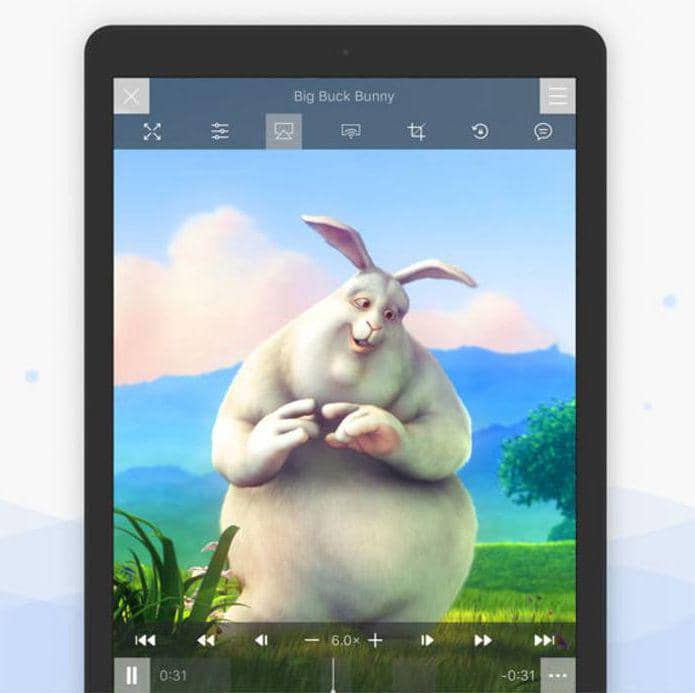
On Mac, MKPlayer supports alternate audio tracks, multilingual and custom subtitles, a Safari extension, and video adjustments. Those verified functions may suit a Mac-based MKV workflow, but they do not establish an iPad app.
Best for: Mac users who need track and subtitle selection. Not ideal for: Anyone choosing an MKV player for iPad.
4. 8player
8player is currently listed in the US App Store, and version 8.4.4 was released on August 6, 2026. Its main advantage for this article is access to local files, cloud storage, NAS devices, and network servers from one iPad app.
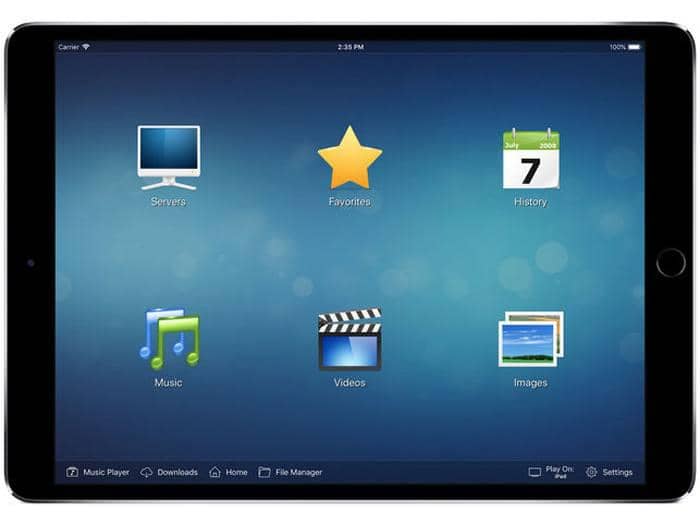
The official listing includes DLNA/UPnP, SMB, FTP, SFTP, Dropbox, Google Drive, OneDrive, local files, subtitles, multiple audio tracks, Picture in Picture, AirPlay, and Chromecast. Its current minimum system requirement is iPadOS 16.6.
Best for: A network-media user who wants NAS, cloud, and local sources in one library. Not ideal for: Someone who needs a simpler local-file player or uses an older iPad that cannot meet the system requirement.
5. AVPlayerHD Status and Alternatives
AVPlayerHD has been reported removed from the US App Store. Listings in other regions do not establish current US availability, so it should not sit beside VLC and 8player as an equal recommendation.
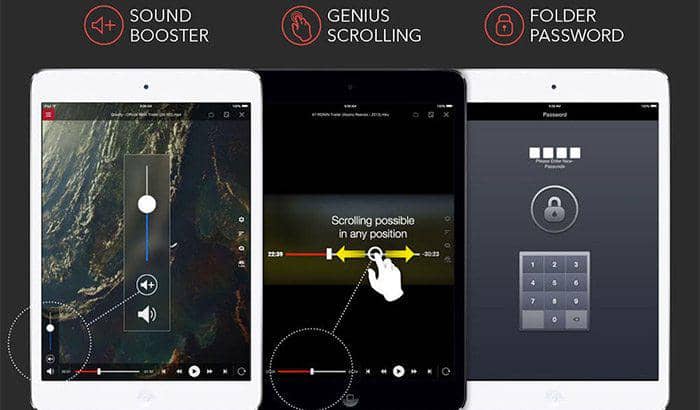
The old claims that it handled nearly every format and eliminated conversion were too broad. US readers should start with the current comparison options and judge them against the codecs and storage sources they actually use.
6. GoodPlayer: Legacy App
GoodPlayer's US listing is still reachable, but its most recent official update was June 4, 2016. That maintenance gap matters more than the old claim that it could open nearly any video extension.
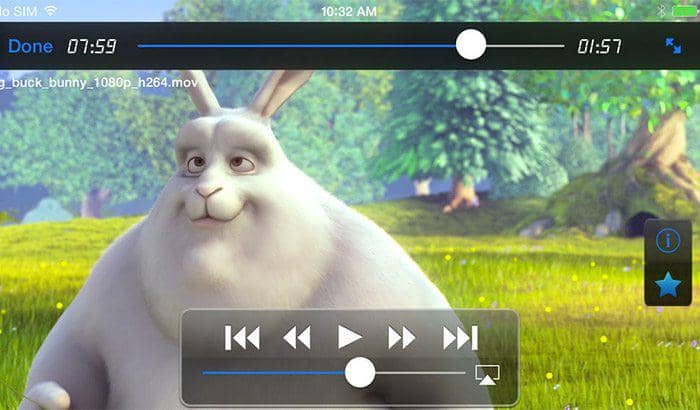
The listing describes local file management, subtitle controls, network playback, and multiple transfer methods, but it also notes codec limitations. Not ideal for: Readers who prioritize active maintenance, current iPadOS design, and faster responses to new compatibility issues.
7. VLC Streamer: Legacy App
VLC Streamer is a separate product from VideoLAN's VLC media player. Its official listing was last updated on March 14, 2023, and its workflow depends on a helper app running on a Mac or PC.
That computer-assisted streaming model is different from opening an MKV directly in the current VLC media player app. For a present-day free baseline, use the VLC entry above rather than treating VLC Streamer as the same application.
8. OPlayer: Maintenance Caution
OPlayerHD is now listed as OPlayer in the US App Store, and its latest official update was February 17, 2025. It remains available, but its maintenance recency places it outside the equal current-recommendation table.
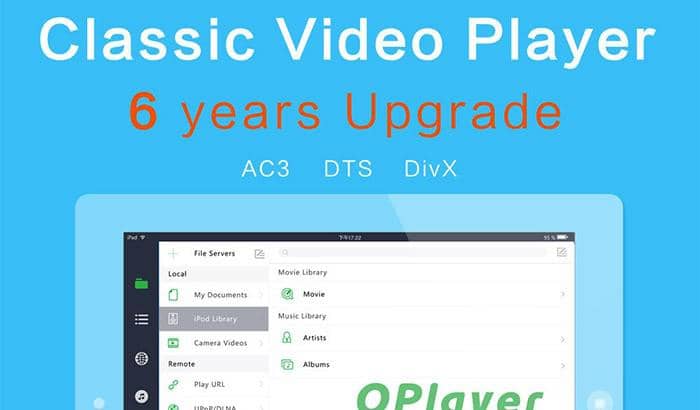
The listing includes local and network playback, audio-track switching, embedded subtitles, and file management. Best for: A reader who already knows the OPlayer workflow. Not ideal for: Someone who wants the most recently maintained option or a cleaner free starting point.
Move MKV Files to an iPad
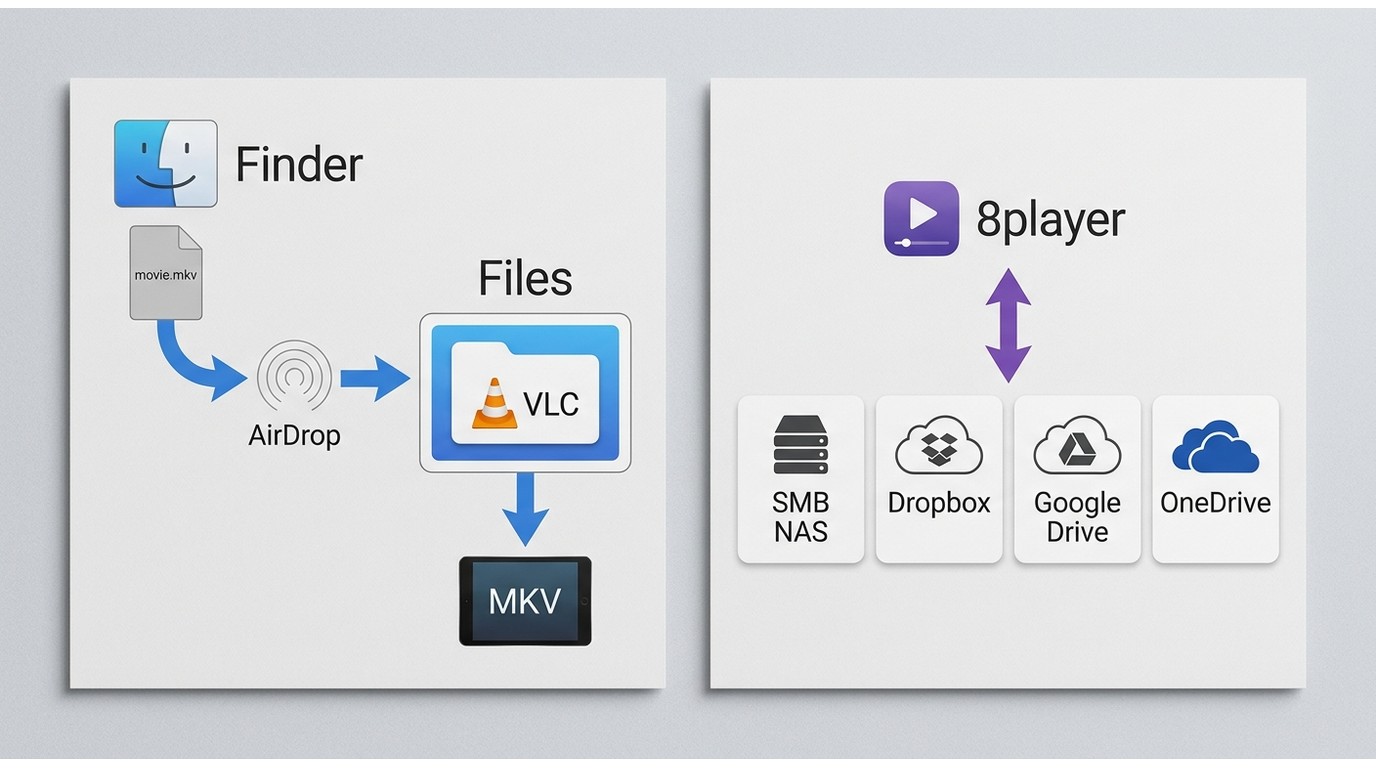
The right transfer path depends on where the file lives and which app you selected. Files, AirDrop, and computer transfers normally copy the MKV onto the iPad, while cloud, NAS, and server playback depend on the app's supported connections.
Files, AirDrop, and Computer Transfers
- Files and Share Sheet: Locate the MKV in Files, tap Share, and choose the player if it appears. If it does not, move the file into the player's folder under On My iPad.
- AirDrop: Send the MKV from a Mac, save it to Files, and then open or move it into the selected player.
- Computer transfer: Connect the iPad and use the app's File Sharing area in Finder or Apple Devices to place the MKV inside that app's storage.
- VLC folder workaround: When the Share Sheet handoff fails, I move the file to On My iPad > VLC in Files, then open VLC and let its library rescan.
These paths create a local copy. They are useful for travel, unreliable networks, and diagnosis because they remove cloud or server connectivity from the playback chain.
Cloud, NAS, and External Storage
- Cloud storage: Sign in through an app that lists the service, browse to the MKV, and either stream it or download a local copy if the app provides that choice.
- SMB or NAS: Add the server address, share name, credentials, and folder inside a player that supports the protocol.
- External drive: Connect the drive, confirm it appears in Files, and open the MKV with the selected app.
- Local-copy test: If network or drive playback fails, copy the same file to On My iPad. Success after copying points to the source connection rather than the MKV itself.
An iPad MKV external drive setup is most reliable when the drive mounts in Files before the player tries to access it. Network discovery, credentials, subtitle sidecar files, and download controls remain app-dependent.
Fix MKV Playback Problems on iPad
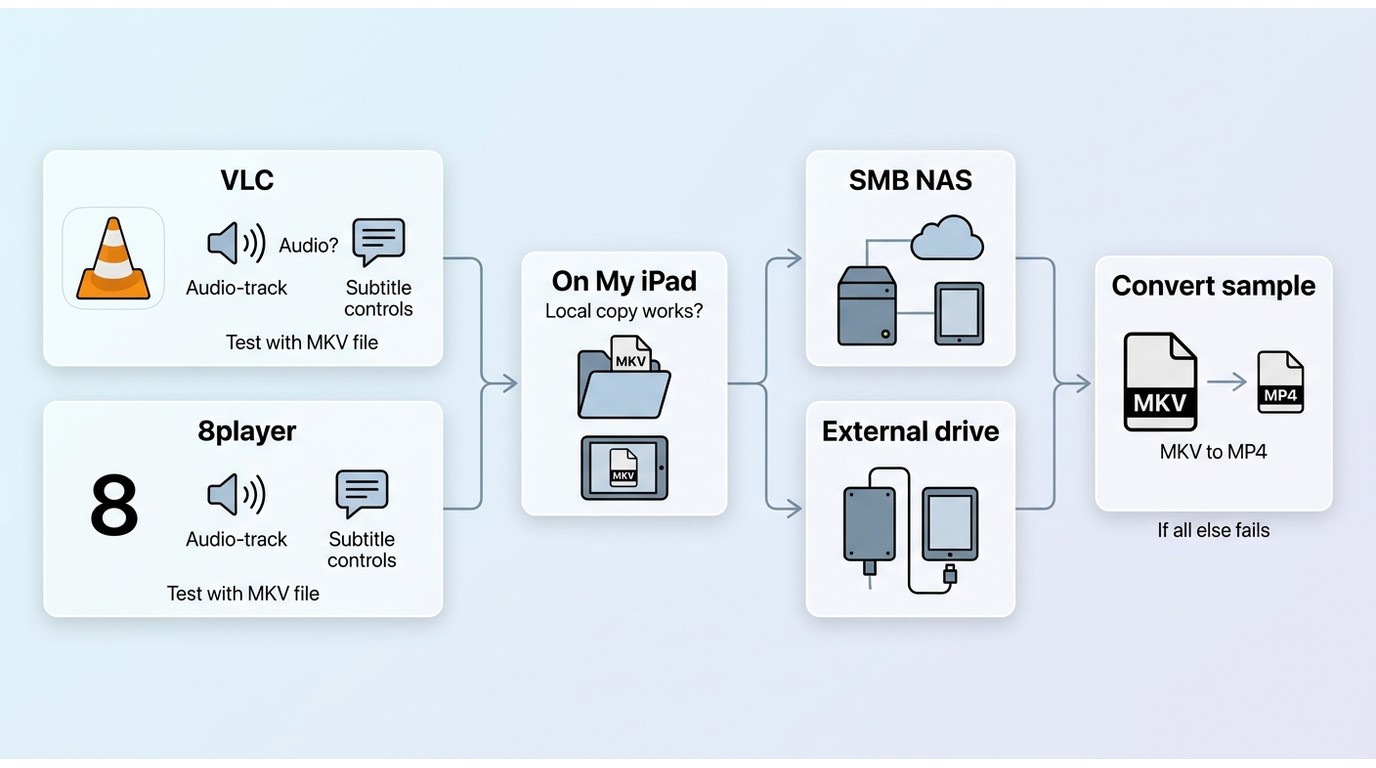
Diagnose the file before replacing the app or converting a whole library. Start with the selected audio and subtitle tracks, test a local copy, compare one current player, and convert only when the container or codec combination remains incompatible.
No Audio or Wrong Tracks
- Open the audio menu and select another embedded track. The app may have defaulted to commentary, another language, or an unsupported stream.
- Disable and re-enable subtitles, then select the intended embedded or external file. Check that a sidecar subtitle uses the same base filename as the video.
- Try the same MKV in VLC or 8player. If one app works, the first app's codec or track handling is the likely cause.
- If both fail in the same way, inspect the file's audio and subtitle formats on a computer before changing every playback setting.
I diagnose track and codec behavior first because replacing the app cannot repair a malformed file, and converting every MKV wastes time when the problem is a single selected stream.
External Drives and Network Sources
- Confirm the drive or server is visible before opening the player.
- Reconnect the share and re-enter credentials if SMB browsing fails.
- Keep the iPad and server on the same network unless the app documents remote access.
- Copy one failing file locally. If it plays from On My iPad, focus on the drive, cable, power, server path, or connection rather than the codec.
When Conversion Makes Sense
Conversion is a fallback when a file repeatedly fails because of an unsupported video or audio track, when subtitles render incorrectly across current apps, or when you need broader native compatibility. The practical MKV versus MP4 tradeoff is container flexibility versus wider device support.
Keep the original file, convert a short sample first, and confirm audio, subtitles, picture, and seeking before processing the rest of the library.
Which iPad MKV Player Fits You?
The right iPad MKV player depends on source and budget: start with VLC for a free local and network baseline, choose 8player for a NAS or cloud-centered library, and avoid Mac-only or stale listings when you need an iPad app. If you also organize local SD or HD video and use basic DVD playback on Windows or Mac, PlayerFab Free Video Player can serve as an optional desktop companion up to 1080p. It is not an iPadOS app and is not a fit for an iPad-only workflow, Blu-ray, ISO, HDR, or 4K UHD playback in the Free edition.
FAQ
These quick answers cover selection details that are easy to miss when comparing app listings.
Will an iPad MKV player remember my audio and subtitle choices?
That behavior varies by app and version. Before paying, open two files from the same series, choose the desired audio and subtitle tracks, close the app, and confirm whether those preferences carry to the next file.
Is a free iPad MKV player enough for 4K or HDR video?
It may be enough to open the container, but 4K or HDR playback still depends on the codec, iPad model, display path, and current app support. Treat an MKV compatibility claim as a starting point, not proof that every high-resolution track will render correctly.
Can I stream MKV files from a NAS without copying them first?
Yes, when the selected app supports your NAS connection. VLC and 8player list network sources, but setup and reliability vary. If streaming fails, reconnect the share, confirm credentials, and copy one file locally to separate network trouble from codec trouble.
Do I need to convert every MKV before watching it on iPad?
No. A compatible player can handle many MKV files directly. Convert when unsupported codecs, persistent audio failures, subtitle problems, or a need for broader native compatibility remain after you test a current app and a local copy.

 Play Video Files: 4 Paths Across Formats and DevicesBy James Morgan - Sep 22, 2026
 12 Best HEVC Players for Windows, Mac, and 4K (2026)By Alice Harper - Aug 4, 2026
 Best WMV Player for Mac and How to Play WMV on Mac NativelyBy James Morgan - Aug 4, 2026
 8 Best TS File Players and Playback Tools for 2026By Alice Harper - Jul 28, 2026