FHD vs UHD: Which Resolution Fits Your TV or Laptop?

Summary: Choosing between FHD and UHD comes down to more than pixel count. This guide covers both resolution standards across TV, laptop, monitor, and gaming contexts, and corrects common misconceptions about 4K content availability and HDR. For most TV setups 43 inches and above, UHD is worth it. For laptops under 16 inches, FHD remains the more practical choice.
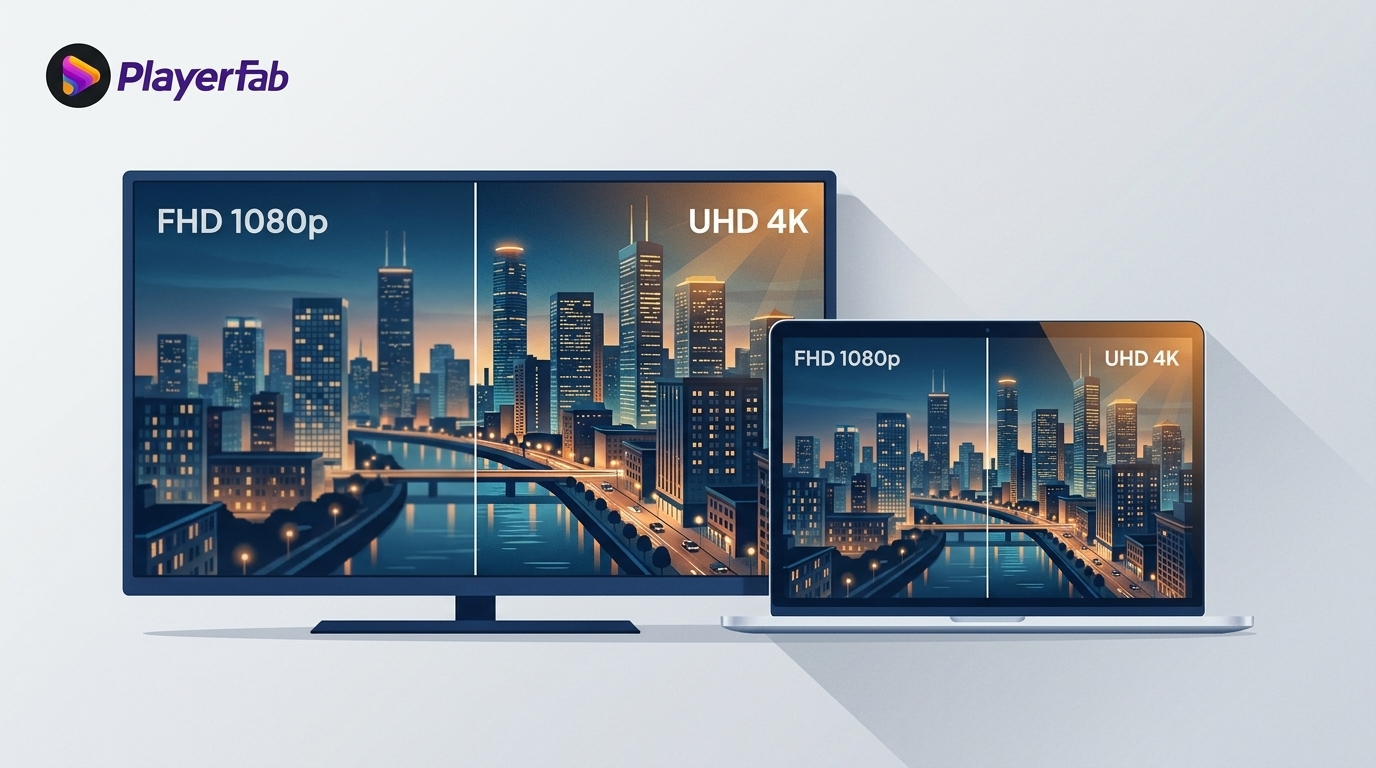
Table of Contents
In short, FHD is 1920 × 1080 and UHD is 3840 × 2160. UHD has four times as many pixels, but it is worth paying for only when screen size, viewing distance, source quality, hardware performance, and budget make that extra detail visible.
FHD vs UHD, especially for an FHD vs UHD laptop or TV, is confusing because resolution is only one part of the purchase. This guide compares visibility, performance, battery life, native content, scaling, and cost so you can choose the resolution that fits how you actually watch, work, or play.
What Is Full High Definition?
Full High Definition, or FHD, is a display resolution of 1920 × 1080 pixels, commonly called 1080p. It remains widely used across laptops, monitors, TVs, and streaming video because it offers clear detail without the graphics load, bandwidth, storage, and price premium associated with UHD.
Resolution is not the same as overall display quality. Contrast, brightness, color accuracy, motion handling, panel quality, and the quality of the source can all matter as much as pixel count. FHD is a practical choice when those factors, plus responsive performance and value, matter more than maximum pixel density.
Where FHD Makes Sense
- Laptops: FHD is often the better fit when longer battery life, lower GPU load, and a lower purchase price matter more than very fine text and image detail.
- Gaming: Rendering fewer pixels can make it easier to reach higher refresh rates on modest hardware, which may matter more than resolution in fast-moving games.
- TVs and monitors: FHD can still look convincing on smaller screens or from longer viewing distances, especially with strong contrast, color, and source quality.
There is no universal screen-size cutoff for FHD. In my view, a balanced FHD device with a brighter panel, stronger color, or smoother performance is often a smarter purchase than a weak UHD model that compromises the rest of the experience.
What Is Ultra High Definition?
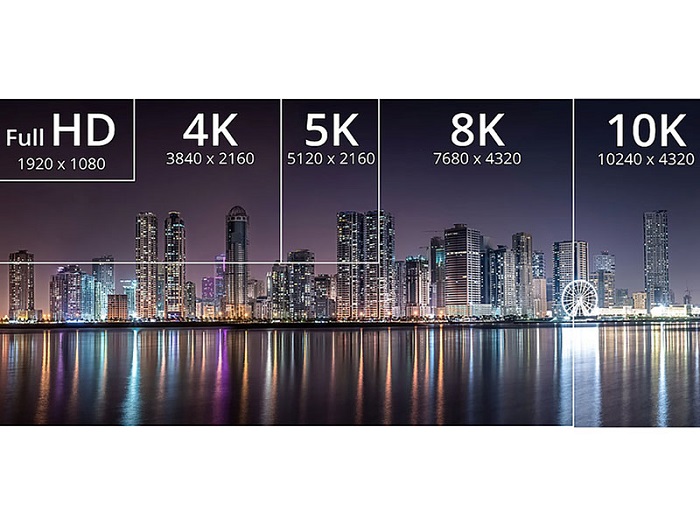
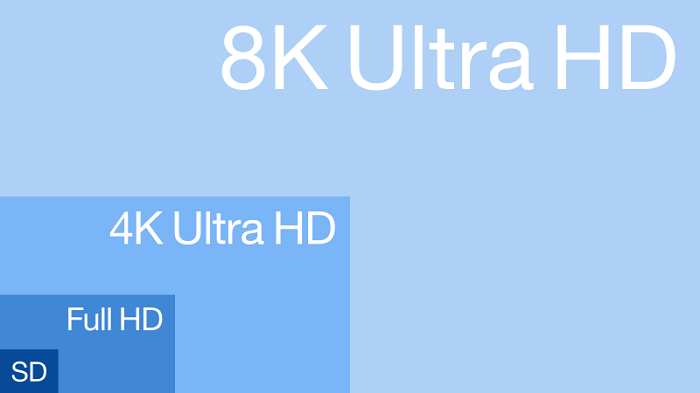
Ultra High Definition, or consumer UHD, is 3840 × 2160 pixels, or about 8.3 million pixels. That is four times the pixel count of FHD at 1920 × 1080. TV and monitor marketing commonly uses UHD and 4K interchangeably, although cinema 4K can refer to 4096 × 2160.
More pixels can make fine textures, small text, and detailed imagery easier to see, particularly on larger screens, close-viewed desktop displays, and native 4K video. However, resolution alone does not create better color, HDR, contrast, brightness, or motion. Those qualities depend on the display, source, and image processing as well.
Where UHD Makes Sense
- Detailed desktop work: UHD gives editors, photographers, designers, and multitaskers more usable workspace and finer detail when their applications and hardware can support it.
- TV and movie viewing: UHD is more compelling on a larger screen or at a closer seating distance when you have native 4K content and a display with strong overall picture quality.
- Not the priority: FHD may be preferable when laptop battery life, high frame rates, modest graphics hardware, or a tighter budget are more important.
My practical rule is to look for visible benefit before paying for pixels. UHD earns its premium when the screen, seating position, source, and playback chain can reveal the added detail.
FHD vs UHD: Key Differences
UHD contains four times as many pixels as FHD, but that does not make it four times better in picture quality. The more useful FHD vs UHD comparison is whether you can see the extra detail and whether your source, GPU, battery, connection, and budget can support it without creating a worse trade-off elsewhere.
This matrix compares Full HD vs Ultra HD for common devices and workloads.
| Decision factor | FHD (1920 × 1080) | UHD (3840 × 2160) |
|---|---|---|
| Pixel count | About 2.1 million pixels | About 8.3 million pixels, four times FHD |
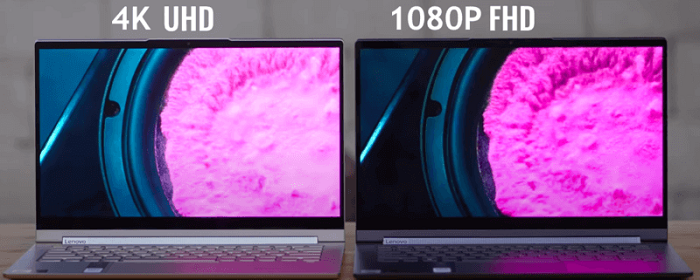
| Visible detail | Often sufficient on smaller screens or at longer viewing distances | Most noticeable on larger or closer-viewed screens with detailed native content |
| TV choice | Best for value-focused viewing when seating distance or source quality limits visible 4K detail | Best for larger screens, closer seating, and regular native 4K movies or games; not ideal if the premium displaces better HDR or panel quality |
| Laptop choice | Lower graphics load and typically better battery efficiency; a strong fit for everyday work and high-refresh gaming | Sharper text and more workspace for detailed work; may increase graphics demand, cost, and battery use |
| Desktop monitor and editing | Good for general productivity and lighter creative work | Useful for close-viewed detail, large canvases, photo work, and native 4K editing when hardware is capable |
| Gaming and refresh rate | Requires fewer GPU resources, making high frame rates easier to achieve | Demands more GPU performance; prioritize it when visual detail matters more than maximum frame rate |
| Native content | 1080p streaming, Blu-ray, and games display natively | Native 4K streaming, games, and UHD discs show their full pixel detail when the full chain supports them |
| Bandwidth and storage | Lower streaming bandwidth and smaller local files | Higher streaming bandwidth and larger local files are typical for comparable quality settings |
| Scaling behavior | Can downscale a supported 4K source to 1080p, without displaying native 4K detail | Can upscale FHD to fill the panel, but cannot recreate detail absent from the source |
| Typical price trade-off | Usually leaves more budget for panel quality, refresh rate, or stronger hardware | Usually costs more, and may call for stronger graphics hardware and higher-capacity storage |
For most buyers, the deciding trade-off is simple: choose FHD for value, battery life, or high-refresh performance; choose UHD when screen size, viewing distance, native 4K content, and capable hardware make its extra detail visible.
Compatibility, Native Resolution, and Upscaling
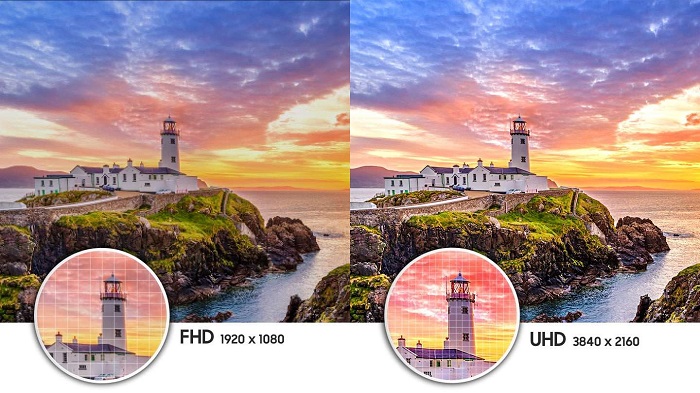
A 1080p display can accept and downscale a supported 4K source, but the final output remains 1920 × 1080. A UHD display can upscale FHD content to fill its 3840 × 2160 pixel grid, yet upscaling cannot restore source detail that was never captured. The result can look clean, but it is not native 4K.
For disc playback, standard Blu-ray players cannot play 4K UHD discs, so native UHD disc viewing requires compatible 4K UHD Blu-ray hardware.
4K content compatibility depends on the complete chain: source resolution, codec and decoder support, GPU capability, port and cable bandwidth, application support, and the display itself. For disc sources, Blu-ray resolution also determines how much native detail is available before any scaling occurs. A smaller display can still benefit from UHD when viewed closely, while a larger display may show little improvement if the source is FHD or the seating distance is long.
FHD and UHD Playback with PlayerFab
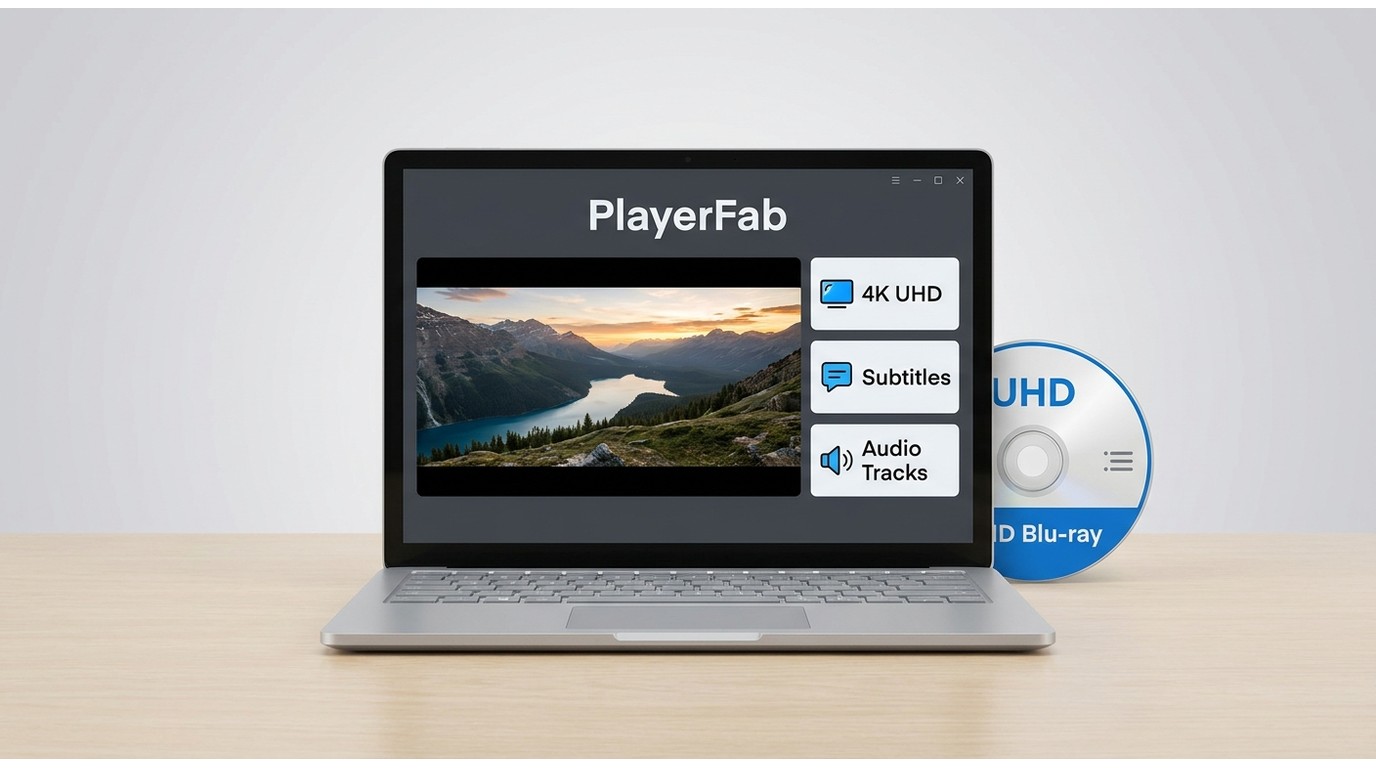
If your decision also involves desktop playback, PlayerFab Ultra HD Player is a Windows and Mac media player for local files, legally owned DVD, Blu-ray, 4K UHD Blu-ray, and 3D Blu-ray discs. It supports playback up to 4K UHD (3840 × 2160) at 60fps, with HDR support depending on the content, SKU, operating system, GPU, and display.
It suits viewers who want one desktop player for local media and disc menus. For high-resolution local files, a dedicated 4K video player should also match the codec, GPU, cable, and display in the playback chain. It is not a video editor, converter, or mobile player.
For legally owned discs, the player supports DVD, Blu-ray, and 4K UHD Blu-ray menu navigation, along with subtitle and audio-track selection. Its listed hardware-decoding options include NVIDIA NVDEC, Intel Quick Sync Video, and AMD AMF/VCE, which can reduce CPU pressure during high-resolution playback when the hardware and drivers are compatible. Readers focused specifically on disc viewing can compare a 4K Blu-ray player by menu support, display compatibility, and audio-output needs.
FHD vs UHD FAQs
Is FHD considered 4K?
No. FHD is 1920 × 1080, while consumer 4K UHD is 3840 × 2160. UHD therefore contains four times as many pixels as FHD.
Is UHD always the same as 4K?
In consumer TVs and monitors, UHD usually means 3840 × 2160 and is commonly marketed as 4K. Cinema 4K can instead mean 4096 × 2160, so the terms are close in everyday use but not technically identical in every context.
Will running a UHD laptop at 1080p match FHD battery life?
Usually not. Lowering the rendered resolution can reduce some graphics work, but the higher-density panel and its electronics still use power. Running below the panel's native resolution can also make text and interface elements look softer.
Does 4K content look better on a 1080p display?
A 1080p display must downscale a 4K source, so it cannot show native 4K detail. A high-quality source and downscaling process may still produce a clean image, but the displayed output remains 1080p.
FHD or UHD: The Practical Choice
FHD vs UHD comes down to where the extra pixels will be visible in your setup. Choose FHD when value, battery life, high refresh rates, or modest hardware matter most; choose UHD when screen size, viewing distance, native 4K content, detailed work, and capable hardware justify the added demand. My final recommendation is to prioritize overall display quality before resolution alone, because a strong FHD screen can be more enjoyable than a poor UHD one. If local files or legally owned discs are part of your setup, use a desktop player whose codec, menu, audio, and display support fit that playback chain.

 6 Best MPEG Players for Windows and Mac (2026)By Alice Harper - Aug 26, 2026
 How to Play Blu-ray Discs on Windows 10 (Free & Pro Solutions)By Alice Harper - Aug 7, 2026
 10 Best 4K Video Players for PC and Mac, Tested in 2026By Alice Harper - Aug 4, 2026
 The 5 Best Free MOV Players in 2026 (Windows, Mac and Android), plus How to FixBy Alice Harper - Aug 4, 2026