14 Best AVI Players for Windows, Mac, Mobile and Online (2026)

Summary: Decoding older video format AVI requires the right software. Top AVI players include PlayerFab, VLC, and IINA, which allow seamless .avi playback on Windows and Mac. PlayerFab is highly recommended for handling legacy codecs, while mobile apps like MX Player are also viable options.
Table of Contents
An AVI player can solve many playback problems, but the right choice depends on the codec inside the file, your device, and whether you need local or online playback. AVI is an older container, so an AVI file may play perfectly in one app and show a black screen, stutter, or fail in another.
This comparison covers 14 current AVI players for Windows, Mac, mobile, and browser use, plus separate cautions for discontinued or stale options. I compare device fit, codec reliability, local versus online use, and the troubleshooting route to take when an AVI video player still will not play the file correctly.
How I Tested 14 AVI Players
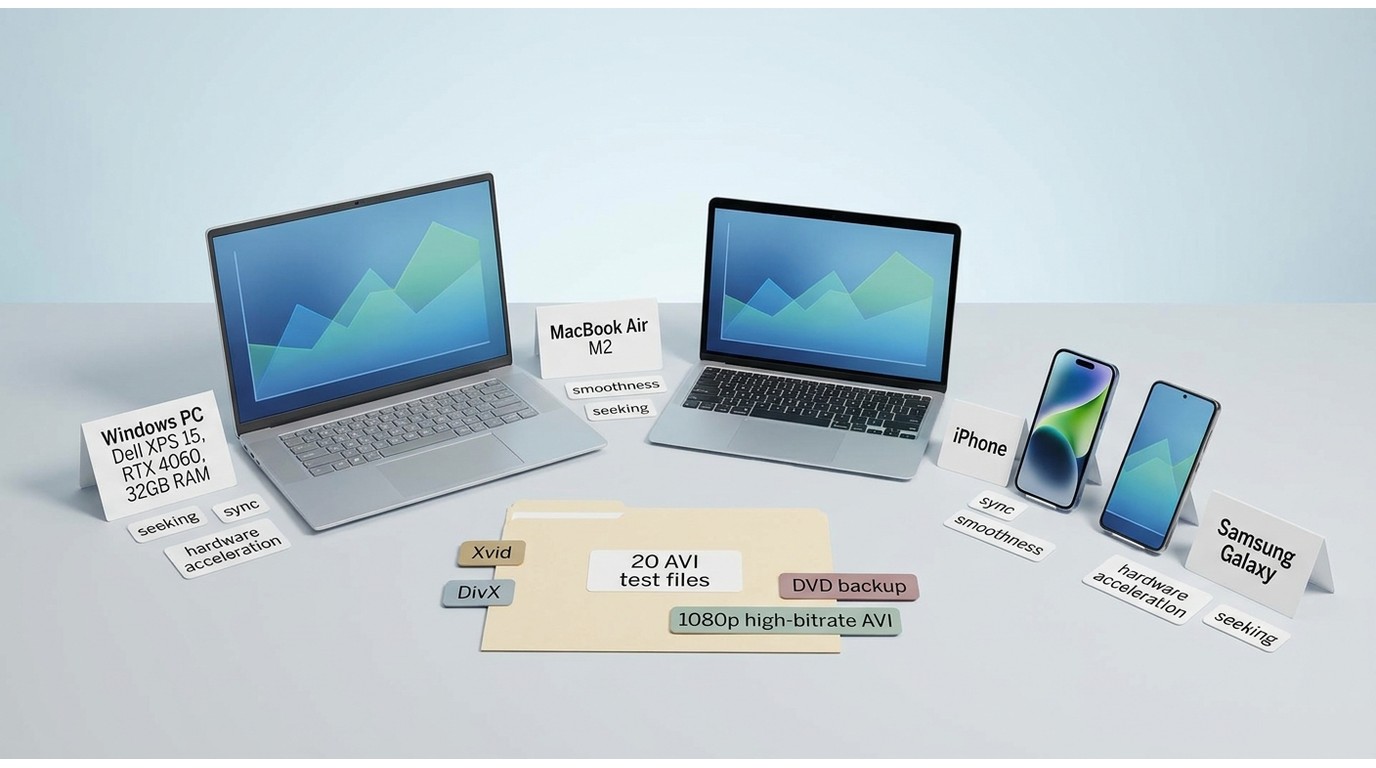
I compared the 14 current recommendations in a real home-office setup rather than relying on feature lists alone. For AVI playback, codec breadth and repeatable seeking matter more to me than a long list of extras, because those are the differences you notice when an older file refuses to cooperate.
- Test devices: a Dell XPS 15 with an NVIDIA RTX 4060 and 32GB RAM, a MacBook Air with M2, an iPhone, and a Samsung Galaxy phone.
- Test files: 20 AVI files, including old Xvid downloads, DVD backups, and high-bitrate 1080p videos with different codecs.
- What I looked at: whether the player could open the AVI file successfully, how many test files it played out of 20, playback smoothness, audio-video sync, seeking speed, and hardware acceleration support.
Choose the Right AVI Player
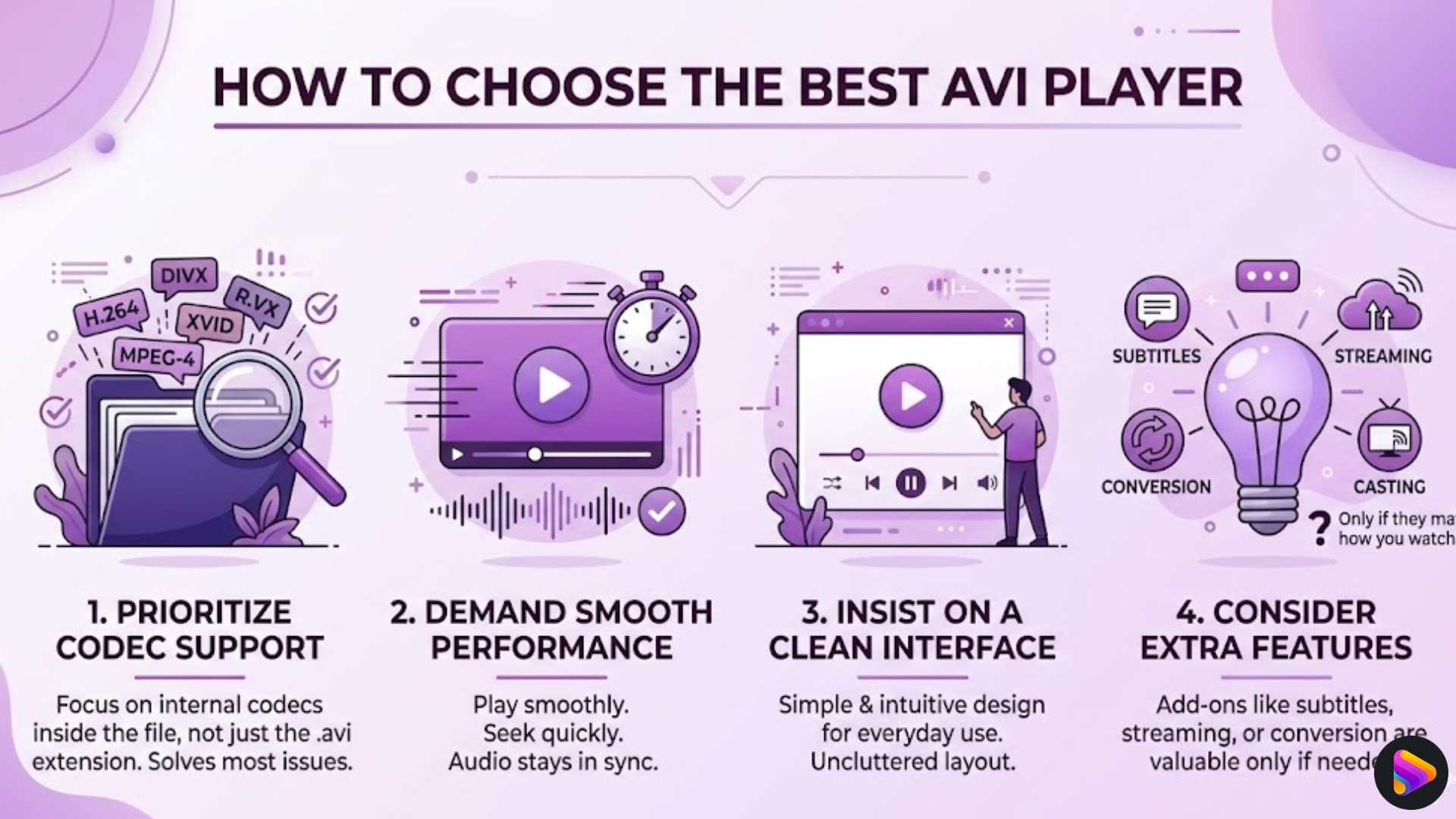
Start with the device, then check codec support, local versus online use, price, subtitles, and library needs. Many AVI playback issues come from the codec inside the file rather than the container itself, so playing AVI files successfully is often more about the decoder than the app name. For a quick route, choose a Windows desktop player for local files and hardware decoding, IINA for a native Mac option, a mobile app for files already on your phone, or a browser player when previewing and editing matter more than offline reliability.
Match the Player to Your Device
Windows users should prioritize codec coverage and responsive seeking. Mac users who want a native interface should start with IINA, while users with broader disc or local-library needs may prefer PlayerFab Free Video Player. On Android and iPhone, choose a player based on where the files live: local storage, a network share, or a cloud folder. For Chromebook users, a browser or compatible Android app may work for simple files, while a dedicated video player for Chromebook is a better fit when compatibility is the main concern.
Play Directly or Convert to MP4
Direct playback is the better first choice when a compatible AVI file player opens the source cleanly, because it avoids unnecessary re-encoding. Conversion or remuxing can be the more practical route for an unsupported TV, an editor, an Apple-focused workflow, browser sharing, or a stubborn legacy codec. In my view, the destination device should decide this choice, not a blanket rule that one approach is always better.
Why AVI Playback Fails
AVI is a container, not a codec. The same .avi extension can hold video encoded with Xvid, DivX, MJPEG, or an older camera codec, along with a separate audio stream. That is why one AVI file can work in a player while another produces audio with a black screen.
AVI Is a Container, Not a Codec
A player must understand both the video and audio streams stored in the container. Compatibility can also vary by operating system and device, so a file that opens on a Windows PC may still need conversion or a different player on a phone, TV, or browser.
A Three-Step Codec Check
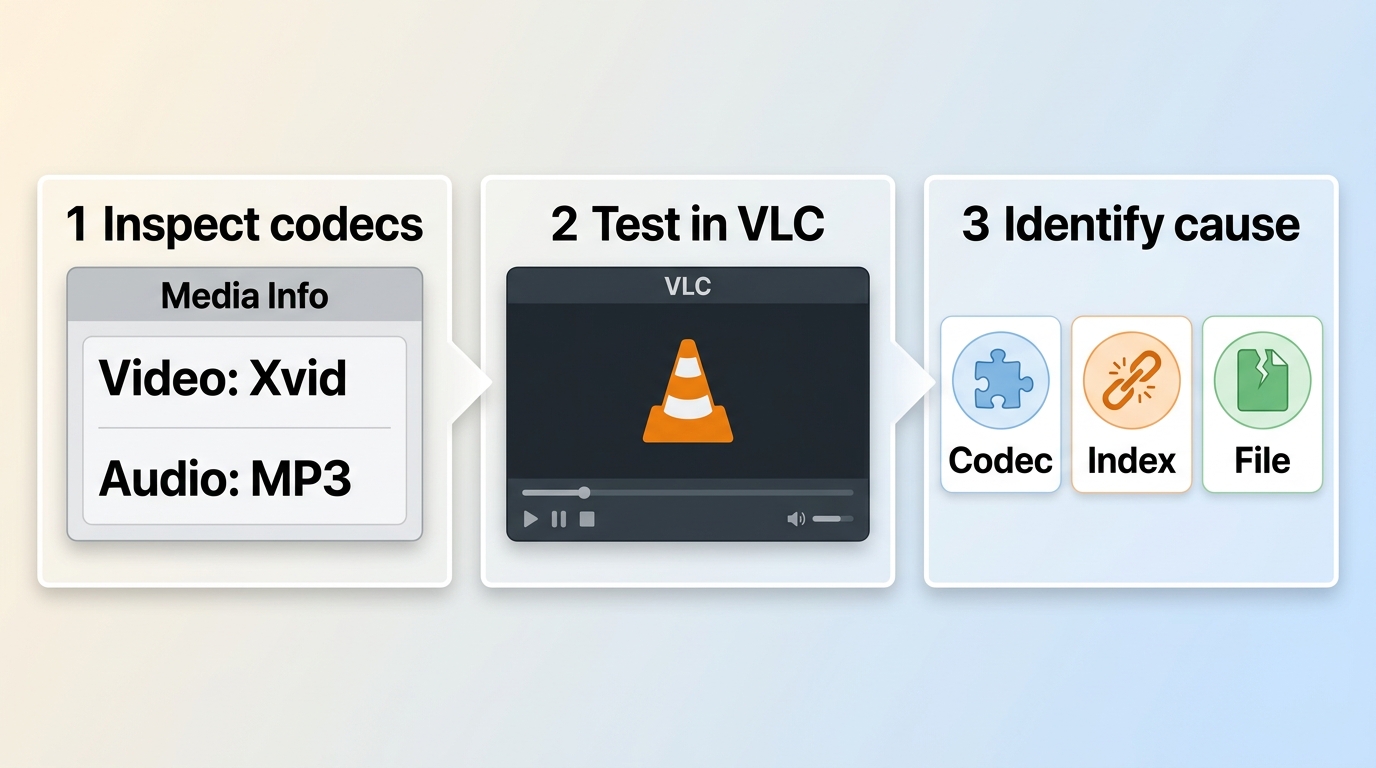
- Identify the file's video and audio codecs with a media-information tool.
- Try a maintained, self-contained player before installing a codec pack.
- If the file still fails, distinguish a codec mismatch from index damage or file corruption before repairing or converting it.
Changing players is useful when the decoder is the failed layer. If the index or file itself is damaged, another player may expose the same problem rather than fix it.
Quick Comparison of 14 AVI Players
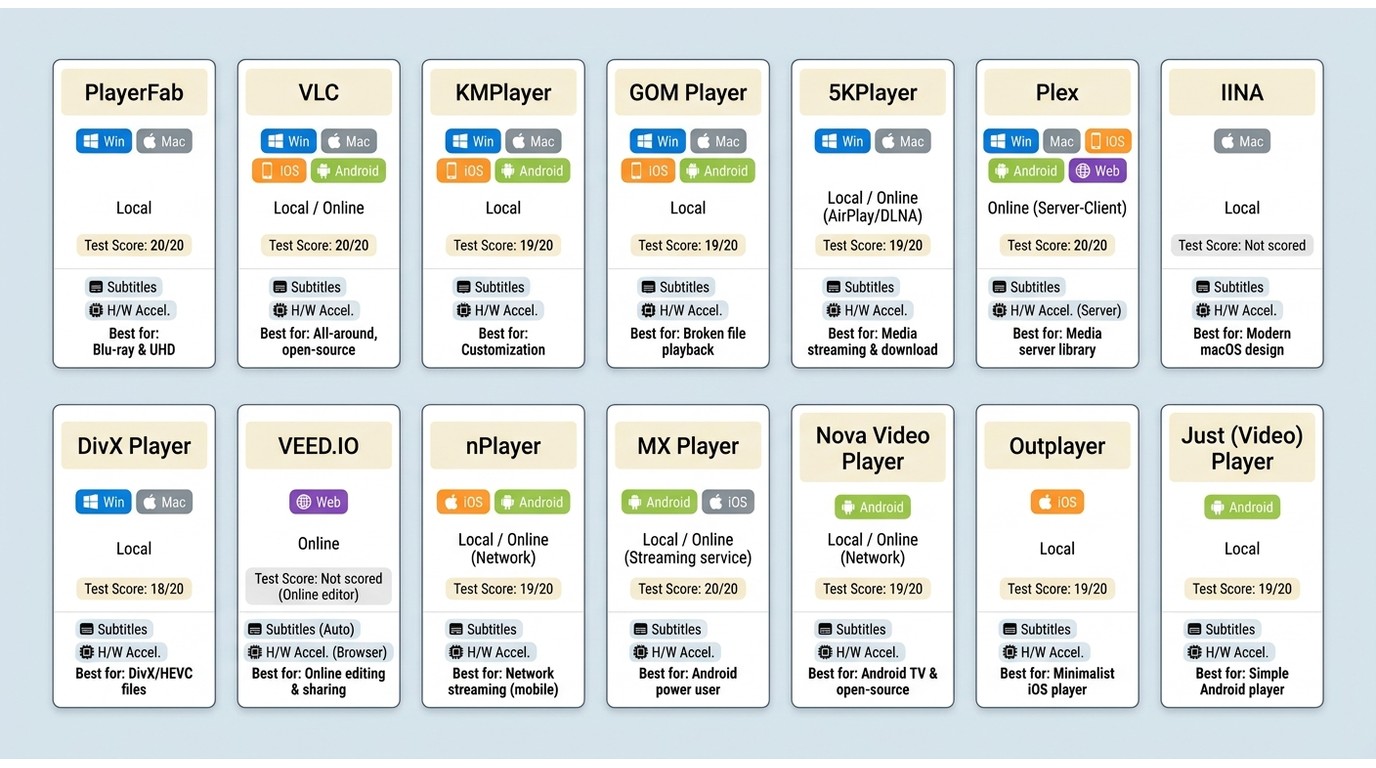
This table compares the 14 current AVI players by device, access model, local or online use, and playback fit. Test counts are included where this article recorded them; the remaining fields describe the player's intended use rather than a universal compatibility guarantee.
| AVI Player | Best For | Operating Systems | Access | Use | Tested AVI Files Played | Seeking | Hardware Acceleration | Subtitles | Maintenance Note |
|---|---|---|---|---|---|---|---|---|---|
| PlayerFab Free Video Player | Windows local playback and media libraries | Windows, macOS | Free | Local download | 20 of 20 | Fast | Yes on Windows | Supported | Current option |
| VLC Media Player | Free cross-platform playback | Windows, macOS, Linux, iOS, Android | Free | Local download | 19 of 20 | Moderate on heavier files | Supported | Strong controls | Current option |
| KMPlayer | Custom playback settings | Windows, Android | Free access available | Local download | 18 of 20 | Moderate | Supported | Advanced controls | Current option |
| GOM Player | Subtitle-heavy viewing | Windows, macOS, iOS, Android | Free access available | Local download | 17 of 20 | Moderate | Supported | Search and sync tools | Current option |
| 5KPlayer | Local playback and wireless streaming | Windows, macOS | Free access available | Local download | 17 of 20 | Moderate | Supported | Supported | Current option |
| Plex | Organized multi-device libraries | Windows, macOS, Linux, iOS, Android, web | Free access available | Local server and apps | Client-dependent | Client-dependent | Client-dependent | Supported | Current option |
| IINA | Native Mac playback | macOS | Free | Local download | Not scored in this set | Responsive | Supported | Supported | Current option |
| DivX Player | Playback, conversion, and casting | Windows, macOS | Free access and paid upgrades | Local download | Not scored in this set | Supported | Supported | Supported | Current option |
| VEED.IO AVI Player | Online preview, editing, and sharing | Web | Free access available | Online | Upload-dependent | Browser-dependent | Browser-dependent | Supported | Current option |
| nPlayer | iOS local and network libraries | iPhone, iPad | Paid app | Local download | Not scored in this set | Supported | Device-dependent | Supported | Current option |
| MX Player | Android touch controls | Android | Free access may vary | Local download | Not scored in this set | Supported | Supported | Supported | US availability may vary |
| Nova Video Player | Android TV and network libraries | Android, Android TV | Free | Local download | Not scored in this set | Supported | Device-dependent | Supported | Current option |
| Outplayer | Lightweight iPhone playback | iPhone, iPad | Paid app | Local download | Not scored in this set | Supported | Device-dependent | Supported | Current option |
| Just (Video) Player | Minimal Android playback | Android, Android TV | Free | Local download | Not scored in this set | Supported | Device-dependent | Supported | Current option |
Availability, access models, and pricing reflect July 2026.
Testing used the 20-file AVI set described above. Results measure whether a player opened the files in that setup, not compatibility with every AVI codec or damaged file.
9 Desktop and Online AVI Players
PlayerFab Free Video Player
- Compatible with: Windows, macOS
- Best for: Windows users who want tested AVI playback, hardware acceleration, and organized local media libraries.
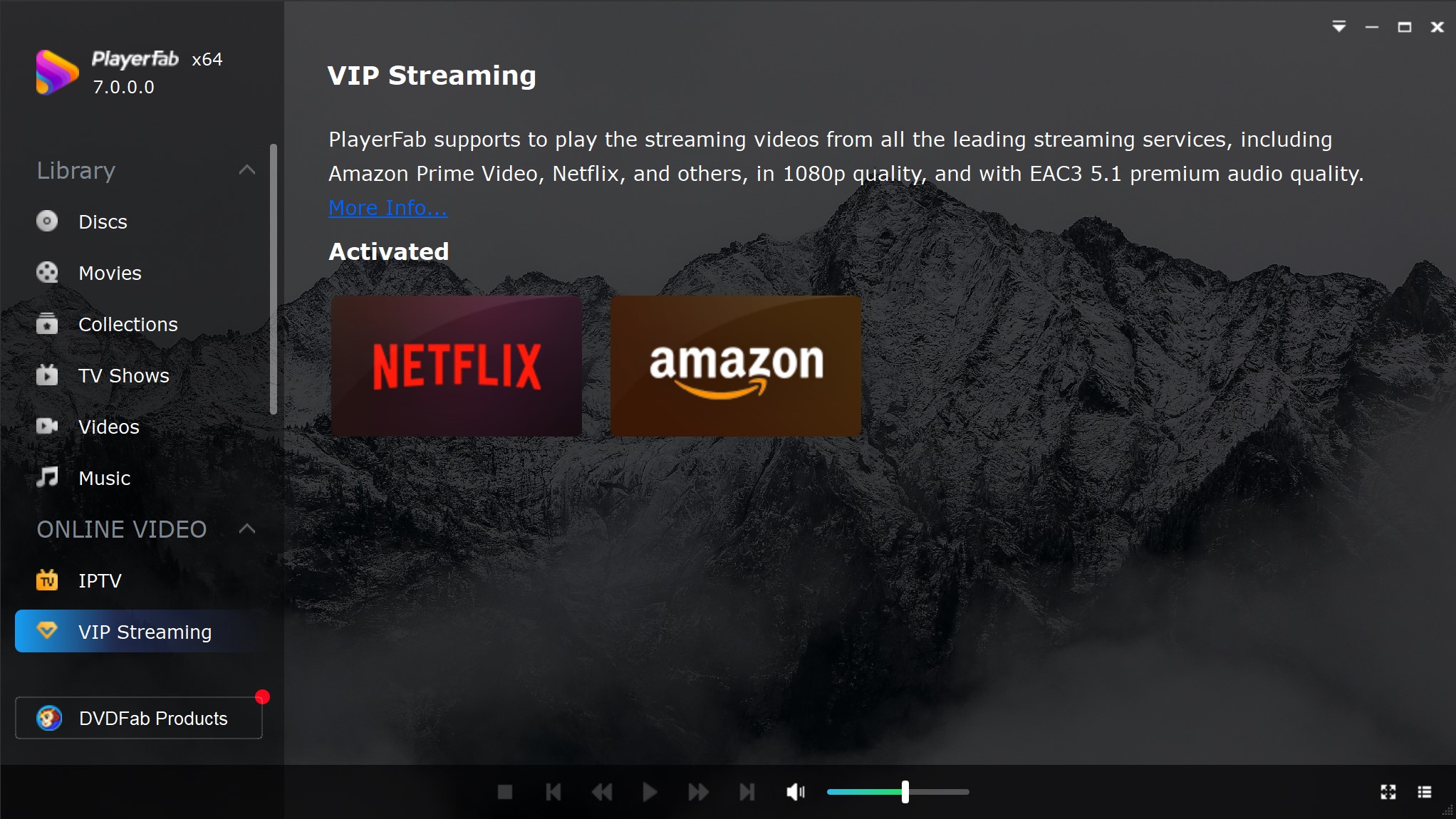
PlayerFab Free Video Player is a Windows and macOS desktop player for local video files, including AVI, MP4, MKV, and ISO files. In this comparison, its strongest fit is Windows playback for users who value codec compatibility, responsive seeking, hardware acceleration, and a more organized local library rather than a tiny bare-bones player.
In my 20-file AVI test set, PlayerFab Free Video Player opened all of the files, including older Xvid videos, DVD backup AVIs, and several high-bitrate 1080p files. Playback remained smooth, audio stayed in sync during longer sessions, and seeking was quick when I moved between timestamps. Hardware acceleration helped reduce CPU strain on my Windows PC. The trade-off is that this broader media player for Windows is not the lightest option in the roundup, so users who need a minimal AVI file player may prefer VLC.
In this desktop test, PlayerFab Free Video Player was balanced across compatibility, seeking response, and stable playback. It is worth trying first if hardware acceleration and local-library organization matter to your AVI workflow, but it is not ideal when you simply want the smallest possible free player.
Free Download Windows 11/10/8.1/8/7
Free Download macOS 10.10 - 15
Pros
- Opened all AVI test files successfully
- Smooth playback with stable audio-video sync
- Fast seeking performance on large AVI files
- Supports hardware acceleration well on Windows
- Supports local media-library organization alongside AVI playback
Cons
- Not as lightweight as simpler free players
- Some features may be excessive for users who only need basic AVI playback
VLC Media Player
- Best for: Users who want a free AVI player with broad codec support and a lightweight setup.
- Compatible with: Windows, macOS, Linux, iOS, Android
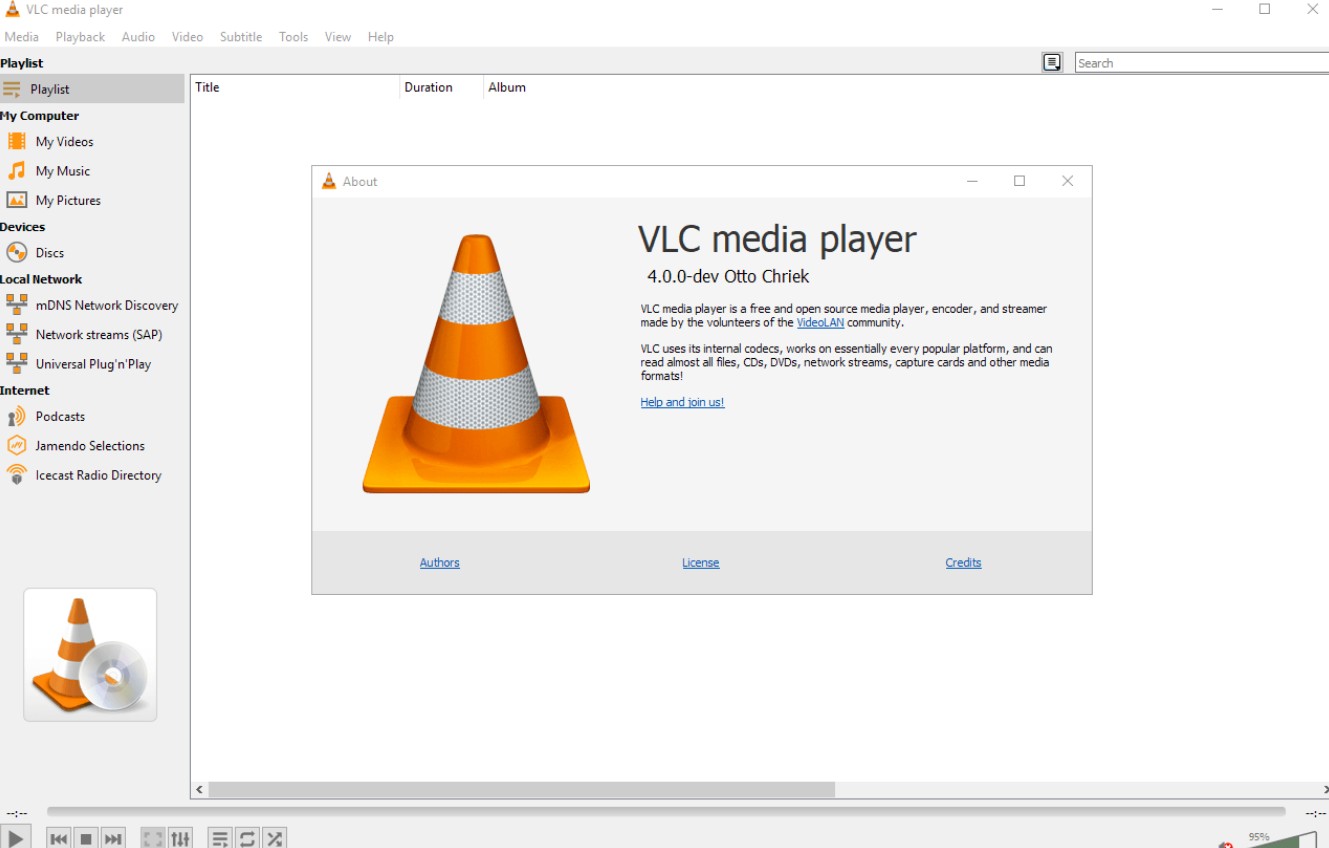
VLC Media Player is still one of the easiest recommendations in this category because it gets the basics right without asking much from the user. As a free, open-source AVI player, it can handle local files, discs, streams, webcams, and network playback, while also offering mature subtitle controls and hardware decoding on most platforms. That combination is a big reason it remains such a common choice for people looking for a dependable AVI file player.
What I liked most was how little friction there was in everyday use. VLC opened 19 of my 20 AVI test files, and most of them started playing without any extra tweaking. Playback stayed stable, audio sync was solid during longer sessions, and CPU usage remained fairly reasonable on my Windows setup. The only time it felt less polished was when I jumped repeatedly through a larger file, where seeking slowed down a bit more than I wanted.
If your priority is a no-nonsense AVI player that is free and easy to keep across devices, VLC remains a practical benchmark. No player handles every AVI codec or damaged file perfectly, so an audio-only or black-screen result should lead to codec and file diagnostics rather than an assumption that VLC can solve every case. Its main weakness is polish: the interface feels more functional than refined.
Pros
- Free and open source
- Very broad format and platform support
- Handles local playback, streaming, and subtitles especially well
- Easy to install and use without extra codec hunting
Cons
- Interface feels dated compared with newer players
- Seeking on heavier files is not always the fastest
- Less of a premium playback experience than top-tier desktop players
KMPlayer
- Best for: Users who want a customizable AVI player with support for many older video formats.
- Compatible with: Windows, Android
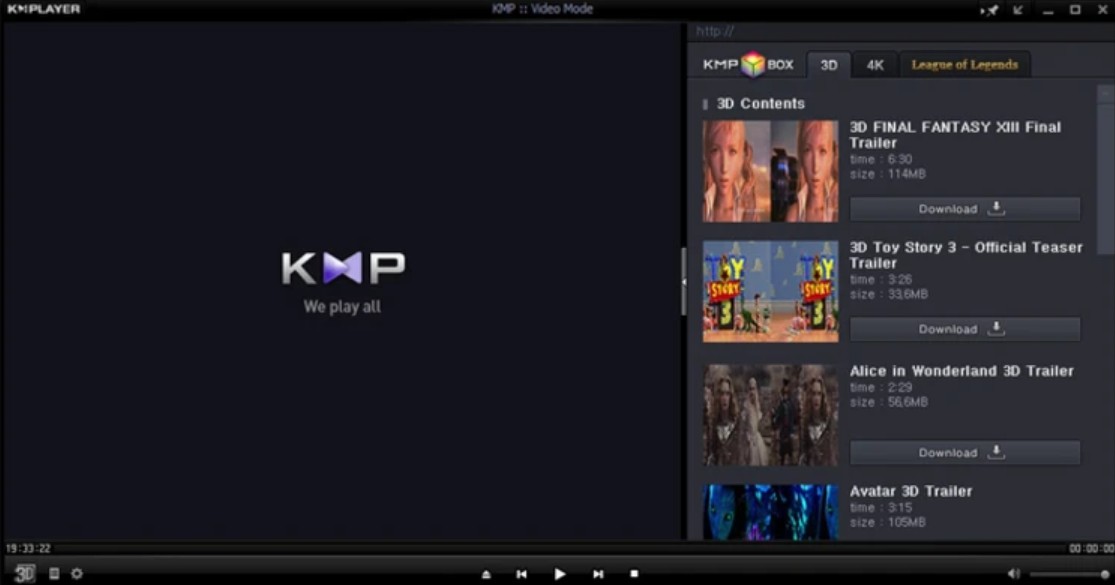
KMPlayer is a better fit for people who like to adjust things instead of just pressing play. Officially, it leans into customization, subtitle sync, post-processing tools, video capture, and support for higher-end playback features like 4K, 8K, UHD, and even 3D content. That makes it feel less like a simple AVI file player and more like a player for users who want to fine-tune the viewing experience.
That personality came through pretty clearly when I tested it. KMPlayer opened 18 of my 20 AVI files, and once playback started, most files ran smoothly enough with decent sync and acceptable resource use. Where it lost points for me was speed and clarity. Larger files took longer to settle in, and the interface puts so many controls in front of you that casual use feels a little heavier than it should. I can see the appeal if you enjoy tweaking subtitle timing or visual settings, but it does not feel as effortless as VLC.
KMPlayer makes the most sense for users who treat a media player as something to customize, not just something to launch. If you want more control from your AVI player, it has that Edge. If you want the best AVI player for quick, frictionless playback, there are easier choices.
Pros
- Supports many formats and older codecs
- Offers more playback customization
- Stable playback on most standard AVI files
- Useful for mixed local media libraries
Cons
- Slower with larger AVI files
- Seeking is less responsive than stronger alternatives
- Interface can feel cluttered for casual users
GOM Player
- Best for: Users who watch subtitle-heavy videos and want more built-in playback tools.
- Compatible with: Windows, macOS, iOS, Android

GOM Player has a clearer identity than many generic media players. Its official positioning emphasizes built-in codec support, auto subtitle search, subtitle sync adjustment, and even playback help for partially damaged or still-downloading files on Windows. That makes it feel especially relevant for users who care as much about subtitle handling as they do about basic AVI playback.
In practice, that subtitle focus is where it felt most distinctive to me. GOM Player opened 17 of my 20 AVI test files, and when it worked, it handled common files well enough with stable sync and decent seeking. Subtitle loading was one of the smoother parts of the experience, and I can see why some users prefer it for TV episodes or foreign-language videos. The trade-off is that it did not inspire the same confidence with more awkward AVI files, and on my Windows system it felt a little heavier than VLC during longer playback.
GOM Player is not the most balanced AVI player in this roundup, but it is one of the more purposeful ones. If subtitles are central to how you watch videos, it offers something more specific than a typical AVI file player.
Pros
- Subtitle search and sync tools are genuinely useful
- Includes extra playback utilities beyond basic watching
- Better suited to subtitle-heavy viewing than many rivals
- Feels more feature-aware than minimalist players
Cons
- Codec reliability is not as strong as the top performers
- Slightly heavier resource usage during longer sessions
- Better for subtitle-focused use than pure playback efficiency
5KPlayer
- Best for: Users who want an AVI player that also works well for wireless streaming and device-to-device playback.
- Compatible with: Windows, macOS
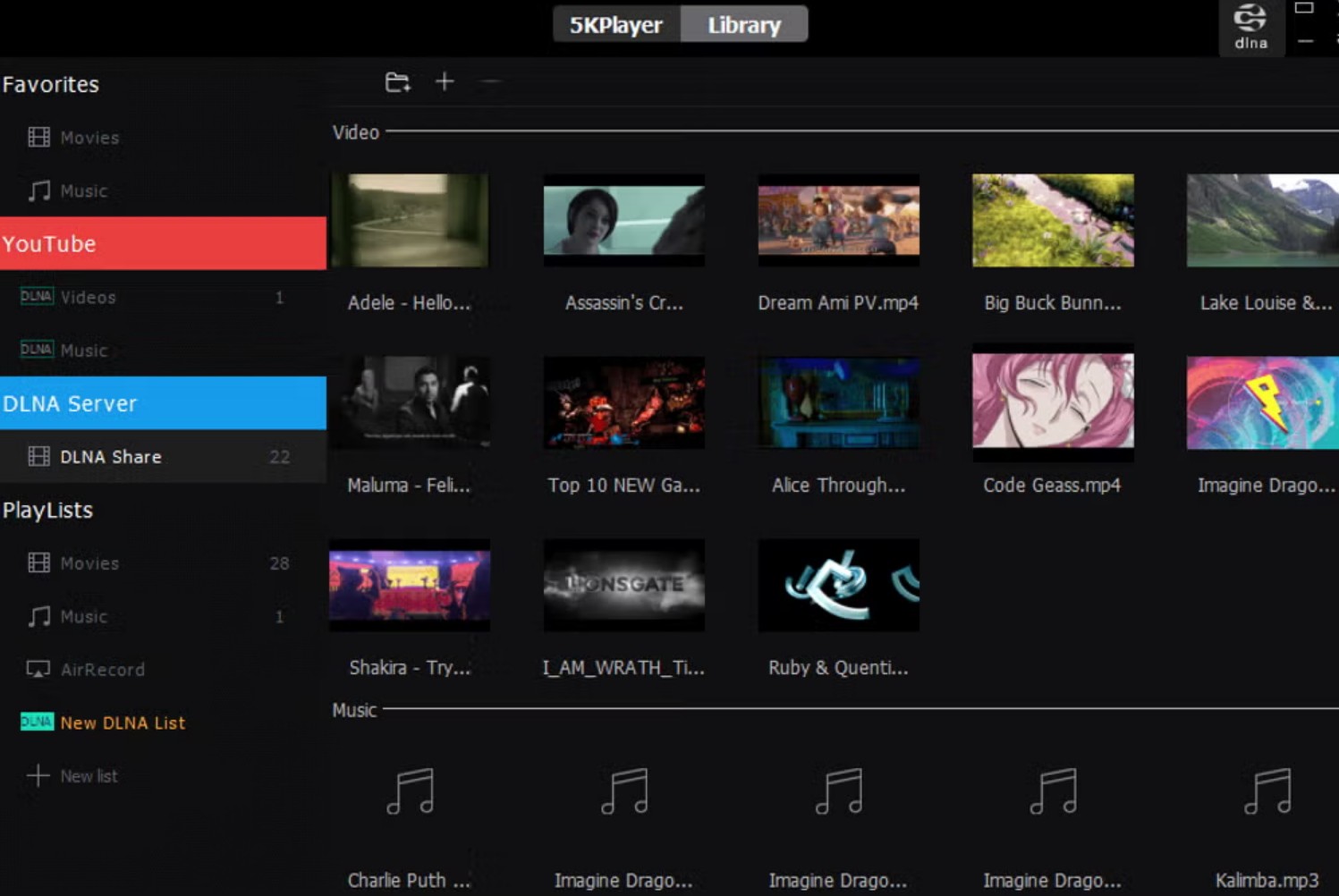
5KPlayer stands apart because it is not trying to be only a local media player. The official site emphasizes AirPlay, DLNA, online video downloading, and wireless streaming between iPhone, Mac, and Windows devices, alongside support for high-resolution video playback. That makes it feel broader in scope than a standard AVI file player and more attractive to users who move media between screens.
That broader feature set was both a strength and a distraction when I tried it. It opened 17 of my 20 AVI test files, and the files it liked generally played smoothly, with good sync and decent system efficiency during longer sessions. I also think it has one of the cleaner interfaces in this group. At the same time, its AVI reliability did not feel quite as steady as VLC or the top option in this roundup, and some of its extra streaming features will be irrelevant if your only goal is to double-click an AVI and watch it locally.
5KPlayer is worth considering when playback is just one part of the job. If you also care about AirPlay or DLNA-style media movement, it brings something distinct. If you only want the best AVI player for local compatibility, its strengths may feel a little off-center.
Pros
- AirPlay and DLNA support add real value for multi-device users
- Cleaner, more modern interface than several rivals
- Good fit for users who stream media between devices
- Broader feature set than a basic AVI player
Cons
- Extra features can feel unnecessary for local-only playback
- AVI compatibility is solid, but not class-leading
- Less focused than players built primarily around file playback
Plex
- Best for: Users who want an AVI player that also doubles as a full home media hub.
- Compatible with: Windows, macOS, Linux, iOS, Android, web
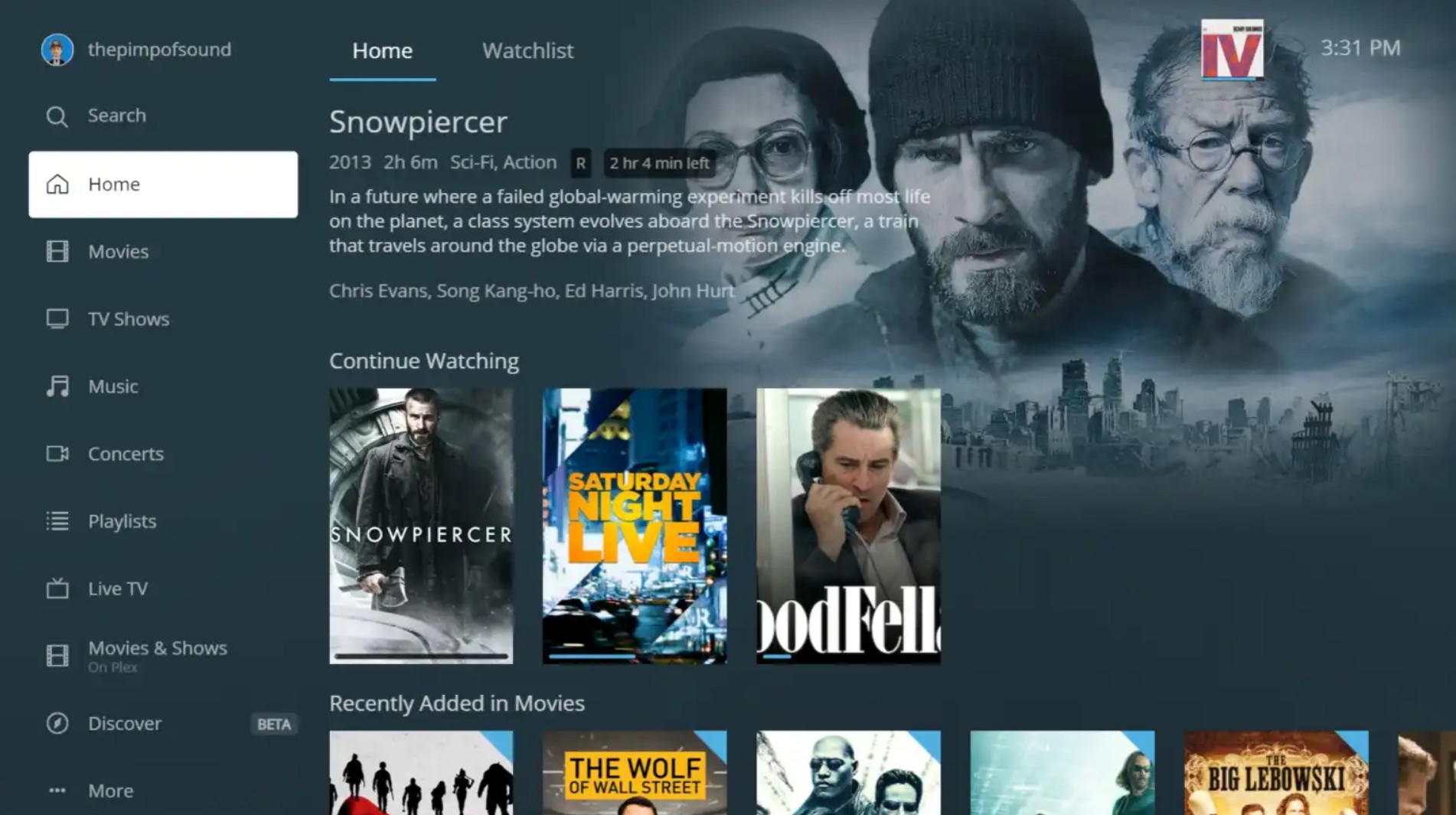
Plex is not the most traditional AVI player in this list, but in terms of overall functionality, it covers the widest range of use cases. The desktop app is designed around a more robust playback engine than the web version, and the broader Plex ecosystem adds media library management, offline downloads, watchlists, and streaming across devices. That makes it feel less like a simple AVI file player and more like a full media platform.
What I liked is that Plex makes more sense the larger your media library gets. If your AVI files are part of a collection spread across desktop, TV, and mobile devices, its organization tools are much more useful than those in a standard player. The trade-off is that Plex is not as direct as a click-and-play desktop AVI player. It works best when you actually want the server-and-library experience, not when you just need to open a file quickly. Also, file compatibility can still depend on client support and whether Plex chooses direct play, direct stream, or transcoding.
Plex is a good fit when an AVI library needs media management, remote access, and multi-device viewing. An AVI file may direct play on one client but require direct streaming, transcoding, or fail on another because client decoding support differs. In my view, the client path matters more here than the AVI label alone. If you only want local playback with the least friction, Plex can feel heavier than necessary.
Pros
- Excellent for organizing large local media libraries
- Works across desktop, mobile, TV, and web
- Better fit for multi-device playback than a standard AVI player
- Adds offline downloads and broader media ecosystem features
Cons
- More setup-heavy than a normal local player
- Less ideal for quick one-off AVI playback
- Playback behavior can depend on client support and transcoding
IINA
- Best for: Mac users who want a modern AVI player with a native macOS feel.
- Compatible with: macOS
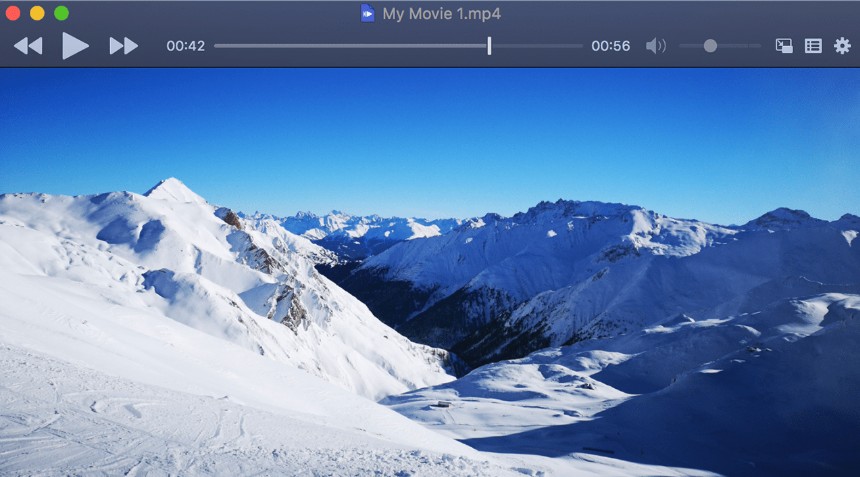
IINA is one of the few players on Mac that feels properly native rather than merely adapted. It is built around mpv, supports Picture-in-Picture, Touch Bar, trackpad gestures, dark mode, and a plugin system, so it lands in a very appealing spot between strong local playback and polished macOS integration.
In actual use, that native feel is the biggest reason to pick it. It feels lighter and more Mac-like than many cross-platform players, and for users who care about interface quality as much as codec support, it is easily one of the best AVI player options on macOS. Its limitation is also part of its identity: it is Mac-only, so it is great as a dedicated desktop AVI file player, but not something you carry across platforms.
Pros
- Native macOS design feels noticeably better than most rivals
- Built on mpv, with plugin support for advanced users
- Strong fit for local playback on Mac
- Picture-in-Picture and gesture support add real usability
Cons
- macOS only
- Better for local desktop playback than broader media management
- Less useful if you want one player across every platform
DivX Player
- Best for: Users who want an AVI player with extra format conversion and casting features.
- Compatible with: Windows, macOS
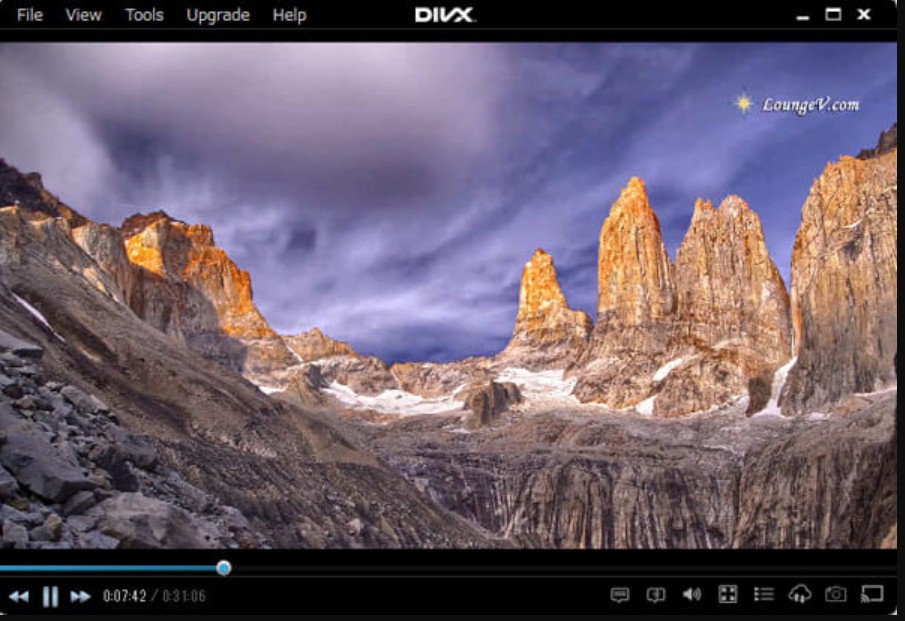
DivX Player is more than a straightforward AVI player because the wider DivX software package also includes conversion and casting. The official positioning emphasizes playback for AVI, MKV, DivX, and HEVC files up to 4K, while also highlighting subtitle support, multiple audio tracks, smooth fast-forward and rewind, and streaming or casting features.
That gives DivX a clearer personality than a lot of generic players. It makes sense for users who may want to play AVI now, convert it later, and possibly send it to another screen. Conversion is particularly useful when a destination device, editor, or browser does not accept the original AVI streams. The catch is that some of its more advanced perks sit behind the Pro version, including ad-free use and certain playback or codec extras, so the free experience is not as clean-cut as VLC.
Pros
- Combines playback, conversion, and casting in one ecosystem
- Good fit for users working with AVI and HEVC together
- Subtitle and multi-audio support are useful in practice
- Stronger media workflow angle than a basic player
Cons
- Some attractive features are tied to paid upgrades
- Free version feels less straightforward than simpler rivals
- Not as lightweight as players focused only on playback
VEED.IO AVI Player
- Best for: Users who want to open an AVI file online and quickly move into editing or sharing.
- Compatible with: Web
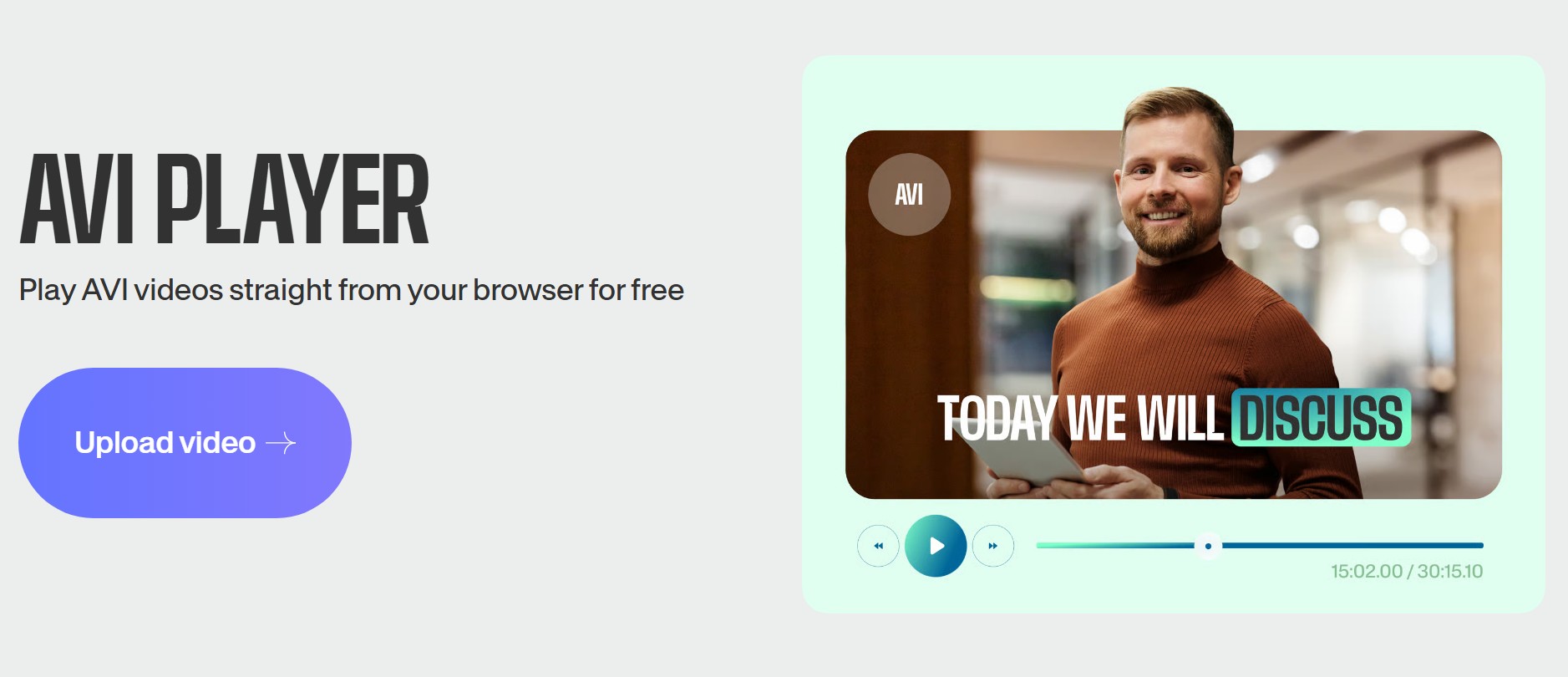
VEED.IO is very different from the desktop players above. Its AVI player is browser-based, and the real pitch is not just playback, but play, edit, compress, subtitle, collaborate, and share in one place. That makes it feel more like a lightweight online video workspace than a traditional AVI file player.
That is exactly why it works best for convenience-first use. If you do not want to install software and may want to trim, subtitle, or export the video after opening it, this kind of online video player can be more useful than a normal local player. The trade-offs are file size, upload time, a reliable connection, and the privacy implications of uploading a local video. It is not ideal for heavy local playback or for users who prefer offline reliability.
VEED.IO makes sense when playback is only the first step. If your real goal is to preview and then edit or share the AVI file, it is a smarter fit than a standard desktop player.
Pros
- No download required
- Easy path from playback to editing
- Useful for subtitles, trimming, and sharing
- Convenient on any device with a browser
Cons
- Not ideal for heavy offline playback
- Less suitable for large local libraries
- More of an online workflow tool than a classic player
Miro Is Discontinued
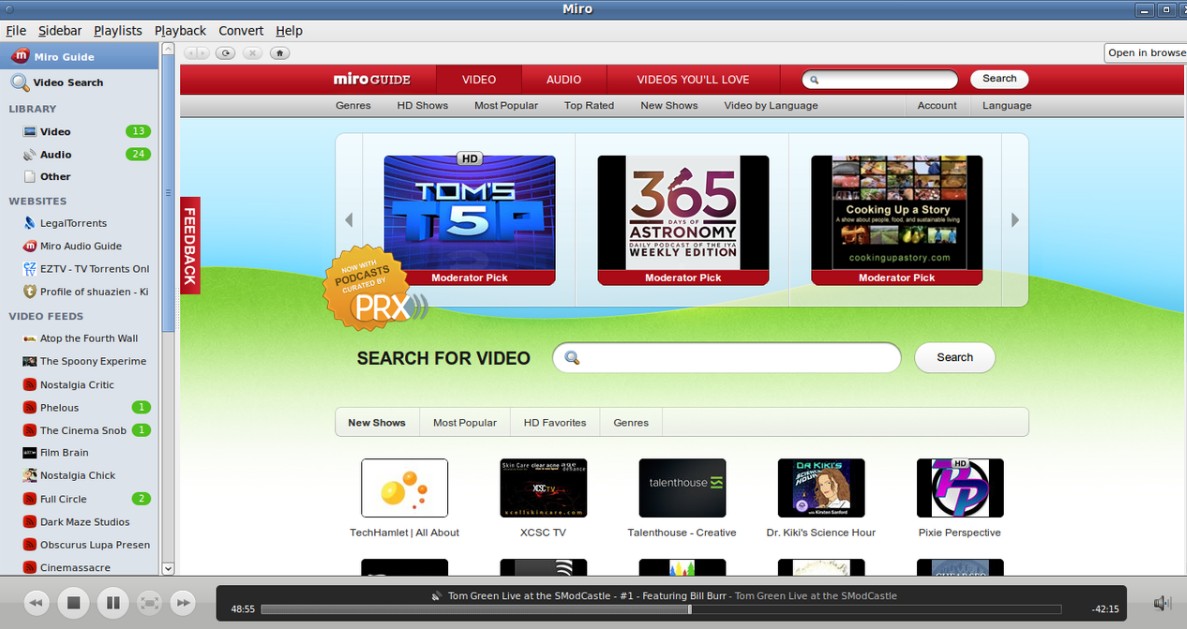
Miro is no longer actively developed; its last version was released in 2013. Its older feature set may still be of historical interest, but it should not be treated as a current AVI player recommendation. Choose one of the maintained desktop or online options above instead.
5 Current AVI Player Apps
nPlayer
- Best for: Users who want a feature-rich mobile AVI player with strong codec support and network playback
- Compatible with: iPhone, iPad
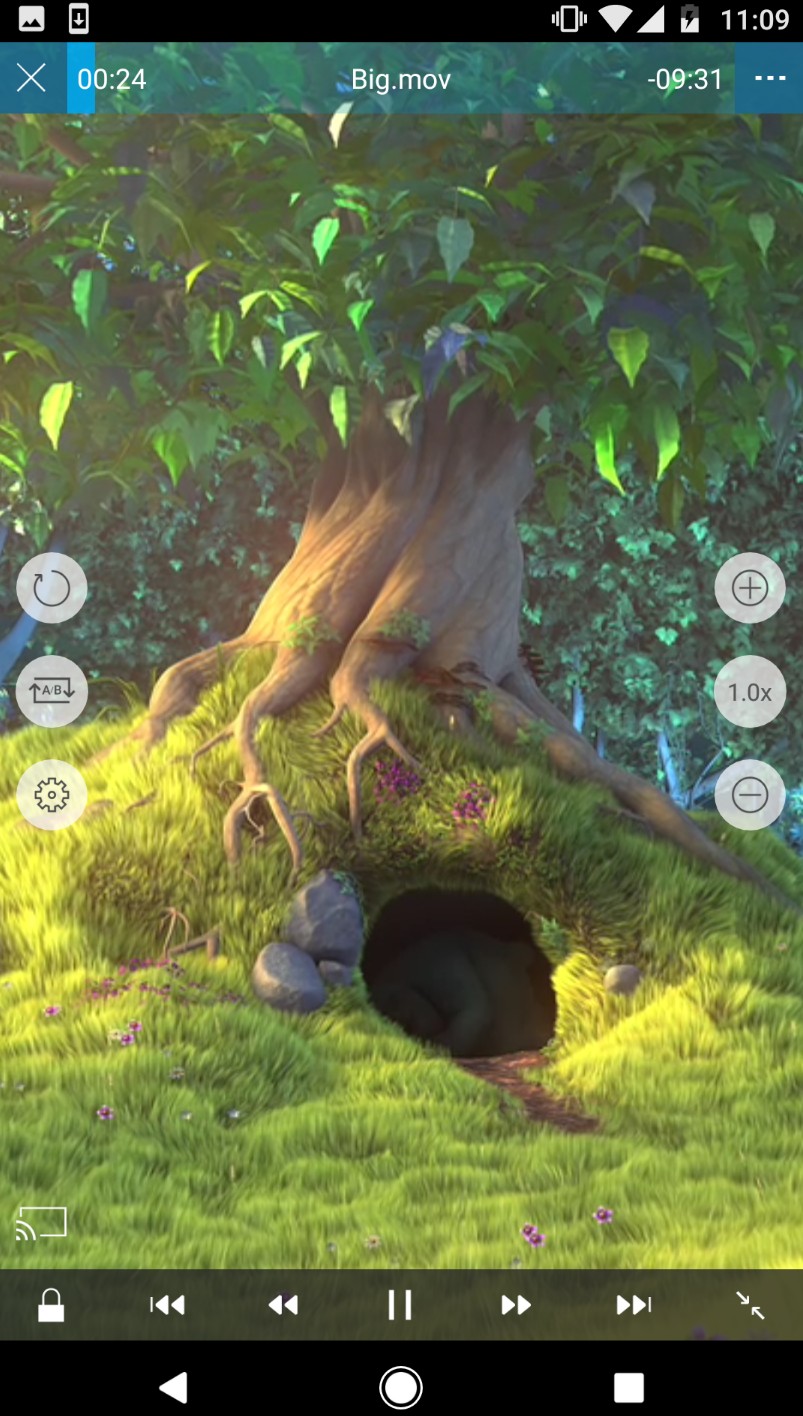
nPlayer is one of the more complete iOS options if your goal is not just to open an AVI file, but to keep using your phone or tablet as a serious local video device. Its official site highlights non-encoding playback, support for AVI and many other video formats, plus built-in handling for Dolby and DTS audio. That already gives it a more "power user" profile than a basic mobile AVI player.
What makes it stand out is how much it does beyond local file playback. nPlayer supports network streaming and file access through common protocols and shares, which matters if your AVI files sit on a NAS, home PC, or shared drive rather than directly on your phone. That makes it easier to recommend to people with mixed libraries and less ideal for users who only need a bare-bones AVI file player for occasional viewing.
If you want a mobile AVI player that still feels close to a desktop-class media app, nPlayer is one of the strongest picks on iOS.
Pros
- Very broad format support, including AVI
- Strong codec coverage for serious local playback
- Good fit for NAS and network streaming workflows
- More capable than a typical casual iPhone video app
Cons
- Better suited to power users than casual users
- Interface is more functional than stylish
- Overkill if you only watch local clips occasionally
AVPlayer Has a Stale Update Record
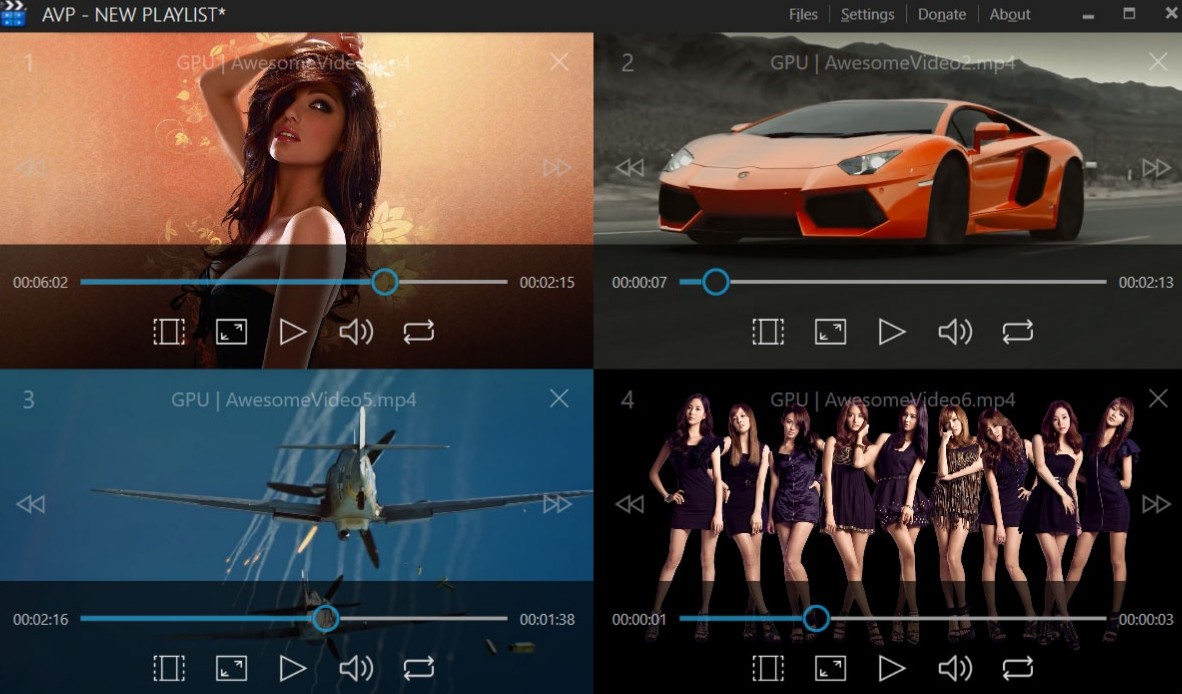
AVPlayer remains listed in the US App Store, but its visible latest update is version 2.95 from December 2020. It may still open AVI files for existing users, yet its stale update record makes maintained iOS choices such as nPlayer and Outplayer the more prudent first options for new installs.
MX Player
- Best for: Android users who want strong hardware acceleration and touch-friendly playback controls
- Compatible with: Android
MX Player is an established Android video player known for hardware acceleration, HW+ decoding, multi-core decoding, subtitle gestures, and flexible playback-speed controls. Its current US storefront availability may vary, but those capabilities address common AVI playback pain points on Android when the app is available to you.
Hardware acceleration and multi-core decoding matter on Android because AVI compatibility is only half the battle; the other half is whether the app can keep playback smooth without draining the phone too quickly. MX Player also feels touch-centric, which helps on mobile in a way desktop-born players often do not. Readers comparing broader Android media player options should also consider whether their files are local, network-based, or streamed.
If you want an Android AVI player that balances capability with everyday convenience, MX Player still belongs near the top.
Pros
- Strong hardware acceleration and multi-core decoding
- Subtitle gestures and playback controls are very mobile-friendly
- Good fit for smoother playback on Android hardware
- More mature than many generic “all format” apps
Cons
- More commercialized than some open-source alternatives
- Not the cleanest option if you want a minimal interface
- Better for playback strength than for library-style organization
Nova Video Player
- Best for: Android users who care about local and network libraries, subtitles, and TV-friendly browsing
- Compatible with: Android, Android TV
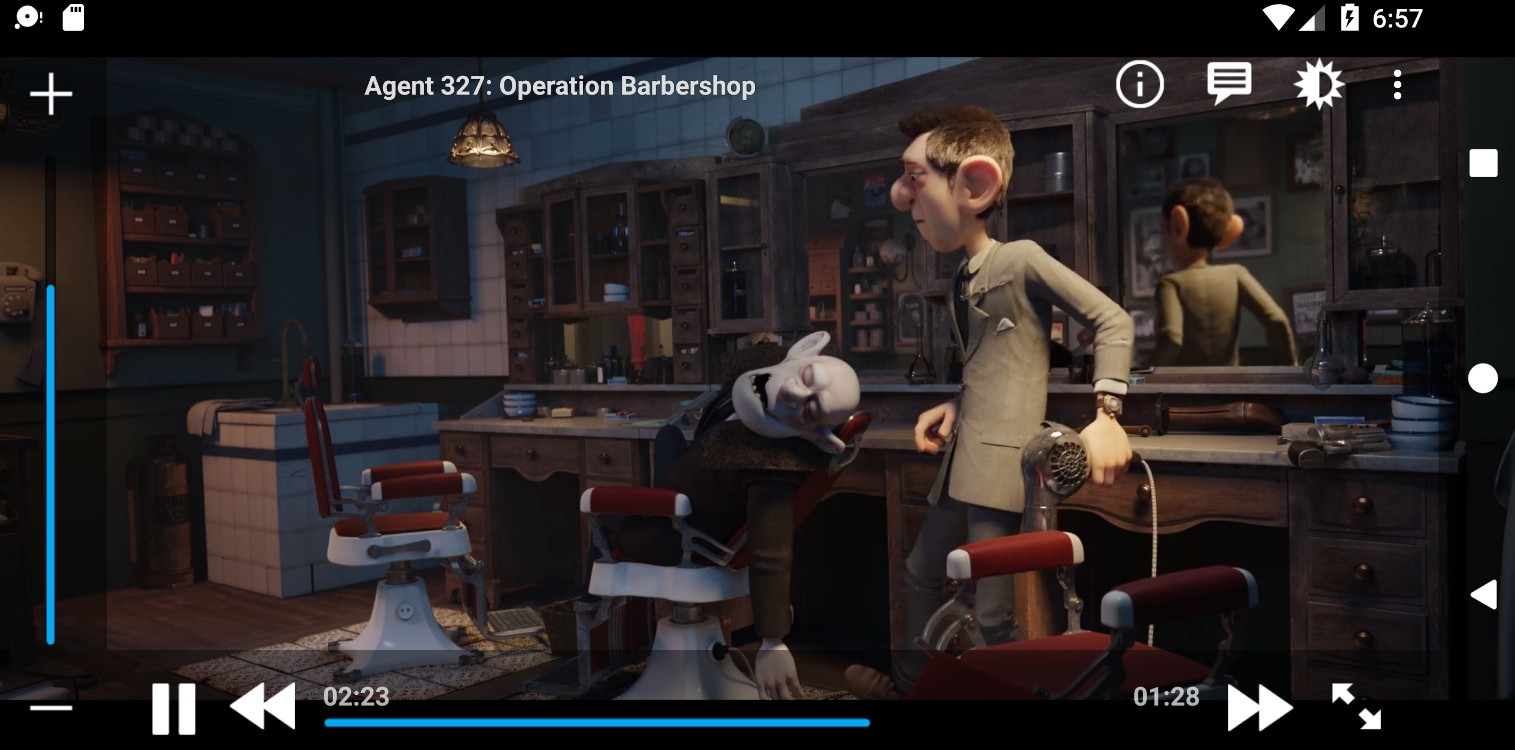
Nova Video Player feels much more like a home-media app than a generic mobile player. Its Google Play listing highlights support for AVI and many other formats, metadata and subtitle downloads, Android TV "leanback" support, AC3/DTS passthrough on supported hardware, Trakt support, manual A/V sync, and even shared resume points across devices on a local network. That is a lot more specific than the usual "plays all formats" promise.
This is the app I would recommend to users whose AVI files are part of a broader local collection rather than random clips sitting in Downloads. It is especially strong if you watch on Android TV or move between phone and TV devices. The downside is that Nova is not trying to be the simplest AVI player possible. Its strengths only really show when you care about posters, metadata, subtitle handling, and network content. For Android users with a more library-based setup, Nova Video Player is one of the more interesting choices in this category.
Pros
- Better library and metadata experience than most mobile players
- Strong subtitle and sync controls
- Very good fit for Android TV and local-network playback
- More home-cinema oriented than generic phone players
Cons
- Less beginner-friendly than simpler players
- Best features matter more on TV or shared-network setups
- Can feel too feature-heavy for casual file opening
Outplayer
- Best for: iOS users who want a modern, lightweight AVI player with a cleaner interface
- Compatible with: iPhone, iPad
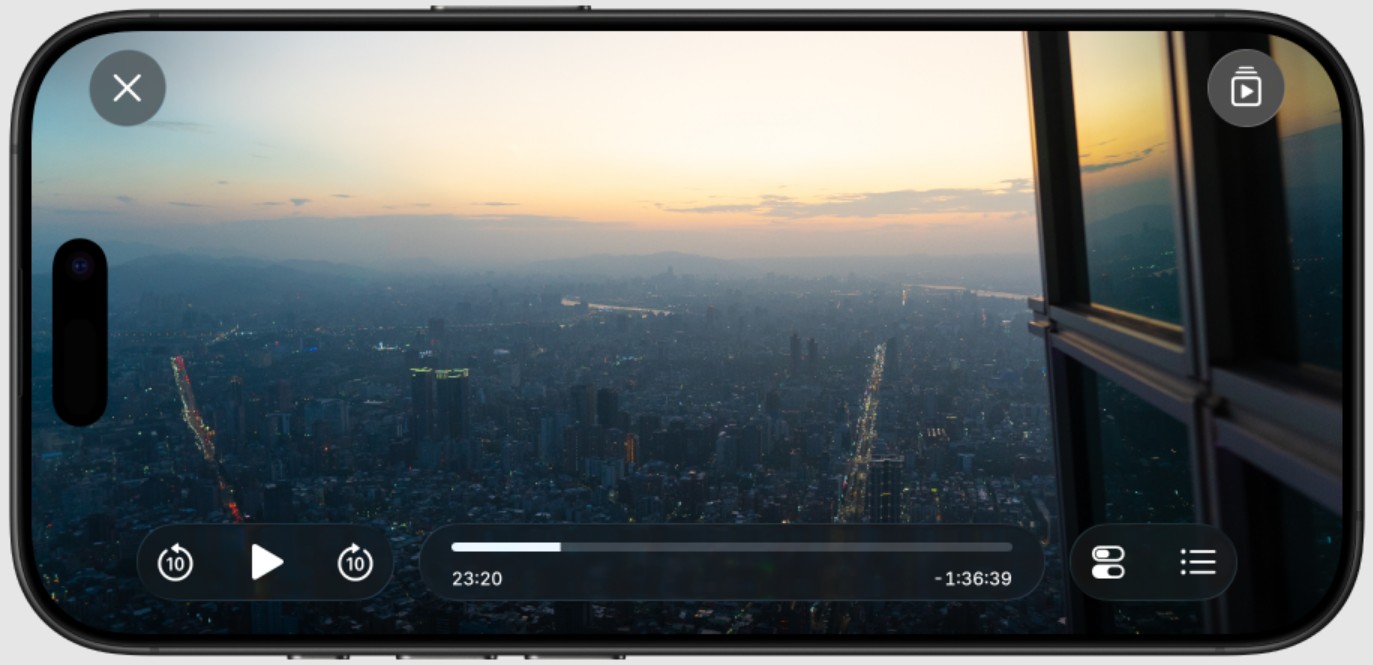
Outplayer is one of the more modern-feeling iOS video players in this category. Its App Store description emphasizes speed, simplicity, and a polished interface, and Apple's listing also notes that the developer does not collect data. That combination gives Outplayer a different appeal from more utility-heavy AVI player apps.
This is the option I would place closer to the "clean everyday player" end of the spectrum. It is easier to like if you want your AVI file player to feel fast and unobtrusive rather than packed with transfer tools and legacy settings. The trade-off is that it is not trying to be a full media management solution. Compared with nPlayer or AVPlayer, its identity is lighter and narrower. But if your ideal AVI player on iPhone is something sleek and focused, Outplayer is a smart pick.
Pros
- Cleaner, more modern iOS experience
- Strong simplicity-to-power balance
- Privacy angle is better than many rivals
- Good for everyday local playback
Cons
- Less feature-dense than power-user options
- Not built around advanced library workflows
- Better for playback than for heavy file management
Just (Video) Player
- Best for: Android users who want a minimalist, open-source AVI player without clutter
- Compatible with: Android, Android TV

Just (Video) Player takes the opposite approach from feature-packed apps. It is open source, intentionally minimal, and built on ExoPlayer with FFmpeg audio support. Its Google Play and F-Droid listings emphasize codec support, Bluetooth audio sync, and a stripped-down playback-first design rather than media-library extras. That makes it appealing in a very specific way. If most AVI player apps on Android feel bloated, ad-heavy, or distracted by too many panels and menus, Just (Video) Player is the clean alternative. It is not trying to be your media center, download manager, or streaming hub. It just wants to play the file cleanly.
Pros
- Open source and intentionally minimal
- Less cluttered than many Android video apps
- Good codec support for a lightweight player
- Strong choice for users who dislike feature bloat
Cons
- Not built for library management
- Fewer extras than mainstream competitors
- Better as a pure player than as a media hub
Fix Common AVI Playback Problems
Audio Plays but Video Is Black
First, identify the video codec inside the AVI file. A missing decoder for Xvid, DivX, MJPEG, or another legacy stream can produce audio without video, but a damaged index, file corruption, or client-specific decoding issue can cause the same symptom. Test the file in a maintained player, then try another device before deciding whether repair or conversion is appropriate.
The File Has a Broken Index
If an AVI file will not seek correctly, stops at the same point, or behaves differently after copying, the index or file structure may be damaged. Test a second copy from reliable storage and use a repair tool when the source is important. If repair is not practical, remuxing or converting to MP4 can create a more compatible file for a TV, editor, browser, or mobile device.
Playback Stutters or Drops Frames
Stutter can come from codec complexity, unavailable hardware decoding, a damaged file or index, slow storage, or client-specific playback behavior. Enable hardware acceleration when the player supports it, close competing tasks, and test the file from fast local storage. If the problem follows the file across devices, investigate the file itself before assuming the CPU is the cause.
The File Fails on One Device
If the same AVI file works on one device but fails on another, compare the player, operating system, available decoder, and playback client before converting. A browser, TV, Plex client, or mobile app may support a different set of streams than a desktop player. Convert or remux only when the destination device remains incompatible after a maintained player has been tried.
Do I Need a Codec Pack if VLC Cannot Play an AVI File?
Usually, no. First identify the codec and rule out a damaged file, because self-contained players generally include the decoders they need. Avoid untrusted bundled codec downloads. If a maintained player still fails, repair, remuxing, or conversion may be safer and more useful than adding a broad codec pack.
Why Is AVI Less Common on Modern Devices?
AVI is an older container with limited support for some newer delivery features. It is still usable, but compatibility depends heavily on the video and audio codecs stored inside the file, which is why modern devices and browsers may handle the same AVI differently.
Can I Play an AVI File on a Chromebook?
Simple AVI files may play in a browser or compatible Android app on Chromebook, but older codecs can still fail. If compatibility is the priority, use a video player for Chromebook that matches the file's codec requirements.
Conclusion
After comparing 14 current AVI players across Windows, Mac, iOS, Android, and browser workflows, the key decision is clear: check the codec inside the file, match the player to the destination device, and then decide whether direct playback or conversion makes more sense. AVI compatibility can be affected by codecs, indexes, file condition, and device-specific decoding support.
For Windows users who value tested AVI compatibility, hardware acceleration, and an organized local library, PlayerFab Free Video Player is a practical option to try. VLC remains a useful free cross-platform choice, while mobile users should select an app based on local storage, network access, and current storefront availability. No player is a universal answer for every legacy codec or damaged file.
When a compatible player works, direct playback preserves the original file and gets you watching quickly. When it does not, a codec check, file repair, remuxing, or conversion can provide a more reliable path for the device you actually plan to use.

 6 Best MPEG Players for Windows and Mac (2026)By Alice Harper - Aug 26, 2026
 How to Play Blu-ray Discs on Windows 10 (Free & Pro Solutions)By Alice Harper - Aug 7, 2026
 10 Best 4K Video Players for PC and Mac, Tested in 2026By Alice Harper - Aug 4, 2026
 The 5 Best Free MOV Players in 2026 (Windows, Mac and Android), plus How to FixBy Alice Harper - Aug 4, 2026