Latest Posts
 Best Video Player for Chromebook in 2026: Tested and Ranked
For most Chromebook users, the video playback gap comes down to one format: MKV. Three installation paths (Play Store, Linux, and browser extension) address it differently, each with distinct setup costs and feature trade-offs. VLC via the Play Store handles the majority of everyday cases in under two minutes. Subtitle-heavy content and large local media libraries each call for a different tool.
By James Morgan - Aug 28, 2026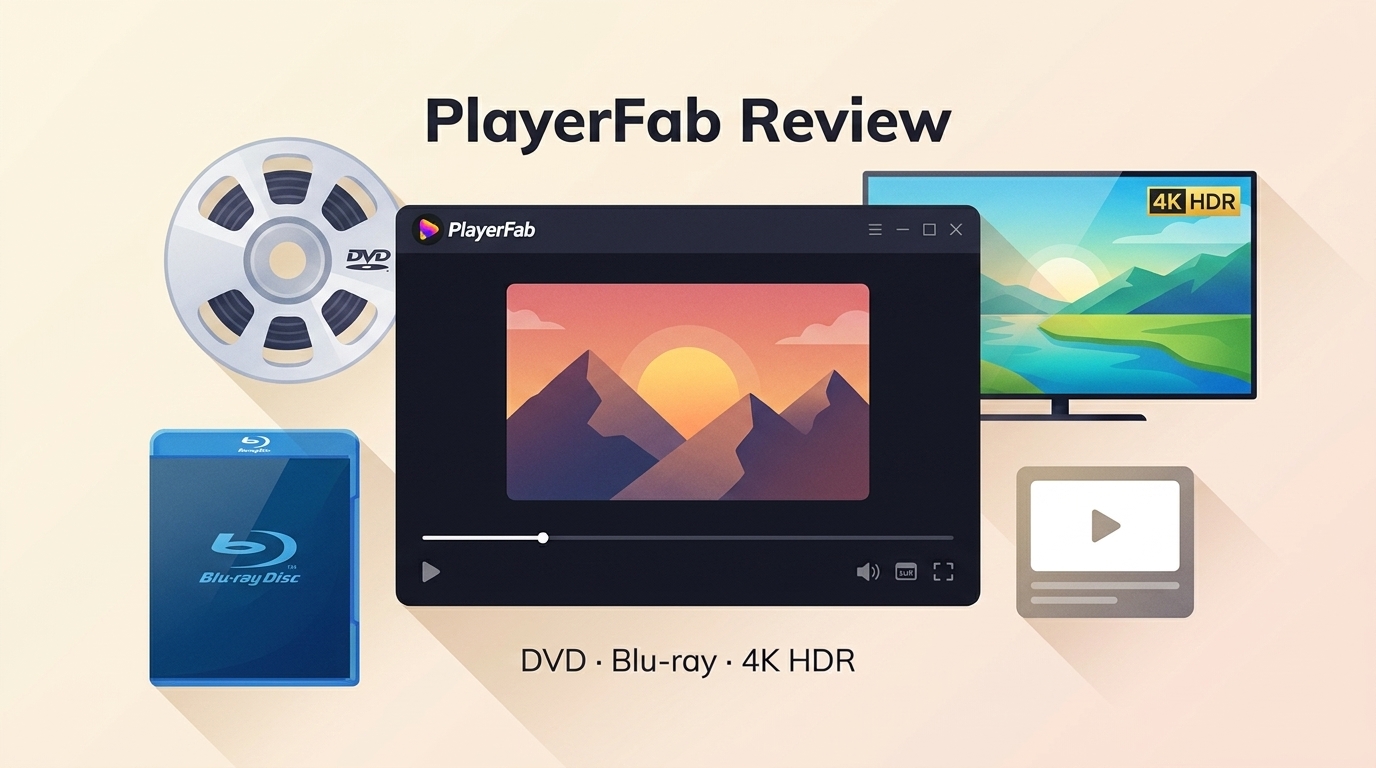 PlayerFab Review: The Story on DVD, Blu-ray, 4K, and Streaming Playback
PlayerFab brings disc playback, streaming, and local file management under one interface. This review covers what each module delivers, where the limits are, and whether the investment makes sense for your setup.
By James Morgan - Aug 19, 2026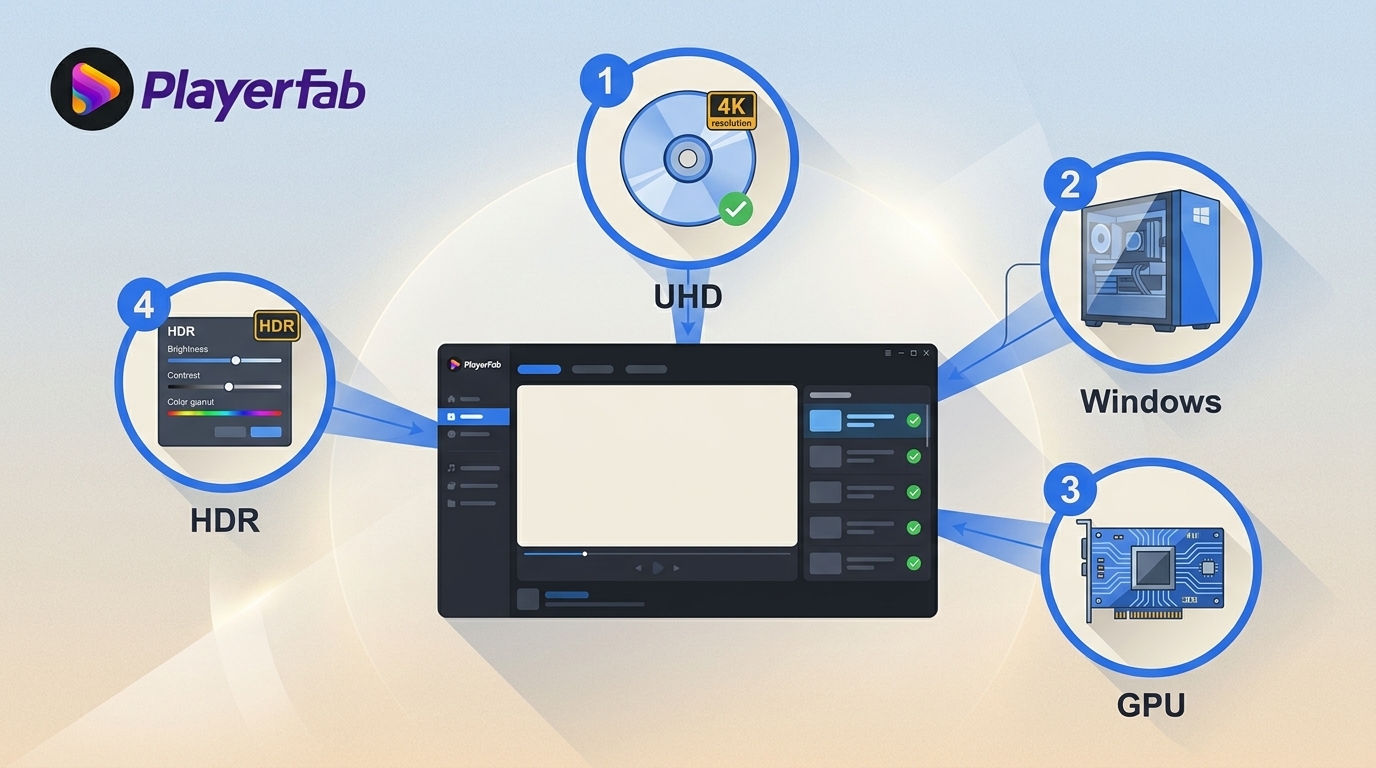 PlayerFab Ultra HD Player Review: 4 Compatibility Checks for Modern Windows PCs
PlayerFab Ultra HD Player combines supported DVD, Blu-ray, 4K UHD Blu-ray, ISO, and local-file playback in a desktop media library. Its strongest fit is a Windows home-theater setup with a validated UHD drive, GPU decoding path, HDR display, and HDMI audio chain. Mac menu limits and hardware dependencies deserve attention before purchase.
By James Morgan - Aug 17, 2026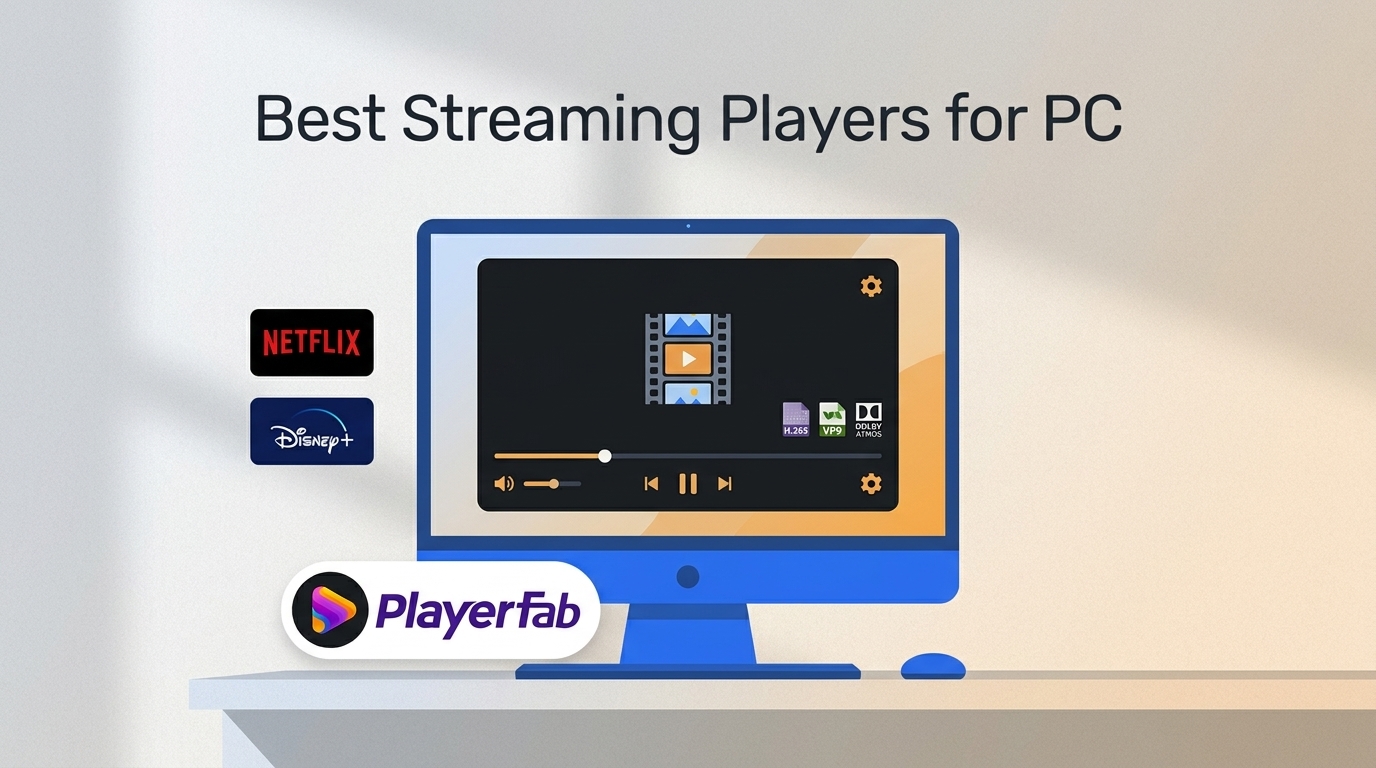 Best Streaming Players for PC: 4 Types Compared for 2026
Most tools marketed as "all-in-one streaming" turn out to be search aggregators. They tell you which platform carries a title, then bounce you back to five separate apps to watch it. This guide covers a different category: dedicated desktop players that open Netflix, Amazon, HBO Max, Hulu, and more inside a single interface, with features native apps simply do not provide.
By James Morgan - Aug 7, 2026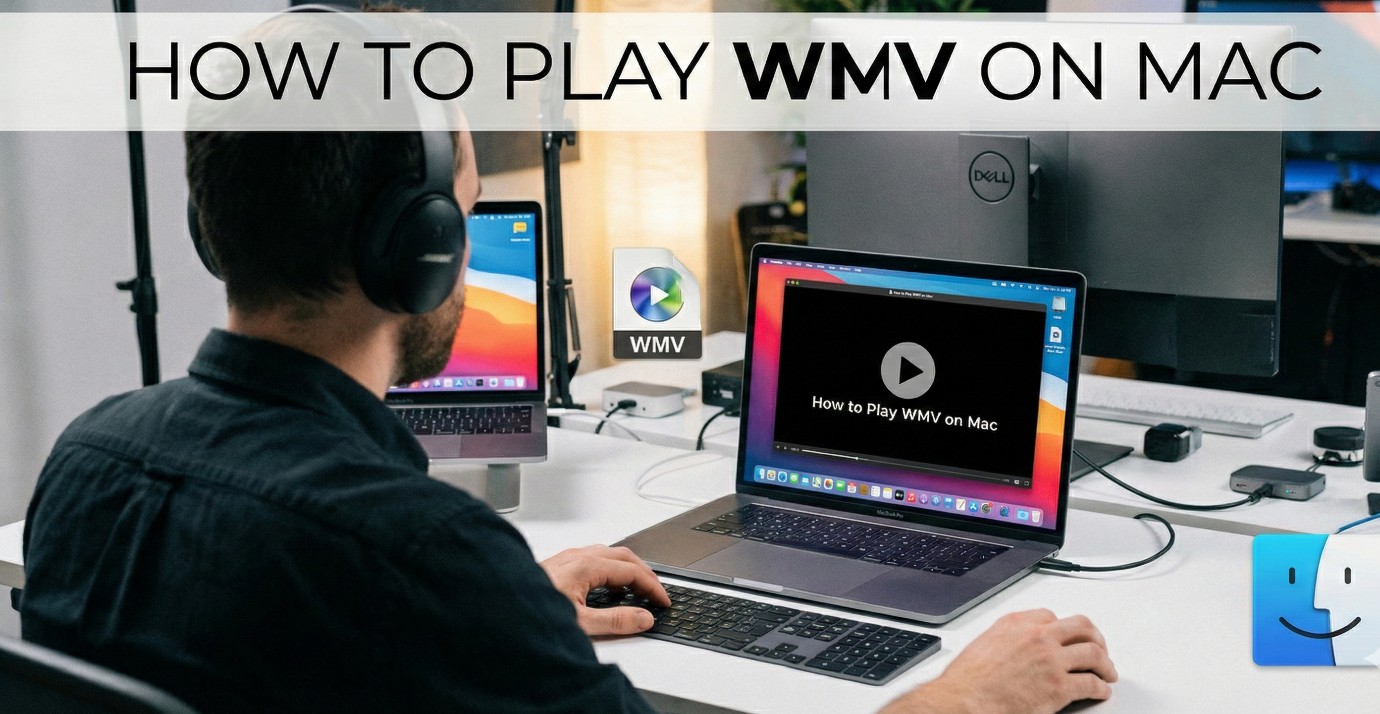 Best WMV Player for Mac and How to Play WMV on Mac Natively
Users trying to play WMV on Mac quickly discover that QuickTime simply refuses to open the file. This is not a hardware defect. The problem stems from Apple's AVFoundation framework blocking Microsoft's legacy ASF media containers. The smart move is bypassing Apple's native software entirely. My tests show that installing a dedicated WMV player for Mac with built-in codecs, such as PlayerFab, is the most efficient way to watch WMV on Mac without losing original quality.
By James Morgan - Aug 4, 2026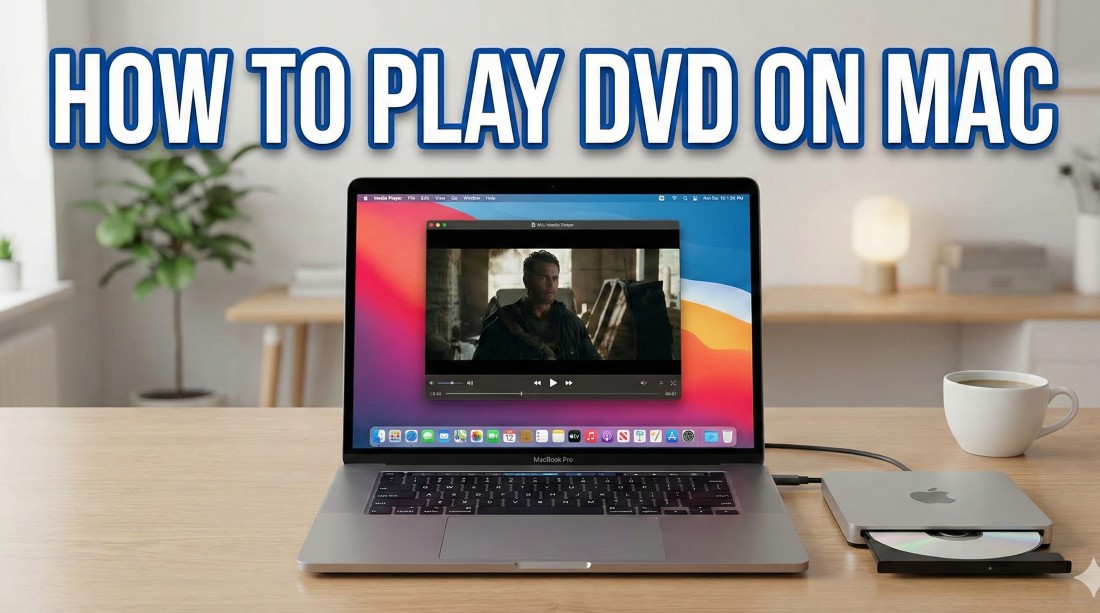 How to Play DVDs on Mac: 3 Methods and Fixes (2026)
Modern Macs need a computer-readable external optical drive plus an app that supports the disc or file source. This guide compares Apple DVD Player, VLC, and PlayerFab, then walks through drive detection, region limits, repeated ejection, ISO and VIDEO_TS playback, and the separate workflow for an authorized local copy.
By James Morgan - Jul 29, 2026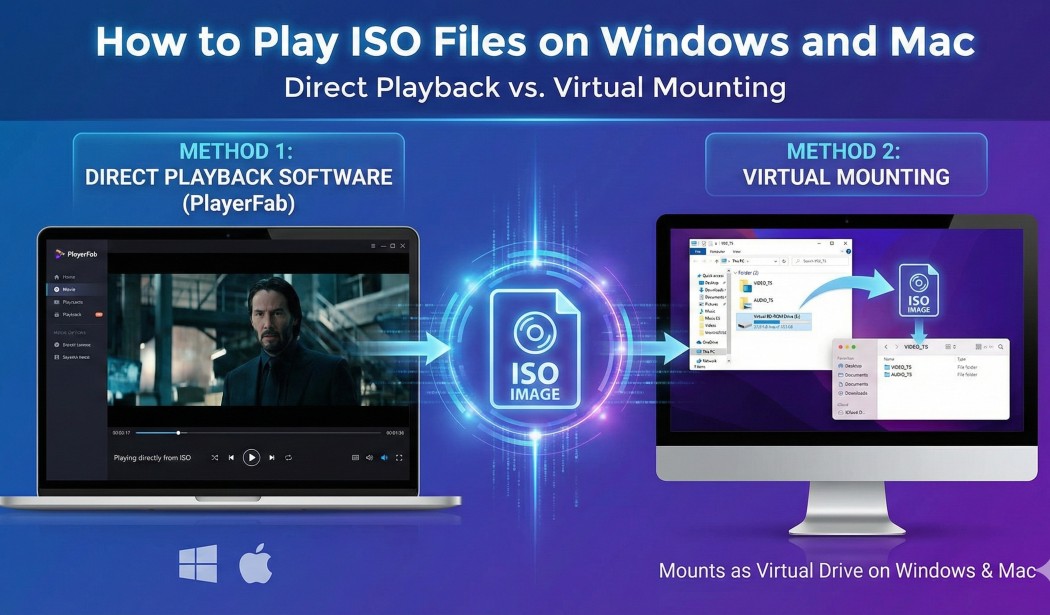 How to Play ISO Files on Windows & Mac: VLC, Mounting, and More
ISO images preserve the complete file system of an optical disc, presenting a compatibility challenge for standard media software. This technical guide explores the two primary architectures for playing iso content: Virtual Mounting and Direct Playback. While native tools in Windows and macOS allow you to view iso files as raw data folders, my benchmarks confirm that they frequently break navigation logic. For users seeking DVD/Blu-ray menu support and HDR decoding, utilizing a dedicated player like PlayerFab is the superior solution.
By James Morgan - Jul 29, 2026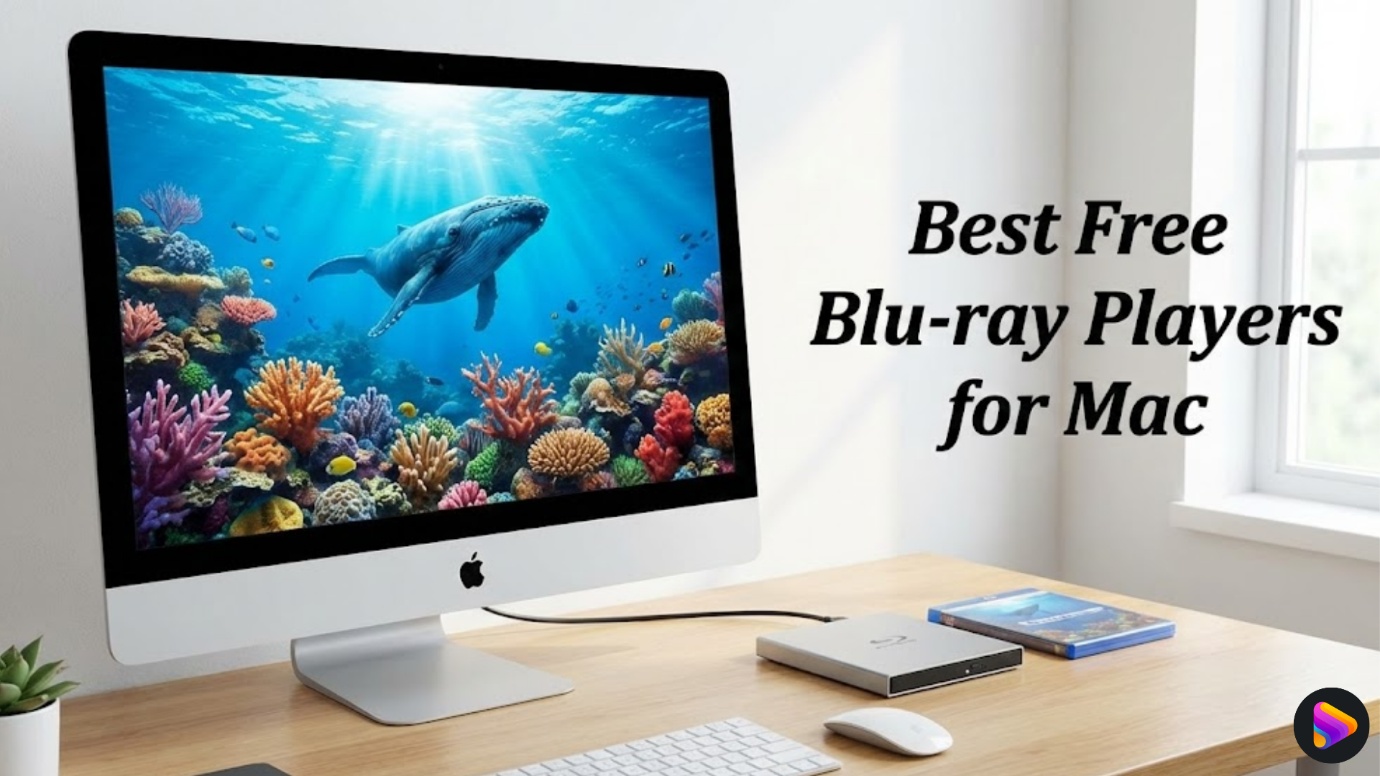 5 Blu-ray Players for Mac Compared in 2026: Disc, 4K, and Cost
A Mac needs both a Blu-ray-capable external drive and compatible playback software for commercial movie discs. This guide compares five Mac options by source support, menus, 4K boundaries, setup effort, and cost, then explains a practical three-step workflow for discs, ISO images, BDMV folders, and local media libraries.
By James Morgan - Jul 24, 2026 How to Play AVI Files on Windows and Mac: A Complete Guide
AVI files refuse to play because the format is a container that can hold video encoded in dozens of different codecs, and most built-in players do not cover them all. On Windows, PlayerFab Free Video Player handles the full codec range at no cost. On Mac, QuickTime cannot open most AVI files natively, and VLC is the reliable free solution. This guide walks through the instructions for both platforms, plus fixes for the common AVI playback problems: choppy video and audio that drifts out of sync.
By James Morgan - Jul 21, 2026 How to Play H.264 Files on PC: Best H.264 Video Player Options
Getting an H.264 file to play correctly on Windows is not always as simple as the format's ubiquity suggests. Three root causes explain most playback failures: the container-codec distinction, H.264 profile level, and hardware decode capability. For most users, a capable free player handles it without any configuration; the edge cases almost always come down to one of those three.
By James Morgan - Jul 21, 2026 Best Media Player for Steam Machine: Setup Guide for Your Living Room Hub (2026)
SteamOS handles local media libraries well, but Widevine DRM caps streaming services like Netflix to 720p in any Linux browser, a limitation no native app can fix. For users with a Windows PC on the same network, running streaming apps on the host and outputting via Steam Remote Play solves the gap. The Steam Machine earns its keep as a media hub once the right setup is in place.
By James Morgan - Jul 21, 2026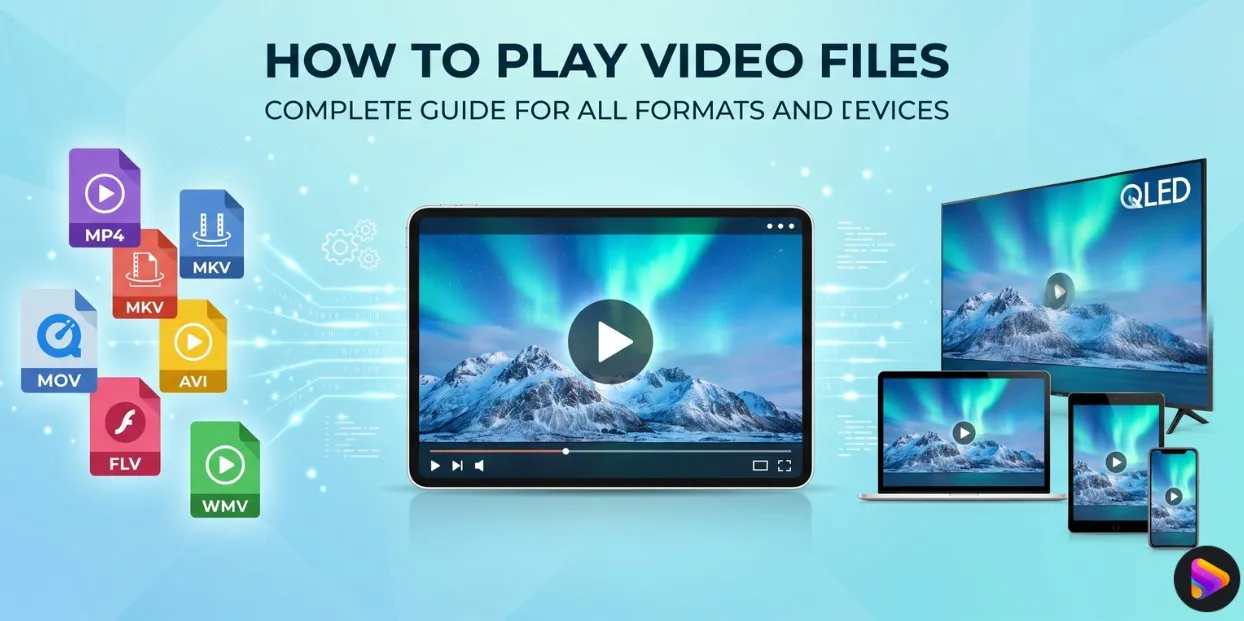 How to Play Video Files: Complete Guide for All Formats and Devices
Video playback shouldn't be a headache in 2026. While many users struggle with missing codecs or unsupported formats, mastering how to play video files across any device is actually straightforward with the right tools. In my experience, relying solely on native OS software often leads to frustration. This guide provides actionable solutions for every format—from MP4 to AV1—and explains why upgrading to a comprehensive media center like PlayerFab is the smartest move for a seamless viewing experience.
By James Morgan - Jun 15, 2026
No more