Blu-ray Resolution: Is It 1080p or 4K?

Summary: Standard Blu-ray normally carries 1920×1080 video, while 3840×2160 belongs to the separate Ultra HD Blu-ray format. This guide compares DVD, Blu-ray, and 4K discs, explains why mastering, bitrate, HDR, display size, and viewing distance shape Blu-ray quality, and maps the equipment needed for full-resolution playback.
Table of Contents
With terms like Blu-ray, 1080p, 4K, and 2160p appearing so often, many users are not quite sure what Blu-ray resolution actually means. In this guide, I will explain Blu-ray resolution in a simple and practical way, while also comparing it with other video formats and playback devices. Once you understand how Blu-ray resolution works, it becomes much easier to choose the right player and enjoy better picture quality from your discs.
What Is Blu-ray Resolution?
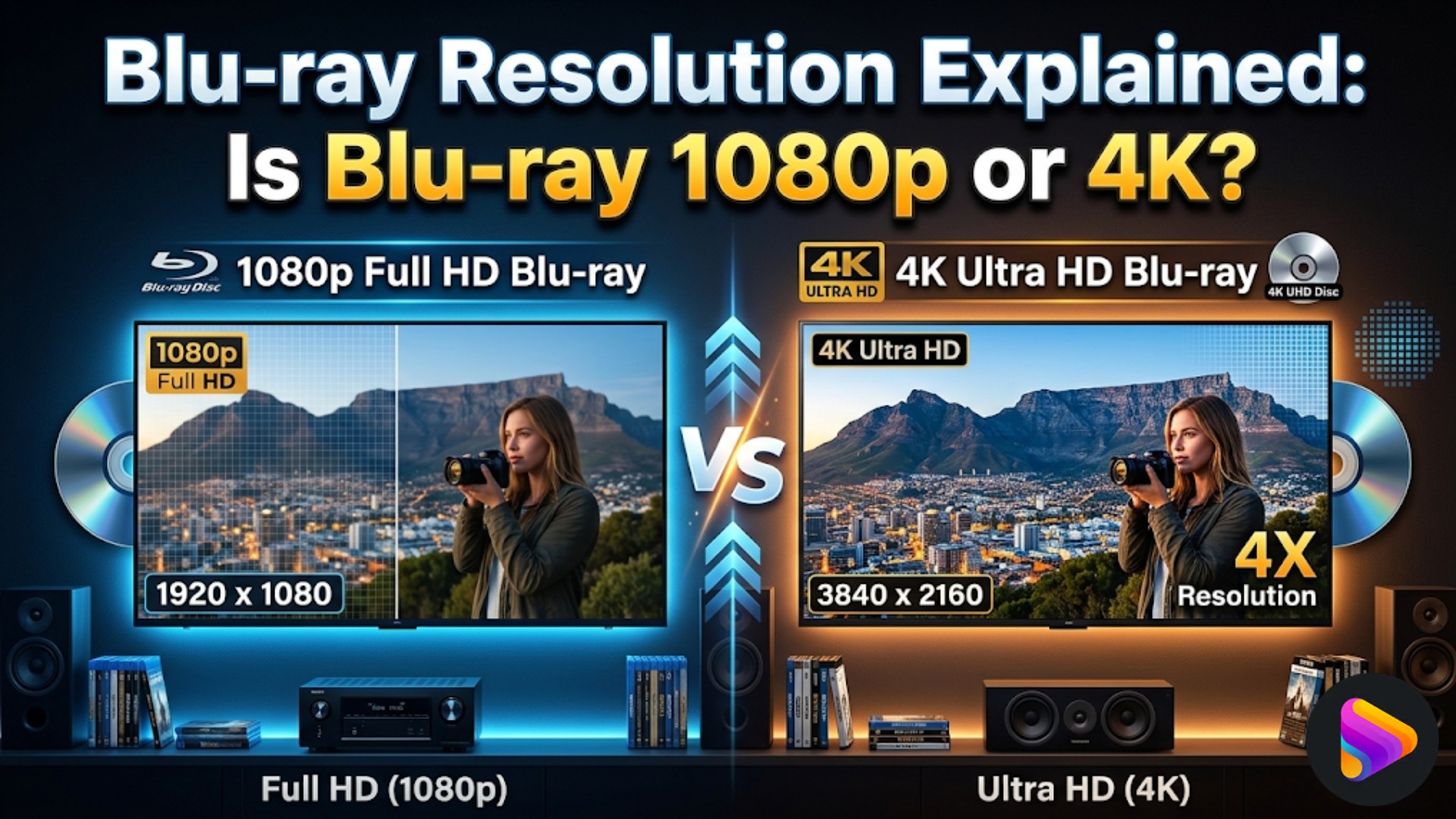
Blu-ray resolution usually refers to the video resolution supported by a standard Blu-ray disc. In most cases, standard Blu-ray is associated with 1080p Full HD, or 1920×1080 pixels, which is also the most common resolution for commercial Blu-ray movies. Although the Blu-ray format can also support other HD video formats such as 720p and 1080i, 1080p remains the most widely used format for standard Blu-ray movie releases. This is one of the main reasons Blu-ray is generally considered a major upgrade over DVD in terms of picture clarity and detail.
At the same time, Blu-ray resolution is often misunderstood because the term Blu-ray is sometimes used too broadly. Standard Blu-ray and Ultra HD Blu-ray are not the same format. Standard Blu-ray is designed for Full HD playback, while Ultra HD Blu-ray supports 4K UHD resolution (3840×2160) and belongs to a newer disc format. Because of this, users searching for Blu-ray resolution are often trying to figure out whether Blu-ray means 1080p, whether it can also mean 4K, and where the difference between regular Blu-ray and Ultra HD Blu-ray really begins.
Understanding the FHD vs UHD resolution differences also helps clarify why standard Blu-ray is associated with 1080p, while Ultra HD Blu-ray is built for 4K playback.
What Is the Difference between Blu-ray, 4K, and DVD Resolution?
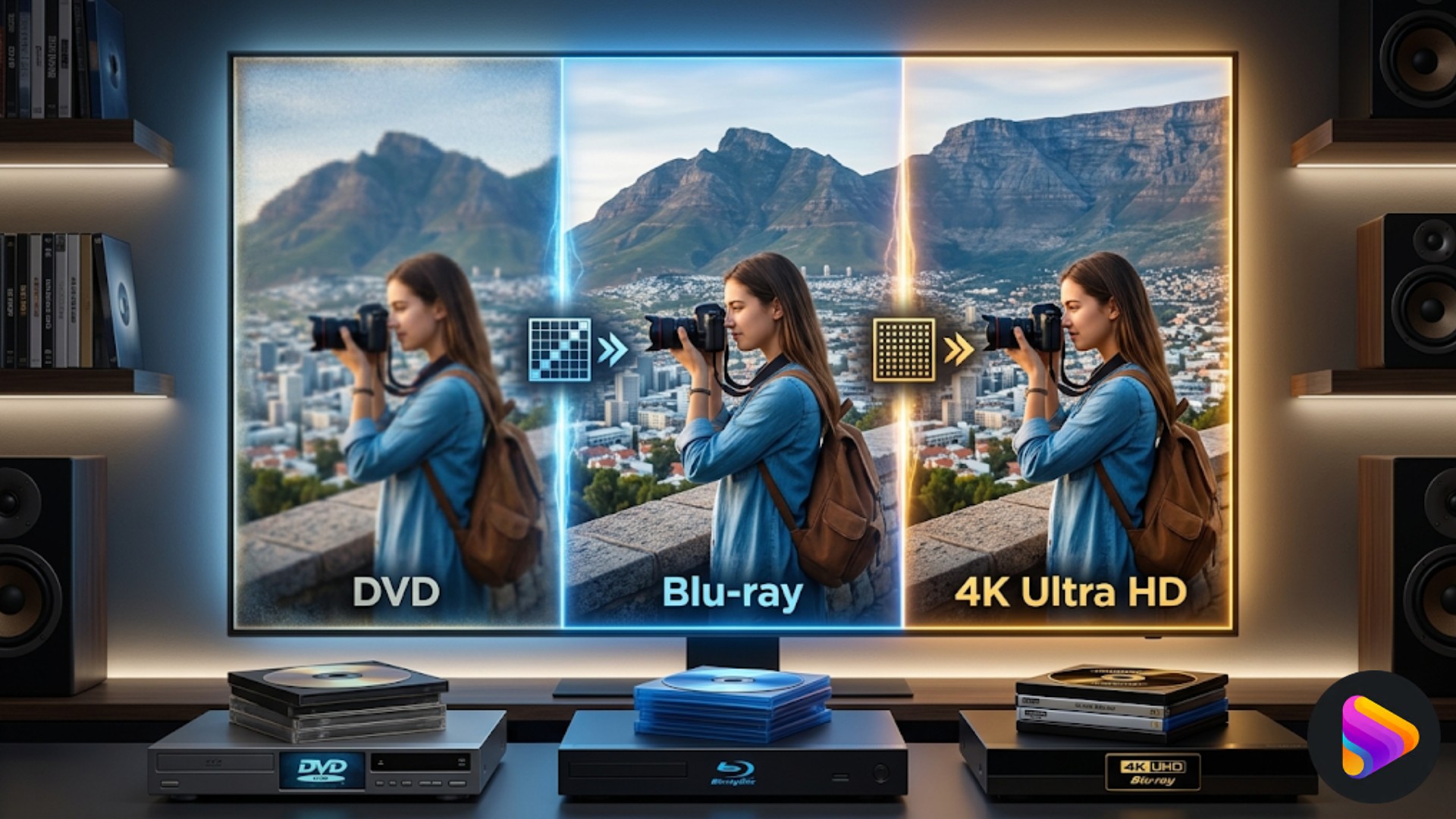
The differences among DVD, Blu-ray, and 4K Ultra HD Blu-ray can be seen more clearly in the table below.
| Format | Definition | Resolution | Capacity | Picture Quality | Playback |
| DVD | Standard-definition disc | 720×480 / 720×576 | 4.7GB / 8.5GB | Softer, less detail | DVD player |
| Blu-ray | Full HD disc format | 1920×1080 | 25GB / 50GB | Sharper, clearer, more detail | Blu-ray player |
| 4K Ultra HD Blu-ray | Native 4K disc format | 3840×2160 | 50GB / 66GB / 100GB | Highest detail, HDR support | 4K UHD Blu-ray player |
In terms of resolution alone, DVD sits at the lower end, standard Blu-ray remains the mainstream 1080p Full HD format, and 4K Ultra HD Blu-ray represents the highest-resolution consumer disc format currently available.
However, the difference between DVD and Blu-ray is not only visible in pixel count, but also in how much picture information the disc can preserve. DVDs were designed for standard-definition playback, so image detail often appears softer, especially on larger modern displays. By contrast, Blu-ray offers a much higher resolution and is supported by higher bitrate and larger storage capacity, which allows movies to retain finer textures, cleaner edges, and more stable image detail. This is why Blu-ray usually looks noticeably sharper and more refined than DVD, particularly on HDTVs and larger screens.
Compared with standard Blu-ray, 4K Ultra HD Blu-ray pushes image quality further by offering 3840×2160 resolution, which contains far more pixels than 1080p Blu-ray. Ultra HD Blu-ray also benefits from greater disc capacity and commonly supports advanced video technologies such as HDR, making highlights brighter, contrast deeper, and colors more lifelike. As a result, the gap between Blu-ray and 4K Ultra HD Blu-ray is often seen not just in sharpness, but in the overall richness and depth of the image.
How to Play High-Resolution Blu-rays?
Buying a Blu-ray disc does not always mean the movie will automatically be shown in full Blu-ray resolution. The final picture quality also depends on the playback setup. If the player, software, display, or connection does not support the disc format properly, the image may not reach the full Blu-ray resolution, let alone 4K. That is why both software and hardware matter when trying to get the best Blu-ray resolution viewing.
Use Blu-ray Player Software on PC
For many users, the most convenient and cost-effective way to play high-resolution Blu-rays is to use dedicated software on a PC. A professional Blu-ray player can make it much easier to preserve the original Blu-ray resolution, especially when dealing with full disc playback instead of simple video files.
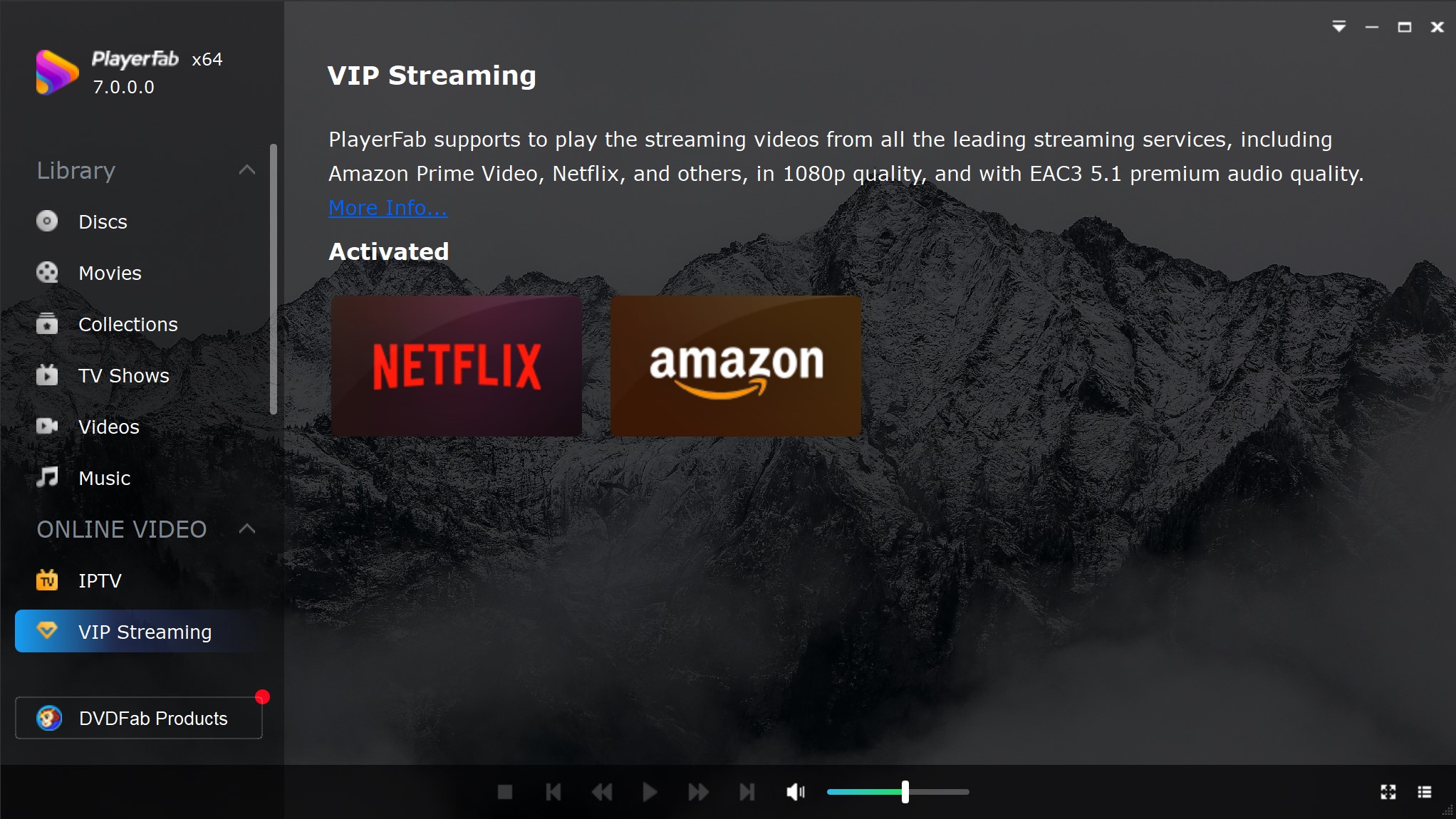
PlayerFab Ultra HD Player is designed for both standard Blu-ray and 4K Ultra HD Blu-ray playback. It supports region-free playback for DVDs, Blu-rays, and 4K UHD Blu-rays, and it can handle not only physical discs, but also ISO files and folders. For users who care about picture and sound quality, it also supports full menu playback on Windows, HDR10/HDR10+/Dolby Vision output, GPU-accelerated hardware decoding, and high-end audio formats such as Dolby Atmos, Dolby TrueHD, DTS-HD Master Audio, and DTS:X. It also works with Blu-ray menus, subtitles, audio tracks, and the original disc structure, helping preserve the full playback experience instead of reducing compatibility.
- Play 1080p Blu-ray and 4K 2160p Blu-ray discs on PC.
- Region-free playback for DVD, Blu-ray, and 4K UHD Blu-ray discs.
- Support for discs, ISO files, and folders, making local playback more flexible.
- Full menu navigation on Windows for DVDs, Blu-rays, and 4K Ultra HD Blu-rays.
- HDR video support, including HDR10, HDR10+, and Dolby Vision.
Use Blu-ray player hardware
Hardware is just as important as software when it comes to watching Blu-ray at the best possible resolution. For standard Blu-ray, which usually plays at 1080p Full HD, a regular Blu-ray player and a Full HD display are generally enough for proper playback. For 4K Ultra HD Blu-ray, the setup needs to be more advanced, including a 4K Ultra HD Blu-ray player, a 4K TV or monitor, and compatible hardware support to display the full 3840×2160 resolution. Without the right hardware, even a high-quality disc cannot deliver its full visual performance.
For users who want a more complete setup, the following Blu-ray players and TVs are common options for enjoying standard Blu-ray and 4K Ultra HD Blu-ray with better picture quality.
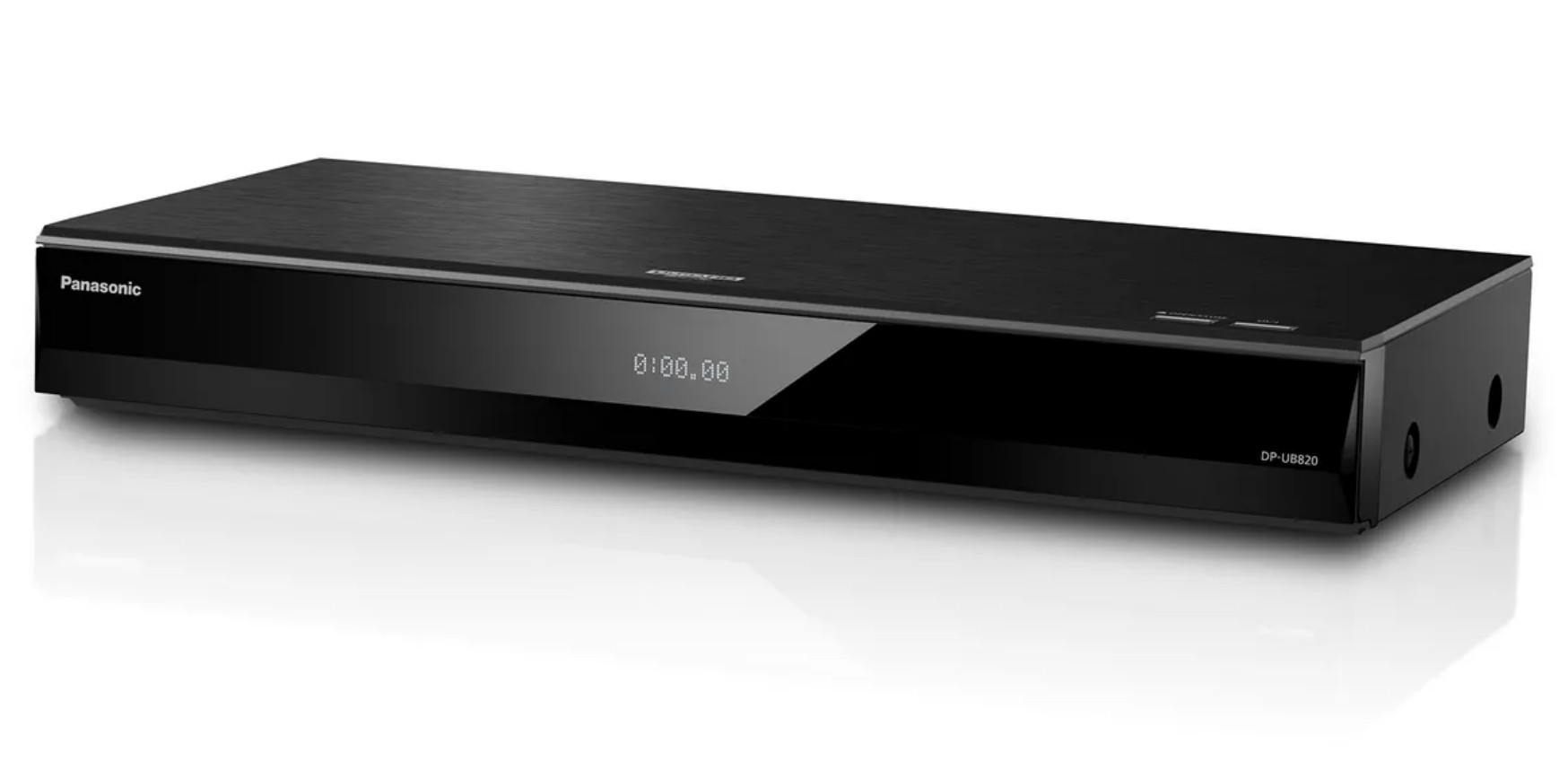
Recommended 4K Blu-ray Players:
- Panasonic DP-UB820: a well-known 4K Ultra HD Blu-ray player for users who want strong HDR support and more advanced image processing.
- Sony UBP-X700 / X700M: a more accessible 4K Ultra HD Blu-ray player option for standard Blu-ray and 4K disc playback.
Recommended TVs for 4K Blu-ray Resolution Playback:
- LG OLED C5 (55-inch): a strong choice for users who want deep contrast and premium 4K HDR movie viewing.
- Sony BRAVIA 5 (55-inch): a 4K Mini LED option that fits users who want a brighter TV for Blu-ray and 4K Ultra HD Blu-ray playback.
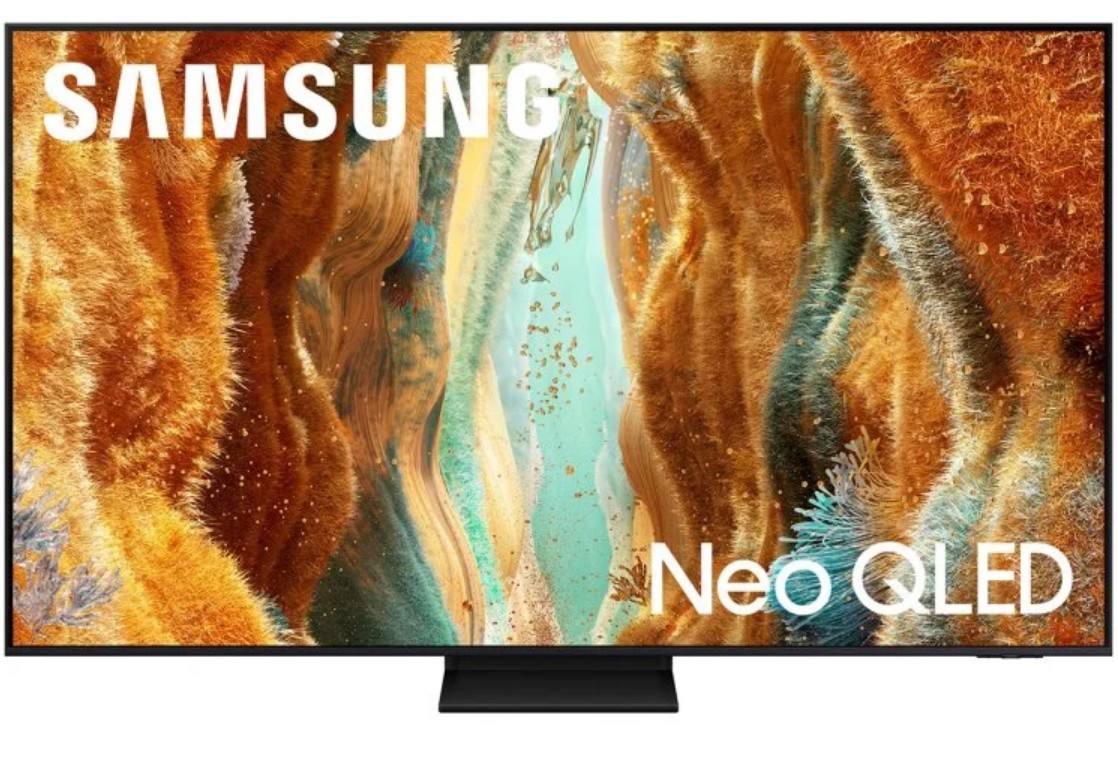
- Samsung QN70F (55-inch): a 4K Neo QLED / Mini LED option for users who prefer a bright, punchy image on modern TVs.
FAQ about Blu-ray Resolution
Is 4K streaming resolution the same quality as a 4K Ultra HD Blu-ray?
While both may output at a 3840×2160 resolution, a physical 4K Ultra HD Blu-ray disc delivers significantly better picture and sound quality. Streaming services heavily compress their video to save bandwidth, which can lead to compression artifacts or loss of fine details. A 4K Blu-ray operates at a much higher bitrate, providing an uncompressed, true-to-life visual and audio experience that streaming cannot currently match.
Does the type of HDMI cable I use affect the Blu-ray resolution?
Yes, significantly. For standard 1080p Blu-ray, almost any standard HDMI cable will work fine. However, to pass the massive amount of data required for 4K Ultra HD resolution at 60 frames per second with HDR, you need a High-Speed HDMI cable (HDMI 2.0 or higher). If your cable is outdated, your screen may drop the resolution down to 1080p or lose the video signal entirely.
Final Thoughts
While standard Blu-ray defines 1080p, 4K Ultra HD Blu-ray is the gold standard for high-end home cinema. To truly experience this quality, your hardware and software must match the disc's potential. For PC users, PlayerFab Ultra HD Player offers a seamless way to preserve original resolution and HDR. Choosing the right setup ensures you enjoy the cinematic detail and depth that only physical media can provide.

 12 Best HEVC Players for Windows, Mac, and 4K (2026)By Alice Harper - Aug 4, 2026
 Best WMV Player for Mac and How to Play WMV on Mac NativelyBy James Morgan - Aug 4, 2026
 8 Best TS File Players and Playback Tools for 2026By Alice Harper - Jul 28, 2026
 6 Best DVD Players for Laptops in 2026: Drives and AppsBy Alice Harper - Jul 22, 2026