9 iPad Video Players Checked in 2026: 4 Current Picks

Summary: The native iOS video player handles MP4 well but falls short with MKV, HEVC, and external subtitles. After evaluating third-party video players for iPad, VLC is the strongest free option; Infuse and nPlayer lead for library management and NAS streaming respectively. This guide covers pricing, format support, and a clear recommendation for each use case.
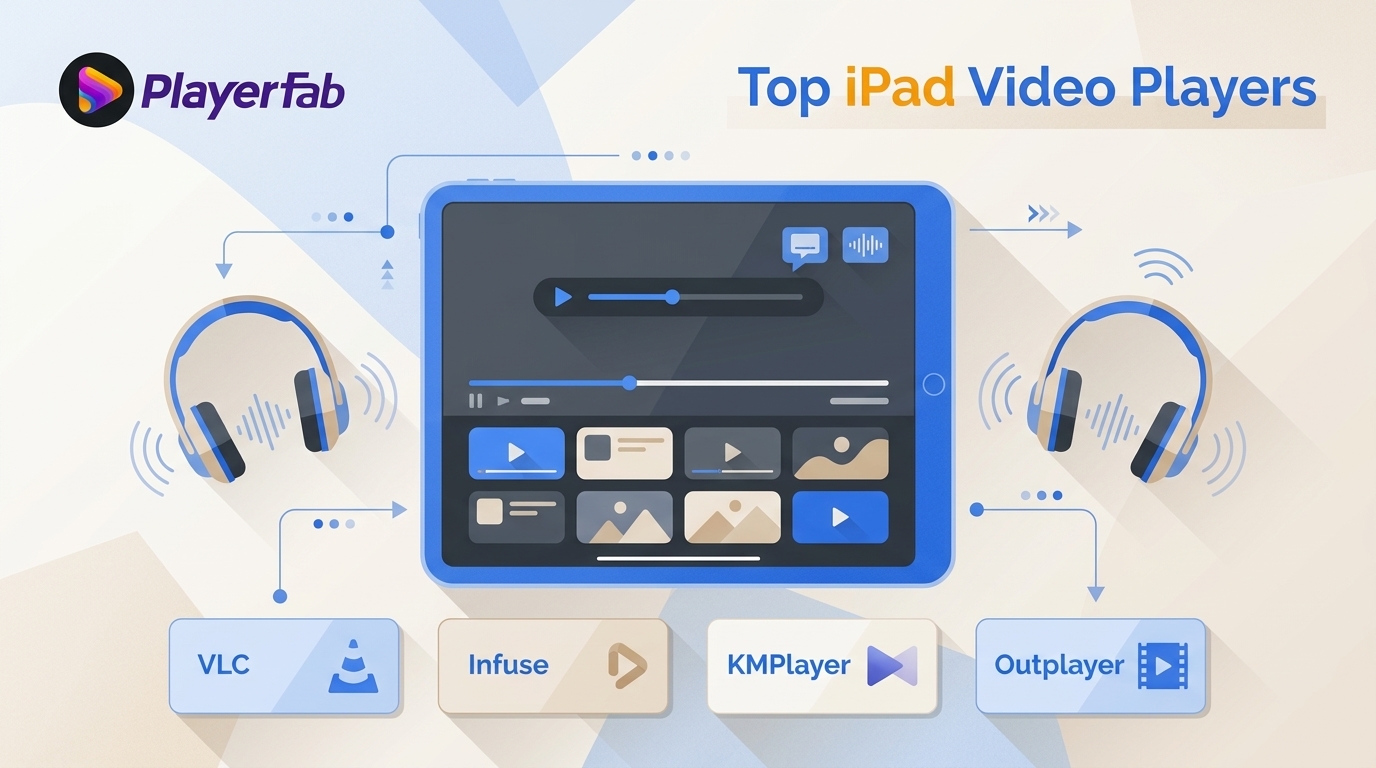
Table of Contents
Here’s the short answer: the best iPad video player depends on file source and subtitle support. Local MKV, external SRT subtitles, cloud storage, and NAS playback may need more than Apple’s built-in apps to play most video files. VLC, Infuse, KMPlayer, and Outplayer are current US picks.
If you are searching for an iPad video player, start with availability, maintenance, file source, and subtitle behavior. The comparison below covers four current US options, then explains why three live listings are stale and two familiar names are unavailable in the US. It also shows how to open files from Files, external drives, Wi-Fi transfer, cloud storage, or a NAS.
Current iPad Video Players at a Glance
These are the four current US App Store choices from the nine apps checked. Prices, availability, and update details are current as of August 2026.
| App | US Status and Price | iPadOS and Update | Key Compatibility | Best Source and Caveat |
|---|---|---|---|---|
| VLC | Free | iOS 9+; April 2026 | MKV, HEVC, external subtitles | Files and Wi-Fi; basic library |
| Infuse | Free; Pro from $1.99/month | iPadOS 18+ | Library metadata, subtitles, HDR | NAS and libraries; paid features |
| KMPlayer | Free | April 2026 update | Local and cloud video | Cloud files; not NAS-focused |
| Outplayer | Free, ad-free; optional purchase | iOS 17+; August 2026 | Local files, subtitles, displays | External displays; assess frame matching |
On price: VLC and KMPlayer are free. Infuse Pro costs $1.99 per month, $16.99 per year, or $99.99 for a lifetime purchase. Outplayer is free and ad-free, with an optional one-time Advanced purchase whose amount is not publicly listed.
On compatibility: containers, codecs, HDR, audio tracks, and external subtitles are separate variables. An app can open an MKV container yet still behave differently with a demanding codec, an external SRT file, or a network source.
On file sources: VLC is a sensible free starting point for local files, Infuse suits organized libraries, KMPlayer fits cloud-held media, and Outplayer is worth considering for an external display. In my view, source behavior and subtitle handling are more useful selection criteria than a generic “excellent” format label.
iPad Video Players: Picks and Availability
Of the nine video players for iPad checked here, four remain current US choices, three are still listed but stale, and two are unavailable in the US. Maintenance is the first filter: an app needs a live, recently maintained listing before its features deserve comparison. The remaining differences matter when they match a real workflow, such as local files with external subtitles, a polished library, cloud-held video, NAS streaming, or an external display.
VLC: Free All-Rounder for Local Files
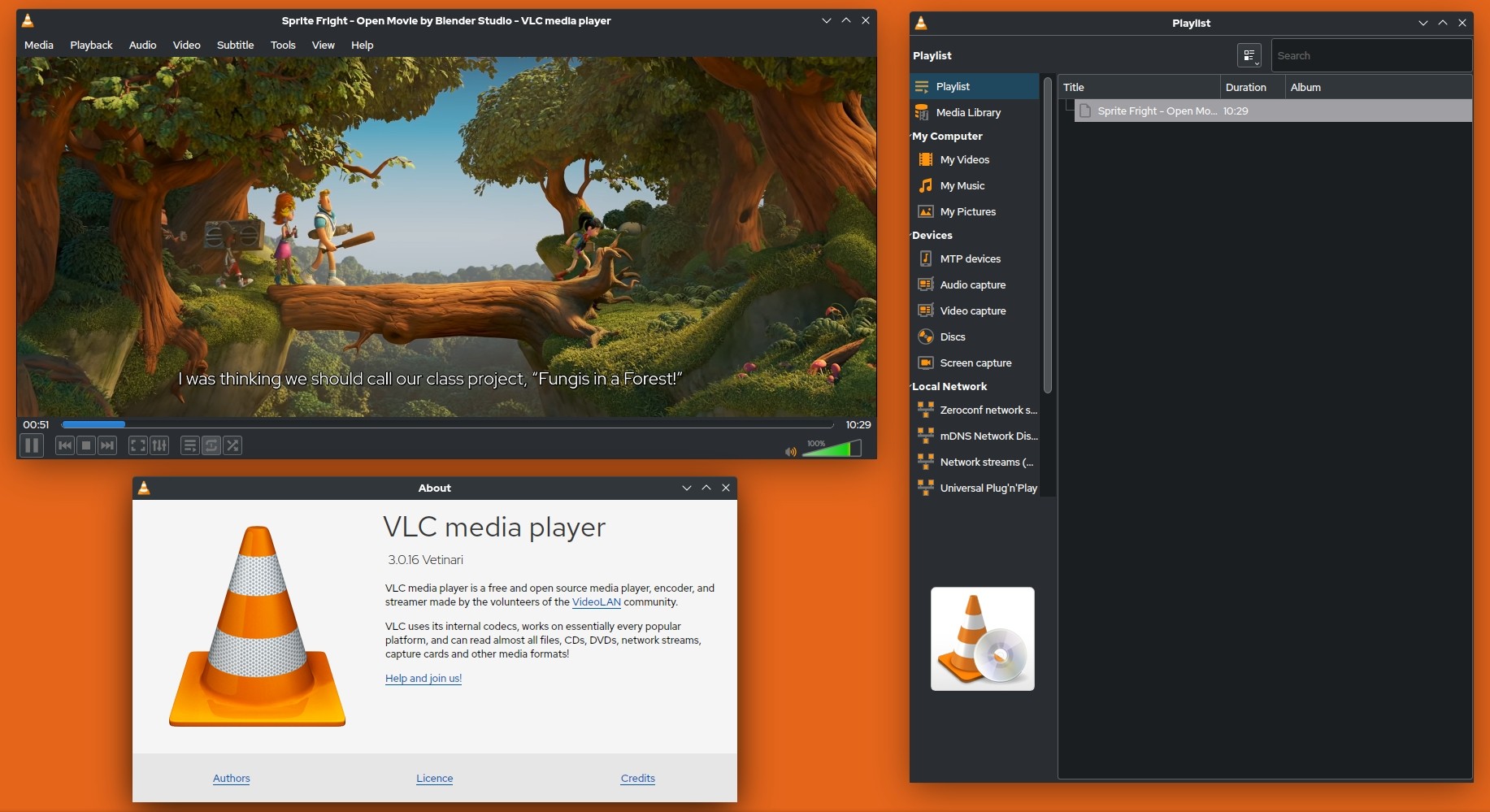
VLC is an active US App Store option, free to use, with version 3.7.3 listed in April 2026 and support for iOS 9 or later. It is a practical free video player for iPad when local files include MKV, H.265/HEVC, or external subtitle files. It is less compelling for readers who want polished artwork, automatic library organization, or predictable performance with large files from a specific network source.
Strengths:
- Broad support for common containers and subtitle workflows
- Free to use, with no ads or in-app purchases listed
- Wireless file transfer via built-in web server, accessible from any browser on the same network
- Subtitles supported across SRT, ASS, SSA, and embedded tracks
- Active open-source development with regular iOS updates
Worth noting:
- Large files can expose source-specific decoding and battery tradeoffs
- No automatic metadata or artwork fetching: files appear as-is by name, with no poster wall or library organization
- The interface has not been redesigned in years and feels dated next to Infuse or nPlayer
Infuse: Library Experience for Current iPads
Infuse is for people who treat a collection as a library rather than a folder of files, with artwork and metadata central to the experience. It requires iPadOS 18 or later. Its free tier provides a starting point, while Infuse Pro costs $1.99 per month, $16.99 per year, or $99.99 for a lifetime purchase. It is not an ideal fit for older iPads or for readers who do not want a recurring fee or a high lifetime price.
Strengths:
- Library presentation with artwork and metadata
- Automatic metadata and artwork fetching from TheMovieDB
- AirPlay and Google Cast support
- Integrates directly with Plex, Emby, Jellyfin, and most NAS platforms
- Subtitles downloaded automatically from OpenSubtitles
Worth noting:
- Recurring-fee resistance remains a common concern despite the lifetime option
- Advanced capabilities are tied to the Pro offering
- Some users report subtitle sync issues with MKV files that contain embedded PGS tracks
nPlayer: Capable but Not Current
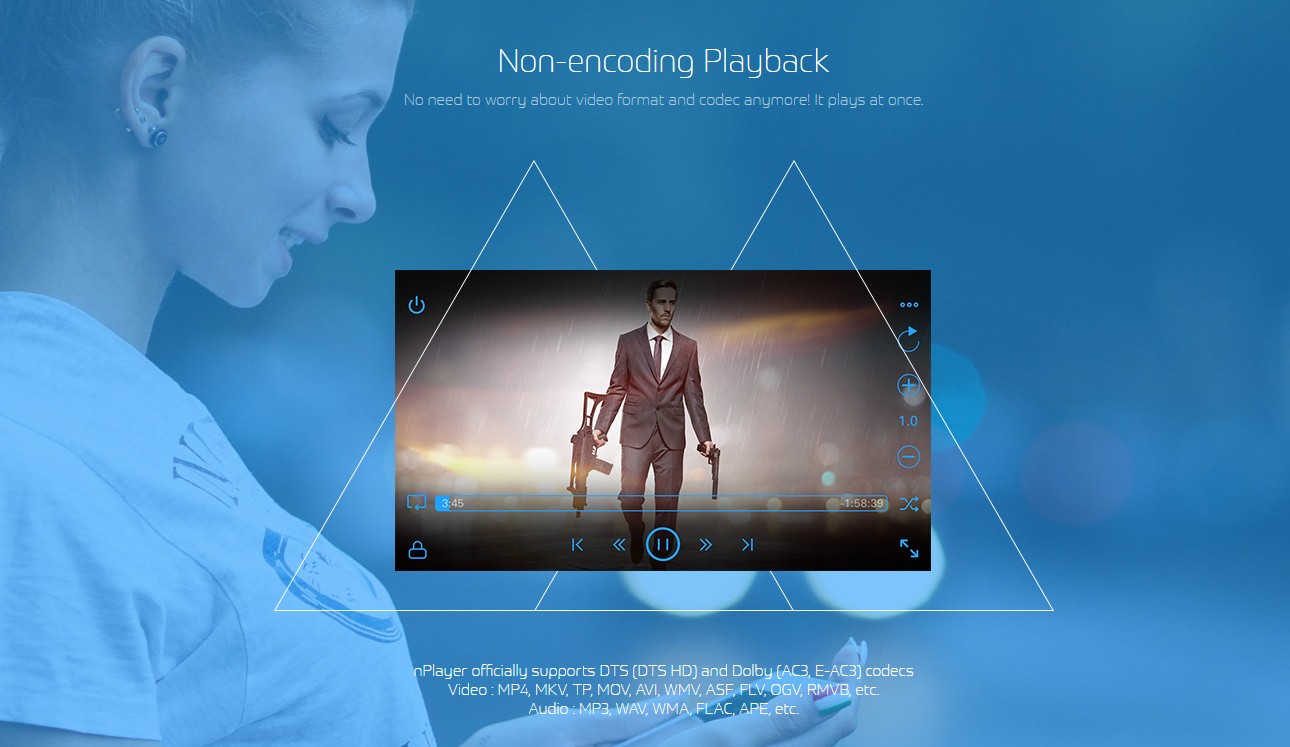
nPlayer remains live in the US App Store at $4.99, but its latest listed update is from February 2025. Its network-oriented controls may still appeal to users who already rely on SMB or other server connections, but its maintenance age makes it a less current choice than the four apps in the table. Treat it as a capable option to assess against your own NAS setup, not as a universally faster player.
Strengths:
- Licensed DTS and Dolby AC3/E-AC3 audio decoding for correct surround sound playback
- Network-oriented playback controls for supported sources
- Supports WebDAV, FTP, Google Drive, OneDrive, Dropbox, and local network shares
- $4.99 one-time US App Store purchase
- Plays files directly from the Files app without importing them
Worth noting:
- The interface is functional but not refined: no poster wall, no artwork fetching, no episode tracking
- Metadata and library management require manual setup; nPlayer is a player, not a media manager
- Very large files can be more demanding on older iPad hardware
KMPlayer: Current Pick for Cloud Files
KMPlayer is an active US App Store option, free to use, with version 36.04.235 listed in April 2026. It makes the most sense when iPad storage is limited and your video already lives in a cloud account. That convenience does not make it a substitute for a dedicated iOS SMB video player when your priority is a NAS or home-server workflow.
Strengths:
- 4K UHD and 3D video support
- Cloud playback from Google Drive and Dropbox without downloading files first
- Picture-in-Picture mode for background viewing on iPad
- Hardware acceleration for smoother performance on older devices
Worth noting:
- Cloud streaming adds latency: playback start times are slower than local file playback, particularly on slower connections
- Local network (SMB, NAS) support is limited; it is not the right tool for home server streaming
- Ads appear in the file browser, which affects navigation even though playback itself is uninterrupted
PlayerXtreme: Unavailable in the US
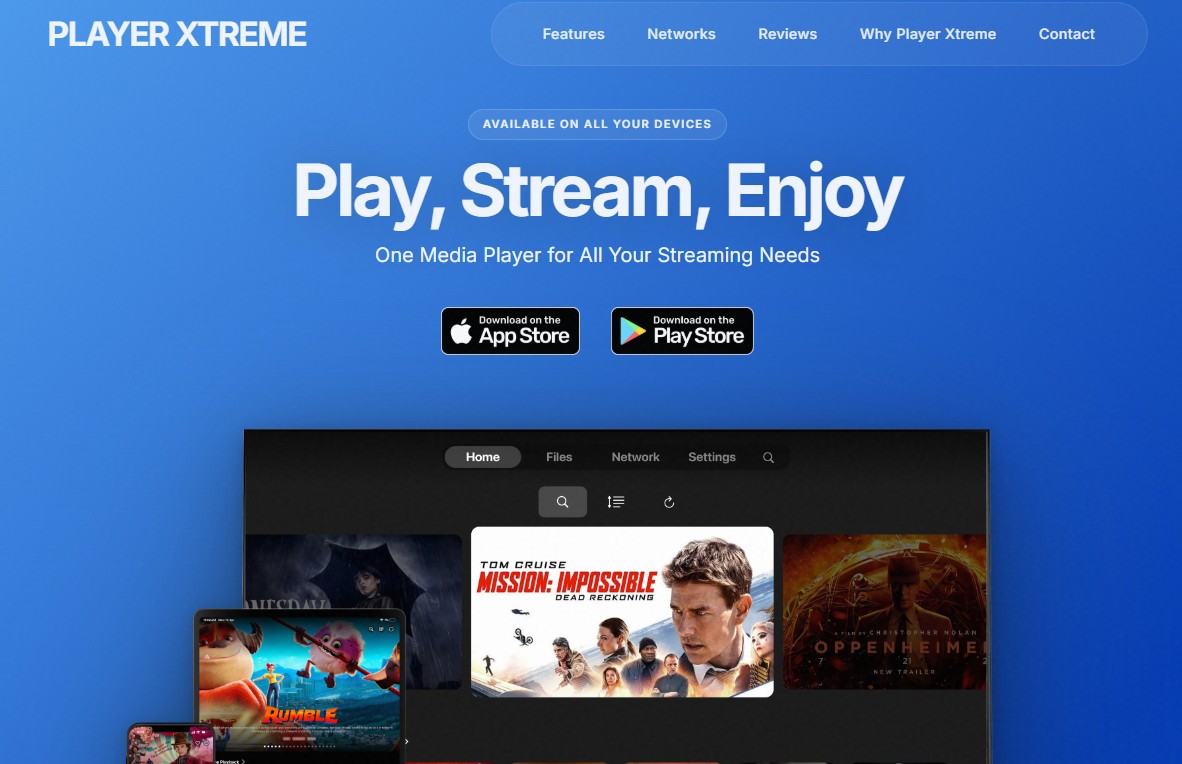
The original PlayerXtreme Media Player App Store ID returns no US result. Similarly named apps from other developers are not verified successors, so PlayerXtreme should not be treated as a current US recommendation or used as a substitute in the comparison table.
Outplayer: Current Pick for External Displays
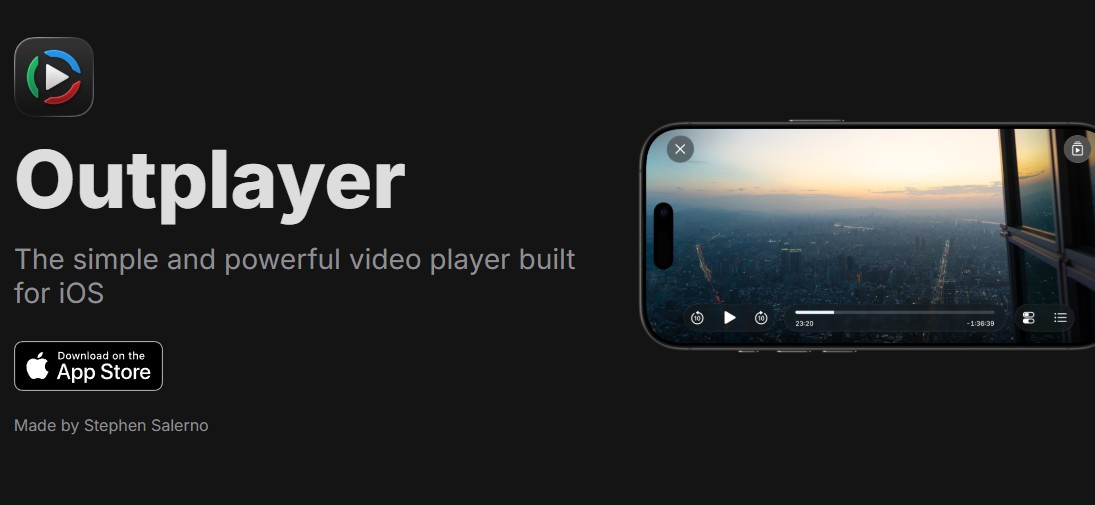
Outplayer is a current US option for iOS 17 or later, with version 2026.6 listed in August 2026. Playback is free and ad-free, and an optional one-time Advanced purchase is available without a publicly exposed amount. It is worth evaluating when you regularly connect an iPad to a larger display, although frame-rate matching is a concern to assess with your own display and content because results vary by display and content.
Strengths:
- External display support that works correctly with iPadOS Stage Manager
- Clean, minimal interface designed around iPadOS rather than ported from Android or desktop
- Supports SMB, WebDAV, and local network shares
- Free, ad-free playback with an optional Advanced purchase
Worth noting:
- Format support is solid for common files but not as comprehensive as VLC or nPlayer
- The user community is smaller than VLC or Infuse, so troubleshooting resources and forum discussions are limited
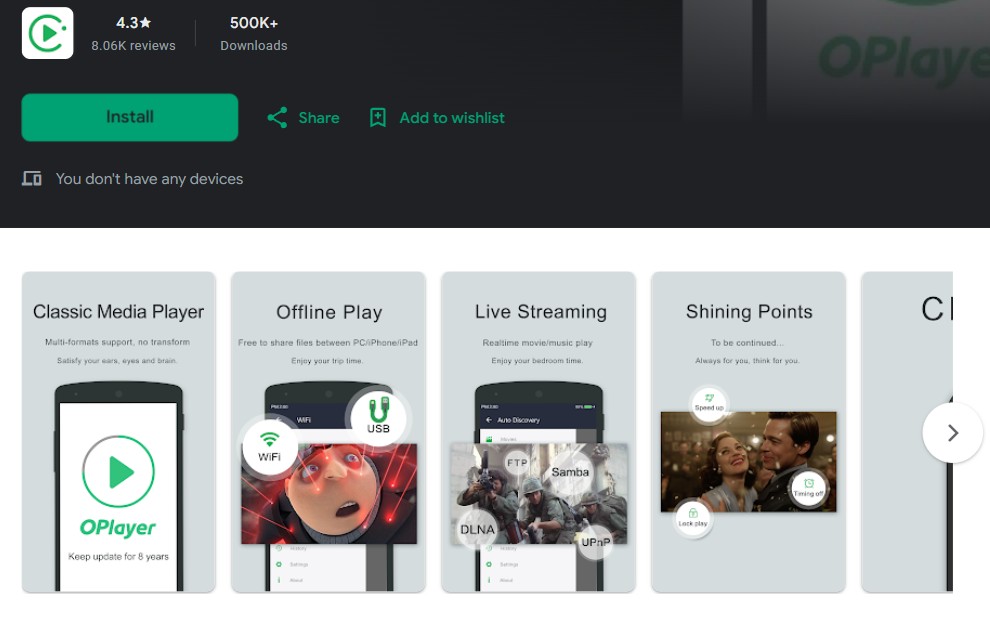
OPlayer Lite: Free but Stale
OPlayer Lite remains free in the US App Store, but its latest listed update is from March 2025. Background playback may still suit long-form listening, although the maintenance gap makes it a stale listing rather than a current peer to VLC, Infuse, KMPlayer, or Outplayer.
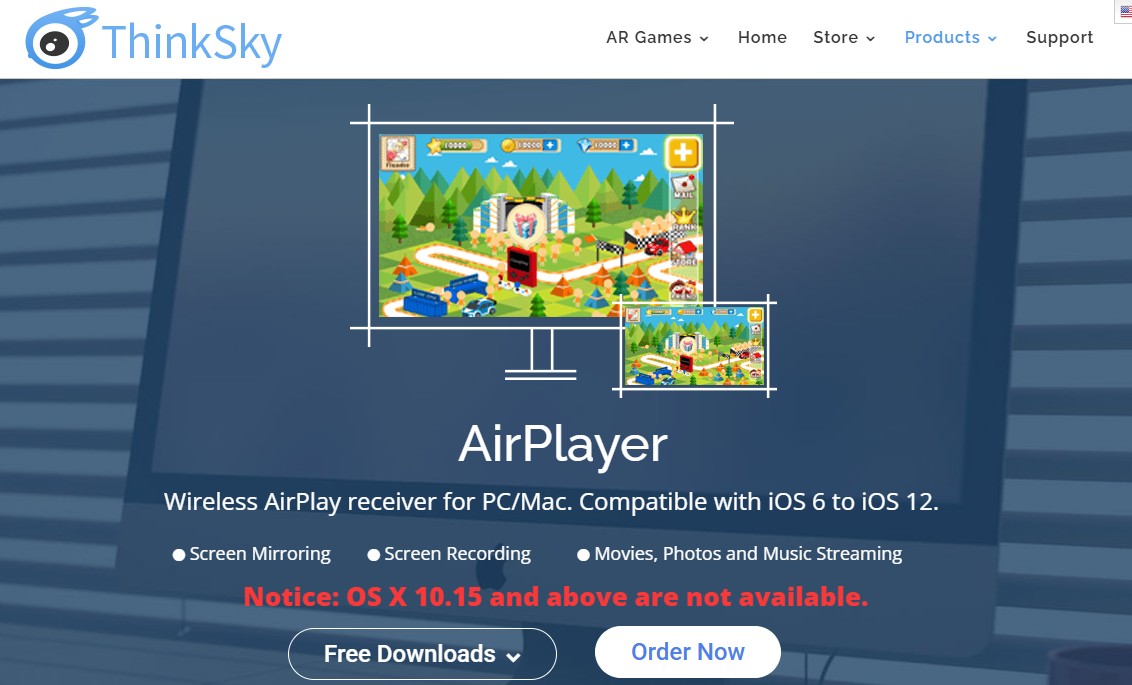
AirPlayer: Stale and Paid
AirPlayer costs $4.99, but its latest listed App Store update is from January 2016. Its DLNA-oriented device detection may still be useful in a compatible setup, yet the long maintenance gap means it is not a current US alternative to the four active picks.
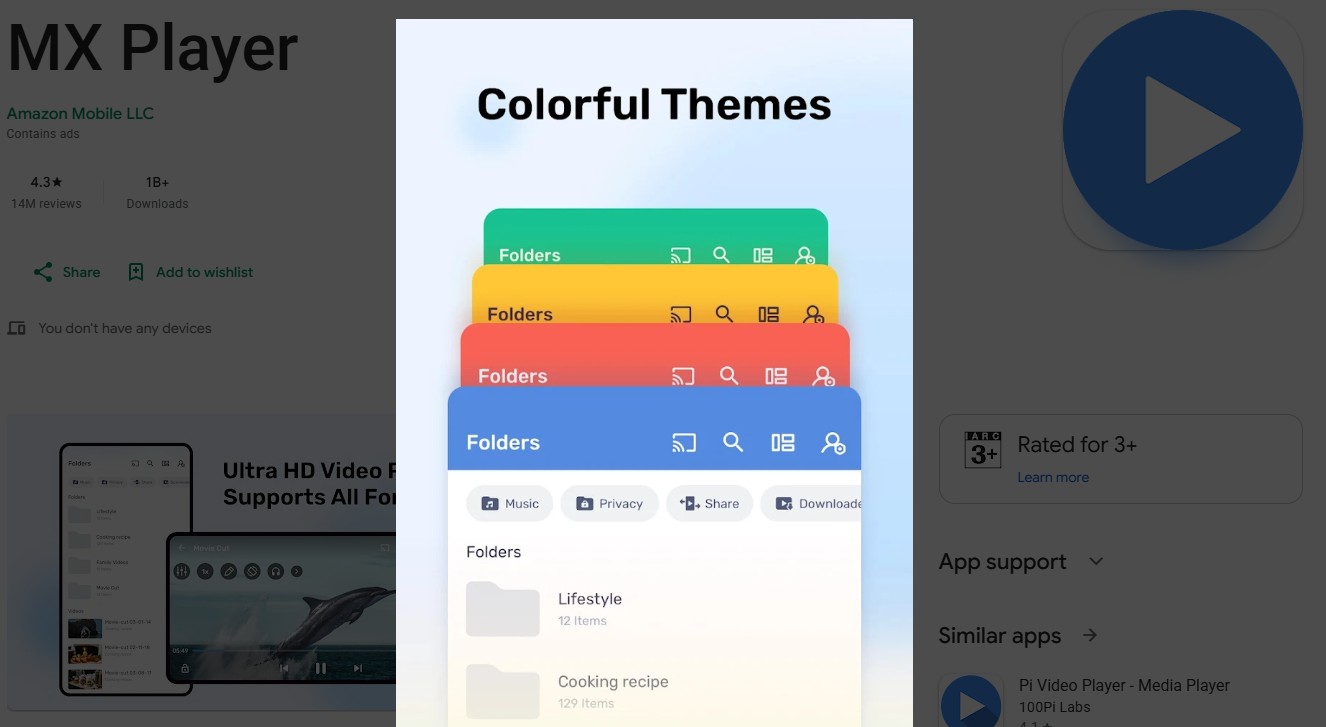
MX Player: Unavailable in the US
The official MX Player iOS listing cited by comparison pages is unavailable in the US. Similarly named US apps are from unrelated developers, so MX Player should not be presented as a current free, ad-supported iPad recommendation.
Play Videos From Files, Drives, Cloud, or NAS
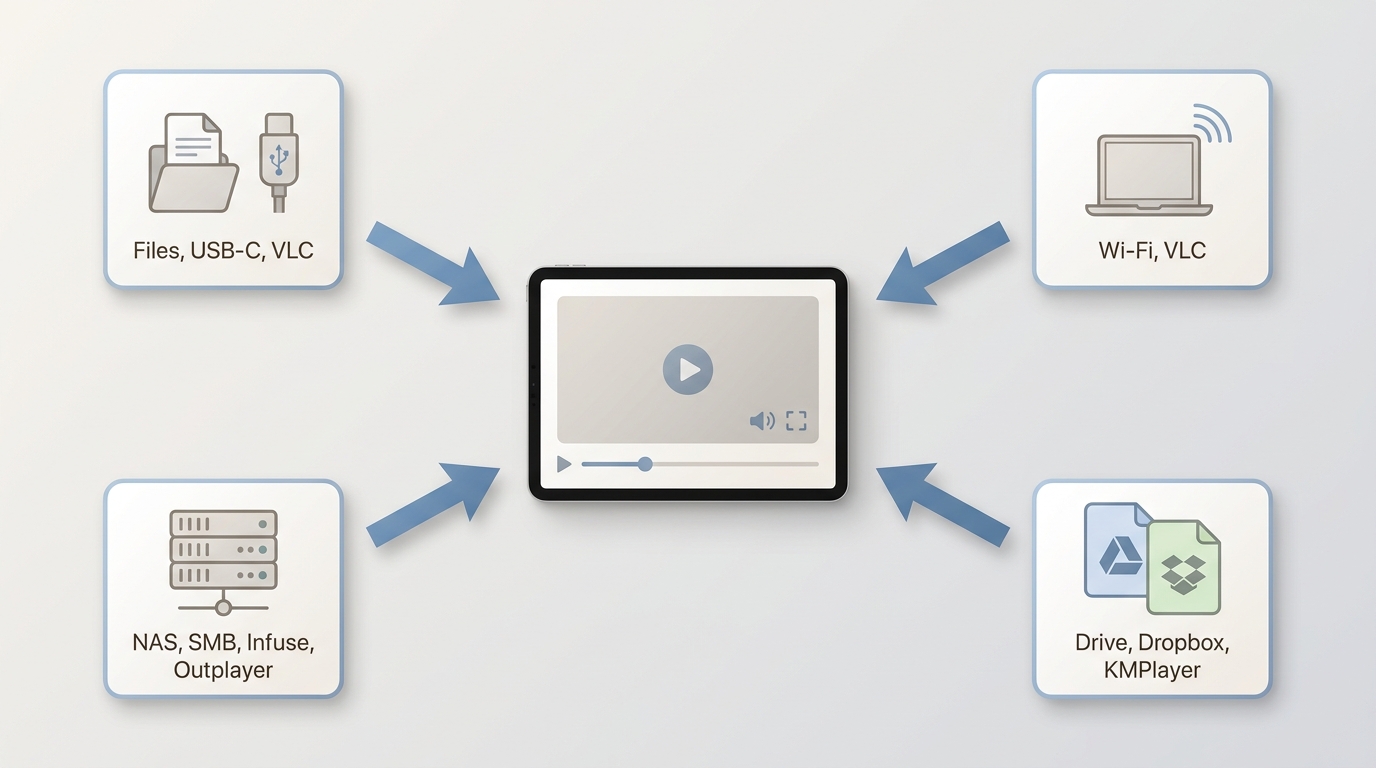
Before you start, make sure Files can access the storage location, use a compatible adapter for an external drive, keep both devices on the same local network for Wi-Fi or NAS transfers, and have cloud or NAS sign-in details ready.
1. Files App and External Drives
For a file already in Files or on a compatible external drive, start by tapping Share, then choose Open In and select the player. Some apps open the file in place, while others copy it into their own library. Large files can take longer to start from external storage, so copying a problem file locally is a useful comparison step before blaming the player.
2. Wi-Fi Transfer
For Wi-Fi transfer, use the player’s supported transfer method and keep the iPad and computer on the same local network. Transfer copies the file to the iPad, which generally removes network buffering from the playback equation. My practical starting workflow is to confirm that the same file plays locally before troubleshooting codecs, subtitles, or network settings.
3. Cloud Storage and NAS
Cloud and NAS playback stream the file rather than copying it first. Sign in to the cloud service or connect to the server in the selected app, then try a short file before starting a large movie. User reports indicate that SMB buffering, cloud skipping, audio-video desynchronization, and external SRT failures can vary by Wi-Fi path, file size, codec, and subtitle type. Test the actual source and subtitle file you use, not just the app’s format label.
FAQs
Which formats need a third-party player on iPad?
Native-friendly video files usually open most easily in Apple’s own apps, but a container such as MKV, an HEVC codec, multiple audio tracks, or an external SRT subtitle can call for another player. For a narrower iPad MKV player decision, focus on the file’s audio and subtitle tracks as well as the container. HEVC is also a compatibility criterion, and a dedicated HEVC player can help when codec support is the main issue.
Can you change the default video player on an iPad?
iPadOS does not provide a systemwide setting that makes a third-party app the default video player for every file. For an individual video, use Share or Open In from Files, then choose an installed player. The app you choose for that file can differ from the one you use for a cloud link or NAS connection.
Which iPad player is genuinely free and ad-free?
VLC is the clearest current choice if you want a free, ad-free iPad video player. Outplayer also offers free, ad-free playback, with an optional Advanced purchase. KMPlayer is free, while Infuse has a free tier and paid Pro options. AirPlayer is not free, and PlayerXtreme and MX Player are not current US recommendations.
Why does iPad video playback buffer or lose sync?
Start with the file source: play a local copy first, then compare it with the cloud or SMB version. Next, check Wi-Fi stability, the file’s codec and size, and whether an external subtitle is enabled. Buffering, skipping, and sync problems can come from the network path, decoding load, or subtitle rendering, so changing apps is useful only after you know which part of the workflow is failing.
Choose an iPad Player by File Source
The best iPad video player depends on your source: choose VLC for a free local-file all-rounder, Infuse for a polished media library on a current iPad, KMPlayer for cloud-held files, and Outplayer when an external display is central to your setup. My view is that a current listing and successful playback from your real file source matter more than a long feature checklist. If you also use a Windows or Mac desktop, PlayerFab Free Video Player is a separate desktop companion for local files, basic DVD playback, and supported streaming playback. It also includes a basic poster-wall media library and an AI Live Subtitle trial, but it is not an iPad app.

 Play Video Files: 4 Paths Across Formats and DevicesBy James Morgan - Sep 22, 2026
 12 Best HEVC Players for Windows, Mac, and 4K (2026)By Alice Harper - Aug 4, 2026
 Best WMV Player for Mac and How to Play WMV on Mac NativelyBy James Morgan - Aug 4, 2026
 8 Best TS File Players and Playback Tools for 2026By Alice Harper - Jul 28, 2026