Best Media Players for Android: Top Picks for Local Files, NAS Streams, and 4K Playback

Summary: Picking a media player for Android is straightforward for basic MP4 files and less so once high-bitrate 4K content, SMB network shares, or an ad-free experience enters the picture. This guide covers five apps tested, from the universally recommended VLC to the image-quality-focused MPV for Android. A comparison table and a scenario-based decision section help narrow the choice based on your specific use case.
I tested five Android media players against a range of files: H.265 4K at 80 Mbps, a 1080p MKV with forced external subtitles, and a 25 GB ISO streamed from a NAS over SMB. The performance gaps were immediate, and they did not always fall where I expected.
The built-in player on most Android phones handles standard MP4 without issue. The gaps appear at the edges: high-bitrate files that stutter on the wrong hardware decoder, subtitle tracks that drift out of sync, or network shares the stock player cannot access. That is where a third-party media player for Android earns its place.
This guide covers five apps tested in 2026. VLC and MX Player dominate community recommendations across r/androidapps and related forums and are the right starting point for most users. The other three cover specific use cases those two do not address as directly. A comparison table summarizes the key differences, and a decision section maps each app to the right scenario.
What to Look for in an Android Media Player
Three factors separate a capable MKV player for Android from a basic one.
Hardware decoding determines whether your device's processor or its dedicated video chip handles the decode work. Software decoding is universal but CPU-intensive; it causes dropped frames on high-bitrate files, especially H.265 and 4K content. Hardware decoding offloads that work and runs cooler and more smoothly. The catch: not every player implements it reliably on every device, and some hardware decoder paths introduce color rendering issues with HDR content. The apps below note where this matters.
Codec and format breadth matters if your library includes less common containers: MKV with multiple audio tracks, AVI files from older cameras, or ISO images from physical disc rips. Most players handle MP4 and standard MKV without issue; differences emerge with HEVC Main 10 profiles, Dolby Vision, and lossless audio passthrough.
Network share support is relevant if you stream from a NAS or home server rather than local storage. Not all apps handle SMB or NFS directly, and among those that do, connection stability on large directories varies considerably. If network playback is your primary use case, prioritize apps that list SMB v2 or v3 support explicitly.
On pricing: several top players are free with ads; ad-free versions are typically a one-time purchase rather than a subscription.
Best Android Media Players in 2026
1. VLC for Android
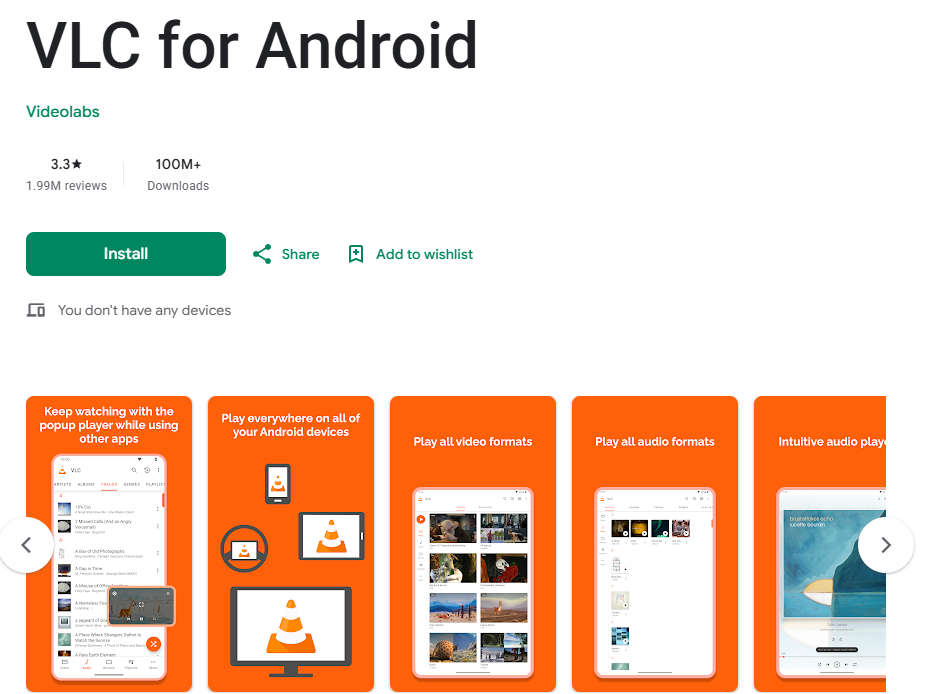
VLC for Android is the mobile version of the open-source player maintained by VideoLAN. It covers the widest format range of any free app on this list without requiring additional codec packs or a sign-in. The philosophy from the desktop carries over directly: no ads, no in-app purchases, no subscription. Network access to remote drives, subtitle customization, and hardware acceleration are all available from install with no third-party add-ons. For users who want one app that handles almost any file format without ongoing cost or configuration overhead, VLC is the most practical starting point.
Highlights
- Plays MKV, MP4, AVI, TS, FLV, and most containers without extra codec installs
- Hardware acceleration via MediaCodec reduces CPU load on supported ARM devices
- Built-in SMB and NFS network share access without any third-party add-on
- Subtitle timing adjustment, font override, and embedded track selection included
Worth noting
- The Android interface lags behind the desktop version in polish
- Hardware decoding on some devices triggers color rendering problems with HDR content; switching to software decode resolves it but reduces performance on high-bitrate files
Best for: Users who want a free, no-ads player that handles nearly any file format and supports network shares without extra configuration.
2. MX Player
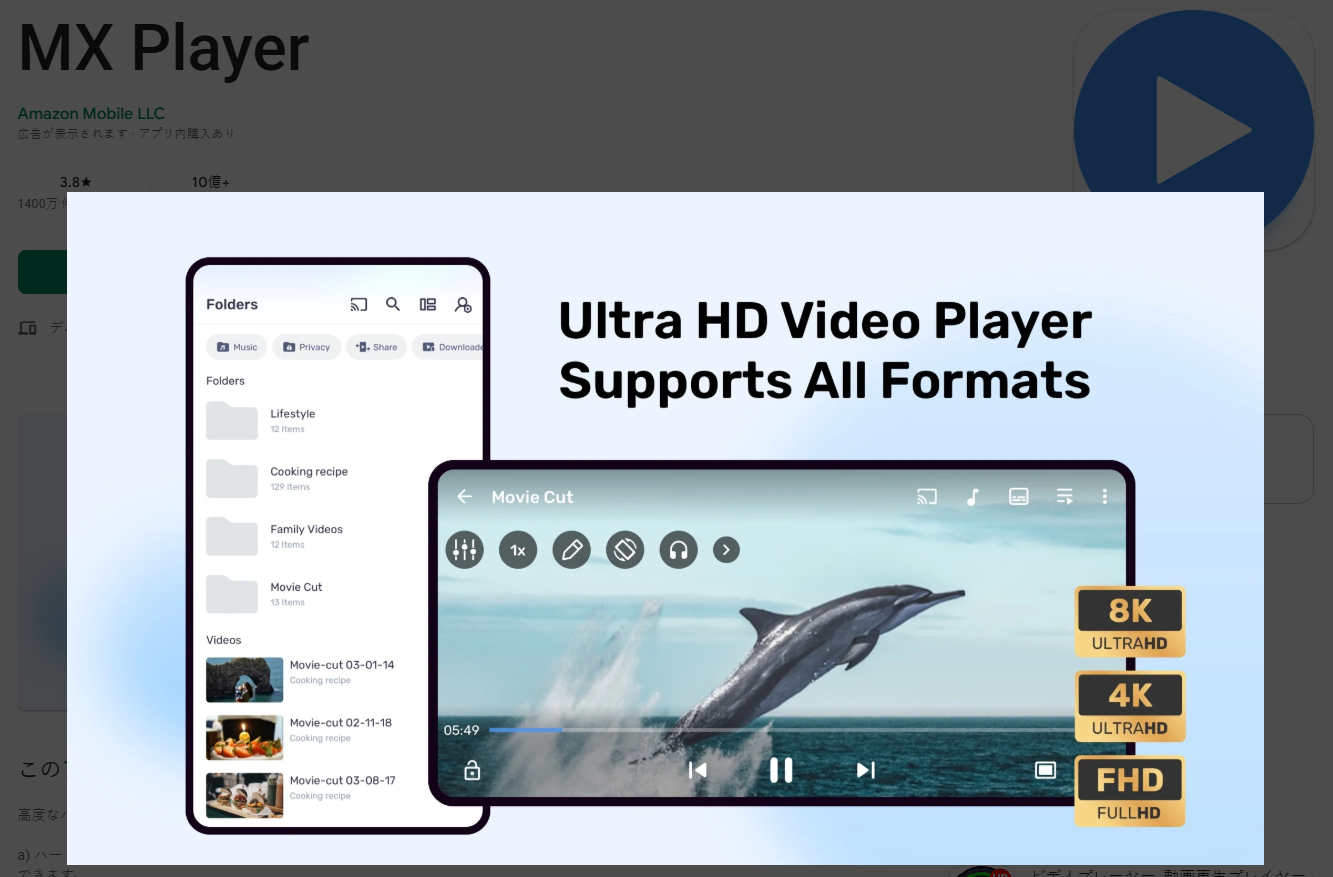
MX Player is the most-downloaded third-party video player on Google Play, and local file playback is where it earns that position. The app's design centers on gesture control: a vertical swipe in the left half of the screen adjusts brightness, the right half adjusts volume, and a horizontal swipe seeks through the timeline. That gesture layer removes the need to tap on-screen UI buttons during playback. The free version includes ads; the Pro version is a one-time purchase that removes them entirely and unlocks additional codec packs.
Highlights
- Multi-core hardware decoding handles high-bitrate 1080p and 4K with consistent frame delivery on mid-range devices
- Gesture control system covers brightness, volume, and seek position without touching any UI button
- Kids Lock keeps children in the current video and blocks navigation to other apps
- Custom codec pack support extends playback compatibility for formats the built-in decoder does not cover
Worth noting
- Free version displays banner and interstitial ads that interrupt the experience between videos
- SMB network browsing is available but noticeably slower on large NAS directories compared to VLC
Best for: Users who prioritize gesture-driven local playback and are willing to pay once for the Pro version to eliminate ads.
3. KMPlayer for Android
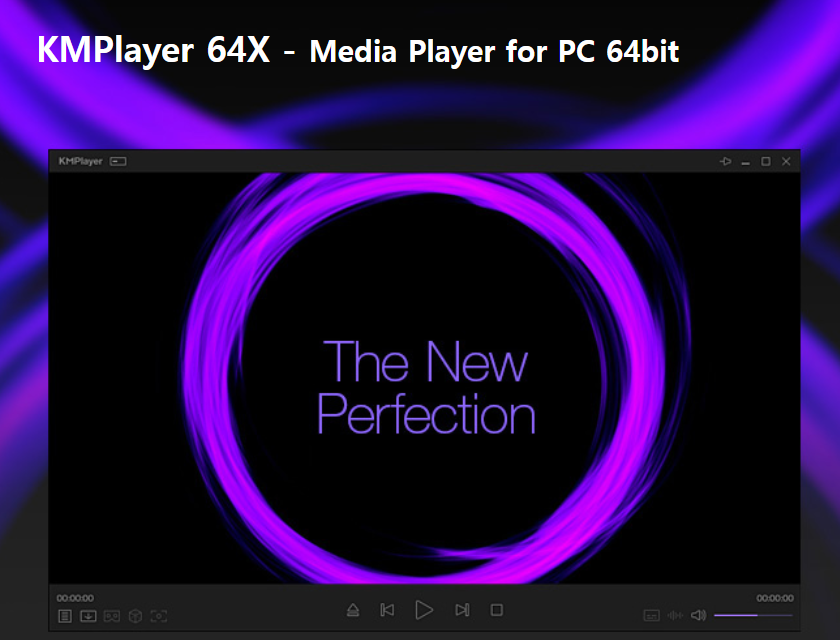
KMPlayer's standout feature on Android is its floating overlay window, which lets you run a video in a resizable picture-in-picture frame while using other apps simultaneously. It also connects directly to Google Drive, allowing playback of videos stored in cloud storage without downloading them first. KMPlayer has been available across desktop and mobile platforms for over a decade, and the Android version carries over the same broad approach to format support and playback controls that built its user base on Windows and other platforms.
Highlights
- Floating overlay window lets you watch video in a resizable frame while using other apps concurrently
- Playback speed control from 0.5x to 2x, suited for lecture content or fast review sessions
- Direct Google Drive integration for playing cloud-stored video files without local download
- Subtitle track selection with timing offset and display size adjustment available during playback
- Broad compatibility across common video and audio containers with no additional codec installs
Worth noting
- No native SMB or NFS access; network playback from a NAS requires a cloud storage workaround or an external file manager
- Interface has more visual complexity than VLC or MX Player; initial navigation takes longer to learn
- Free version contains ads; a paid upgrade tier is available but ad-free options vary by region
Best for: Users who want a floating video window for multitasking or primarily access media through Google Drive.
4. Nova Video Player
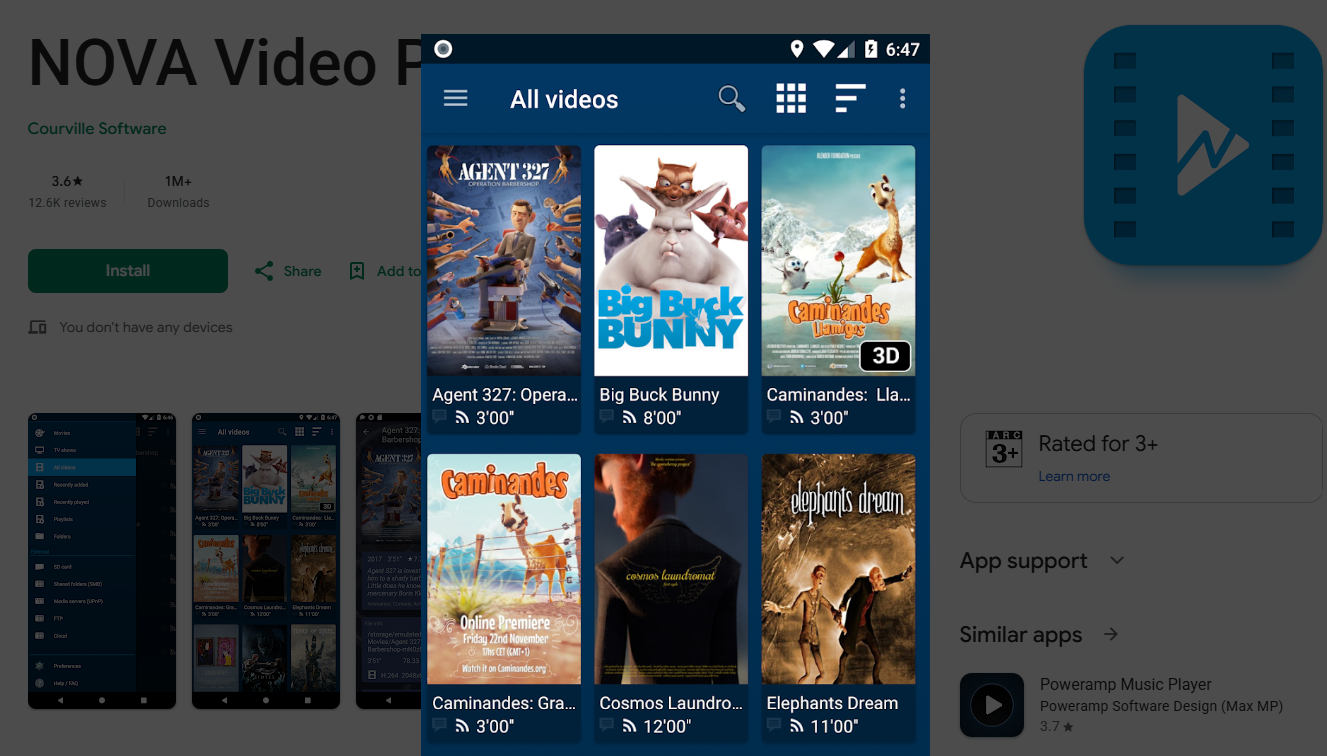
Nova Video Player is an open-source player designed around media library management rather than single-file playback. It connects to network drives and NAS devices with notably stable performance and generates local thumbnails and metadata for browsing large collections. Trakt integration tracks watch history automatically across devices. For users running a home media setup without Plex or Emby, or who want a lightweight client that pulls directly from a NAS, Nova fills a gap that VLC and MX Player do not address as directly.
Highlights
- SMB v1/v2/v3 and UPnP/DLNA support with stable home network streaming across large file libraries
- Trakt integration syncs watch history automatically without any manual logging
- Local thumbnail and metadata scraping creates a library-style browsing interface for local and network collections
- ExoPlayer-based hardware decoding with automatic software fallback for unsupported codec profiles
Worth noting
- Codec coverage is narrower than VLC; some older containers or less common codec profiles may require software decode or fail to play
- Library indexing on first launch can take several minutes when scanning collections with hundreds of files
Best for: Users managing a local media library on a NAS or home server who want automatic watch tracking and clean library-style browsing.
5. MPV for Android
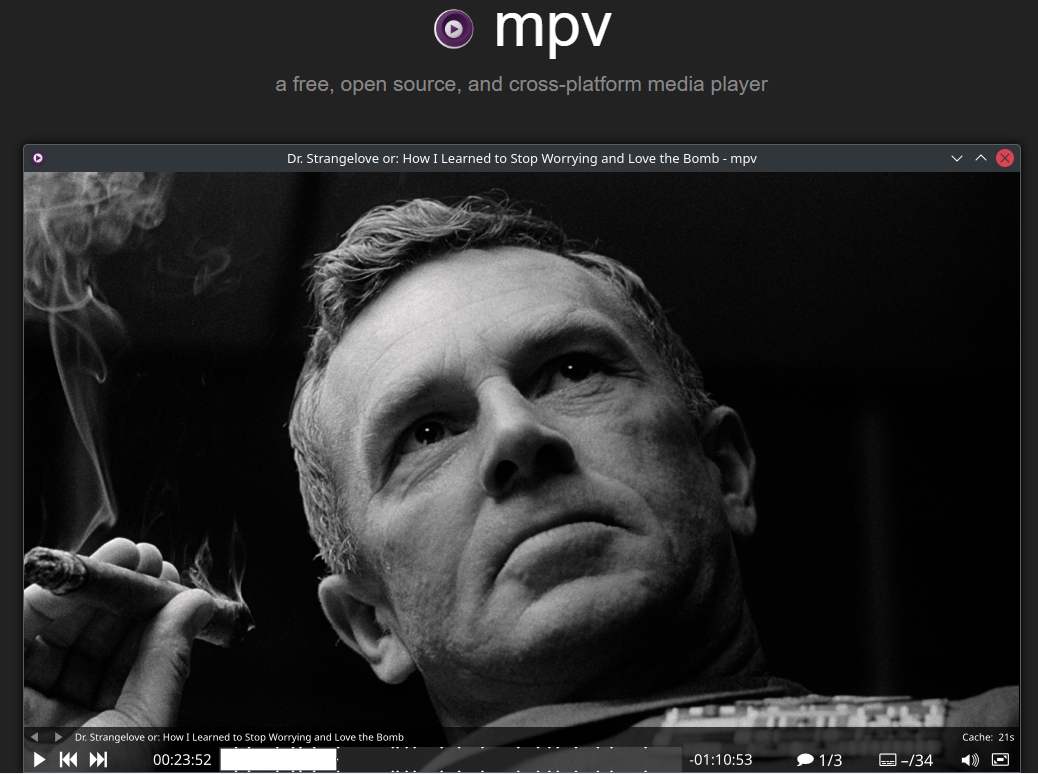
MPV for Android is a port of the mpv player, which has earned a reputation among home theater enthusiasts for image quality and configuration depth. It exposes mpv's config file directly, giving you control over rendering quality at a granular level no other mobile player on this list makes accessible. The tradeoff is an intentionally minimal UI with no graphical settings panel; all configuration is done by editing a plain text file, which makes it the most capable option here for users comfortable with that workflow.
Highlights
- Full mpv.conf access for advanced rendering: custom shaders, chroma upscaling, and deband filter control
- Reliable 4K HDR and Dolby Vision hardware decoding on supported Android devices
- Accurate ASS/SSA subtitle rendering with full style override support
- Lightweight, ad-free, and updated closely in step with the desktop mpv release cycle
Worth noting
- No graphical settings panel; all performance tuning requires editing a plain text config file, which is not approachable for casual users
- No built-in library browser or file manager; opening files requires a separate file manager app installed alongside
Best for: Power users and home theater enthusiasts who want the highest image quality and are comfortable with manual configuration.
Android Media Players Compared
The table below covers the five players across six practical dimensions. Use it as a quick reference before reading the decision section below, which maps each app to a specific use case.
| App | Price | Ads | SMB / NAS Support | 4K / HEVC | Android TV | Best For |
|---|---|---|---|---|---|---|
| VLC for Android | Free | None | Yes (SMB, NFS) | Yes | Yes | All-purpose, no-ads default |
| MX Player | Free / Pro (one-time) | Free version only | Limited | Yes | Yes | Local playback, gesture control |
| KMPlayer | Free | Yes | No native SMB | Yes | Yes | Floating window, Google Drive |
| Nova Video Player | Free | None | Yes (SMB v1-v3, UPnP) | Yes | Yes | NAS library management |
| MPV for Android | Free | None | No built-in browser | Yes (HDR, Dolby Vision) | Limited | Power users, image quality |
VLC and Nova are the two options with full, built-in NAS and network share support. MX Player holds an edge for local file playback through its gesture layer and multi-core hardware decode, but the ad-free experience requires the Pro upgrade. MPV stands apart on image rendering quality but offers no graphical configuration interface. KMPlayer is the only option here with a floating overlay window, which matters specifically for users who multitask. For Android TV use, VLC, MX Player, KMPlayer, and Nova all have TV-compatible versions in the Play Store; MPV does not have a dedicated Android TV interface.
Which Android Media Player Should You Choose
If your primary use is playing local files stored on your phone or SD card and you want no ads and no configuration work, VLC covers that without any tradeoffs. It is the most straightforward all-purpose option on the list.
If gesture controls are important to you and you watch videos frequently enough to notice ads, MX Player Pro is worth the one-time cost. It delivers the most polished gesture-driven local playback experience here. The free version is functional, but interstitial ads between videos interrupt playback in a way that accumulates over time.
If you run a NAS or home server and want the player to browse it directly, index your library, and track what you have watched, Nova Video Player is built for that use case. VLC can also connect to SMB shares, but it does not replicate Nova's library indexing or Trakt watch sync.
If you regularly switch between a video and other apps on your phone, KMPlayer's floating overlay window is a practical feature none of the others offer natively. The ads are a cost to weigh against the multitasking benefit.
If you are calibrating a home theater setup on Android and want rendering control at the shader level, MPV for Android is the only option here that exposes that depth. Expect a text-file configuration workflow and no built-in file browser.
Frequently Asked Questions
Is VLC or MX Player better for Android?
For most users, the practical difference is small enough that either works. VLC has broader format support, full SMB and NFS network access, and no ads. MX Player has superior gesture controls and multi-core hardware decoding that performs more consistently on mid-range hardware. If you play files from local storage and want precise gesture control, MX Player Pro is worth the one-time cost. If you need network share access or want a fully free, no-ads option, VLC is the stronger fit.
Which Android media player handles 4K and high-bitrate files best?
MPV for Android handles 4K HDR and Dolby Vision most reliably among the five options, provided your device supports the corresponding hardware decoding path. VLC and MX Player also handle 4K content on most current hardware; VLC occasionally encounters HDR color rendering issues that require switching to software decode. For 4K Blu-ray Remux files at 80 Mbps and above, MPV and MX Player showed the most consistent hardware decode behavior in testing on a mid-range Android device.
The Bottom Line
For most Android users, VLC is the practical starting point: no ads, no setup, and broad format support out of the box. The other four apps on this list each solve one thing VLC does not: gesture-driven local playback, NAS library management, image quality at the shader level, or video overlay while multitasking. Start with VLC; if you hit one of those limits, the right replacement is usually obvious.
If you also watch high-resolution video on Windows or Mac, PlayerFab supports 4K Blu-ray, Dolby Vision, and Dolby Atmos playback with menu-based navigation for ISO files and physical discs.

 Play Video Files: 4 Paths Across Formats and DevicesBy James Morgan - Sep 22, 2026
 12 Best HEVC Players for Windows, Mac, and 4K (2026)By Alice Harper - Aug 4, 2026
 Best WMV Player for Mac and How to Play WMV on Mac NativelyBy James Morgan - Aug 4, 2026
 8 Best TS File Players and Playback Tools for 2026By Alice Harper - Jul 28, 2026