6 Best MPEG Players for Windows and Mac (2026)

Summary: Windows 11 dropped native MPEG-2 support, and the right MPEG media player depends on more than just format compatibility. This guide tests six options across Windows and macOS, covering MPEG-2 codec handling, hardware acceleration, platform availability, and price. For most users, the choice comes down to VLC for no-setup cross-platform playback, or PlayerFab for home theater setups that need disc navigation and professional audio output.
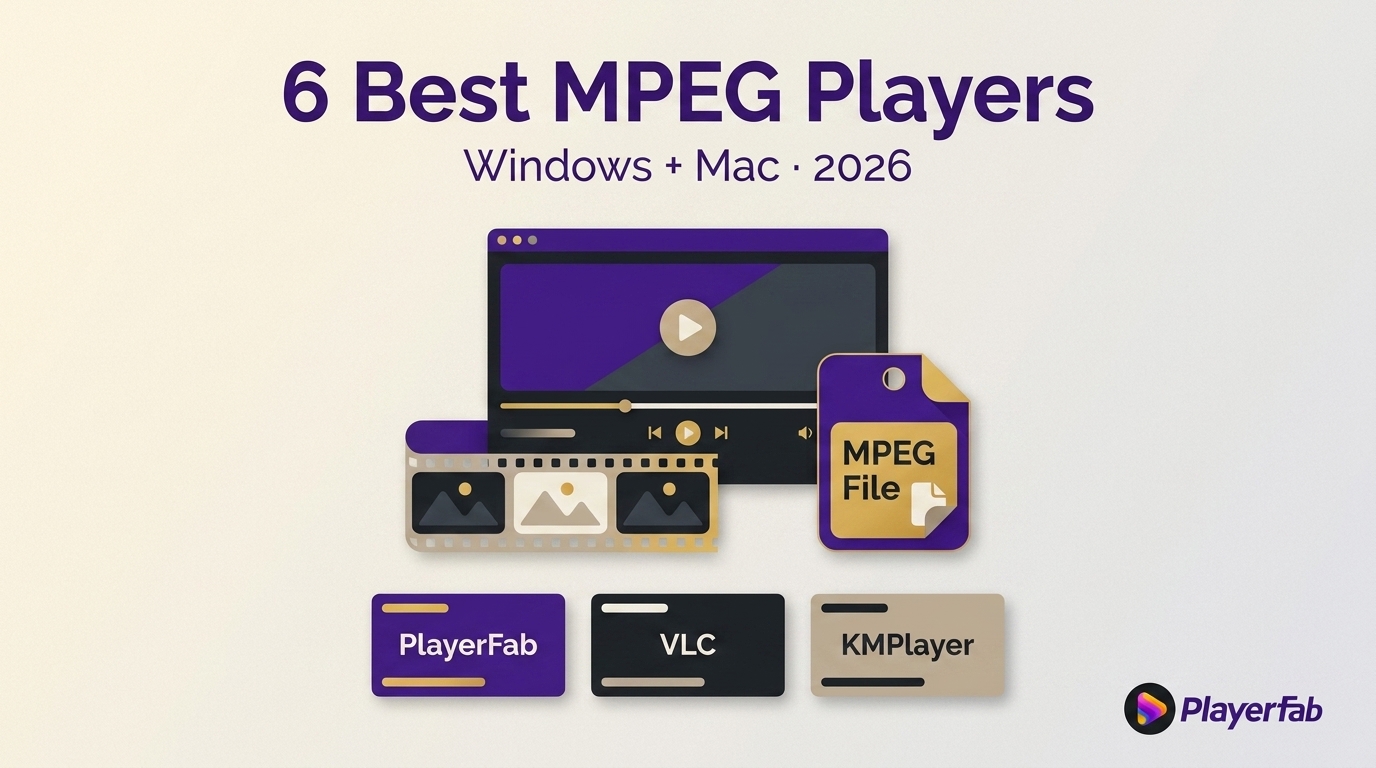
Choosing an MPEG player starts with the streams inside the file, not the .mpg or .mpeg extension. A file can still fail on Windows 11 because its video codec, audio codec, or system component is unsupported, so the right route may be a desktop player, browser viewer, or mobile app.
The practical choice is an MPG player that fits both the file and the device. This guide explains the compatibility checks that matter, compares six current desktop options, and shows when the official Windows extension, a browser tool, or a mobile app is the cleaner route.
MPEG Files, Codecs, and Playback Routes
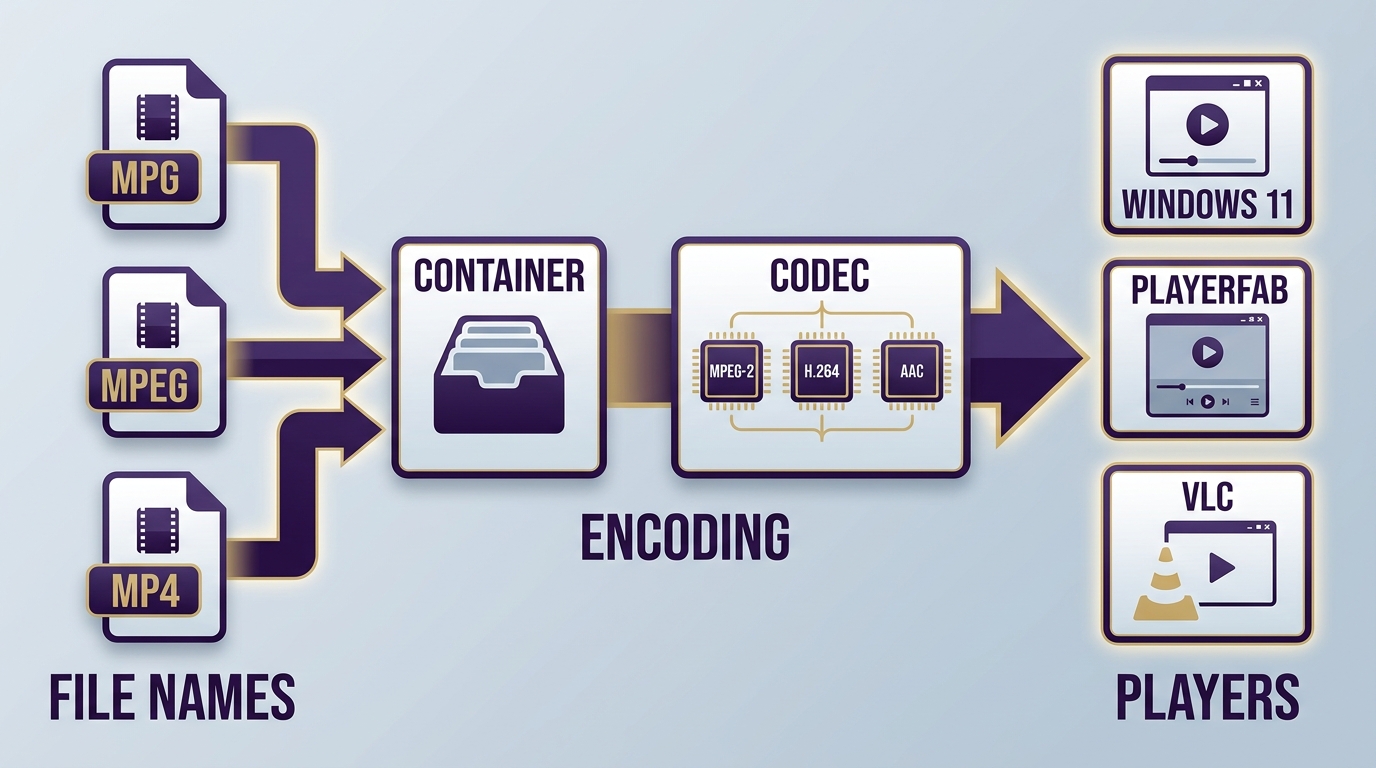
MPEG playback depends on three layers: the filename extension, the container, and the video and audio streams inside it. My rule is simple: inspect the streams before blaming the player, because two files with the same .mpg extension can behave very differently.
MPEG-1, MPEG-2, MPEG-4, MPG, and MP4
MPEG-1, MPEG-2, and MPEG-4 are families of standards, while MPG and MP4 are common container or extension labels. The label helps identify the file, but it does not reveal every stream that an MPEG video player must decode.
- MPEG-1: Common in older low-resolution video and Video CD material.
- MPEG-2: Common in DVDs, broadcast workflows, and older camera or archive files.
- MPEG-4: A broader family used by many modern video workflows; an MPEG-4 player still needs support for the specific codec and audio stream.
- MPG or MPEG: Extensions often associated with MPEG program streams, but the extension alone is not a complete compatibility report.
- MP4: A container that can carry several video and audio codecs. The distinction between H.264 and MPEG-4 matters because a container name and a codec name are not interchangeable.
Files copied from a Video CD may sit in an MPEGAV folder. An MPEGAV player succeeds or fails according to the stream inside the file, not the folder name. That is why checking media information is more reliable than trusting an extension.
Windows 11 and the MPEG-2 Extension
Windows 11 may open some MPEG files immediately, while another MPEG-2 file needs Microsoft's official MPEG-2 Video Extension. This route adds the missing system component instead of replacing your preferred player.
Try the built-in player first. If video is blank, unsupported, or audio-only, confirm that the file uses MPEG-2 before installing the official extension. A separate MPEG-2 video player is the better choice when you also want broader format handling, subtitle controls, or a media library.
Browser and Mobile Playback Options
A browser MPEG viewer is useful for a one-off file when you cannot install software, but upload-based tools trade convenience for privacy. Use an online video player only for footage you are comfortable sending to that service.
On a phone or tablet, choose an app that explicitly supports the file's video and audio streams. An Android media player may be a practical fallback for local MPEG playback, but desktop software remains easier for diagnosing unusual codecs, damaged timestamps, or unsupported audio.
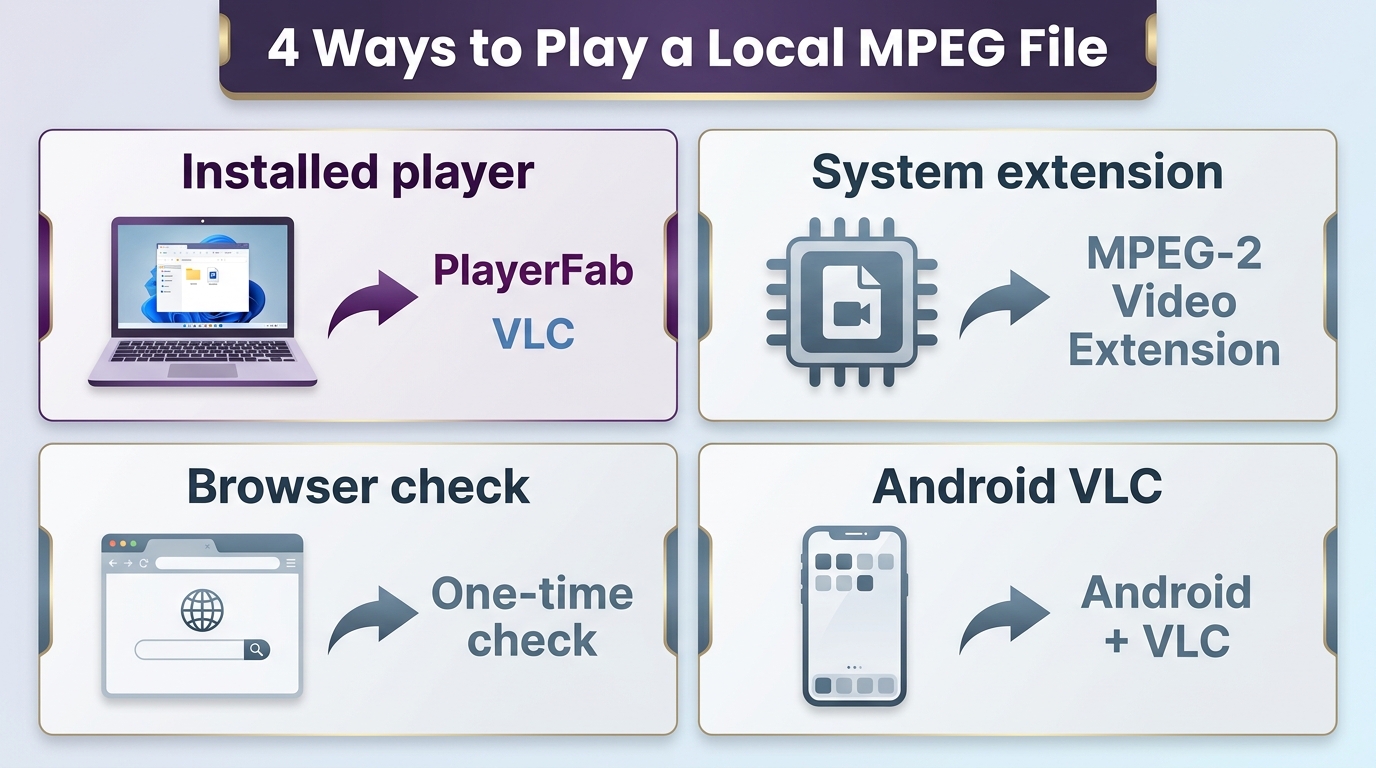
- Installed desktop player: Best for regular local playback and file diagnosis.
- Official MPEG-2 extension: Best when Windows lacks one required component.
- Browser tool: Best for a non-sensitive, no-install, one-time file.
- Mobile app: Best when the file must play on a phone or tablet.
Open an MPEG File in Three Steps
Before opening the file, confirm that it is stored locally, make a backup if it is an irreplaceable archive, and choose a player that matches your operating system. Then use this short sequence.
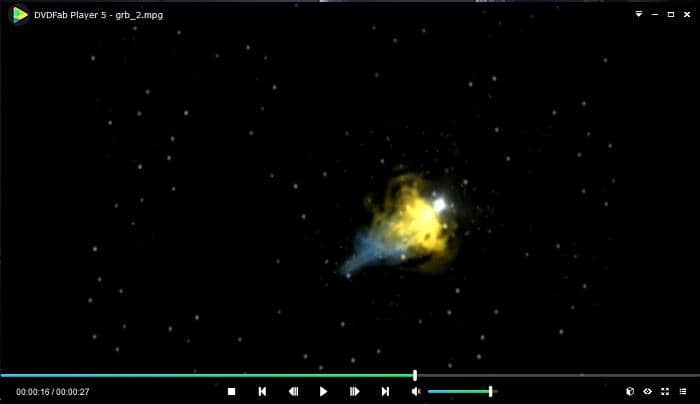
- Open the player and load the file. Use Open File or drag the .mpg or .mpeg file into the application.
- Check picture and sound. If one is missing, inspect the video and audio streams before changing software.
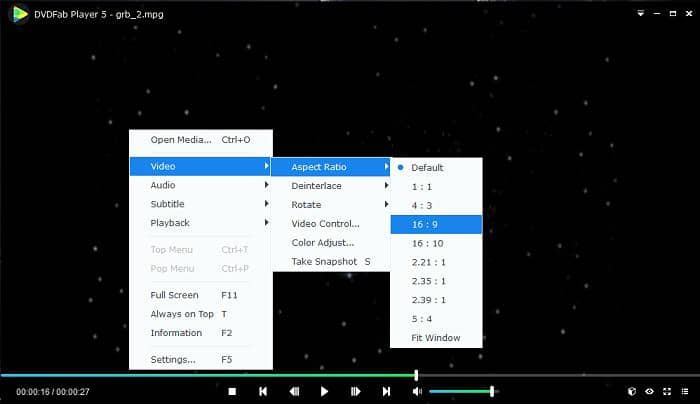
- Adjust playback settings only if needed. Try the default decoder first, then test hardware acceleration or a different audio output when playback stutters.
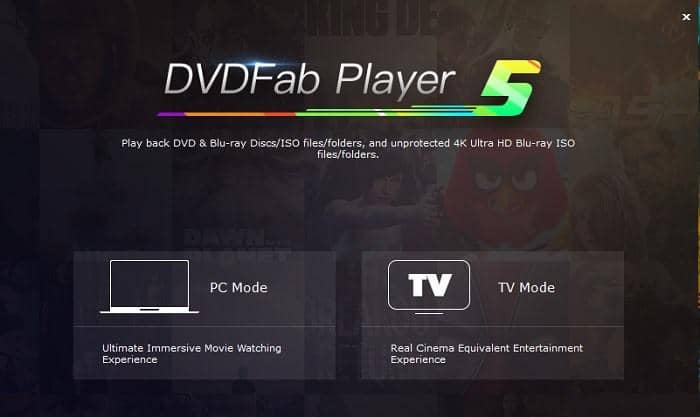
The screenshots below use PlayerFab Free Video Player as a desktop example of the same open, load, and control sequence.
When an MPEG File Will Not Play
A failed MPEG file usually points to an unsupported stream, a damaged file, or a decoder setting rather than the extension itself. Diagnose the failure in a fixed order so that you change one variable at a time.
- Try the file in a second current player. If both fail at the same point, suspect the file.
- Inspect the video codec, audio codec, resolution, and duration with a media-information tool.
- On Windows 11, add the official MPEG-2 component only when the stream is MPEG-2.
- If playback stutters, compare software decoding with hardware acceleration and test a different audio output.
- If seeking fails or duration looks wrong, work from a backup copy because the file index or timestamps may be damaged.
I would not convert the file as the first response. Conversion can hide the original problem and creates a second-generation copy; diagnose the stream and preserve the source before changing formats.
6 MPEG Players Compared
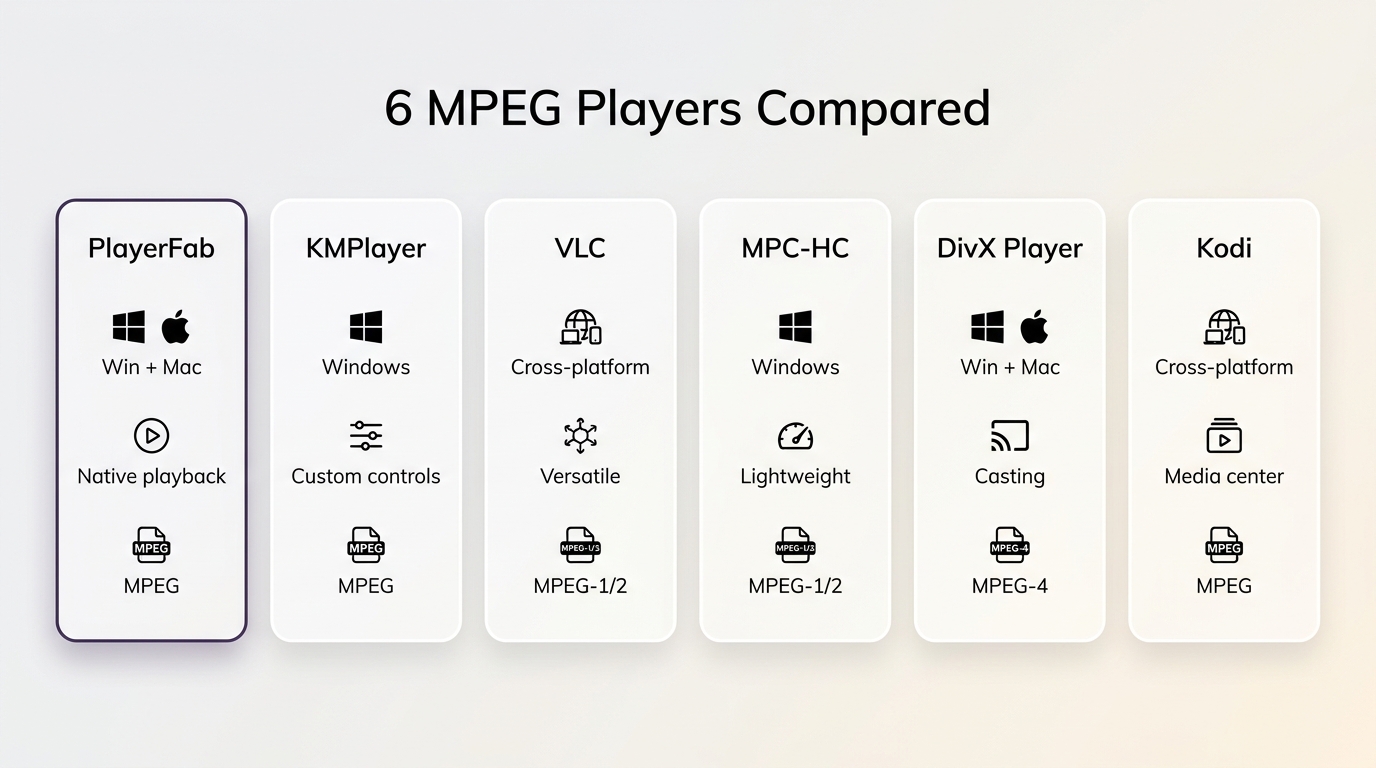
The six MPEG players below serve different workflows. Pick by operating system, stream compatibility, interface, and maintenance status, then use the profiles for the tradeoffs that a table cannot show.
| Player | Best for | Operating systems | MPEG/MPG compatibility | Official status |
|---|---|---|---|---|
| PlayerFab Free | Local video and basic DVD playback | Windows, macOS | SD/HD local files, up to 1080p | Current free edition |
| KMPlayer | Windows users who want built-in controls | Windows | Broad local playback; stream dependent | Current official release |
| VLC | Free cross-platform default | Windows, macOS, Linux, mobile | Broad support; performance varies | Actively maintained |
| MPC-HC | Lightweight Windows playback | Windows | Strong with configured filters | Maintained clsid2 fork |
| DivX Player | Playback, casting, and library features | Windows, macOS | MPEG-4 files with supported streams | Current official download |
| Kodi | Living-room media-center libraries | Windows, macOS, Linux, devices | Depends on client and direct play | Actively maintained |
Status checked in August 2026.
If you plan to download an MPEG player, use the developer's official page or platform store rather than a third-party mirror. Installer freshness matters as much as a long feature list.
PlayerFab Free Video Player
PlayerFab Free Video Player is a desktop MPEG video player for Windows and Mac. The former DVDFab Player 5 page now points to the current PlayerFab product page. The free base edition handles local SD and HD video plus basic DVD playback up to 1080p, with a basic media library and trial access to AI Live Subtitle.
Its limits are important: the Free edition does not include Blu-ray, ISO, 4K UHD, HDR, or DVD menu navigation. Those boundaries make it a fit for straightforward local playback, not a substitute for the higher PlayerFab SKUs.
Best for: Windows or Mac users who want local video, basic DVD playback, and a simple library in one desktop interface. Not ideal for: mobile or browser-only use, Blu-ray and ISO playback, 4K UHD, HDR, or full DVD menus.
KMPlayer
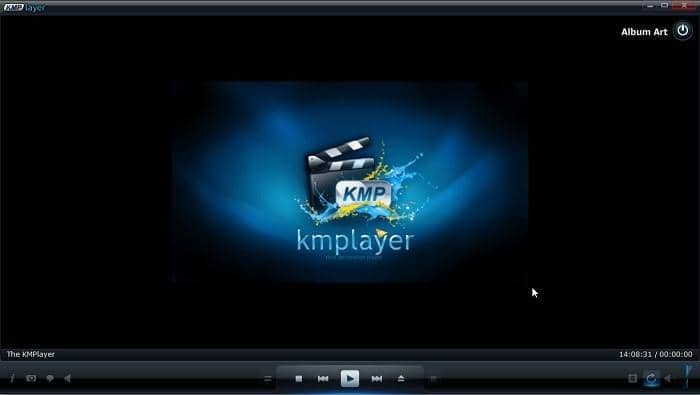
KMPlayer remains an MPEG player for Windows with a feature-rich interface and controls for local media. It is separate from the Windows 11 MPEG-2 extension route: the player supplies its own playback environment, while the extension adds a system component for compatible Windows apps.
Readers comparing a broader video player for Windows should weigh interface density against the controls they actually use. A long settings menu helps when tuning unusual files, but it can be unnecessary for simple double-click playback.
Best for: Windows users who want many playback controls in one app. Not ideal for: readers who prefer a minimal interface or only need the official MPEG-2 component.
VLC Media Player
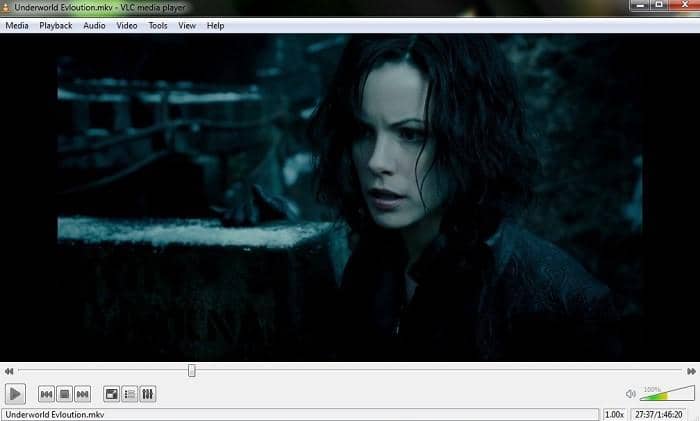
VLC is the strongest free MPEG player starting point for many readers because it is open source, actively maintained, and available across desktop and mobile platforms. Its broad compatibility makes it useful for a fast second opinion when another app rejects a file.
My practical take is to keep VLC as a diagnostic baseline, not treat it as proof that every file is healthy. Interface preference, seeking behavior, hardware acceleration, and audio output can produce different results across files and devices.
Best for: a free cross-platform default and quick compatibility checks. Not ideal for: users who want a polished poster library, disc-focused menus, or identical performance on every hardware setup.
MPC-HC
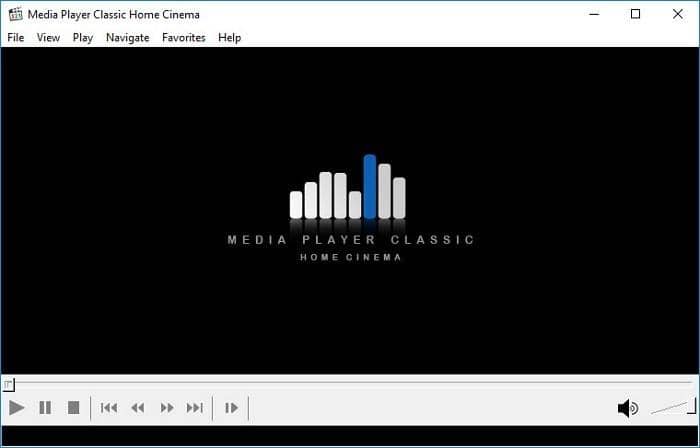
MPC-HC is a lightweight MPEG player for Windows, now represented by the actively maintained clsid2 fork rather than the original project continuing unchanged. Version 2.7.4 was released on July 20, 2026.
The classic interface starts quickly and stays out of the way. Compatibility can depend on its internal filters and configuration, so it rewards readers who understand their Windows playback chain more than readers seeking a guided media library.
Best for: lightweight Windows playback and users comfortable with filters. Not ideal for: macOS, mobile devices, or a library-first interface.
DivX Player
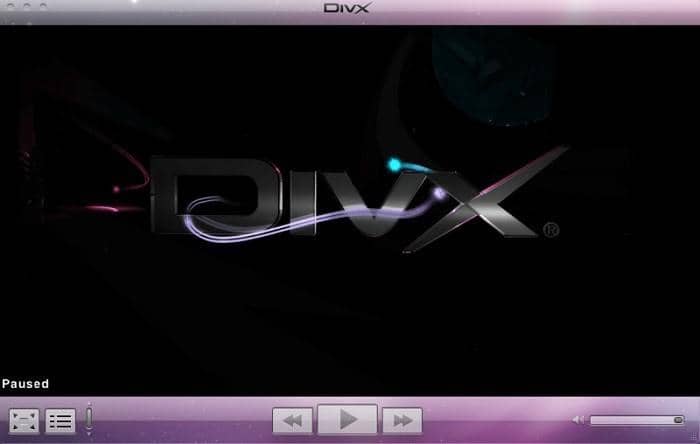
DivX Player combines local playback with casting, subtitle, audio-track, and media features. It can serve as an MPEG-4 player when the specific container and streams are supported, but a resolution badge does not guarantee that every MPEG file will open.
Best for: readers who value casting and related media controls alongside playback. Not ideal for: diagnosing obscure legacy streams or assuming that one advertised format covers every codec variation.
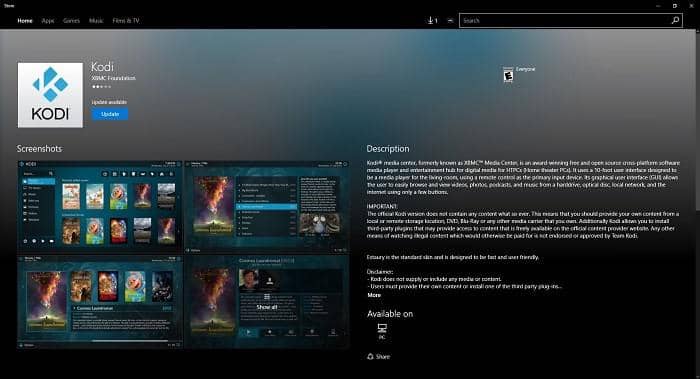
Kodi
Kodi is a media-center platform first and a one-file MPG video player second. It is designed around libraries, a television-friendly interface, and playback across supported client devices rather than the quickest possible open-file workflow.
Successful direct playback still depends on the video stream, audio stream, client hardware, and that device's decoding capability. A file that works on a desktop Kodi client may need different handling on a smaller device.
Best for: organized living-room libraries and a media-center interface. Not ideal for: readers who only need to inspect one MPEG file or troubleshoot a codec with minimal setup.
The Best MPEG Player Depends on Your File
The best MPEG player is the one that matches the file's streams and the device: VLC is a broad free default, PlayerFab Free suits Windows and Mac local video plus basic DVD use, MPC-HC is a lightweight Windows option, and browser or mobile routes cover no-install situations. I would match the route to the file before comparing extra features.
FAQ
When is a browser MPEG viewer a poor fit for private footage?
A browser viewer is a poor fit when the file is large, uses an unusual legacy audio stream, or needs precise seeking. Even local browser processing depends on available memory and codec support, so a desktop player is usually more predictable for longer archives.
When should I convert an archived MPEG video?
Convert an archived MPEG video when a specific device cannot decode its streams or requires a supported delivery format. Keep an untouched original, then use the converted copy for sharing or device compatibility because conversion changes the file even when the picture looks similar.
Should I enable hardware acceleration for every MPEG file?
Not necessarily. Hardware acceleration can reduce CPU load, but older interlaced MPEG material and individual GPU drivers may behave better with software decoding. Use the mode that keeps motion, seeking, and audio stable on your device.
Is MPEG still used for modern video?
Yes. MPEG standards remain relevant in broadcast, discs, archives, MP4-based workflows, and modern codec families. What changed is the label readers see: a modern file may use .MP4 while an older archive uses .mpg. In both cases, the streams inside determine which MPEG player can handle it.

 How to Play Blu-ray Discs on Windows 10 (Free & Pro Solutions)By Alice Harper - Aug 7, 2026
 10 Best 4K Video Players for PC and Mac, Tested in 2026By Alice Harper - Aug 4, 2026
 The 5 Best Free MOV Players in 2026 (Windows, Mac and Android), plus How to FixBy Alice Harper - Aug 4, 2026
![Best 10 Region-Free Blu-ray Players in 2026 [Software & Hardware]](https://r5.dvdfab.cn/upload/player/en/region-free-blu-ray-player-gB3y.jpg) Best 10 Region-Free Blu-ray Players in 2026 [Software & Hardware]By Alice Harper - Aug 3, 2026
Best 10 Region-Free Blu-ray Players in 2026 [Software & Hardware]By Alice Harper - Aug 3, 2026