Best Windows Media Player Alternative in 2026: Top Picks Tested

Summary: The best windows media player alternative is PlayerFab Ultra HD Player for home theater use, VLC for a free all-around solution, and PotPlayer for power users who want deep customization. I tested six options on a Dell XPS 15 (RTX 4060) running Windows 11 to give you format-specific, scenario-based recommendations.
What Windows 11 Includes Now
Media Player vs Windows Media Player Legacy
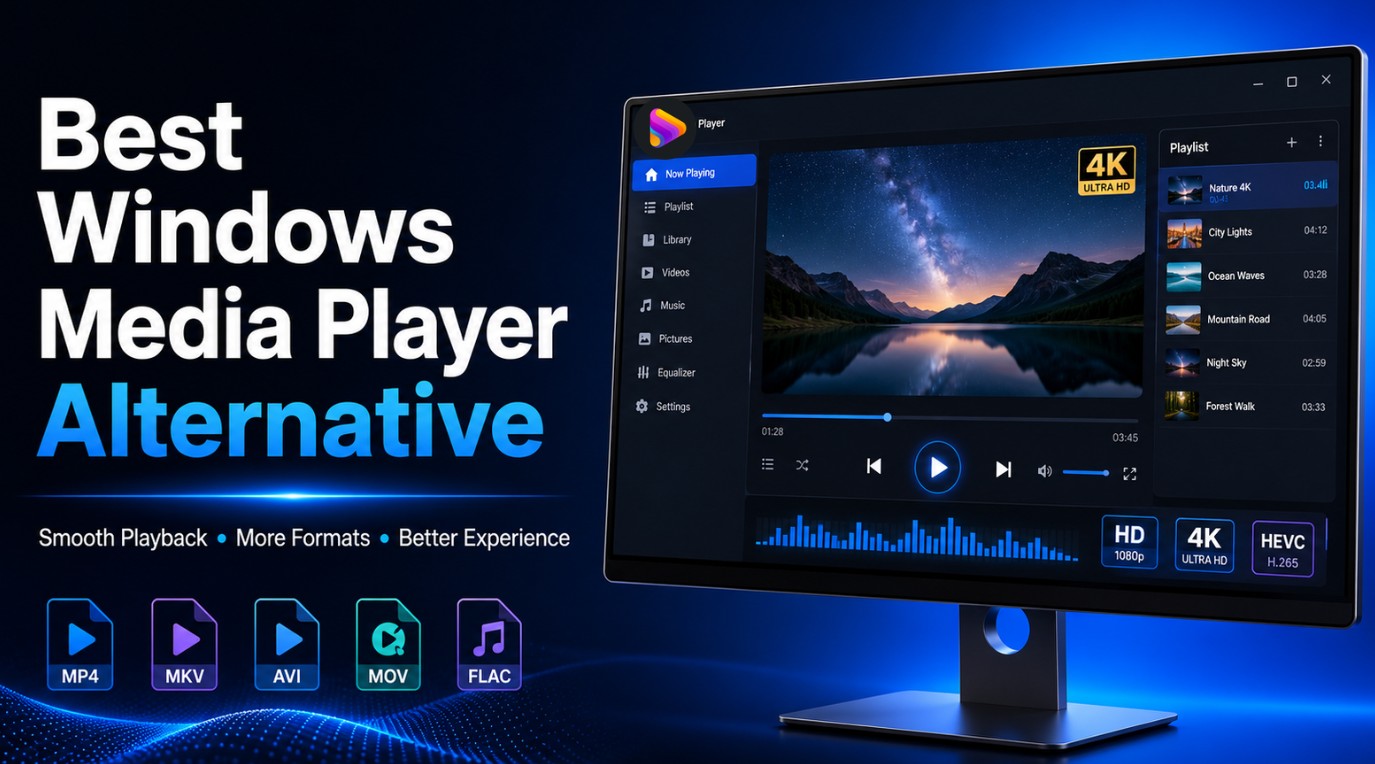
Here's the short answer: choose a Windows Media Player alternative by job, VLC for free local video, foobar2000 for lossless music, PotPlayer for detailed controls, and PlayerFab for compatible home-theater systems. Media Player is actively updated, while Windows Media Player Legacy remains optional on Windows 10 and Windows 11.
If you are searching for a Windows Media Player alternative because Windows Media Player Not Working has interrupted playback or the built-in app no longer fits your library, you have several realistic paths. The modern Media Player app is Microsoft’s recommended option for 4K video, while Windows Media Player 11 and Legacy-version details remain relevant for people who still rely on the older workflow.
The main decision is not simply which app opens the most files. Windows Media Player’s online CD metadata service stopped returning album information around December 2025, which can leave artwork and track details incomplete. If metadata and library organization matter to you, I would treat music management as a separate need rather than expecting a generic video player to replace the entire legacy workflow.
6 Windows Media Player Alternatives by Use Case
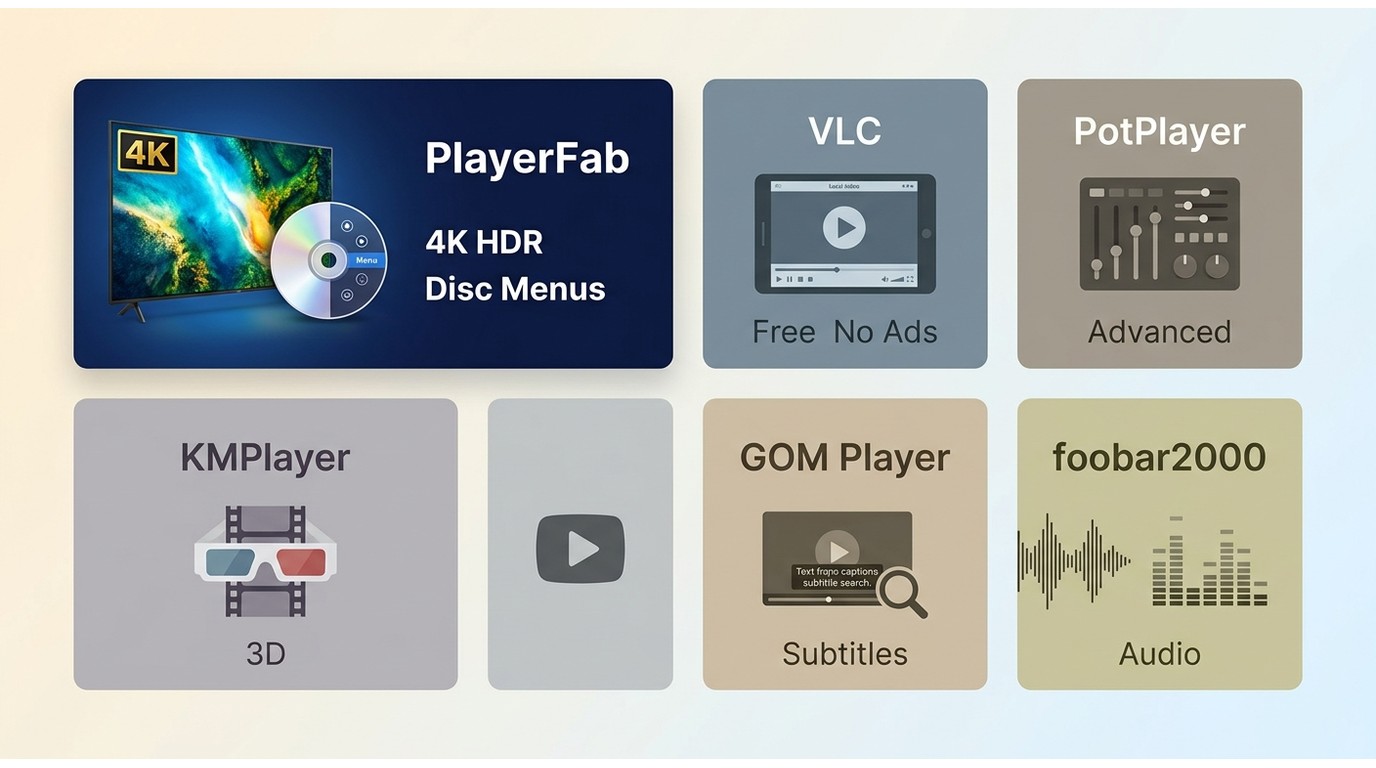
Choose VLC for free everyday local video playback, foobar2000 for lightweight lossless music playback, PotPlayer when rendering and codec controls matter, and PlayerFab for a compatible home-theater PC with disc and surround-audio needs. For a broader comparison of a video player for Windows, focus on the interface and workflow you want before comparing feature lists.
Screenbox, mpv, MPC-BE/MPC-HC, MusicBee, and Kodi also appear in current Windows recommendations. They remain useful alternatives for modern design, low-overhead playback, music-library management, or media-center use, while the six picks below stay distinct because they cover the specific video, subtitle, audio, and home-theater scenarios in this comparison.
| Player | Best for | Cost and ads | Codec setup | HDR and disc support |
|---|---|---|---|---|
| PlayerFab | Home-theater PCs | Free trial; paid editions | Built in | HDR; DVD, Blu-ray, UHD Blu-ray |
| VLC Media Player | Everyday local files | Free; no ads | Built in | HDR varies; no simple disc-menu path |
| PotPlayer | Advanced controls | Free | Highly configurable | HDR settings; no disc-menu focus |
| KMPlayer | 3D and high-resolution files | Free version has ads | Built in | Hardware-dependent HDR; no disc menus |
| GOM Player | Subtitle tools | Free with ads; Plus $22 one time | Codec Finder | File playback; no disc-menu focus |
| foobar2000 | Lossless music | Free; no ads | Audio components | Audio only |
Prices shown as of August 2026. GOM Player+ had an $11 promotional one-time price; its regular price is shown on GOM’s official product page.
PlayerFab for Home Theater PCs
- Best for: Home theater setups with a 4K HDR display, a physical Blu-ray collection, or a Dolby Atmos audio system that needs proper passthrough.
Disclosure: PlayerFab is affiliated with this site. Assessed by the same use-case criteria as the other players, PlayerFab fits home-theater PCs that need local-file playback, DVD, Blu-ray, and UHD Blu-ray disc menus, plus HDR10, HDR10+, Dolby Vision, Dolby Atmos, and DTS:X on compatible equipment.
For content you’re authorized to access, where permitted by platform terms and applicable law, it also supports compatible streaming services, poster-wall library organization, metadata editing, and disc-to-ISO import. It is a practical fit for a dedicated display-and-receiver setup, but not for someone who simply wants a lightweight free player for occasional local files.
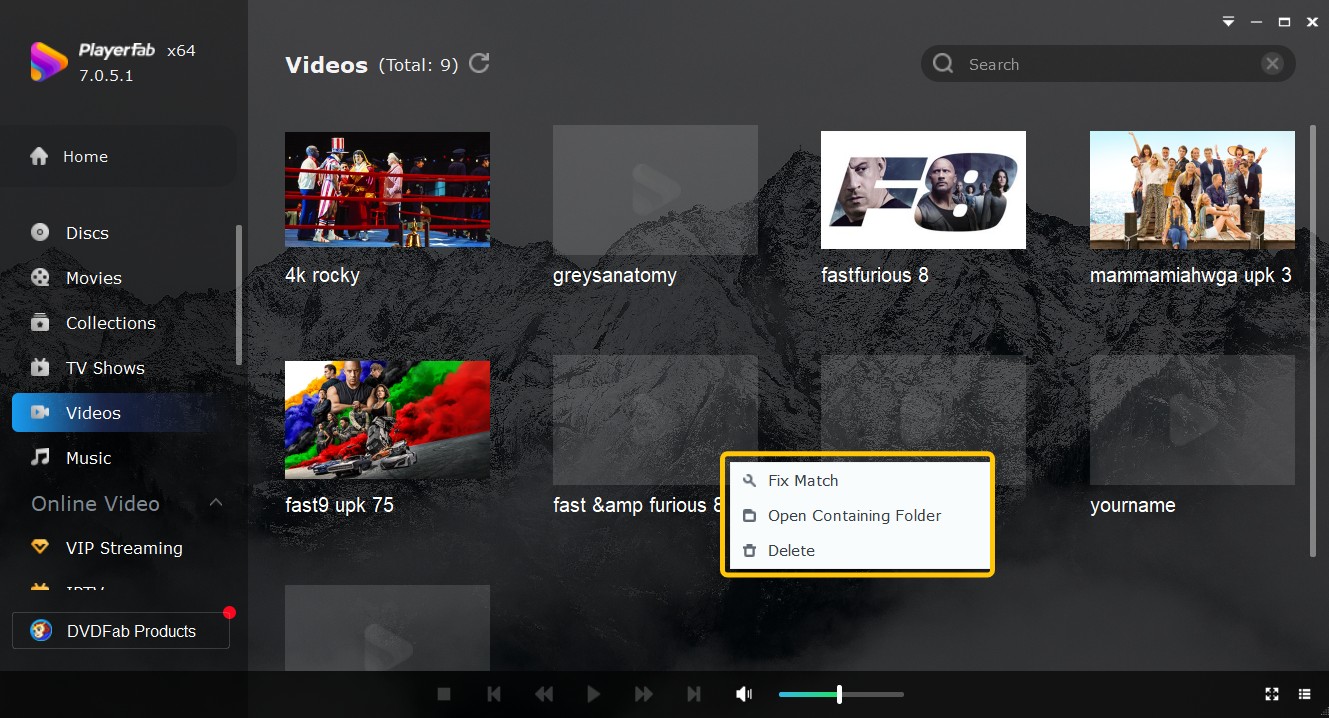
For a home-theater setup, the relevant distinction is not just whether a file opens. Disc menus, HDR handling, and surround-audio passthrough determine whether the playback chain behaves like a living-room source rather than a basic desktop player.
Cons:
- Advanced home-theater features depend on the edition and compatible hardware
VLC for Free Everyday Playback
- Best for: Anyone who wants a free, reliable upgrade from WMP without paying anything or spending time on codec configuration.
VLC remains a strong free default for ordinary local files. It is open-source, ad-free, and includes built-in support for a broad range of video and audio formats, so most people can start without installing a separate codec pack. It also works across Windows, macOS, Linux, iOS, and Android.
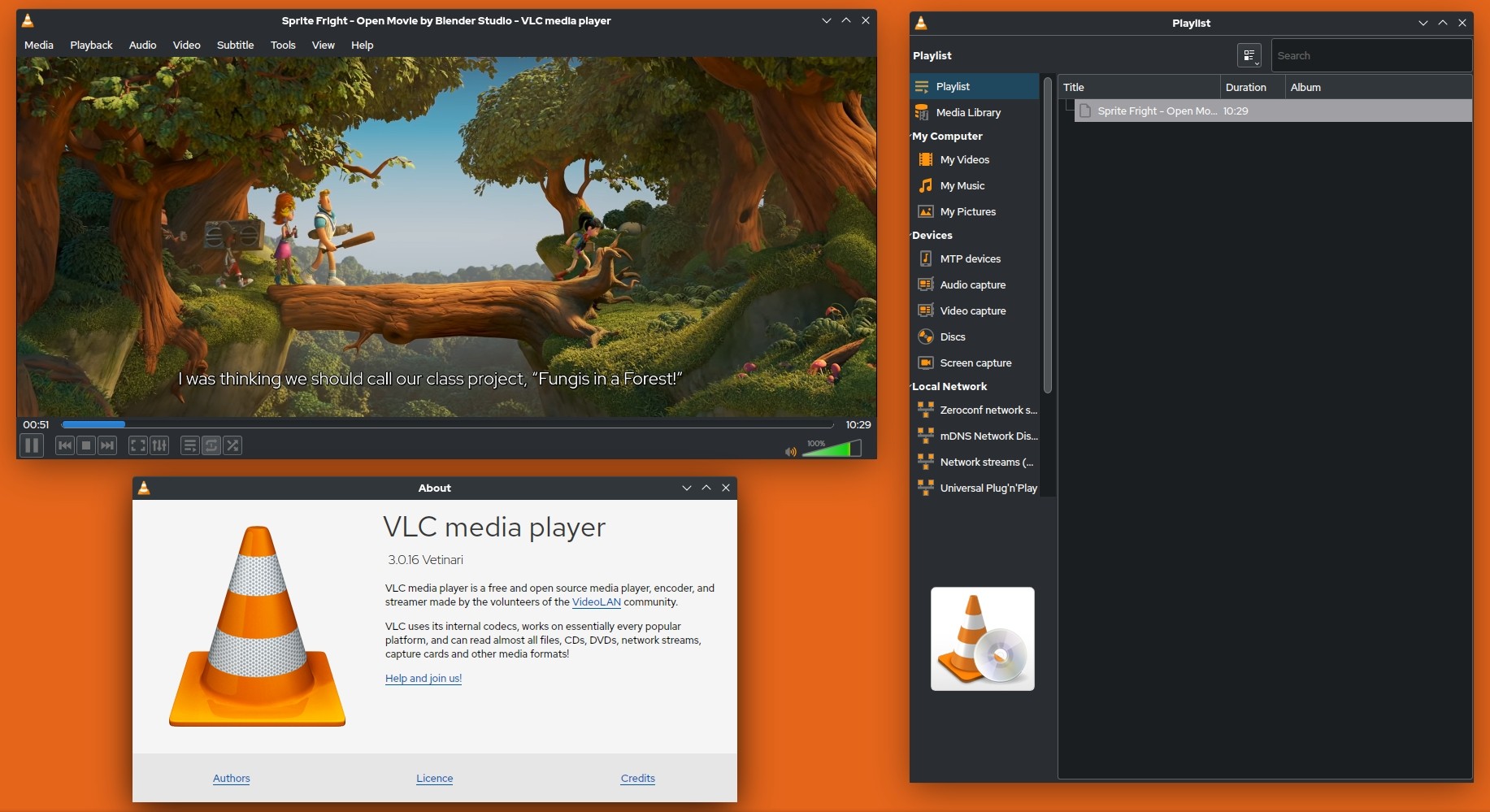
VLC is a sensible first choice for standard 1080p and many local 4K files, but HDR behavior and pause/resume reliability can vary with the file, GPU settings, and output display. It is not the automatic best fit when you want a modern Windows 11 interface, predictable HDR behavior, or disc-menu playback.
Pros:
- Completely free, no ads, no bundled installers during setup
- Useful format resilience for everyday local playback
Cons:
- Not designed for a simple Blu-ray disc-menu workflow
- The interface may feel dated beside newer Windows 11 apps
PotPlayer for Detailed Playback Controls
- Best for: Advanced users who want full, granular control over their playback pipeline and codec stack.
PotPlayer is the option I reach for when I need granular control over every aspect of playback. It is free, Windows-only, and uses an OpenCodec system for optional codec configuration. DXVA2 and D3D11 hardware acceleration options are available for compatible 4K HEVC setups. The player also supports scene bookmarking, section looping for repeated viewing, 3D video, and 360-degree content.
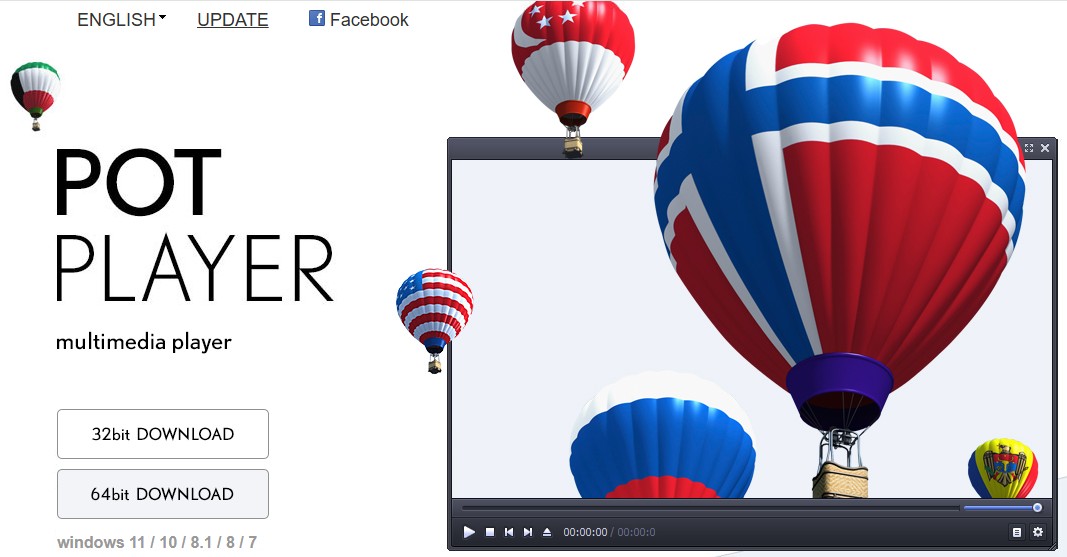
For the subtitle test, I ran a dual-language stream with complex ASS-format timing through PotPlayer. It tracked every cue correctly where VLC missed several in the same file. The main trade-off: the default install experience requires manual codec configuration that is genuinely confusing for first-time users.
Pros:
- Deepest customization options of any free player I tested
- Excellent subtitle rendering with solid multi-track audio management
Cons:
- Initial setup requires manual codec configuration, not suitable for beginners
- Windows-only, no mobile companion app
KMPlayer for 3D and 8K Playback
- Best for: Users who work with 3D content regularly or need 8K-capable playback without a paid license.
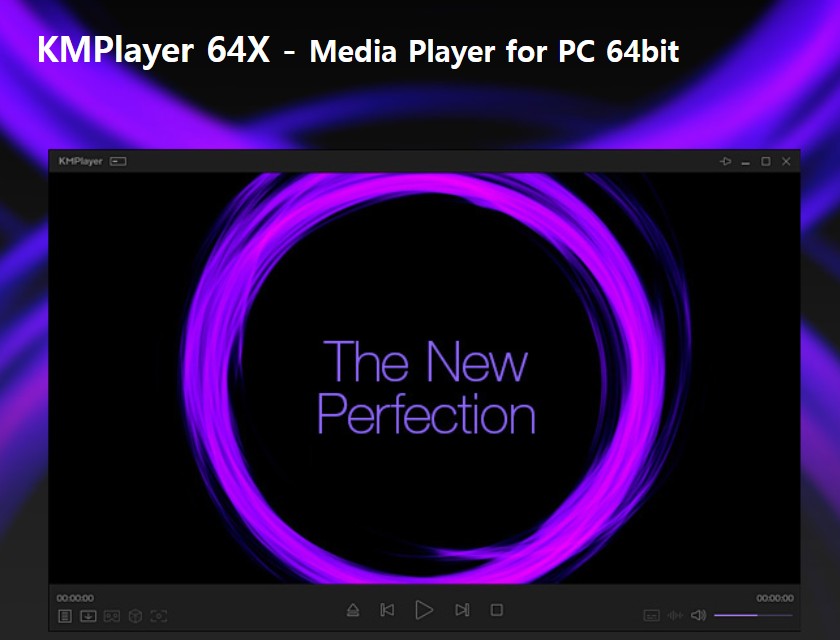
KMPlayer offers 3D and 8K playback options in its free version. A built-in codec pack means the setup experience is closer to VLC than PotPlayer: install it, open a file, and it works. Theater mode and customizable skins improve the viewing experience, and a capable Android app lets you extend playback to a phone or tablet using the same library.
The interface of KMPlayer is busier than VLC's, and the free version displays ads during use. High-resolution playback depends on compatible hardware and acceleration settings.
Pros:
- 3D and 8K playback options
- Capable Android app for mobile pairing and shared libraries
Cons:
- Free version shows ads; high-resolution playback depends on compatible hardware
- Busy interface compared with more minimal players
GOM Player for Subtitle Tools
- Best for: Viewers who regularly watch international or subtitled content across multiple subtitle formats.
GOM Player is aimed at viewers who want accessible subtitle controls and help with unfamiliar formats. Its Codec Finder can point users toward compatible codecs, while its subtitle settings provide timing and display adjustments for multi-language viewing. The free edition includes ads, so the convenience comes with a less minimal interface than VLC or foobar2000.
For viewers who regularly adjust subtitle timing or switch between language tracks, GOM Player’s subtitle tools are its clearest advantage. Its free version includes promotional interruptions. GOM Player+ is sold as a one-time purchase rather than an annual subscription, with the pricing shown in the comparison table.
Pros:
- Flexible subtitle timing and display controls
- Codec Finder eliminates the most common playback setup friction
Cons:
- Free version displays frequent ads and promotional notifications
- 4K playback depends on the file, hardware, and acceleration settings
foobar2000 for Lossless Music
- Best for: Music listeners with FLAC or DSD libraries and external audio hardware who want accurate lossless playback.
If your priority is lightweight lossless playback, foobar2000 is a strong music-focused choice for formats such as FLAC, DSD, ALAC, and APE. Its component system supports playback customization and audio processing. It is not a complete replacement for every Windows Media Player library, streaming, CD-ripping, or CD-burning workflow, especially now that album artwork and metadata may need a dedicated management path.
For listeners who already organize their files elsewhere and want a low-overhead player for a lossless collection, foobar2000 makes sense. Its limitation is equally important: it is audio-only, so it does not cover video, streaming, or disc playback.
Pros:
- Flexible playback options for lossless music libraries
- Plugin ecosystem covers nearly any audio processing scenario
Cons:
- No video support whatsoever; audio-only application
- Default interface requires significant setup before it becomes usable
Windows Media Player Alternative FAQs
Which Windows Media Player alternative can rip CDs?
Windows Media Player Legacy can still be useful for basic CD ripping if it is installed, but its discontinued online metadata results can make album artwork and track details incomplete. If you also need reliable tagging, library management, or disc burning, use a dedicated music-management tool rather than assuming foobar2000 or a video player covers the entire workflow.
Which player uses the fewest resources on an older PC?
For music, foobar2000 is the more lightweight media player in this group because it is audio-only and avoids a video-focused interface. For video on an older PC, mpv or MPC-BE are often sensible starting points; advanced rendering options and modern media-center interfaces can add overhead that older hardware may not handle as comfortably.
What should I try if VLC has HDR or pause problems?
Start by checking the video output and hardware-decoding settings, because HDR and resume behavior depend on the file and display chain. If you need more rendering control, PotPlayer is a reasonable next option. Screenbox is worth considering for a modern Windows 11 interface, while PlayerFab is better suited to compatible home-theater and disc setups rather than general free playback.
Are open-source Windows Media Player alternatives available on GitHub?
Yes. VLC, mpv, MPC-BE, and Kodi are active open-source options relevant to Windows playback. A GitHub project page can be useful for release notes and development activity, but use the project’s official release location rather than an unrelated fork or repackaged download. VLC is the easiest starting point for most local files, while mpv and MPC-BE appeal more to users who prefer a lighter, more configurable setup.
Conclusion
A Windows Media Player alternative should match the job you actually need done: VLC is a practical free choice for everyday local files, PotPlayer suits people who want detailed codec and rendering controls, and foobar2000 is a focused lightweight option for lossless music. For a compatible home-theater PC that needs disc menus, HDR formats, and surround-audio passthrough, PlayerFab is the more relevant fit. If library metadata, CD ripping, or burning is central to your routine, plan for a dedicated music-management workflow rather than relying on one general-purpose player.

 Play Video Files: 4 Paths Across Formats and DevicesBy James Morgan - Sep 22, 2026
 12 Best HEVC Players for Windows, Mac, and 4K (2026)By Alice Harper - Aug 4, 2026
 Best WMV Player for Mac and How to Play WMV on Mac NativelyBy James Morgan - Aug 4, 2026
 8 Best TS File Players and Playback Tools for 2026By Alice Harper - Jul 28, 2026