6 FLAC Players Compared in 2026: Free, Library, and Hi-Res Options

Summary: Not all FLAC players handle audio the same way. This guide compares six actively maintained options, covering the full range from bit-perfect output for audiophile DAC setups to library management for large collections. The choice between players comes down to whether output quality or collection organization is the primary need. A comparison table maps platform support, price, and key features across all six.
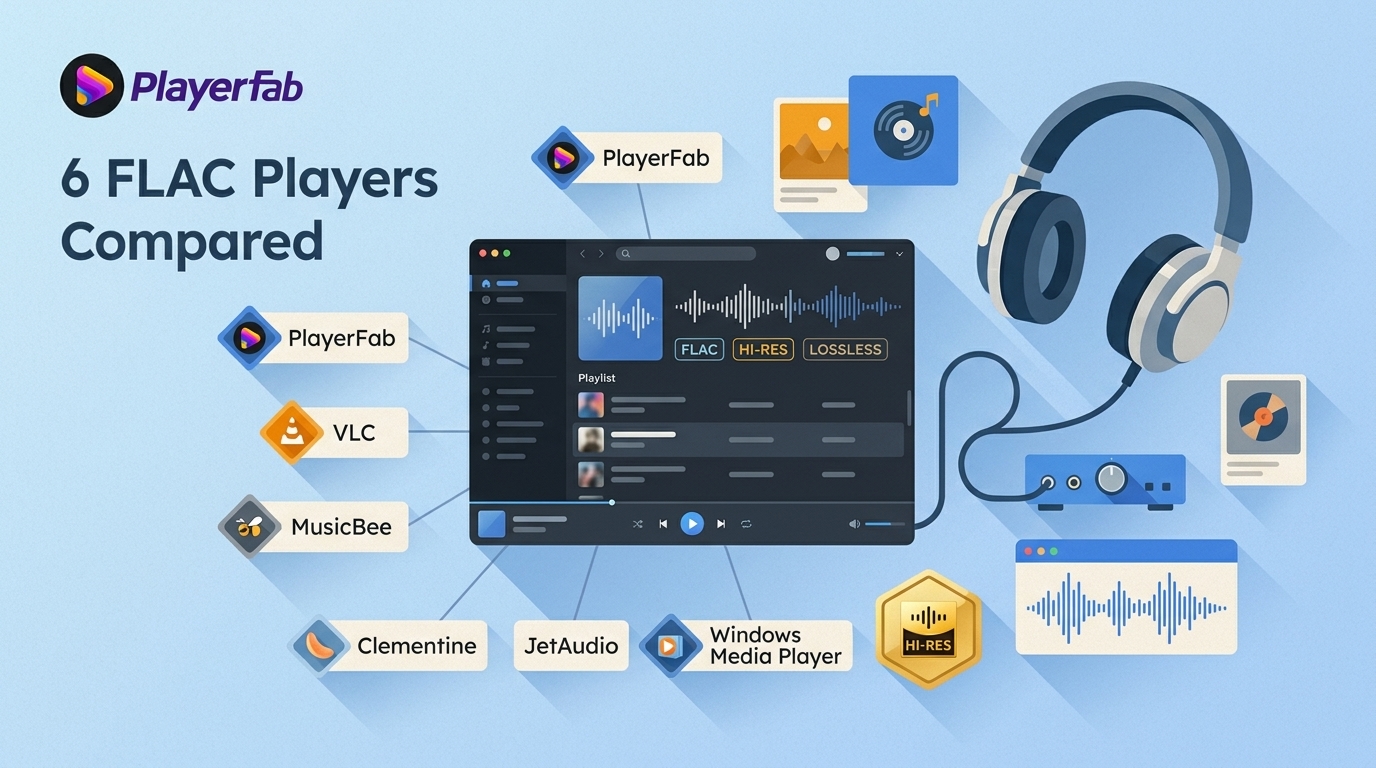
The quick takeaway: the right FLAC music player is the one that matches your listening setup, not merely one that opens a lossless file. This comparison weighs simple playback, library organization, audio controls, and broader media use. It covers desktop software, while mobile apps, online players, and portable DAPs are adjacent options.
6 FLAC Players Compared
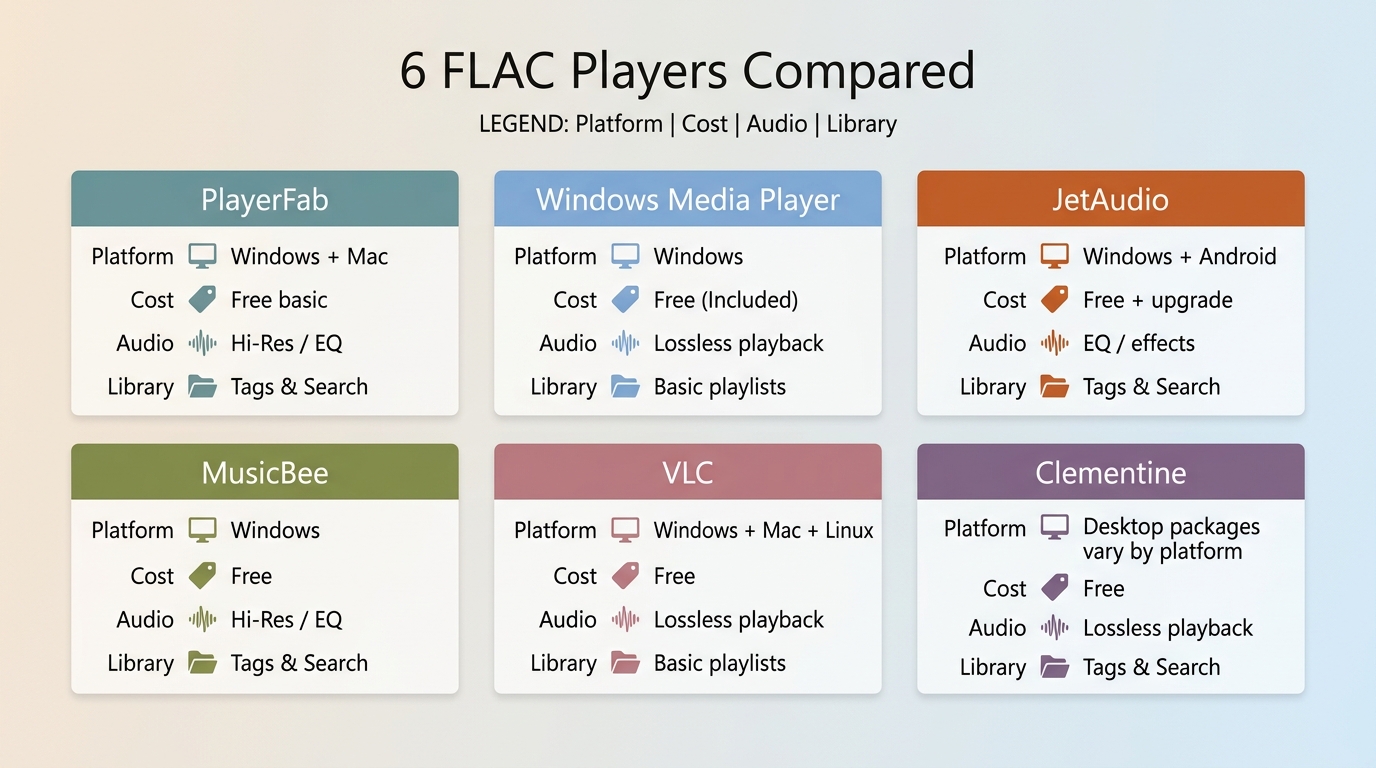
FLAC decoding is the baseline. The more useful differences are gapless playback, output controls, EQ or DSP, interface complexity, tagging and search for large libraries, plus NAS or cloud access where available.
| Player and suitable setup | Platforms | Cost | Audio output | Library tools |
|---|---|---|---|---|
| PlayerFab, mixed-media home setup | Windows, Mac | Free basic version | Standard desktop playback | Basic media library |
| Windows Media Player, simple Windows use | Windows | Included with Windows | System output | Basic library |
| JetAudio, EQ-focused listening | Windows, Android | Free and paid editions | EQ and effects | Basic playlists |
| MusicBee, large local collections | Windows | Free | Playback controls | Tags, search, playlists |
| VLC, free cross-platform playback | Windows, Mac, Linux | Free, open source | Standard playback controls | Lightweight playlists |
| Clementine, local and cloud libraries | Desktop packages vary | Free | Standard playback | Local and cloud access |
Availability and product details are current as of August 2026.
Start with Windows Media Player for straightforward Windows playback, MusicBee for a large local library, VLC for free cross-platform use, JetAudio for sound adjustments, Clementine for cloud-oriented libraries, or PlayerFab when music sits alongside local video and disc playback.
1. PlayerFab for Home Theater
PlayerFab is a desktop media player for Windows and Mac that suits listeners who also keep local video and legally owned discs in the same viewing setup. PlayerFab Free is the free basic version, with standard local-media playback and a basic media library. Higher-spec home-theater capabilities depend on the specific PlayerFab version.
It is a sensible fit when a movie-and-music setup matters more than a lightweight music-only library manager. Listeners focused on tagging, deep search, and large album collections will usually be better served by MusicBee or another dedicated library tool.
2. Windows Media Player for Built-In Windows Playback
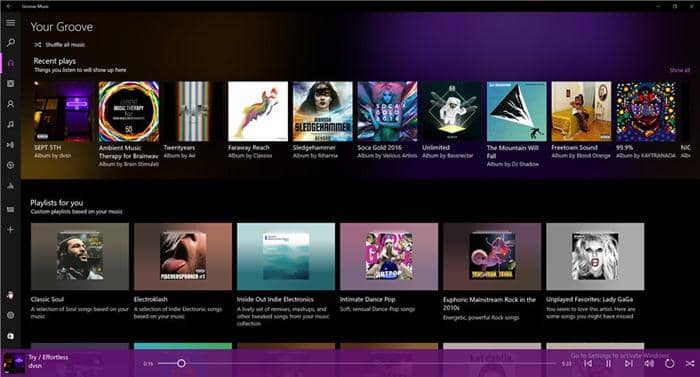
Windows Media Player replaces Groove Music as Microsoft’s current Windows media app. It can play FLAC files, build a basic library, and handle playlists without another installation. Its limitation is control depth: it is better for simple playback than for advanced output settings or detailed library work. Windows users comparing broader Music Players for Windows 10 may want more customization than this built-in option provides.
3. JetAudio for EQ Controls
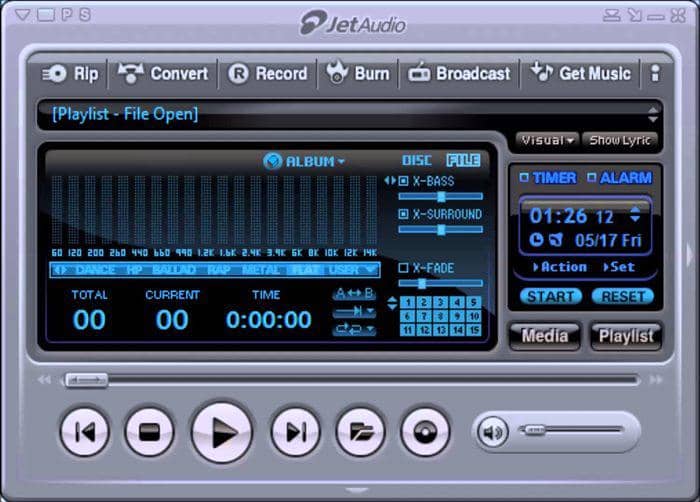
JetAudio remains relevant for listeners who want configurable EQ and audio effects. Its strengths are hands-on tone controls and free and paid editions with different feature sets. EQ can change the tonal balance of your headphones or speakers, but it does not increase a FLAC file’s resolution. Choose JetAudio if you like shaping the sound; skip it if you prefer a simpler interface with deeper library management.
4. MusicBee for Large Libraries
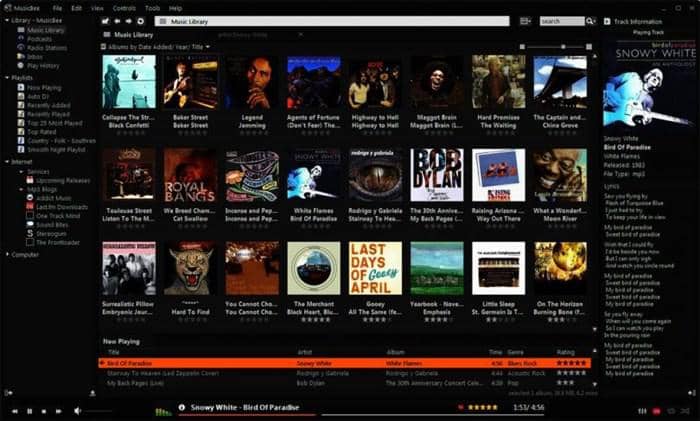
MusicBee is actively maintained for Windows and is especially useful for large local FLAC libraries. It offers tagging, playlist management, search, and organization across files stored in different folders. In my view, that library depth matters more here than a long format-support list: it makes a growing collection easier to find and maintain. The tradeoff is an interface with more options than a casual listener may need.
5. VLC for Free Cross-Platform Playback
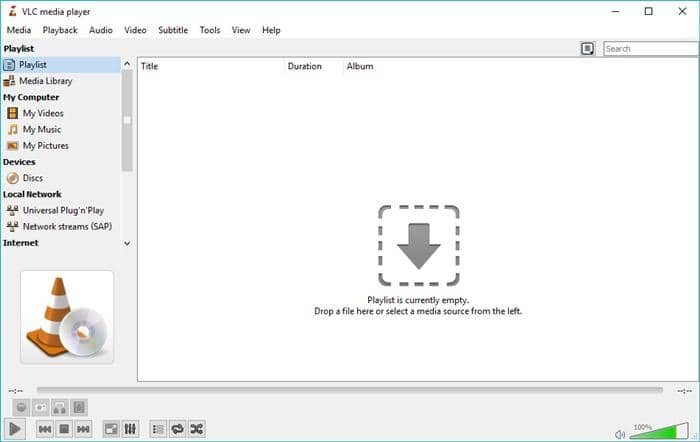
VLC is an actively maintained, free, open-source FLAC player for Windows, Mac, and Linux. It is a practical choice when you want one flexible media player for audio and video without paying for a separate app. VLC includes playback controls and playlists, but it is not primarily a deep music-library manager. Choose it for broad desktop compatibility; choose MusicBee instead if cataloging a large Windows collection is the priority.
6. Clementine for Cloud Libraries
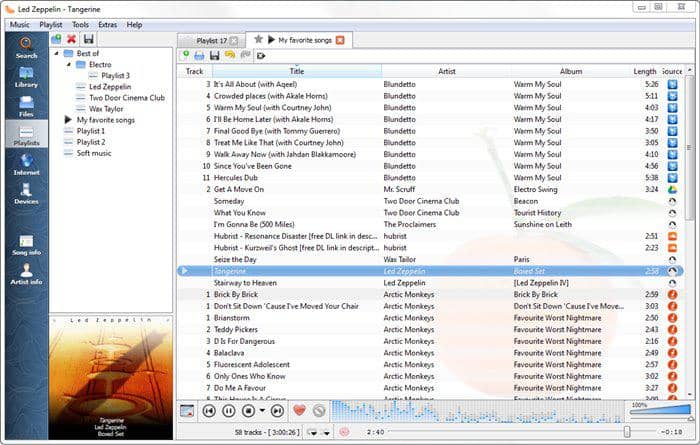
Clementine remains a useful choice for listeners who want to browse local files alongside supported cloud-library sources. Its strengths are the file browser and library-oriented workflow, while its older-looking interface may not appeal to everyone. Package availability can vary by desktop platform. It is a better fit for a mac music player shopper who values library access over a polished modern interface than for someone seeking the simplest possible player.
FAQ
How do I play a FLAC file on my computer?
Install a compatible desktop player, then open the file directly or add its folder to the player’s library. For a few files, direct opening is quickest. For an album collection, importing folders makes playlists, search, and metadata easier to manage.
Can my phone play FLAC files without converting them?
Yes, compatible iOS and Android apps can play FLAC files without conversion. The practical differences are app support, available storage, library management, and the phone’s audio output path, especially if you use an external DAC.
Is a free FLAC player enough for a large music library?
It can be, but basic decoding is not the hard part. Large libraries benefit from reliable tagging, fast search, playlists, duplicate management, and a layout you can navigate comfortably. MusicBee is more suitable than a lightweight player when those tasks matter.
Does bit-perfect playback matter for every FLAC listener?
Not necessarily. Exclusive output and mixer bypass matter most in a DAC-focused setup where you want tighter control of the signal path. For many listeners, gapless playback, stable playback, useful library tools, and an interface they enjoy will have a larger everyday impact.
Which FLAC Player Fits You?
A FLAC player should fit the way you listen: use Windows Media Player for straightforward Windows playback, MusicBee for a large local library, VLC for free cross-platform flexibility, JetAudio for EQ control, and Clementine when cloud-library access matters. PlayerFab makes the most sense for a mixed media and home-theater desktop setup, not for a lightweight music-only library. For music content you legally own and are permitted to use as local audio files, this guide explains how to convert music Blu-rays to lossless Hi-Fi audio files.

 12 Best HEVC Players for Windows, Mac, and 4K (2026)By Alice Harper - Aug 4, 2026
 Best WMV Player for Mac and How to Play WMV on Mac NativelyBy James Morgan - Aug 4, 2026
 8 Best TS File Players and Playback Tools for 2026By Alice Harper - Jul 28, 2026
 6 Best DVD Players for Laptops in 2026: Drives and AppsBy Alice Harper - Jul 22, 2026